
MD
Gemfire
- Platform
- Mega Drive
- Genre
- Strategy
- Developer
- Koei
- Publisher
- Koei
EmuAll provides verified clean ROM archives and in-browser emulation for Gemfire (MD). Players can launch and play directly inside modern desktop and mobile browsers with zero local installation, full gamepad support, and instant save states.
ROM downloads
1Gemfire (USA)
Recommended Emulators(MD)
If you choose to download this ROM to play offline, we recommend these top standalone emulators:
About the Game
In Ishmeria, the six magicians and a dragon sealed in the Gemfire crown once used their magic to help the people, until King Eselred turned its power against towns and fields. After Princess Robyn releases the gems and is imprisoned in a tower, players take the role of a noble family's prince or princess to recover the gems, reunite them with the crown, and restore peace.
More MD games
 md
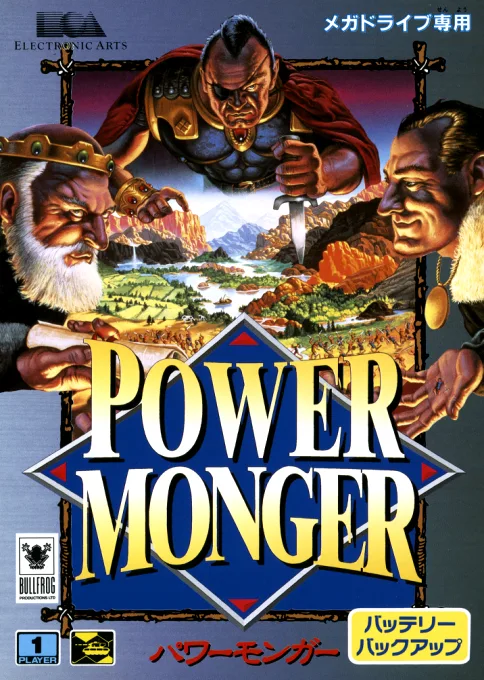
mdPower Monger
 md
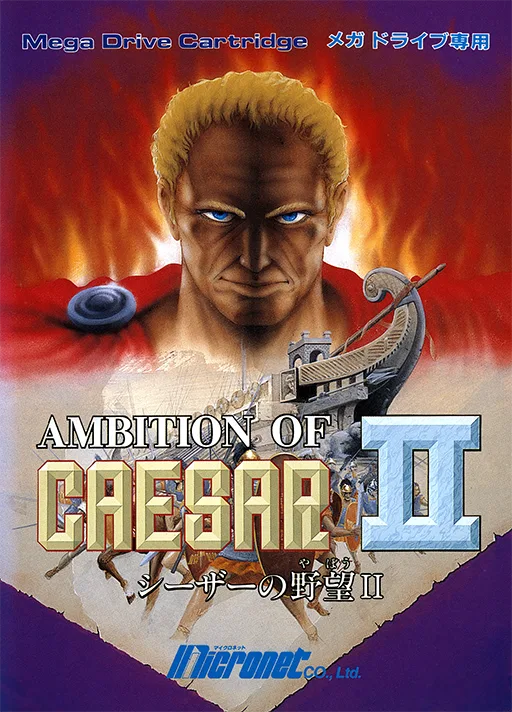
mdCaesar no Yabou II
 md
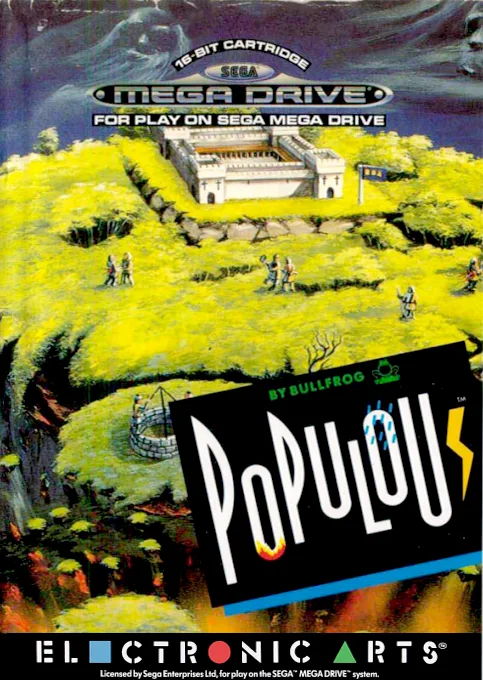
mdPopulous
 md
mdNobunaga no Yabou - Haouden
 md
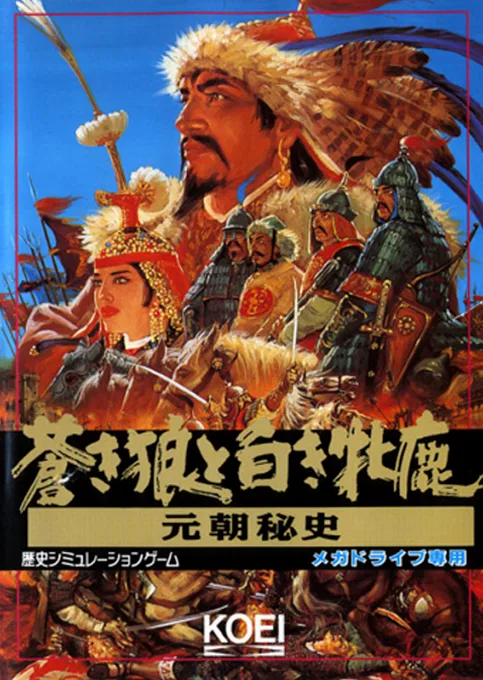
mdAoki Ookami to Shiroki Mejika - Genchou Hishi
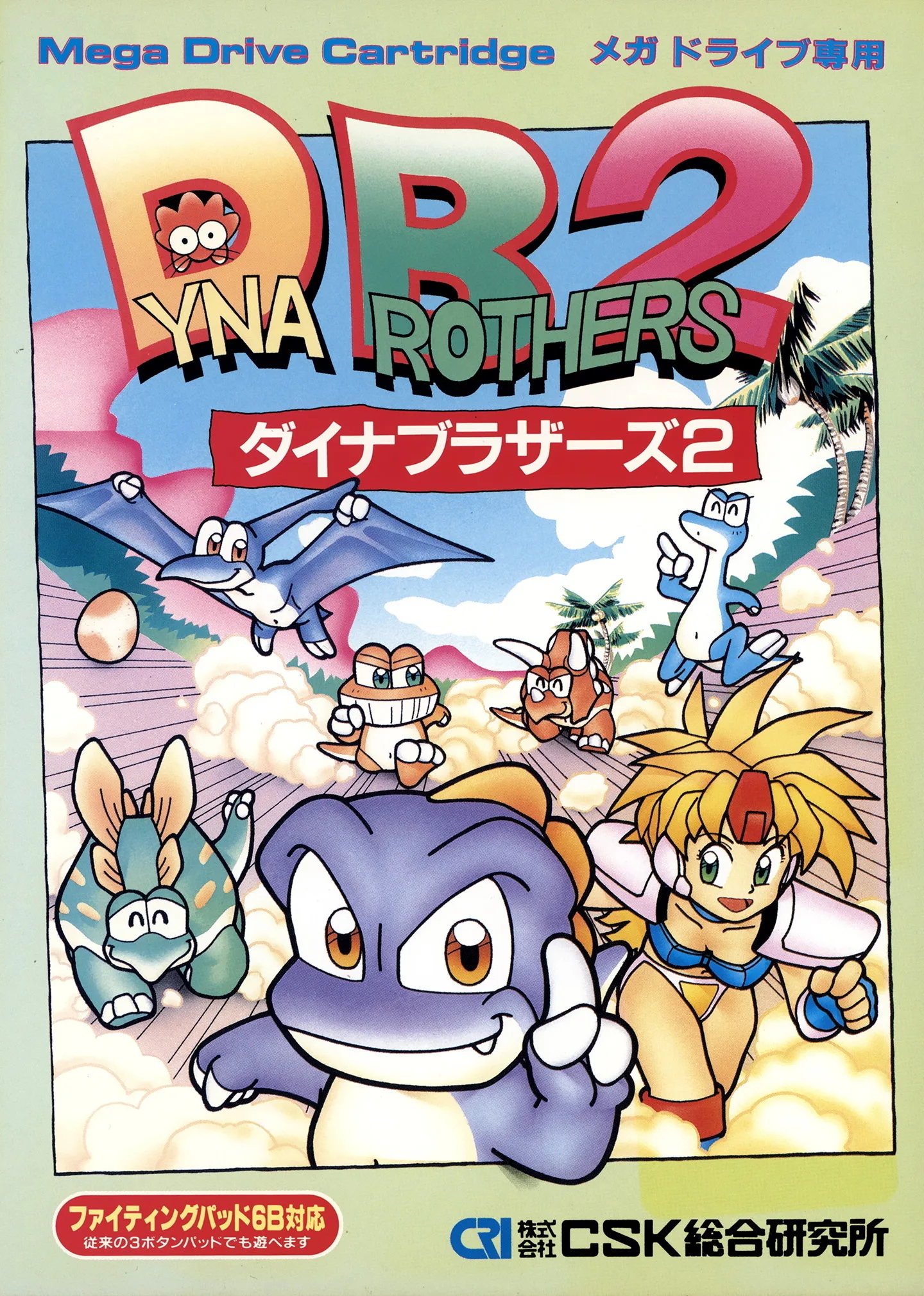 md
mdDino Brothers 2
 md
mdSangokushi III
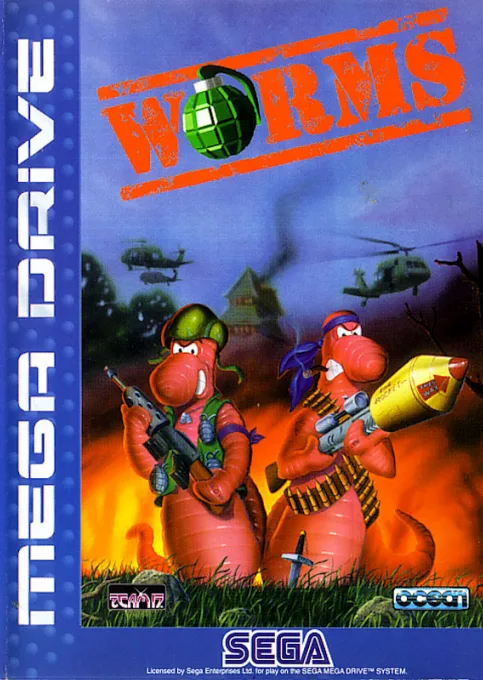 md
mdWorms
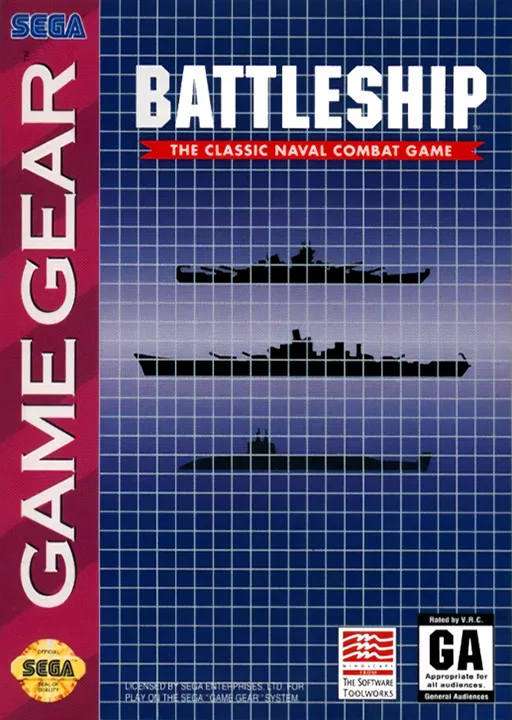 md
mdSuper Battleship - The Classic Naval Combat Game
 md
mdDyna Brothers 2
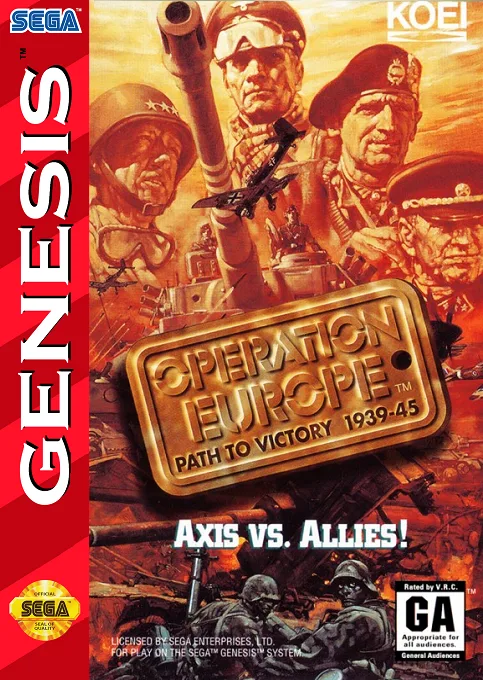 md
mdOperation Europe - Path to Victory 1939-45
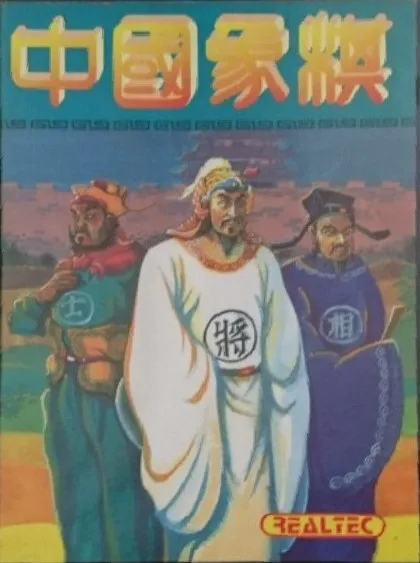 md
mdXiangqi
Frequently Asked Questions
Q1.Can I play Gemfire online in a web browser without downloading?
Yes, EmuAll allows you to play Gemfire (MD) directly inside modern web browsers (Chrome, Safari, Edge, Firefox) on PC, Mac, Chromebook, iOS, and Android devices without installing any emulator.
Q2.Does Gemfire support in-browser save states?
Yes, the in-browser emulator features instant Save States and Load States, storing your game progress directly in your browser storage so you can pick up where you left off.
Q3.What controls are supported? Can I use a controller for Gemfire?
The emulator fully supports standard keyboard controls as well as plug-and-play USB and Bluetooth gamepads (including Xbox, PlayStation, and generic controllers).