
NES
Gemfire
Also known as: غيمفير, 寶石火, Γκεμφιρ, 宝石火, Гемфир, ロイヤルブラッド
- Platform
- Nintendo Entertainment System
- Genre
- Strategy
- Year
- 1991
- Developer
- Koei
- Publisher
- Koei
EmuAll provides verified clean ROM archives and in-browser emulation for Gemfire (NES). Players can launch and play directly inside modern desktop and mobile browsers with zero local installation, full gamepad support, and instant save states.
ROM downloads
1Gemfire (USA)
Recommended Emulators(NES)
If you choose to download this ROM to play offline, we recommend these top standalone emulators:
About the Game
Gemfire is a turn-based fantasy strategy RPG for the NES/Famicom. The player selects a family and scenario to unify the fictional island of Ishmeria by capturing provinces, recruiting units like infantry, cavalry, archers, magicians, dragons, and monsters, and managing economies and diplomacy. Battles occur on a five-unit field where units have unique abilities; the goal is to control all 30 provinces and collect gems. Four scenarios with different starting factions exist, plus multiplayer support. It stands out as Koei's accessible console strategy title with its simple province map, castle captures, and epic fantasy world inspired by European kingdoms.
More NES games
 nes
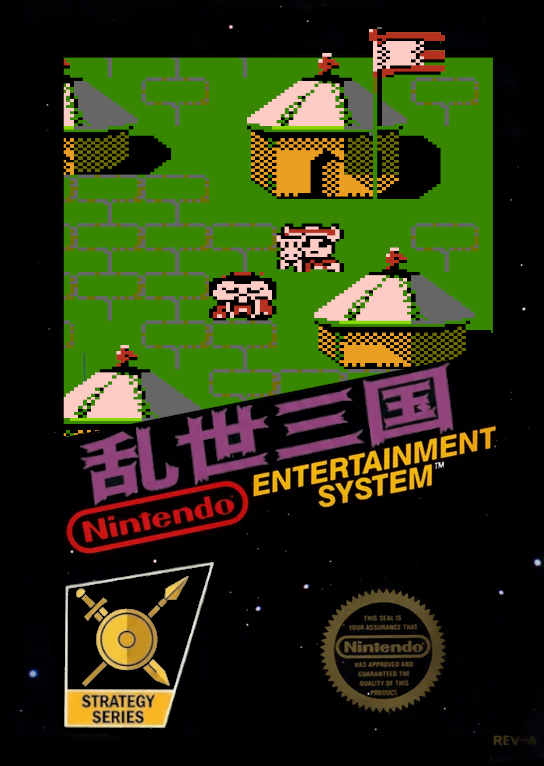
nesThe Three Kingdoms in Chaos
 nes
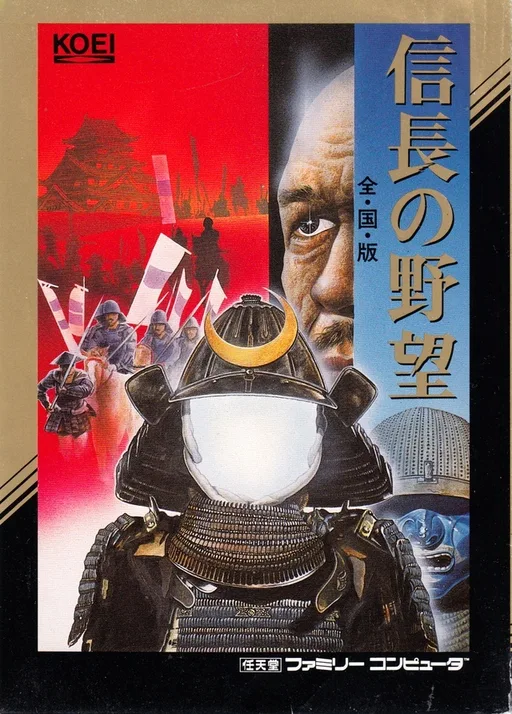
nesNobunaga no Yabou - Sengoku Gunyuuden
 nes
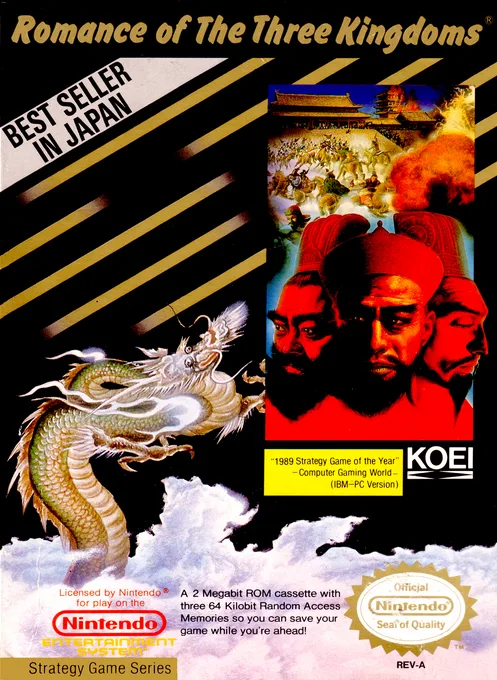
nesRomance of the Three Kingdoms
 nes
nesTanigawa Kouji no Shougi Shinan III
Hero Without Enemies
 nes
nesMeimon! Takonishi Ouendan - Kouha 6 Nin Shuu
 nes
nesTakeda Shingen
 nes
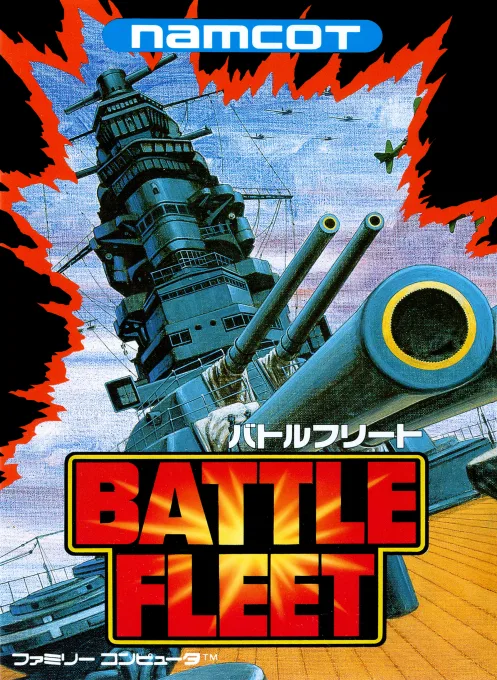
nesBattle Fleet
 nes
nesBest Play Pro Yakyuu
Huangdi - The Battle of Zhoulu
 nes
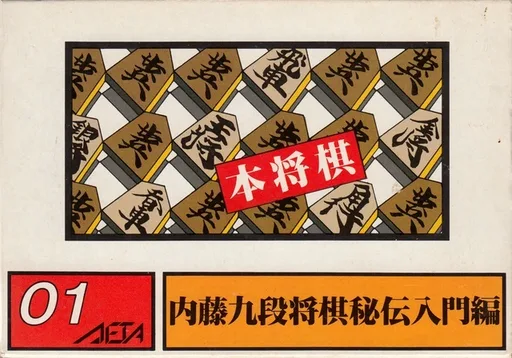
nesHonshougi - Naitou 9 Dan Shougi Hiden
 nes
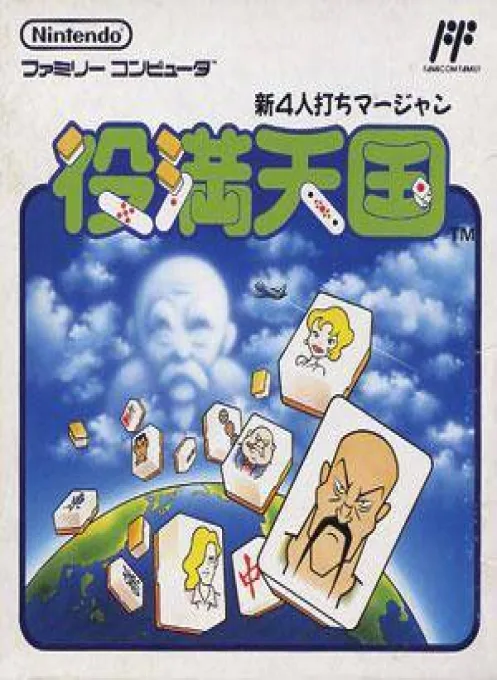
nesTen Thousand Mahjong Heaven
Frequently Asked Questions
Q1.Can I play Gemfire online in a web browser without downloading?
Yes, EmuAll allows you to play Gemfire (NES) directly inside modern web browsers (Chrome, Safari, Edge, Firefox) on PC, Mac, Chromebook, iOS, and Android devices without installing any emulator.
Q2.Does Gemfire support in-browser save states?
Yes, the in-browser emulator features instant Save States and Load States, storing your game progress directly in your browser storage so you can pick up where you left off.
Q3.What controls are supported? Can I use a controller for Gemfire?
The emulator fully supports standard keyboard controls as well as plug-and-play USB and Bluetooth gamepads (including Xbox, PlayStation, and generic controllers).