
PS1
Grand Seas Adventure: Gaiden
Also known as: Гранд Сис Адвенчер: Гайден, 大航海时代外传, 大航海時代外傳, Γκρανντ Σισ Αντβεντσερ: Γκαιντεν, غراند سيس أدفنتشر: غايدن, 대항해시대 외전
- Platform
- PlayStation
- Genre
- Strategy/RPG
- Year
- 1997
- Developer
- Koei
- Publisher
- Koei
EmuAll provides verified clean ROM archives and in-browser emulation for Grand Seas Adventure: Gaiden (PS1). Players can launch and play directly inside modern desktop and mobile browsers with zero local installation, full gamepad support, and instant save states.
ROM downloads
1大航海时代外传[简][v220907][ciosddr]
Recommended Emulators(PS1)
If you choose to download this ROM to play offline, we recommend these top standalone emulators:
About the Game
Daikoukai Jidai Gaiden (Uncharted Waters Gaiden) is a strategy/RPG game developed by Koei for PlayStation. Players select from two playable characters—Miranda Verte or Pietro Konti—and manage a fleet in 16th-century Age of Discovery settings. Core gameplay involves navigation, trading, battles against pirates, treasure hunting, and exploration across open seas and ports, with ship upgrades, skill trees, and reputation-building systems. The story follows the protagonists' personal ambitions in a world of commerce and conflict. What makes it stand out is its simulation depth in maritime logistics and decision-making, expanded character progression, and improved visuals over prior entries, offering immersive role-playing in a vast ocean environment with multiple scenarios.
More PS1 games
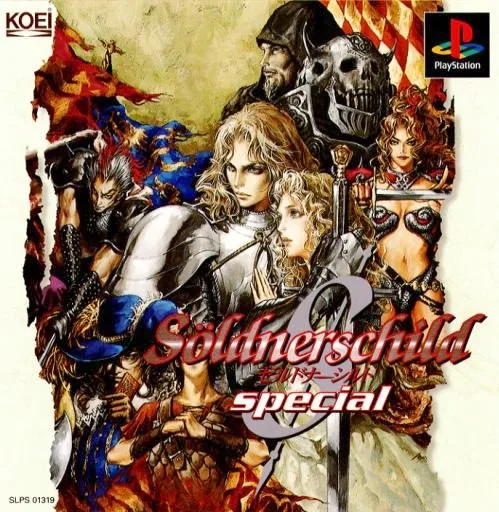 ps1
ps1Söldnerschild
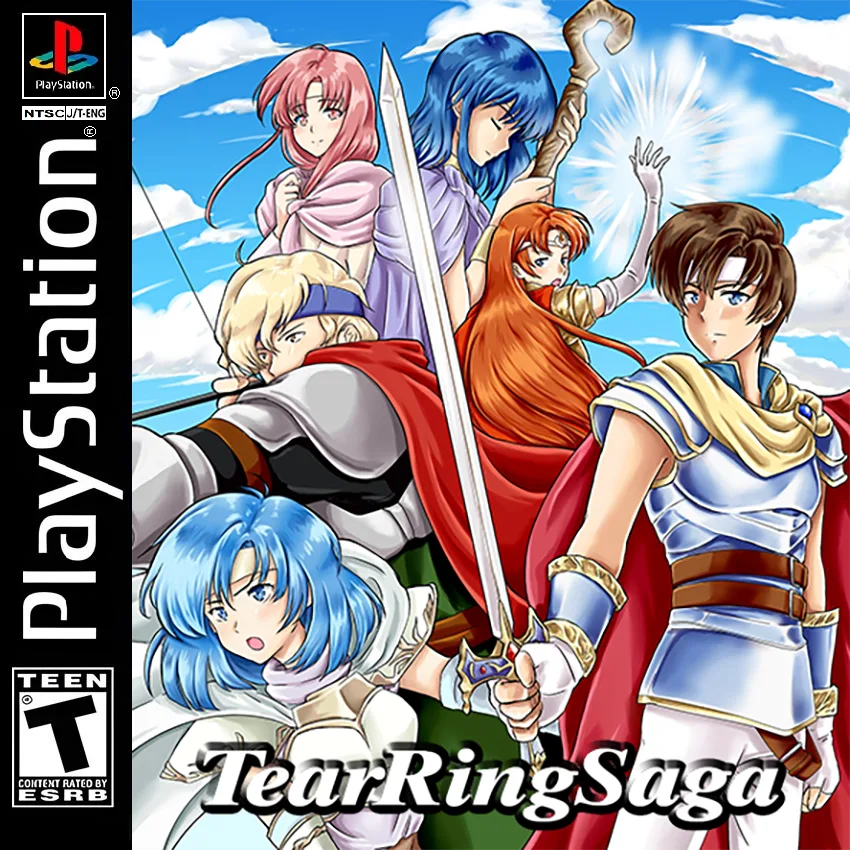 ps1
ps1Tear Ring Saga
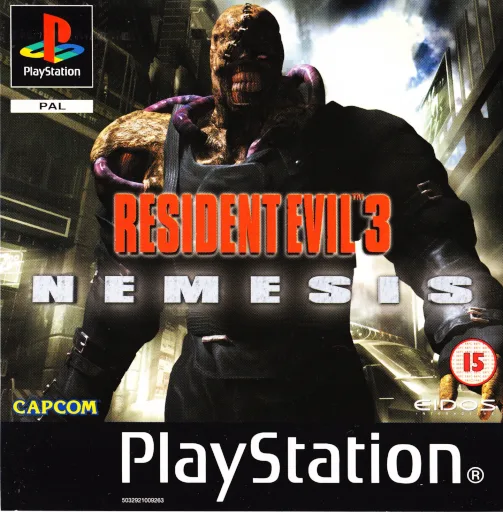 ps1
ps1Resident Evil 3
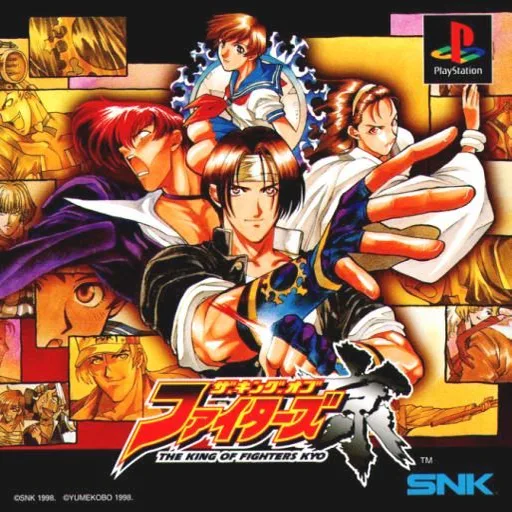 ps1
ps1The King of Fighters Kyo
 ps1
ps1Clock Tower: The Ghosthead
 ps1
ps1Clock Tower 2
Taiwan Mahjong: Windy Rebirth
 ps1
ps1Alundra
 ps1
ps1The Samurai Gunman
 ps1
ps1Victory Eleven 2000
 ps1
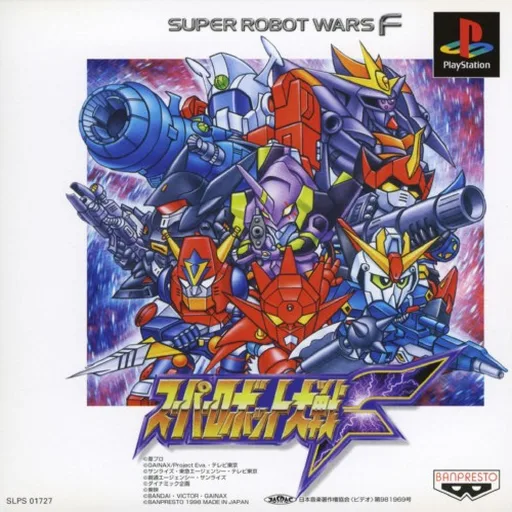
ps1Super Robot Taisen F
 ps1
ps1Mahjong Photo Studio
Frequently Asked Questions
Q1.Can I play Grand Seas Adventure: Gaiden online in a web browser without downloading?
Yes, EmuAll allows you to play Grand Seas Adventure: Gaiden (PS1) directly inside modern web browsers (Chrome, Safari, Edge, Firefox) on PC, Mac, Chromebook, iOS, and Android devices without installing any emulator.
Q2.Does Grand Seas Adventure: Gaiden support in-browser save states?
Yes, the in-browser emulator features instant Save States and Load States, storing your game progress directly in your browser storage so you can pick up where you left off.
Q3.What controls are supported? Can I use a controller for Grand Seas Adventure: Gaiden?
The emulator fully supports standard keyboard controls as well as plug-and-play USB and Bluetooth gamepads (including Xbox, PlayStation, and generic controllers).