
N64
Hot Wheels: Turbo Racing
Also known as: Хот Уилс: Турбо Расинг, هوت ويلس: توربو راسينغ, Χοτ Γουιλσ: Τουρμπο Ρασινγκ
- Platform
- Nintendo 64
- Genre
- Racing
- Year
- 1997
- Developer
- Mattel Media
- Publisher
- Mattel Media
EmuAll provides verified clean ROM archives and in-browser emulation for Hot Wheels: Turbo Racing (N64). Players can launch and play directly inside modern desktop and mobile browsers with zero local installation, full gamepad support, and instant save states.
ROM downloads
1Hot Wheels: Turbo Racing
Recommended Emulators(N64)
If you choose to download this ROM to play offline, we recommend these top standalone emulators:
About the Game
Hot Wheels: Turbo Racing is an arcade-style racing game featuring miniature Hot Wheels vehicles racing on imaginative tracks. Players select from multiple Hot Wheels cars and compete in championship modes, time trials, and head-to-head races. The game showcases vibrant, colorful environments with creative track designs inspired by Hot Wheels' signature aesthetic. Power-ups and shortcuts add depth to the racing mechanics, allowing skilled players to gain competitive advantages.
More N64 games
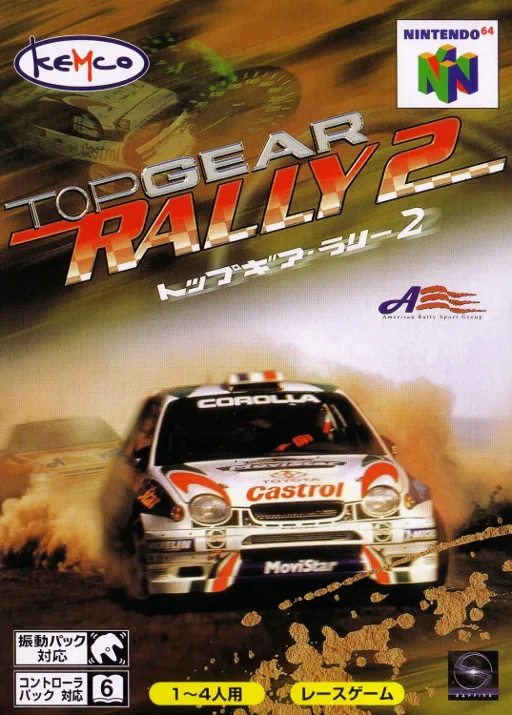 n64
n64Top Gear Rally 2
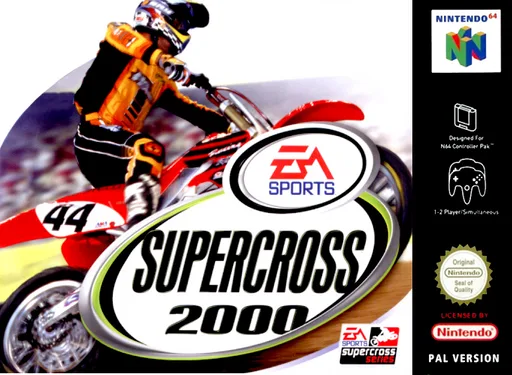 n64
n64Enduro Racer 2000
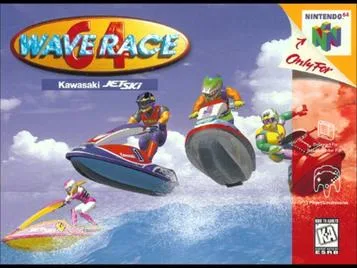 n64
n64Wave Race 64 (V1.1)
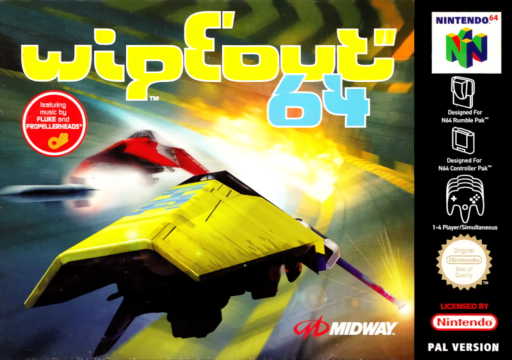 n64
n64Wipeout 64
 n64
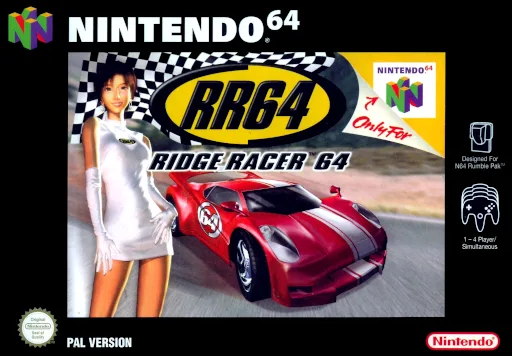
n64Ridge Racing 64
 n64
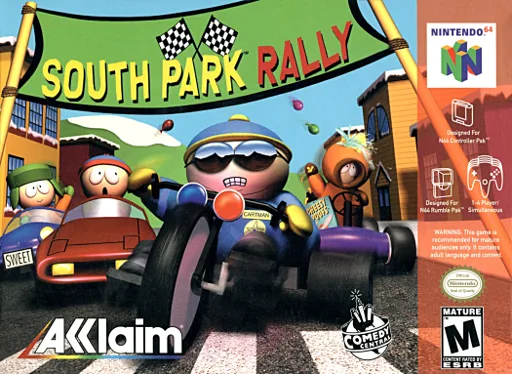
n64South Park Rally
 n64
n641080 Snowboarding
 n64
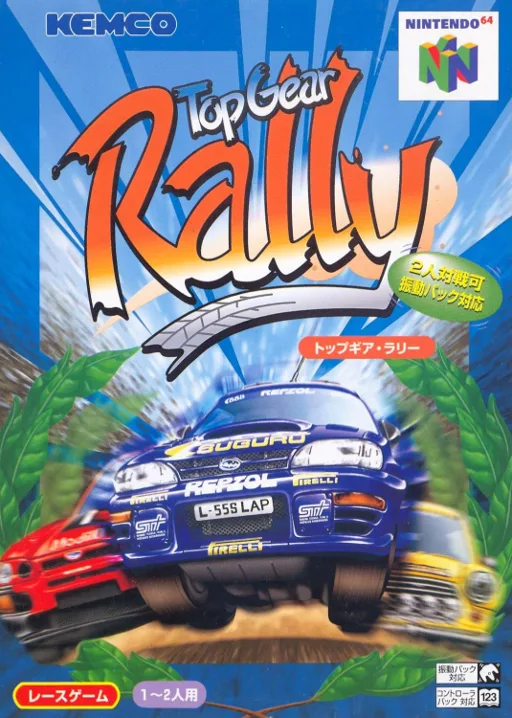
n64Top Gear Rally
 n64
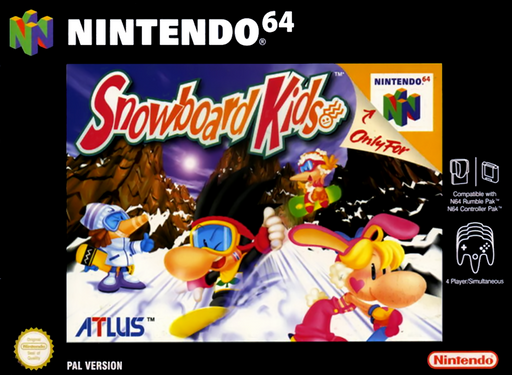
n64Snowboard Kids
 n64
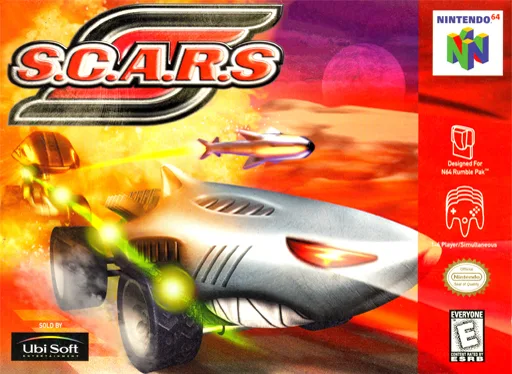
n64S.C.A.R.S.
 n64
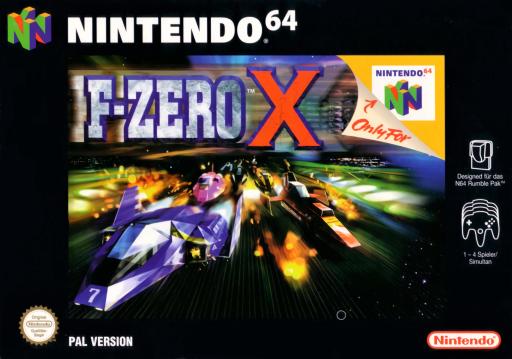
n64F-Zero X
 n64
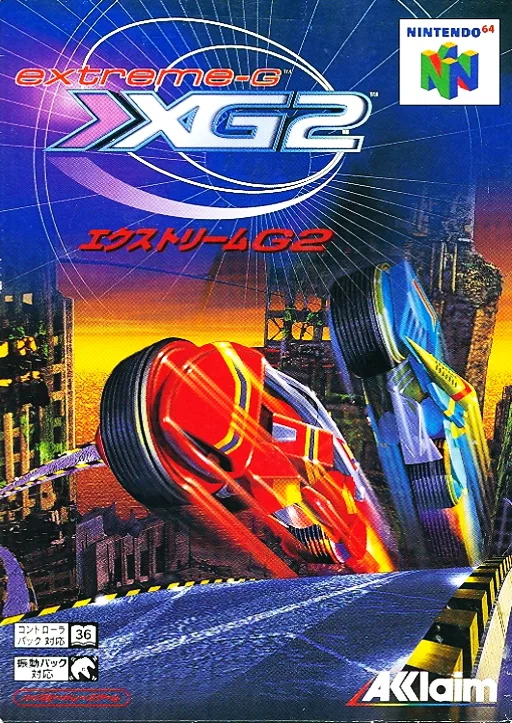
n64Extreme Motorbike - G XG2
Frequently Asked Questions
Q1.Can I play Hot Wheels: Turbo Racing online in a web browser without downloading?
Yes, EmuAll allows you to play Hot Wheels: Turbo Racing (N64) directly inside modern web browsers (Chrome, Safari, Edge, Firefox) on PC, Mac, Chromebook, iOS, and Android devices without installing any emulator.
Q2.Does Hot Wheels: Turbo Racing support in-browser save states?
Yes, the in-browser emulator features instant Save States and Load States, storing your game progress directly in your browser storage so you can pick up where you left off.
Q3.What controls are supported? Can I use a controller for Hot Wheels: Turbo Racing?
The emulator fully supports standard keyboard controls as well as plug-and-play USB and Bluetooth gamepads (including Xbox, PlayStation, and generic controllers).