
NES
Hottarman no Chitei Tanken
Also known as: ホッターマンの地底探検
- Platform
- Nintendo Entertainment System
- Genre
- Action/Puzzle
- Year
- 1986
- Developer
- Sachen
- Publisher
- Sachen
EmuAll provides verified clean ROM archives and in-browser emulation for Hottarman no Chitei Tanken (NES). Players can launch and play directly inside modern desktop and mobile browsers with zero local installation, full gamepad support, and instant save states.
ROM downloads
2Hottarman no Chitei Tanken (Japan)
RecommendedHottarman no Chitei Tanken (Japan) (Beta)
Recommended Emulators(NES)
If you choose to download this ROM to play offline, we recommend these top standalone emulators:
About the Game
Hottarman no Chitei Tanken (Hotterman's Underground Exploration) is an action-puzzle game for Famicom/NES where the player is a man who digs underground with a shovel. Gameplay includes digging to reveal paths, finding keys behind doors, navigating platforms, teleport doors, and using dynamite or wet suit for hazards. Stages lead to the next level after collecting four keys. Simple mechanics with multiple exits and loops. It stands out as a modest Dig Dug-like title with unique tools and underground exploration.
More NES games
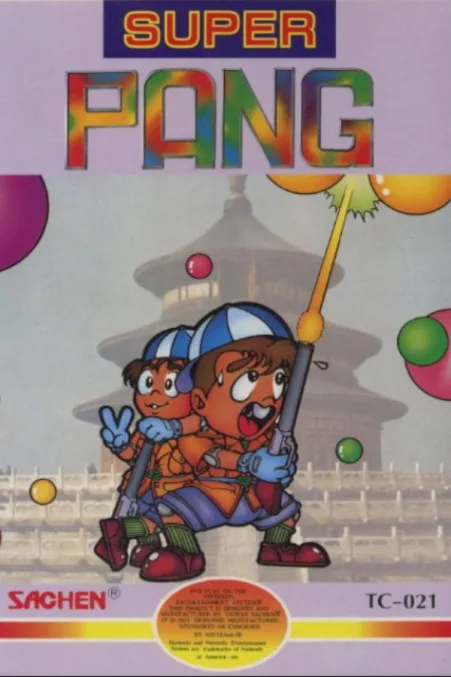 nes
nesSuper Pang
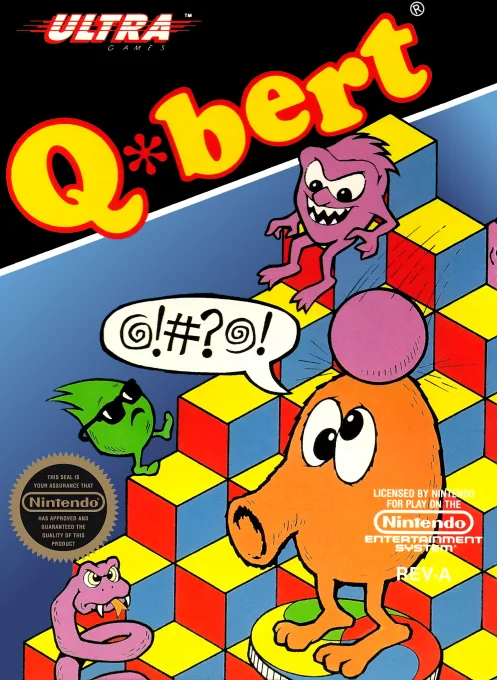 nes
nesQ-bert
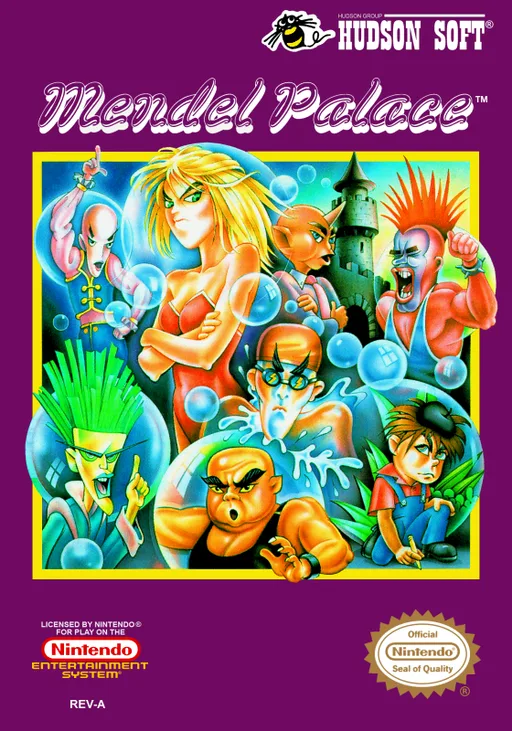 nes
nesMendel Palace
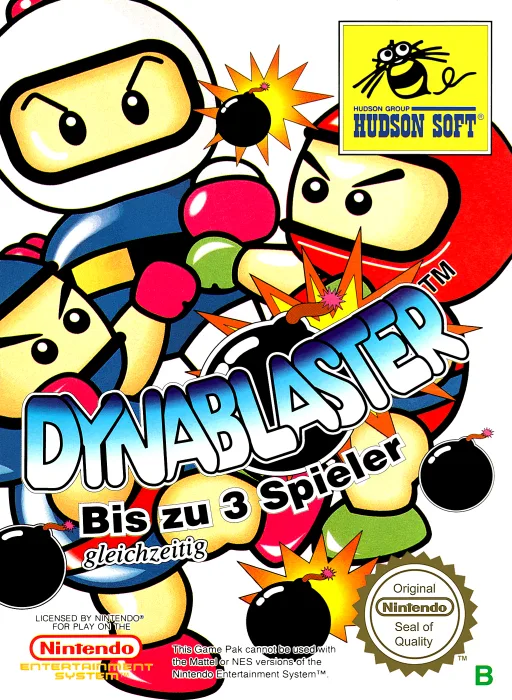 nes
nesDynablaster
 nes
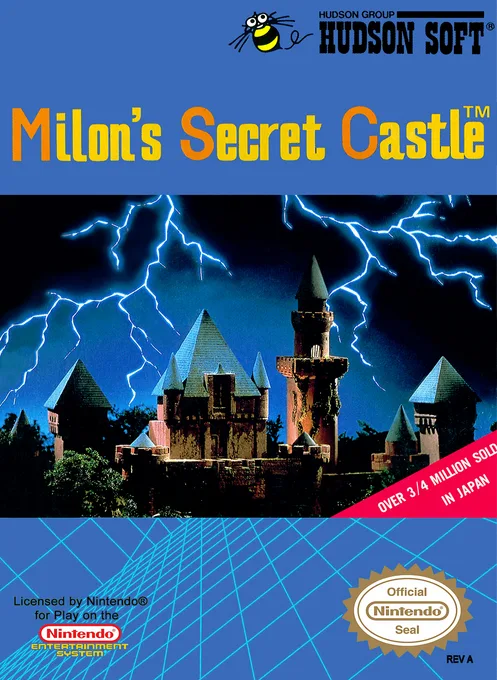
nesMilon's Secret Castle
 nes
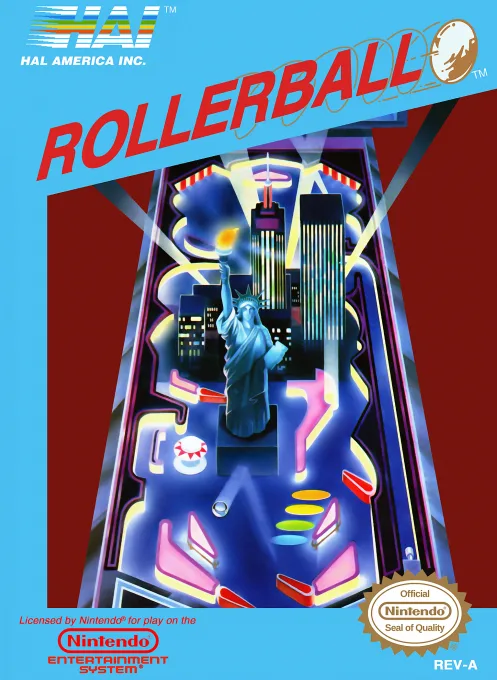
nesRollerball
 nes
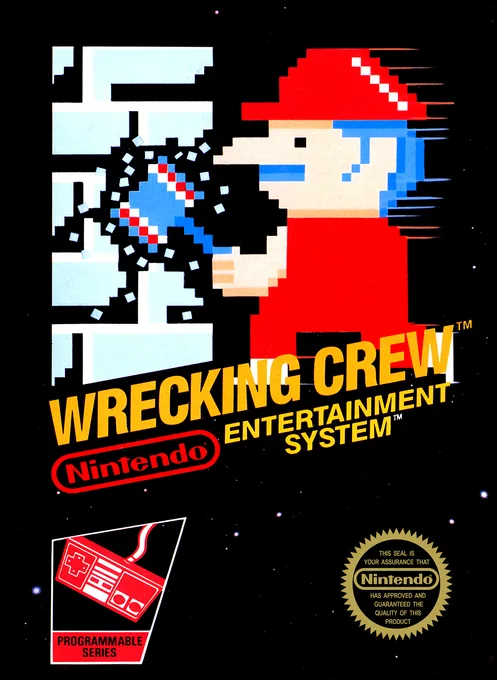
nesWrecking Crew
 nes
nesOrb-3D
 nes
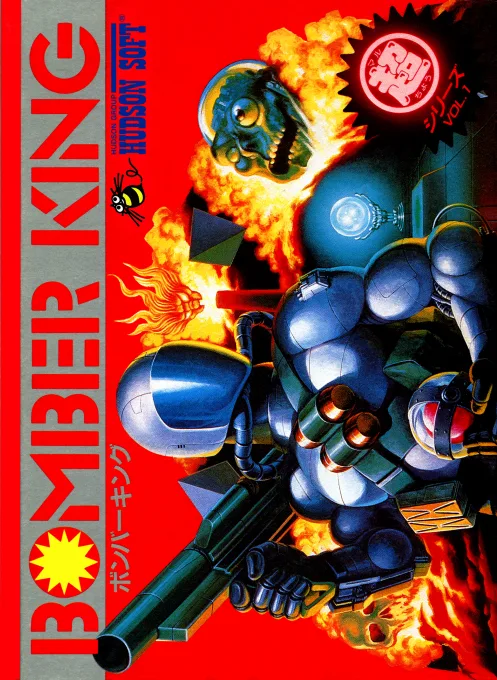
nesBomber King
 nes
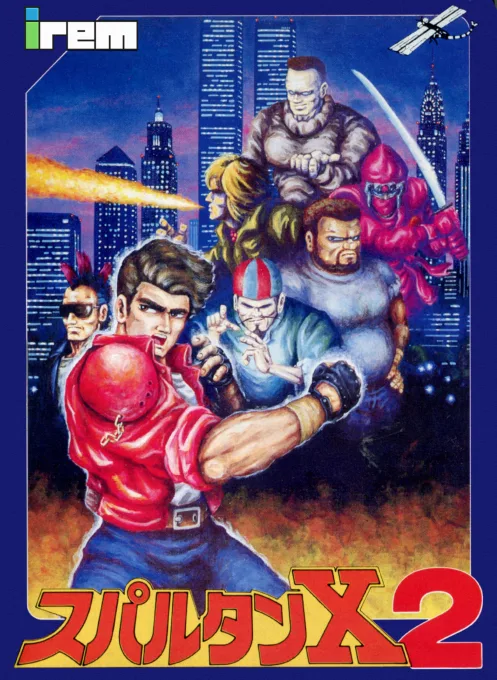
nesSpartan X 2
 nes
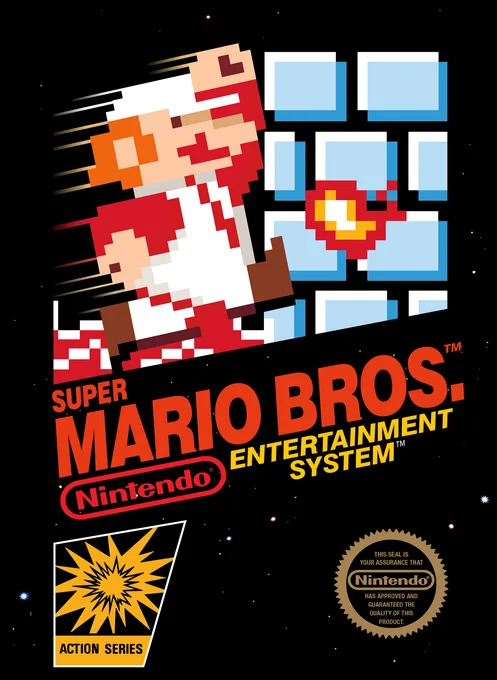
nesSuper Mario Bros.
 nes
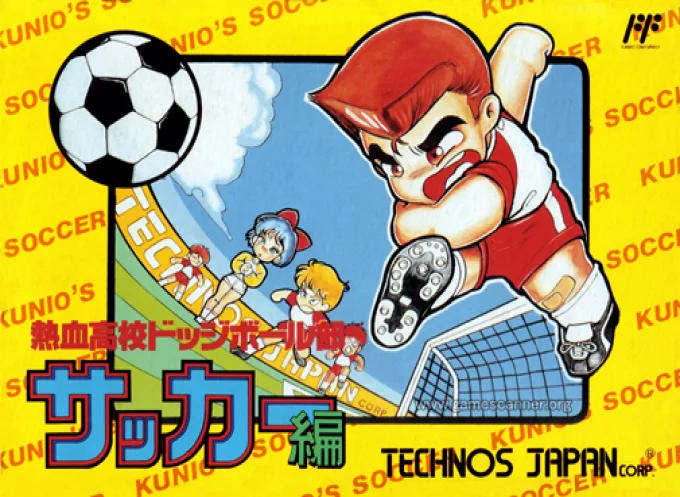
nesNekketsu Koukou Dodgeball-bu - Soccer Hen
Frequently Asked Questions
Q1.Can I play Hottarman no Chitei Tanken online in a web browser without downloading?
Yes, EmuAll allows you to play Hottarman no Chitei Tanken (NES) directly inside modern web browsers (Chrome, Safari, Edge, Firefox) on PC, Mac, Chromebook, iOS, and Android devices without installing any emulator.
Q2.Does Hottarman no Chitei Tanken support in-browser save states?
Yes, the in-browser emulator features instant Save States and Load States, storing your game progress directly in your browser storage so you can pick up where you left off.
Q3.What controls are supported? Can I use a controller for Hottarman no Chitei Tanken?
The emulator fully supports standard keyboard controls as well as plug-and-play USB and Bluetooth gamepads (including Xbox, PlayStation, and generic controllers).