
DS
Let's Play Shops
Also known as: お店屋さんになろう, 一起开商店, 렛츠 플레이 가게
- Platform
- Nintendo DS
- Genre
- Simulation
- Year
- 2009
- Developer
- DreamCatcher Interactive
- Publisher
- Deep Silver
EmuAll provides verified clean ROM archives and in-browser emulation for Let's Play Shops (DS). Players can launch and play directly inside modern desktop and mobile browsers with zero local installation, full gamepad support, and instant save states.
ROM downloads
1Let's Play Shops (Europe) (En,Fr,De,Es,It) [b]
Recommended Emulators(DS)
If you choose to download this ROM to play offline, we recommend these top standalone emulators:
About the Game
Players take the role of a shop owner in one of three stores: florist, grocery store, or bakery. Gameplay involves real-time management tasks such as preparing flower bouquets with water and cutting for customers, organizing shelves with fruits and vegetables, following recipes to bake cookies, and handling customer needs. There is no narrative story or named characters; success earns money and improves store reputation through positive feedback from patrons. What makes it stand out is the simple, accessible career-simulation format designed for all ages with bright, colorful visuals and intuitive controls that let players learn shop basics quickly while providing endless customization through repeated runs.
More DS games
 ds
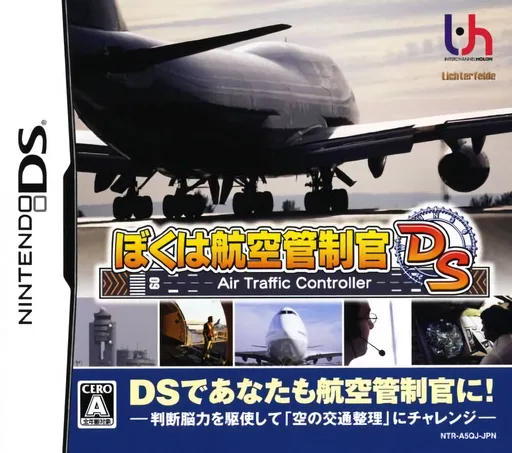
dsBoku wa Koukuu Kanseikan DS - Air Traffic Controller
 ds
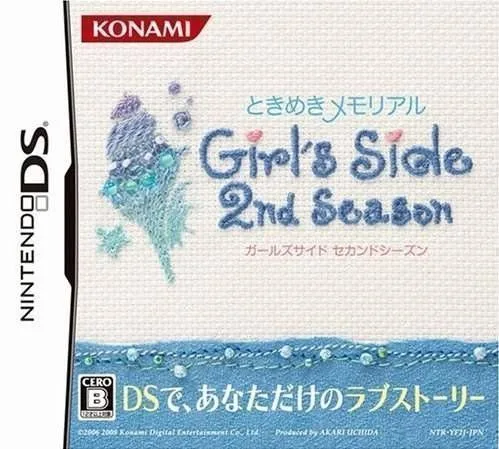
dsTokimeki Memorial Girl's Side 2nd Season 1.0
 ds
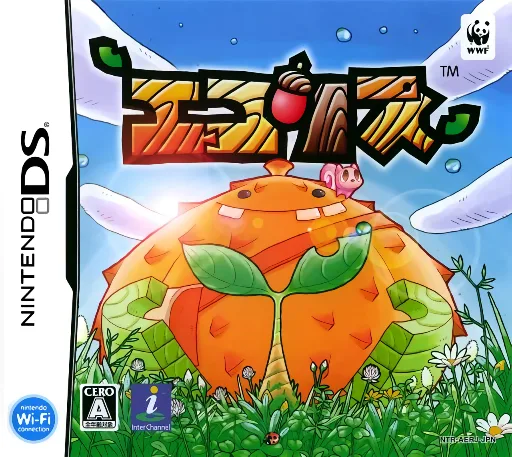
dsEcolis
 ds
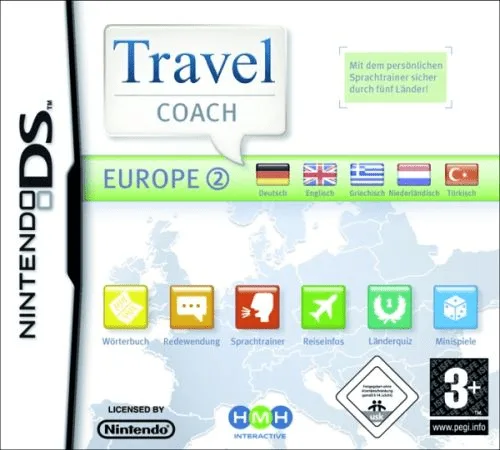
dsTravel Coach - Europe 2
 ds
dsGaitame Baibai Trainer - Kabutore FX
 ds
dsToy Shop
 ds
dsKirarin Revolution - Atsumete Change! - Cool Kira Coord
 ds
dsOshare na Koinu DS
 ds
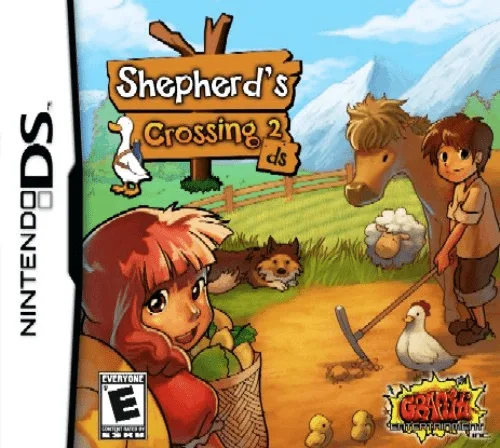
dsShepherd's Crossing 2 DS
 ds
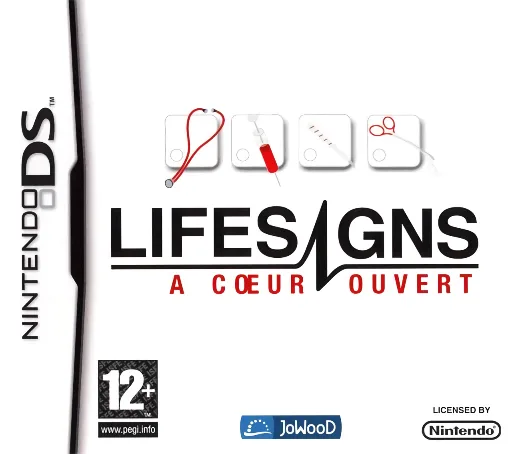
dsLifeSigns - Hospital Affairs
 ds
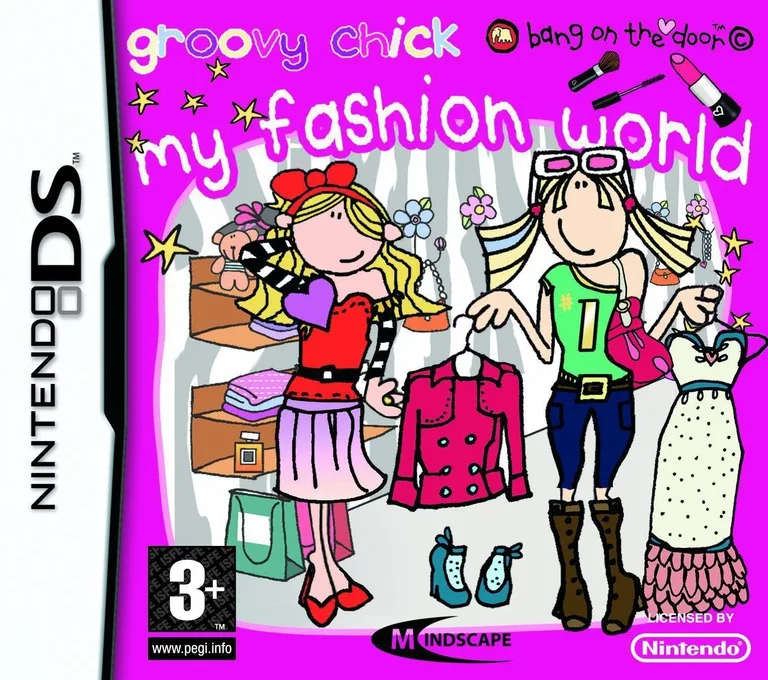
dsGroovy Chick - My Fashion World
 ds
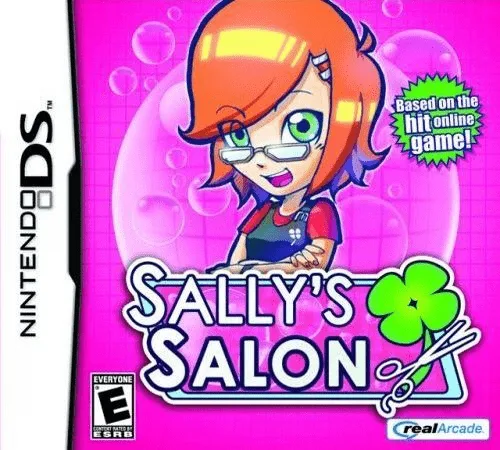
dsSally's Salon
Frequently Asked Questions
Q1.Can I play Let's Play Shops online in a web browser without downloading?
Yes, EmuAll allows you to play Let's Play Shops (DS) directly inside modern web browsers (Chrome, Safari, Edge, Firefox) on PC, Mac, Chromebook, iOS, and Android devices without installing any emulator.
Q2.Does Let's Play Shops support in-browser save states?
Yes, the in-browser emulator features instant Save States and Load States, storing your game progress directly in your browser storage so you can pick up where you left off.
Q3.What controls are supported? Can I use a controller for Let's Play Shops?
The emulator fully supports standard keyboard controls as well as plug-and-play USB and Bluetooth gamepads (including Xbox, PlayStation, and generic controllers).