
GBC
Magical Drop
Also known as: 매지컬 드롭, ماغيكال دروب, 魔法掉落, Μαγκικαλ Ντροπ, Магикал Дроп, マジカルドロップ
- Platform
- Game Boy Color
- Genre
- Puzzle
- Year
- 2000
- Developer
- Conspiracy Entertainment
- Publisher
- Classified Games
EmuAll provides verified clean ROM archives and in-browser emulation for Magical Drop (GBC). Players can launch and play directly inside modern desktop and mobile browsers with zero local installation, full gamepad support, and instant save states.
ROM downloads
2Magical Drop (USA)
RecommendedMagical Drop (Europe) (En,Fr,De)
Recommended Emulators(GBC)
If you choose to download this ROM to play offline, we recommend these top standalone emulators:
About the Game
Magical Drop for Game Boy Color is a competitive puzzle game where players match colored bubbles to clear the screen and outscore opponents. Stacks of random colored drops descend from the top, and the player controls a jester who grabs and tosses them vertically to form chains of three or more identical colors. Chains cause the opponent's stack to descend faster. The Game Boy Color version is based on Magical Drop III, with many characters available but no story mode—only endless mode. Game modes include endless clearing and 2-player versus via link cable. Players select from tarot-named characters that alter column descent rates and attack patterns for strategic advantage. Standout elements include colorful tarot-themed sprites, fast-paced action, and addictive multiplayer competition.
More GBC games
 gbc
gbcPuzzle de Shoubuyo! - Wootama-chan
 gbc
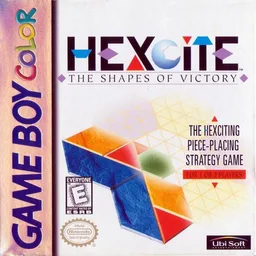
gbcHexcite - The Shapes of Victory
 gbc
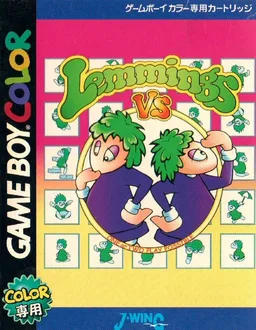
gbcLemmings VS
 gbc
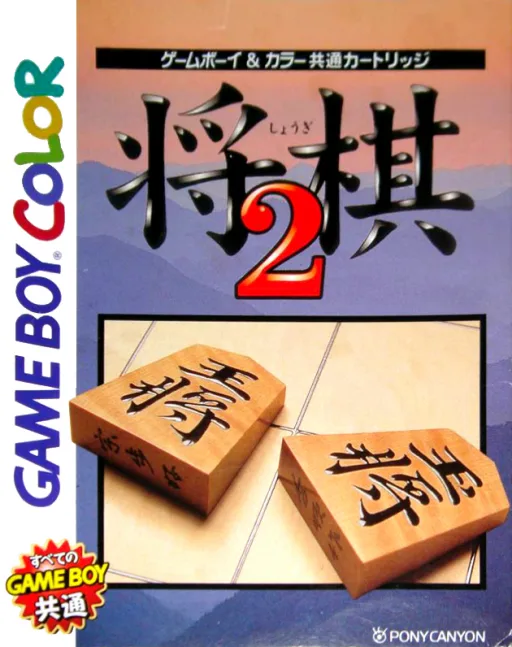
gbcShougi 2
 gbc
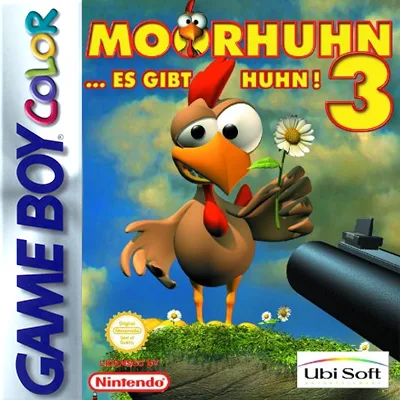
gbcMoorhuhn 3 - ...Es Gibt Huhn!
 gbc
gbcQ-bert
 gbc
gbcPuchi Carat
 gbc
gbcPokemon Picross
 gbc
gbcRox
 gbc
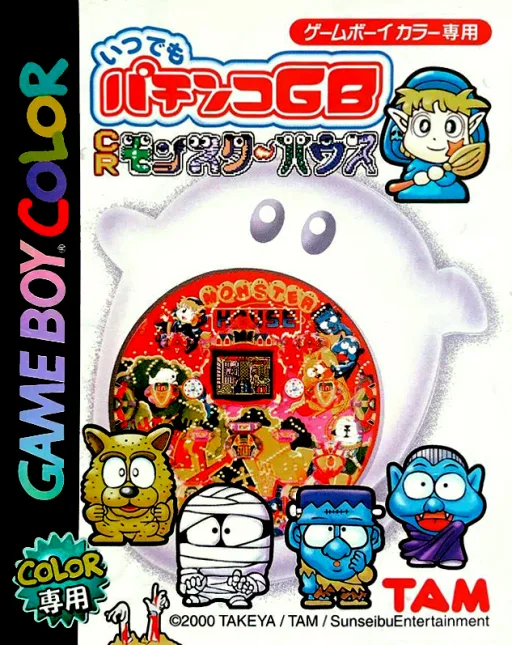
gbcItsudemo Pachinko GB - CR Monster House
 gbc
gbcPocket Smash Out
 gbc
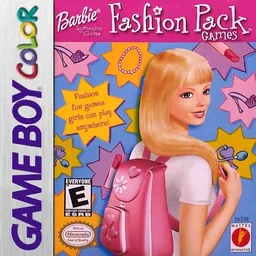
gbcBarbie - Fashion Pack Games
Frequently Asked Questions
Q1.Can I play Magical Drop online in a web browser without downloading?
Yes, EmuAll allows you to play Magical Drop (GBC) directly inside modern web browsers (Chrome, Safari, Edge, Firefox) on PC, Mac, Chromebook, iOS, and Android devices without installing any emulator.
Q2.Does Magical Drop support in-browser save states?
Yes, the in-browser emulator features instant Save States and Load States, storing your game progress directly in your browser storage so you can pick up where you left off.
Q3.What controls are supported? Can I use a controller for Magical Drop?
The emulator fully supports standard keyboard controls as well as plug-and-play USB and Bluetooth gamepads (including Xbox, PlayStation, and generic controllers).