
NES
Magical Kid's Doropie
Also known as: 魔法小孩的多羅皮, 魔法小孩的多罗皮, Μαγκικαλ Κιντ Ντοροπι, ماغيكال كيد دوروبي, Магикал Кид Доропи, 마법의 키드·도르피, 魔法のキッド・ドルピー
- Platform
- Nintendo Entertainment System
- Genre
- Action/Platform
- Year
- 1990
- Developer
- Vic Tokai
- Publisher
- Vic Tokai
EmuAll provides verified clean ROM archives and in-browser emulation for Magical Kid's Doropie (NES). Players can launch and play directly inside modern desktop and mobile browsers with zero local installation, full gamepad support, and instant save states.
ROM downloads
2Magical Kid's Doropie (Japan)
RecommendedMagical Kid's Doropie (Japan) (Beta)
Recommended Emulators(NES)
If you choose to download this ROM to play offline, we recommend these top standalone emulators:
About the Game
Magical Kids Doropie (known in North America as The Krion Conquest) is a side-scrolling action-platformer for the NES. Players control the witch Doropie, who wields a magic wand to fire projectiles and special abilities. Available powers include normal shots, phoenix fire, freezing, bouncing balls, shields, and brooms. Doropie jumps and runs through stages, defeating robot enemies sent by the Krion Empire. Gameplay features shooting mechanics, power selection via outfit color changes, and stage-based exploration. It stands out as a budget Mega Man-style game with cutscenes and a simple story. Main characters are Doropie (the protagonist witch) and Kagemaru (a boy ally). No complex story, but a straightforward plot against robot invasion in 1999.
More NES games
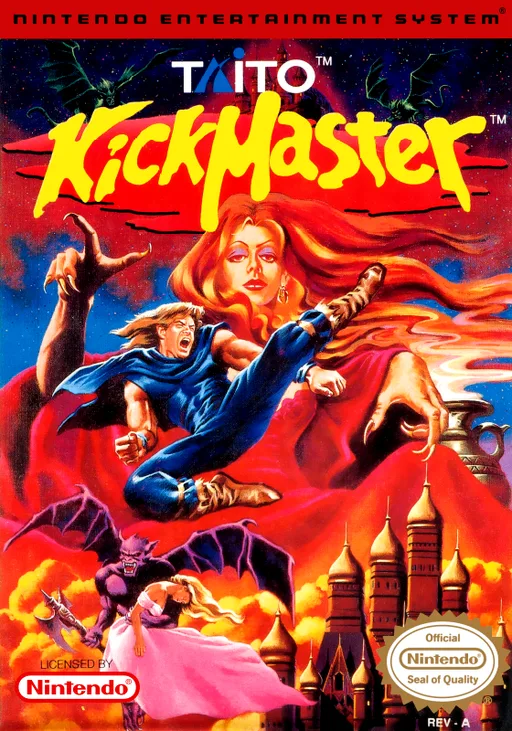 nes
nesKickMaster
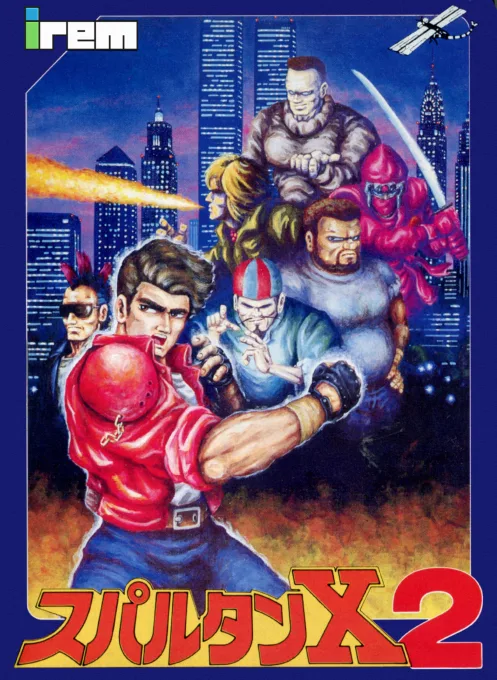 nes
nesSpartan X 2
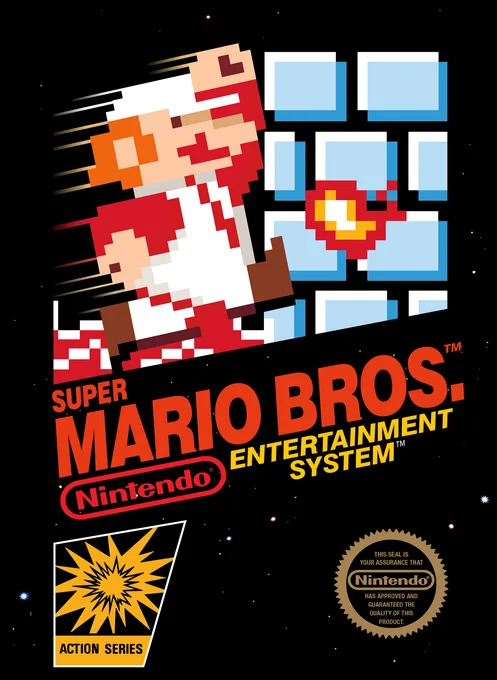 nes
nesSuper Mario Bros.
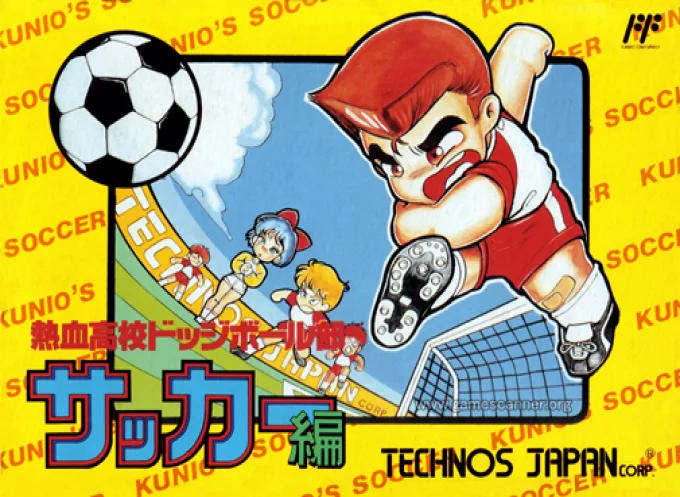 nes
nesNekketsu Koukou Dodgeball-bu - Soccer Hen
![Kunio Kun No Nekketsu Soccer League [T-Eng1.1 Pentarouzero]](https://cdn.emuall.com/covers/76PzY8VVrYp7qrbW9VxNmh/64tupFJzjwFmYWngeubv9R.webp?t=KAPXvEfeW90xdySe8GTkXWgWjR657bL0yfrE9epf8l-CWVszZCIBkg) nes
nesKunio Kun No Nekketsu Soccer League [T-Eng1.1 Pentarouzero]
 nes
nesKunio-kun no Nekketsu Soccer League
 nes
nesThe Legend of Zelda II - The Adventure of Link
 nes
nesDragon Warrior
 nes
nesGluk the Thunder Warrior
 nes
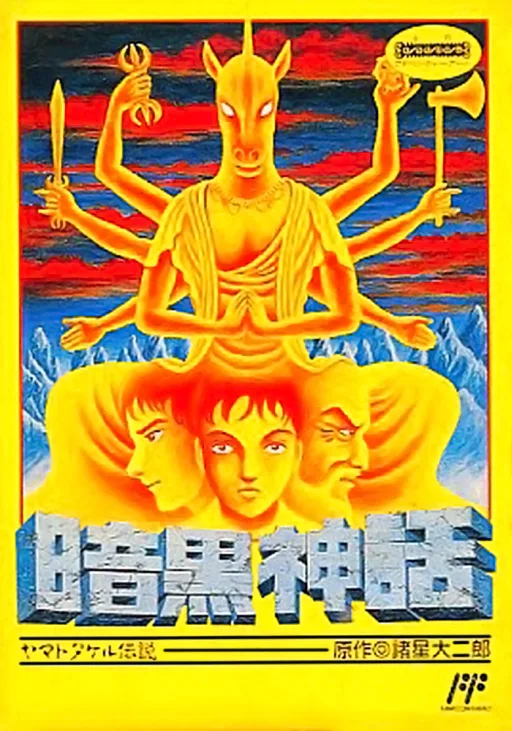
nesAnkoku Shinwa - Yamato Takeru Densetsu
 nes
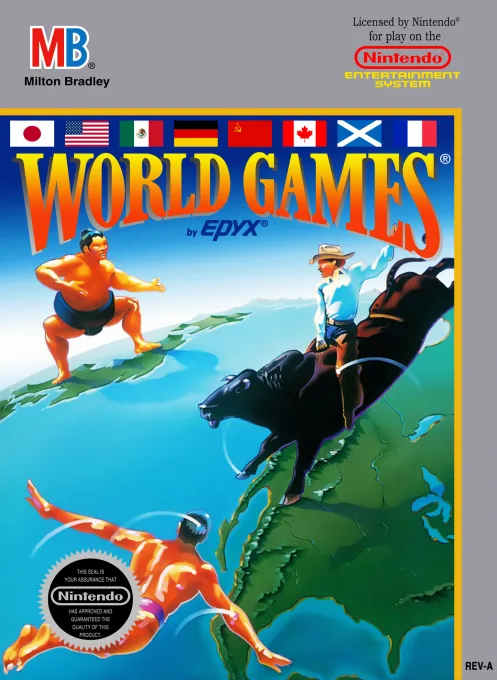
nesWorld Games
 nes
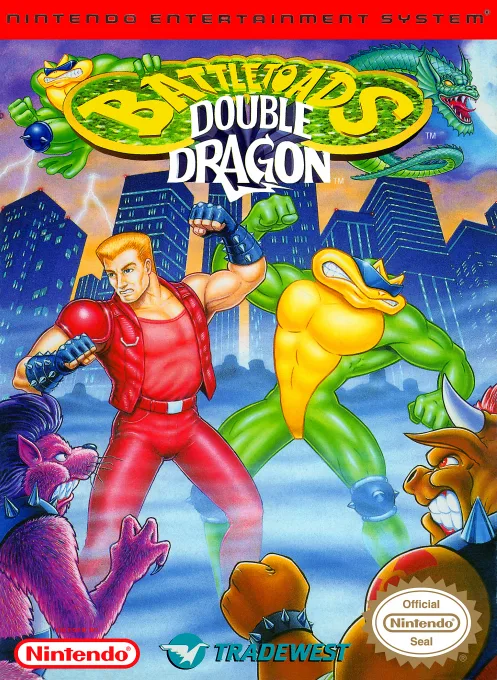
nesBattletoads-Double Dragon
Frequently Asked Questions
Q1.Can I play Magical Kid's Doropie online in a web browser without downloading?
Yes, EmuAll allows you to play Magical Kid's Doropie (NES) directly inside modern web browsers (Chrome, Safari, Edge, Firefox) on PC, Mac, Chromebook, iOS, and Android devices without installing any emulator.
Q2.Does Magical Kid's Doropie support in-browser save states?
Yes, the in-browser emulator features instant Save States and Load States, storing your game progress directly in your browser storage so you can pick up where you left off.
Q3.What controls are supported? Can I use a controller for Magical Kid's Doropie?
The emulator fully supports standard keyboard controls as well as plug-and-play USB and Bluetooth gamepads (including Xbox, PlayStation, and generic controllers).