
GAME GEAR
Magical Taruruuto-kun
Also known as: 魔法的塔魯魯托君, 魔法のタルるートくん, 魔法的塔鲁鲁托君, 마법의 타르르토군
- Platform
- Game Gear
- Genre
- Shooter
- Year
- 1991
- Developer
- Tsukuda Ideal
- Publisher
- Tsukuda Ideal
EmuAll provides verified clean ROM archives and in-browser emulation for Magical Taruruuto-kun (GAME GEAR). Players can launch and play directly inside modern desktop and mobile browsers with zero local installation, full gamepad support, and instant save states.
ROM downloads
1Magical Taruruuto-kun (Japan)
Recommended Emulators(GAME GEAR)
If you choose to download this ROM to play offline, we recommend these top standalone emulators:
About the Game
Magical Taruruuto-kun is a horizontal shoot-'em-up where players control Taruruuto-kun, the magical wizard, flying through stages and shooting enemies. Gameplay features standard scrolling shooter mechanics with directional movement via D-pad, bullet patterns, and boss fights. Story follows the manga: Taruruuto rescues kidnapped friends Edojou Honmaru and Kawai Iyona from villain Raivar the troll. Standout elements include humorous bosses like an anthropomorphic piano and haunted pirate ship, plus faithful anime/manga adaptations. Simple yet charming retro shooter with limited skill ceiling.
More GAME GEAR games
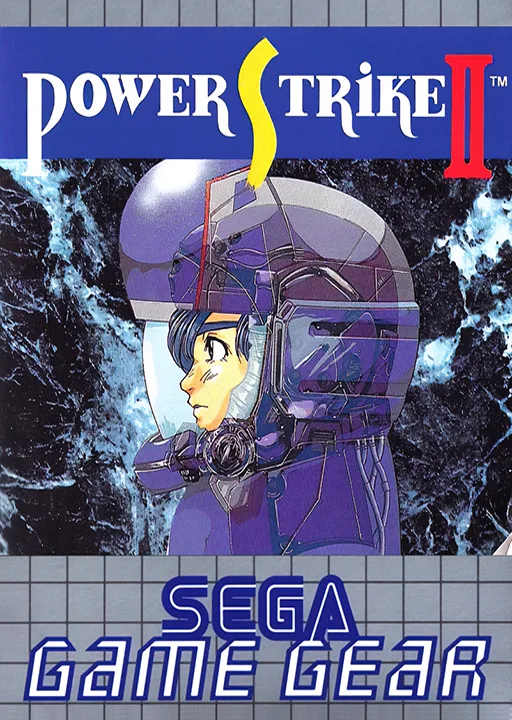 game_gear
Power Strike II
 game_gear
Aerial Assault
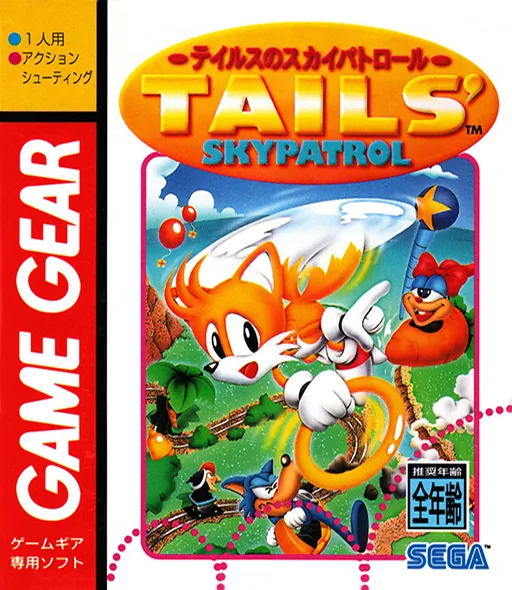 game_gear
Tails no Skypatrol
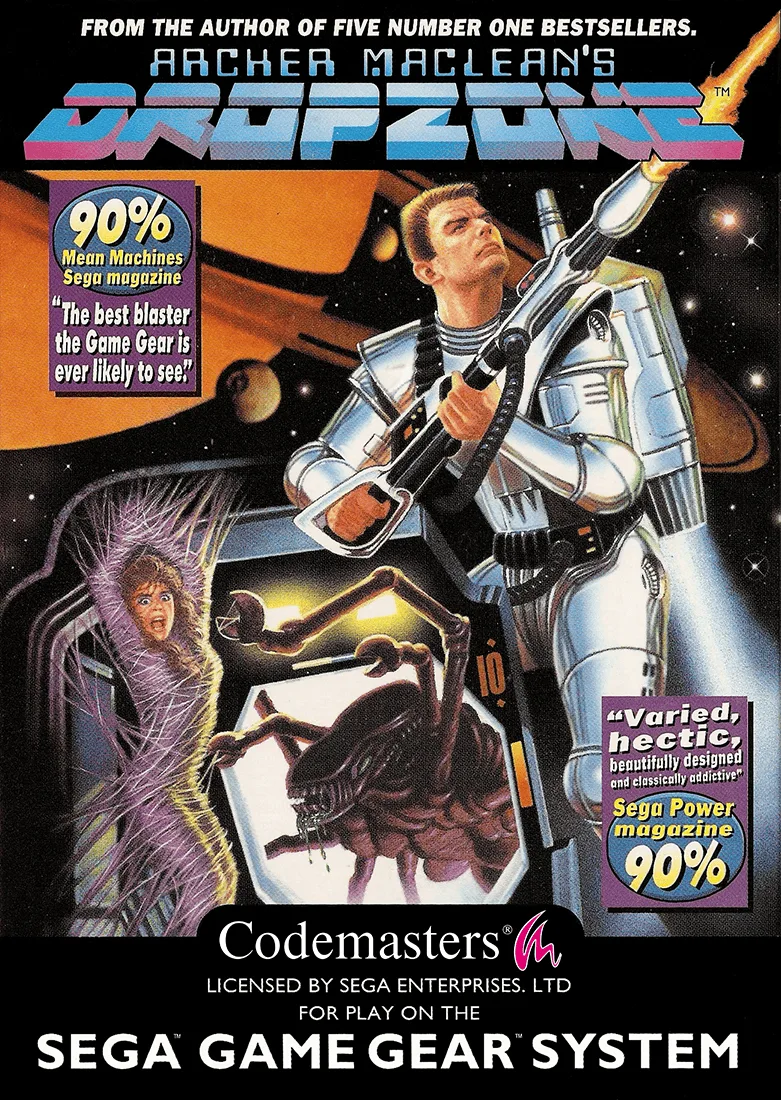 game_gear
Dropzone
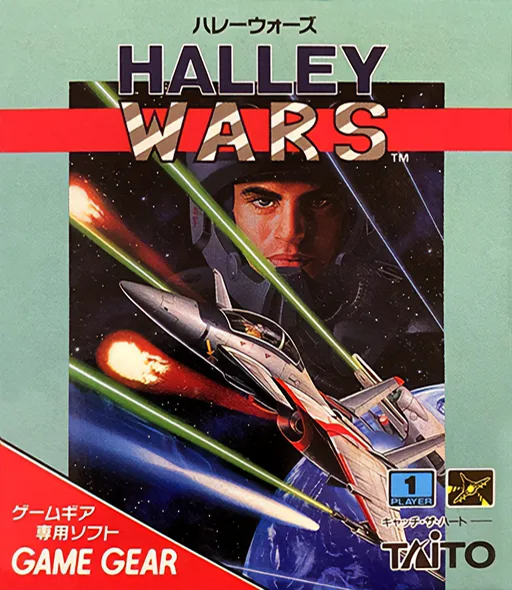 game_gear
Halley Wars
 game_gear
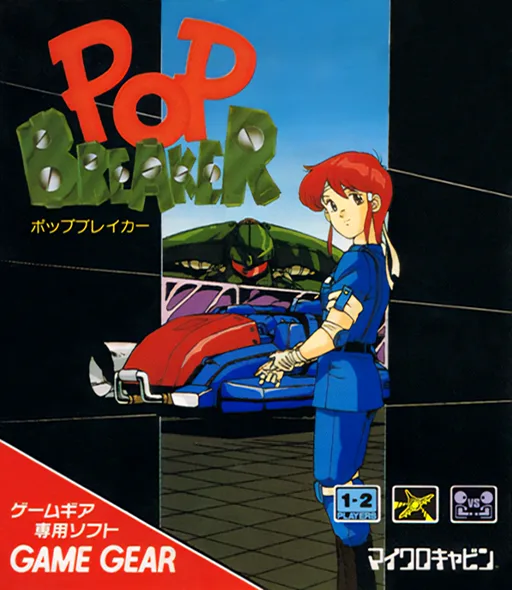
Pop Breaker
 game_gear
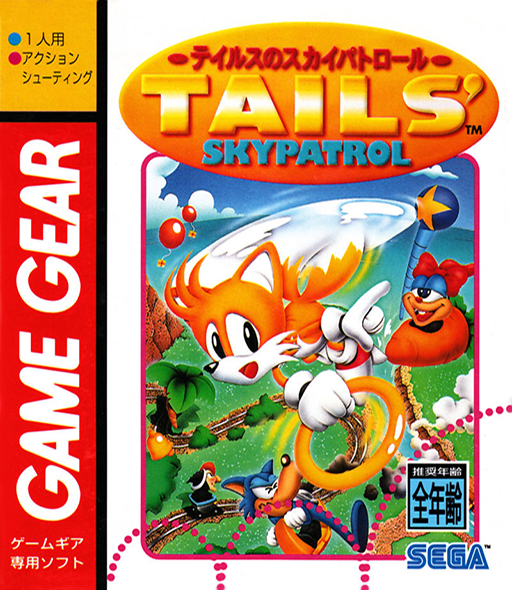
Tails' Sky Patrol
![Tails' Sky Patrol [T+Bra]](https://cdn.emuall.com/covers/VDduDMXEYgVwuFyWtdomqZ/bCBcRjP2qNavTtU6uPK6rb.webp?t=HOFbbmX7iVGmjx99qmqBLRxYX77GtOdug19pT9A-200TcwfNNMYG3Q) game_gear
game_gearTails' Sky Patrol [T+Bra]
 game_gear
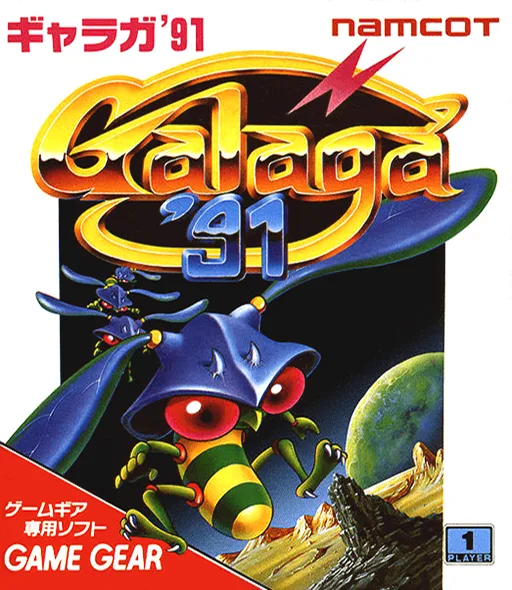
Galaga '91
 game_gear
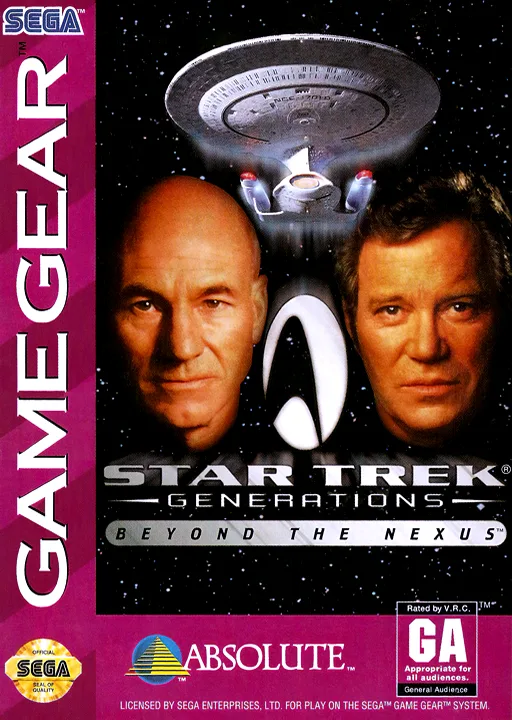
Star Trek Generations - Beyond the Nexus
 game_gear
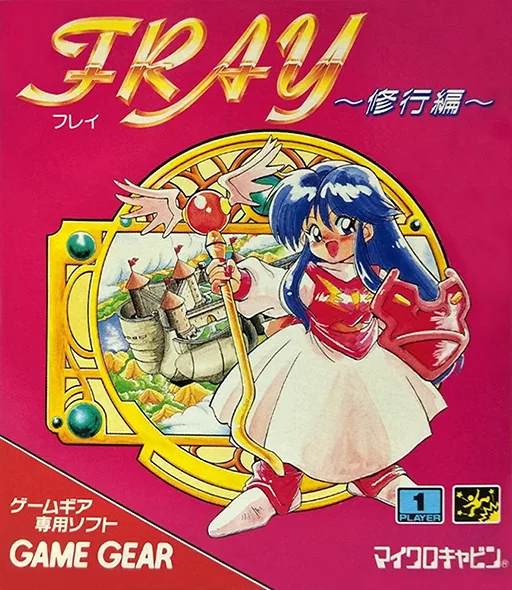
Fray - Shugyou Hen
 game_gear
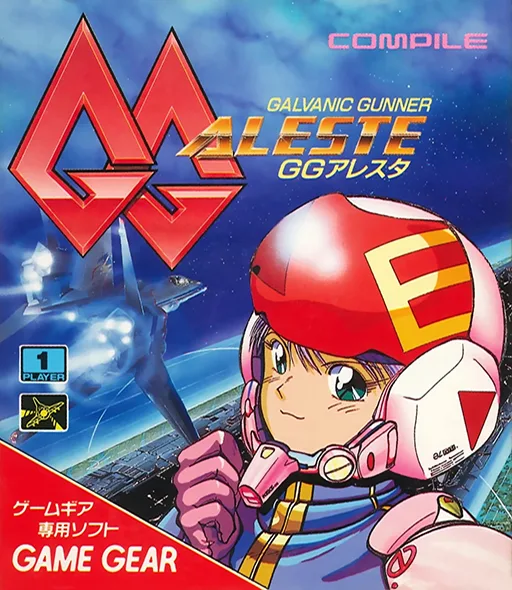
GG Aleste
Frequently Asked Questions
Q1.Can I play Magical Taruruuto-kun online in a web browser without downloading?
Yes, EmuAll allows you to play Magical Taruruuto-kun (GAME GEAR) directly inside modern web browsers (Chrome, Safari, Edge, Firefox) on PC, Mac, Chromebook, iOS, and Android devices without installing any emulator.
Q2.Does Magical Taruruuto-kun support in-browser save states?
Yes, the in-browser emulator features instant Save States and Load States, storing your game progress directly in your browser storage so you can pick up where you left off.
Q3.What controls are supported? Can I use a controller for Magical Taruruuto-kun?
The emulator fully supports standard keyboard controls as well as plug-and-play USB and Bluetooth gamepads (including Xbox, PlayStation, and generic controllers).