
DS
Mahjong Journey - Quest for Tikal
Also known as: ماهجونغ جوورناي - كوست فور تيكال, Mahjong Reise - Suche nach Tikal, 麻将之旅 - 蒂卡尔探险, Voyage Mahjong - Quête de Tikal, マージョン ジャーニー - クエスト フォー ティカル, Ματζονγκ Τζοουρνει - Κουεστ φορ Τικαλ, 麻將之旅 - 尋找蒂卡爾, Маджонг Джоурней - Квест фор Тикал, 마작 저니 - 티칼 퀘스트, Viaggio Mahjong - Ricerca di Tikal, Jornada Mahjong - Busca por Tikal
- Platform
- Nintendo DS
- Genre
- Puzzle/Board
- Year
- 2009
- Developer
- Joindots
- Publisher
- Majesco Entertainment
EmuAll provides verified clean ROM archives and in-browser emulation for Mahjong Journey - Quest for Tikal (DS). Players can launch and play directly inside modern desktop and mobile browsers with zero local installation, full gamepad support, and instant save states.
ROM downloads
1Mahjong Journey - Quest for Tikal (USA) (En,Fr,De,Es,It)
Recommended Emulators(DS)
If you choose to download this ROM to play offline, we recommend these top standalone emulators:
About the Game
Mahjong Journey is a puzzle game that combines traditional mahjong tile-matching with an adventure narrative set around ancient Mayan ruins. Players match pairs of tiles to clear boards while progressing through levels themed after the Tikal archaeological site in Guatemala. The game features over 100 tile layouts with varying difficulty and includes power-ups to help clear challenging configurations. It offers both timed and relaxed play modes for different skill levels.
More DS games
 ds
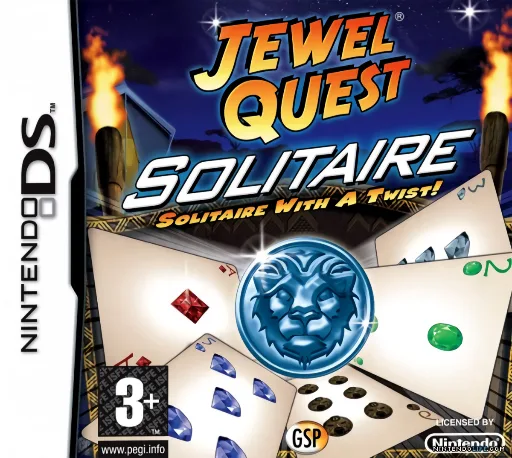
dsJewel Quest - Solitaire - Solitaire with a Twist!
 ds
dsCall of Duty - World at War
 ds
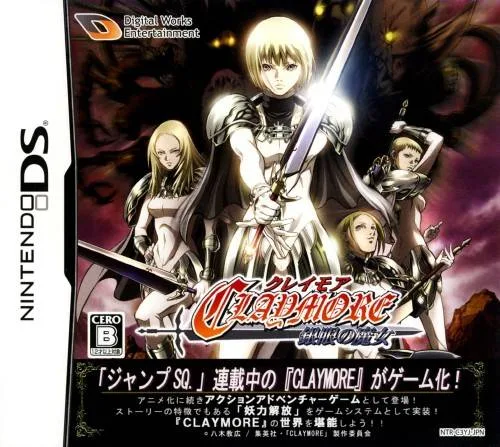
dsClaymore - The Witch with Silver Eyes
 ds
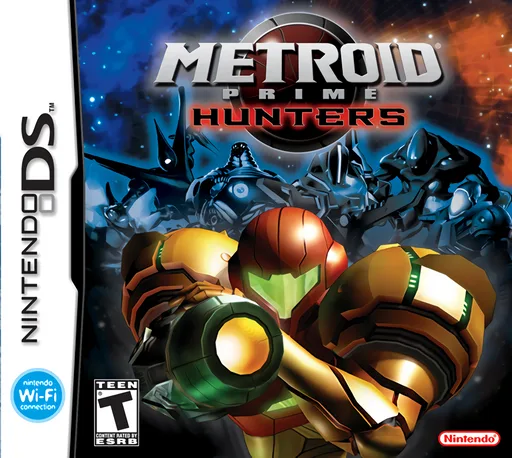
dsMetroid Prime - Hunters (Rev 1)
 ds
dsImagine - Babysitters
 ds
dsKaidan Restaurant - Zoku! Shin Menu 100-sen
 ds
dsSuper Princess Peach
 ds
dsBoku wa Koukuu Kanseikan DS - Air Traffic Controller
 ds
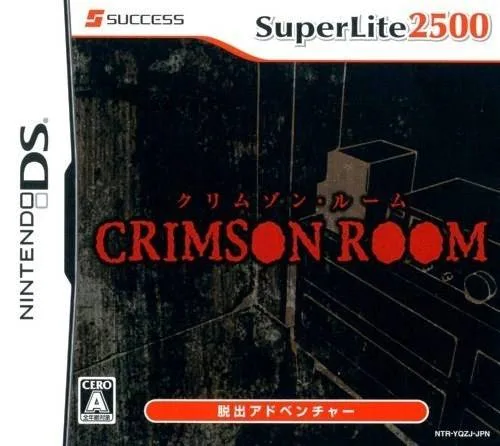
dsSuper Lite 2500 Crimson Room
 ds
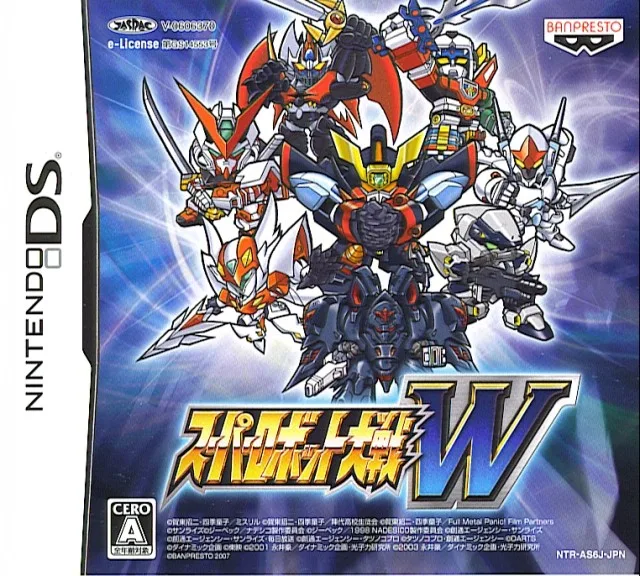
dsSuper Robot Wars W V1.1 Perfect Edition
 ds
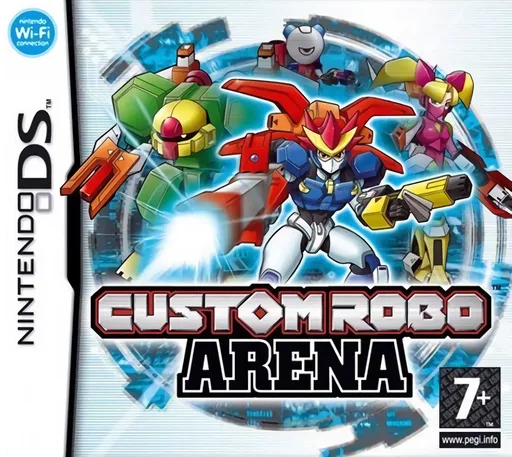
dsCustom Robo Arena
 ds
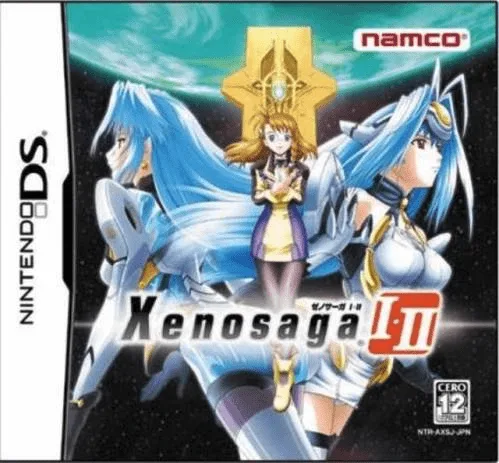
dsXenosaga I & II
Frequently Asked Questions
Q1.Can I play Mahjong Journey - Quest for Tikal online in a web browser without downloading?
Yes, EmuAll allows you to play Mahjong Journey - Quest for Tikal (DS) directly inside modern web browsers (Chrome, Safari, Edge, Firefox) on PC, Mac, Chromebook, iOS, and Android devices without installing any emulator.
Q2.Does Mahjong Journey - Quest for Tikal support in-browser save states?
Yes, the in-browser emulator features instant Save States and Load States, storing your game progress directly in your browser storage so you can pick up where you left off.
Q3.What controls are supported? Can I use a controller for Mahjong Journey - Quest for Tikal?
The emulator fully supports standard keyboard controls as well as plug-and-play USB and Bluetooth gamepads (including Xbox, PlayStation, and generic controllers).