
NES
Mario is Missing!
Also known as: 馬里奧失蹤了!, Марио ис Миссинг!, ¡Mario está desaparecido!, マリオは行方不明!, Mario è scomparso!, Mario est en danger !, Μαριο ισ Μισινγκ!, ماريو يس ميسينغ!, 마리오 실종!, 马里奥失踪了!
- Platform
- Nintendo Entertainment System
- Genre
- Educational
- Year
- 1993
- Developer
- The Software Toolworks
- Publisher
- Mindscape
EmuAll provides verified clean ROM archives and in-browser emulation for Mario is Missing! (NES). Players can launch and play directly inside modern desktop and mobile browsers with zero local installation, full gamepad support, and instant save states.
ROM downloads
3Mario is Missing! (USA)
RecommendedMario is Missing! (Europe)
Mario is Missing!
Recommended Emulators(NES)
If you choose to download this ROM to play offline, we recommend these top standalone emulators:
About the Game
An educational game where Luigi travels to various real-world cities to recover artifacts stolen by Koopa Troopas and rescue his brother Mario. Players explore cities, talk to NPCs for clues, use a database to research geography facts, and navigate using maps to catch the thieves. The game emphasizes geography learning through gameplay, requiring players to identify cities, landmarks, and countries. It's notable for being one of the few early Mario games to feature Luigi as the protagonist and for its edutainment approach mixing platforming with trivia questions.
More NES games
Little Tyrant Learning Machine V8
Student Computer
 nes
nesDonkey Kong Jr. no Sansuu Asobi
 nes
nesKing of Cards Learning Machine
English-Chinese Dictionary 2
 nes
nesTiny Toon Adventures Cartoon Workshop
 nes
nesLittle Scholar Teaching Card A1.0
 nes
nesOeka Kids - Anpanman no Hiragana Daisuki
 nes
nesJeopardy!
Little Tyrant Learning Machine V11
 nes
nesPyramid PEC-9588 Learning Card
 nes
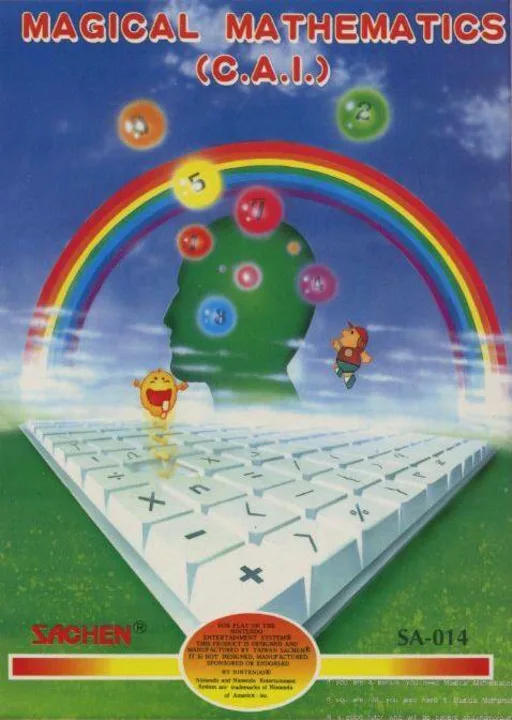
nesMagical Mathematics
Frequently Asked Questions
Q1.Can I play Mario is Missing! online in a web browser without downloading?
Yes, EmuAll allows you to play Mario is Missing! (NES) directly inside modern web browsers (Chrome, Safari, Edge, Firefox) on PC, Mac, Chromebook, iOS, and Android devices without installing any emulator.
Q2.Does Mario is Missing! support in-browser save states?
Yes, the in-browser emulator features instant Save States and Load States, storing your game progress directly in your browser storage so you can pick up where you left off.
Q3.What controls are supported? Can I use a controller for Mario is Missing!?
The emulator fully supports standard keyboard controls as well as plug-and-play USB and Bluetooth gamepads (including Xbox, PlayStation, and generic controllers).