
MD
MLBPA Baseball
Also known as: Млбпа Бейсбол, ملببا بيسبول, ファイティングベースボール, Μλμππα Μπεϊσμπολ
- Platform
- Mega Drive
- Genre
- Sports
- Year
- 1994
- Developer
- High Score Productions
- Publisher
- Electronic Arts
EmuAll provides verified clean ROM archives and in-browser emulation for MLBPA Baseball (MD). Players can launch and play directly inside modern desktop and mobile browsers with zero local installation, full gamepad support, and instant save states.
ROM downloads
1MLBPA Baseball (USA)
Recommended Emulators(MD)
If you choose to download this ROM to play offline, we recommend these top standalone emulators:
About the Game
MLBPA Baseball is a baseball simulation game for the Sega Mega Drive featuring an official Major League Baseball Players Association license. Gameplay modes include single games, league playoffs, World Series, and full 162-game season simulation with authentic player stats from the 1993 MLB season. Controls allow D-pad navigation for pitching/hitting and base-running strategy, including switchable runner control and real-time run-downs or cut-off plays. Players can manage rosters, batting orders, and substitutions. It stands out for realistic physics, player animations, and detailed stadiums despite being a licensed EA Sports title on Genesis.
More MD games
 md
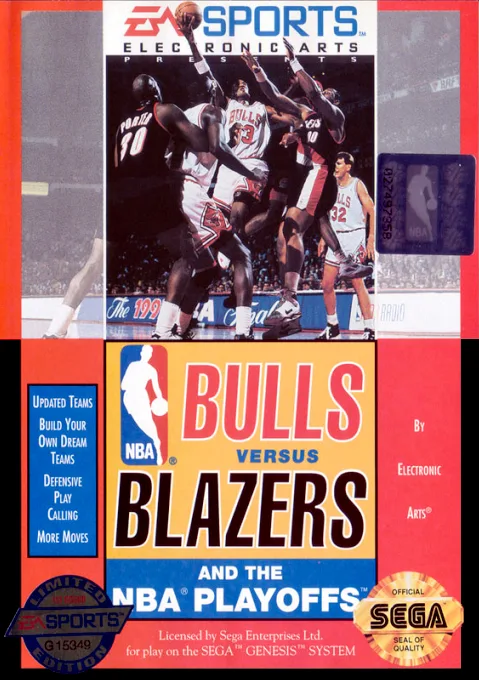
mdBulls versus Blazers and the NBA Playoffs
 md
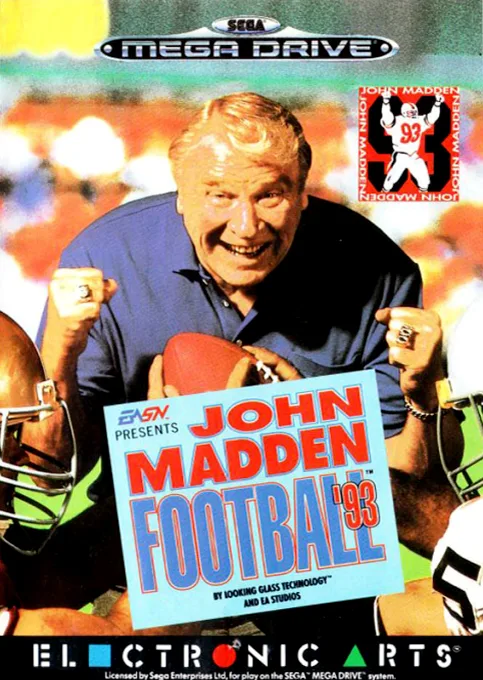
mdJohn Madden Football '93
 md
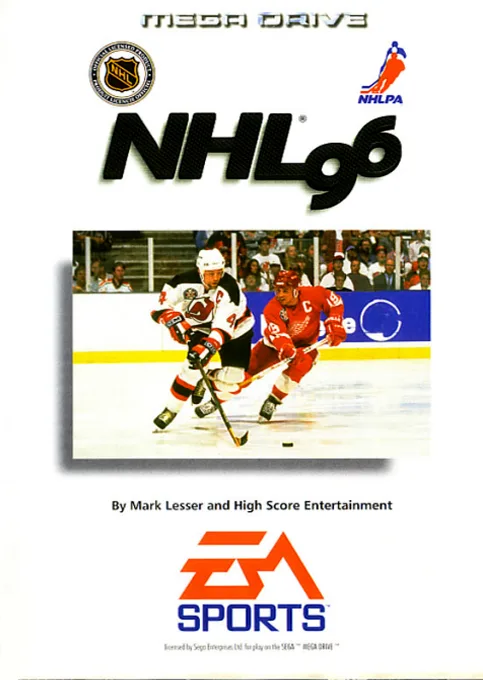
mdNHL 96
 md
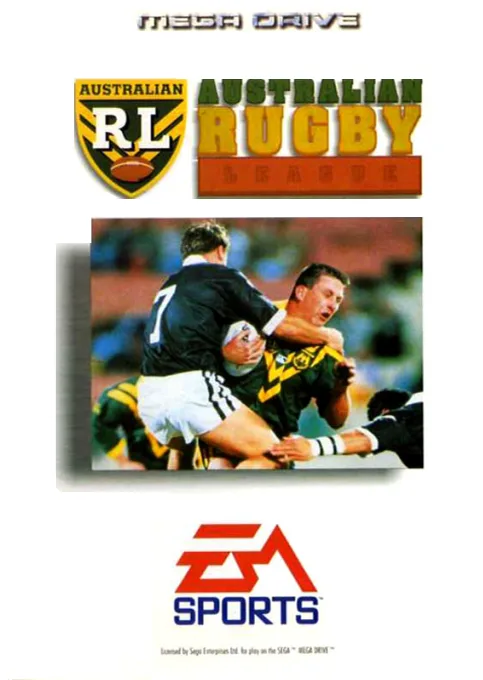
mdAustralian Rugby League
 md
mdJohn Madden Football
 md
mdMinnesota Fats - Pool Legend
 md
mdFIFA Soccer 99
 md
mdKiss Shot
 md
mdOlympic Summer Games
 md
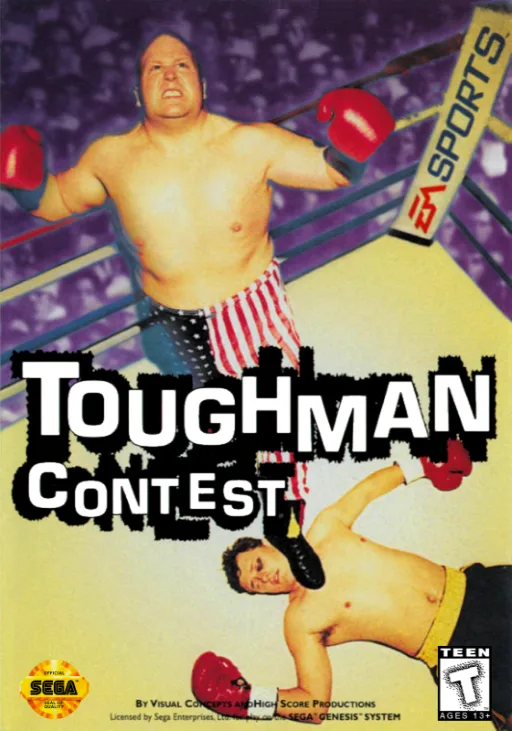
mdToughman Contest
 md
mdChi Chi's Pro Challenge Golf
 md
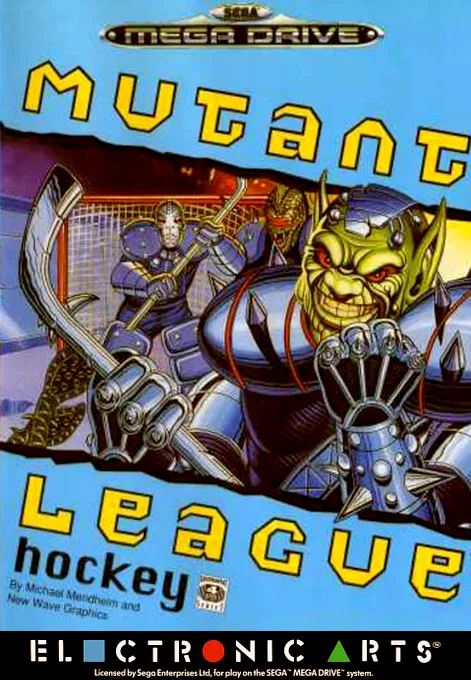
mdMutant League Hockey
Frequently Asked Questions
Q1.Can I play MLBPA Baseball online in a web browser without downloading?
Yes, EmuAll allows you to play MLBPA Baseball (MD) directly inside modern web browsers (Chrome, Safari, Edge, Firefox) on PC, Mac, Chromebook, iOS, and Android devices without installing any emulator.
Q2.Does MLBPA Baseball support in-browser save states?
Yes, the in-browser emulator features instant Save States and Load States, storing your game progress directly in your browser storage so you can pick up where you left off.
Q3.What controls are supported? Can I use a controller for MLBPA Baseball?
The emulator fully supports standard keyboard controls as well as plug-and-play USB and Bluetooth gamepads (including Xbox, PlayStation, and generic controllers).