
DS
Namco Museum DS
Also known as: ナムコ Museum DS, 南梦宫博物馆DS, 남코 뮤지엄 DS
- Platform
- Nintendo DS
- Genre
- Compilation
- Year
- 2007
- Developer
- M2
- Publisher
- Namco Bandai Games
EmuAll provides verified clean ROM archives and in-browser emulation for Namco Museum DS (DS). Players can launch and play directly inside modern desktop and mobile browsers with zero local installation, full gamepad support, and instant save states.
ROM downloads
3Namco Museum DS (Europe) (En,Fr,De,Es,It)
RecommendedNamco Museum DS (USA)
Namco Museum DS (Japan)
Recommended Emulators(DS)
If you choose to download this ROM to play offline, we recommend these top standalone emulators:
About the Game
Namco Museum DS is a 2007 compilation of classic Namco arcade games for the Nintendo DS, developed by M2 and published by Namco Bandai Games. It includes eight titles: the original Pac-Man, Galaga, Dig Dug II, Galaxian, Xevious, Mappy, The Tower of Druaga, plus the multiplayer Pac-Man Vs. (supporting up to four players via Download Play). Players choose games from a menu on the bottom screen (top screen shows gameplay), with options to adjust difficulty, enable a hardcore mode that simulates DIP switches on an arcade motherboard, and save high scores. An introductory animated cutscene features pixel sprites of characters interacting. No new story or modes beyond classic arcade rules; it emphasizes faithful emulation with customizable controls. Standout feature is bringing timeless arcade classics to handheld DS in one package, perfect for portable retro fun.
More DS games
 ds
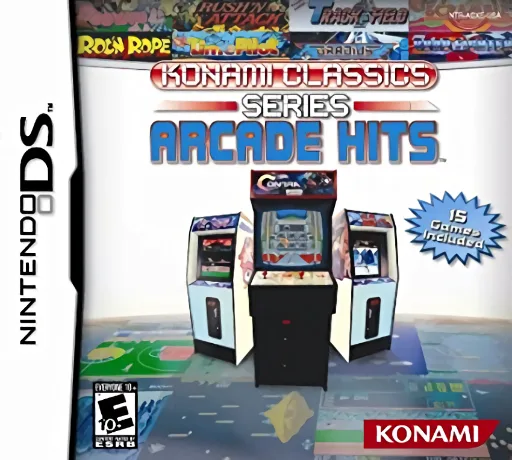
dsKonami Classics Series - Arcade Hits
 ds
dsCall of Duty - World at War
 ds
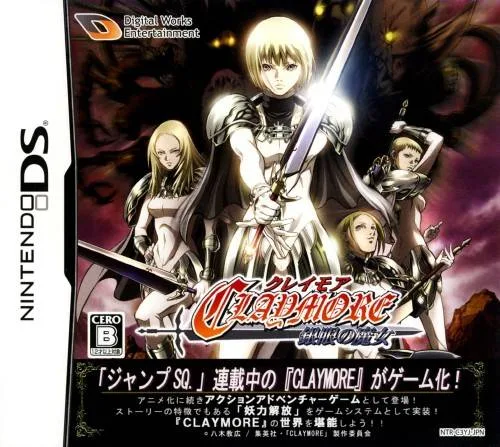
dsClaymore - The Witch with Silver Eyes
 ds
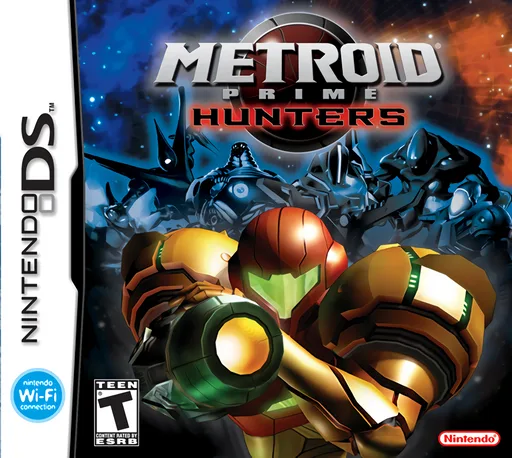
dsMetroid Prime - Hunters (Rev 1)
 ds
dsImagine - Babysitters
 ds
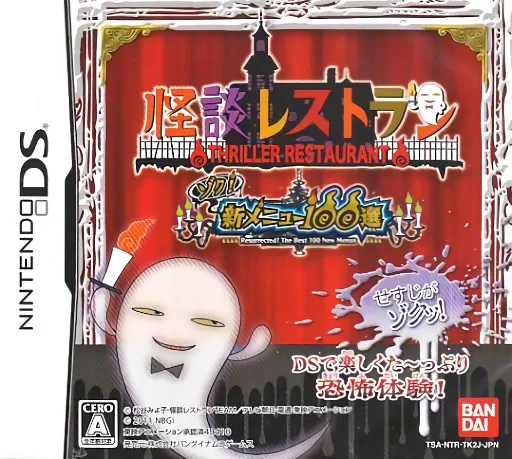
dsKaidan Restaurant - Zoku! Shin Menu 100-sen
 ds
dsSuper Princess Peach
 ds
dsBoku wa Koukuu Kanseikan DS - Air Traffic Controller
 ds
dsSuper Lite 2500 Crimson Room
 ds
dsSuper Robot Wars W V1.1 Perfect Edition
 ds
dsCustom Robo Arena
 ds
dsXenosaga I & II
Frequently Asked Questions
Q1.Can I play Namco Museum DS online in a web browser without downloading?
Yes, EmuAll allows you to play Namco Museum DS (DS) directly inside modern web browsers (Chrome, Safari, Edge, Firefox) on PC, Mac, Chromebook, iOS, and Android devices without installing any emulator.
Q2.Does Namco Museum DS support in-browser save states?
Yes, the in-browser emulator features instant Save States and Load States, storing your game progress directly in your browser storage so you can pick up where you left off.
Q3.What controls are supported? Can I use a controller for Namco Museum DS?
The emulator fully supports standard keyboard controls as well as plug-and-play USB and Bluetooth gamepads (including Xbox, PlayStation, and generic controllers).