
SNES
On the Ball
Also known as: オンザボール, 온 더 볼, Он Болл
- Platform
- Super Nintendo
- Genre
- Puzzle/Action
- Year
- 1992
- Developer
- Taito
- Publisher
- Taito
EmuAll provides verified clean ROM archives and in-browser emulation for On the Ball (SNES). Players can launch and play directly inside modern desktop and mobile browsers with zero local installation, full gamepad support, and instant save states.
ROM downloads
3On the Ball (Europe)
RecommendedOn the Ball (USA)
On the Ball (USA) (Beta)
Recommended Emulators(SNES)
If you choose to download this ROM to play offline, we recommend these top standalone emulators:
About the Game
On the Ball is a puzzle/action game for the Super Famicom where you control a maze to guide a ball to the goal. The core mechanic is rotating the entire level left or right using L and R buttons to alter the ball's path due to gravity and momentum, while the B button makes the ball jump to break blocks. Levels feature breakable bricks, bumpers, and obstacles, with time limits. There is no traditional story or named characters; instead, the game progresses through various courses, including a special final level with multiple endings. What makes it stand out is its innovative 2D maze navigation that feels like a precursor to modern titles like Super Monkey Ball, blending simple physics with clever level design.
More SNES games
 snes
snesLode Runner Twin - Justy to Liberty no Daibouken
 snes
snesSuper Bomberman 3 (33874)
 snes
snesBomberman B-Daman
 snes
snesZig Zag Cat - Dachou Club mo Oosawagi da
 snes
snesSocks the Cat Rocks the Hill
 snes
snesTNN Bass Tournament of Champions
 snes
snesSkuljagger - Revolt of the Westicans
 snes
snesSNES Burn-in Test Cartridge
 snes
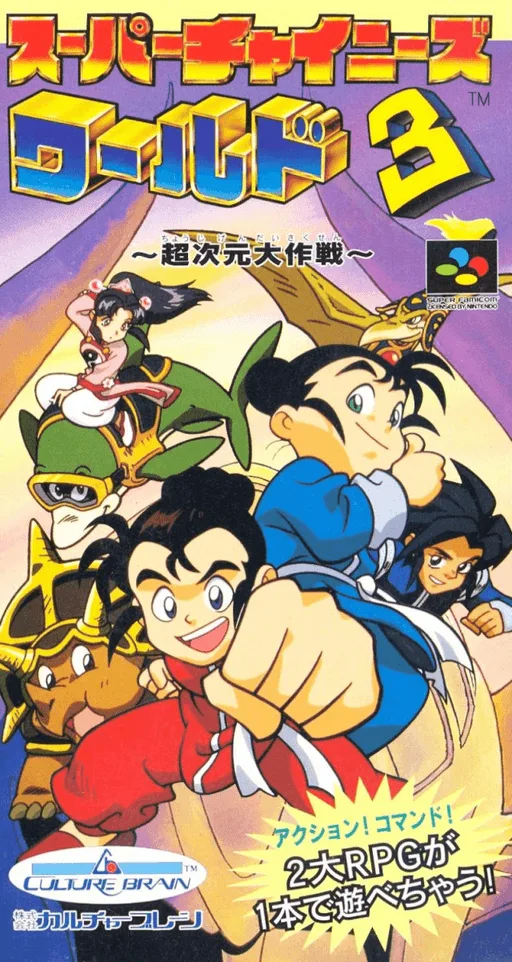
snesSuper Chinese World 3 - Chou Jigen Daisakusen
 snes
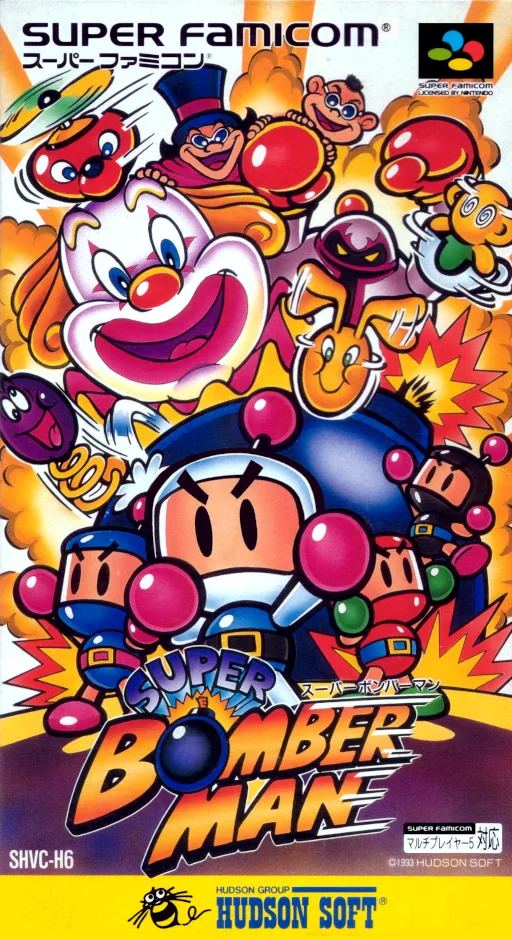
snesSuper Bomberman
 snes
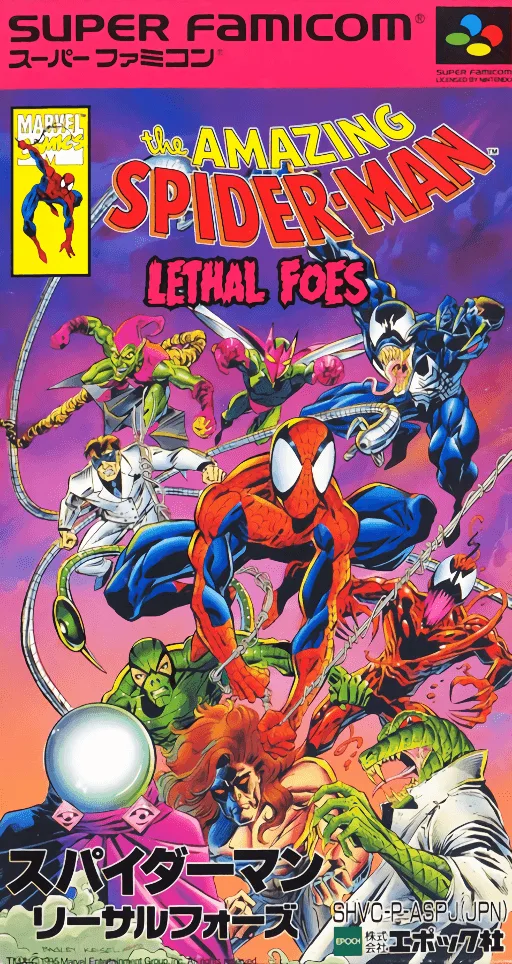
snesAmazing Spider-Man, The - Lethal Foes
 snes
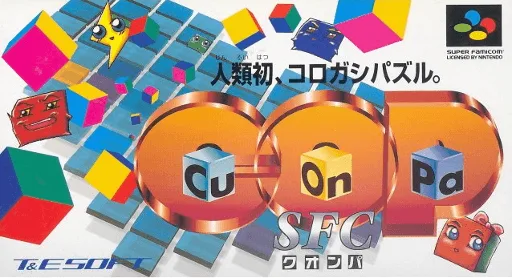
snesCu-On-Pa SFC
Frequently Asked Questions
Q1.Can I play On the Ball online in a web browser without downloading?
Yes, EmuAll allows you to play On the Ball (SNES) directly inside modern web browsers (Chrome, Safari, Edge, Firefox) on PC, Mac, Chromebook, iOS, and Android devices without installing any emulator.
Q2.Does On the Ball support in-browser save states?
Yes, the in-browser emulator features instant Save States and Load States, storing your game progress directly in your browser storage so you can pick up where you left off.
Q3.What controls are supported? Can I use a controller for On the Ball?
The emulator fully supports standard keyboard controls as well as plug-and-play USB and Bluetooth gamepads (including Xbox, PlayStation, and generic controllers).