
NES
Pinball Quest
Also known as: Пинбалл Квест, ピンボールクエスト, 弹球任务, بينبال كوست, 彈球任務, 핀볼 퀘스트, Πινμπαλ Κουεστ
- Platform
- Nintendo Entertainment System
- Genre
- Pinball/Action
- Year
- 1990
- Developer
- TOSE
- Publisher
- Jaleco
EmuAll provides verified clean ROM archives and in-browser emulation for Pinball Quest (NES). Players can launch and play directly inside modern desktop and mobile browsers with zero local installation, full gamepad support, and instant save states.
ROM downloads
3Pinball Quest (Australia)
RecommendedPinball Quest (USA)
Pinball Quest (Japan)
Recommended Emulators(NES)
If you choose to download this ROM to play offline, we recommend these top standalone emulators:
About the Game
Pinball Quest is a unique hybrid that combines traditional pinball mechanics with RPG elements. Players control a pinball through dungeon-like tables, defeating enemies and bosses to progress through a fantasy adventure. The game features multiple modes including an RPG mode where you level up and collect items, a circus mode, and competitive multiplayer. What makes it stand out is its innovative blend of genres, turning pinball into a narrative-driven quest with progression systems rarely seen in pinball games.
More NES games
 nes
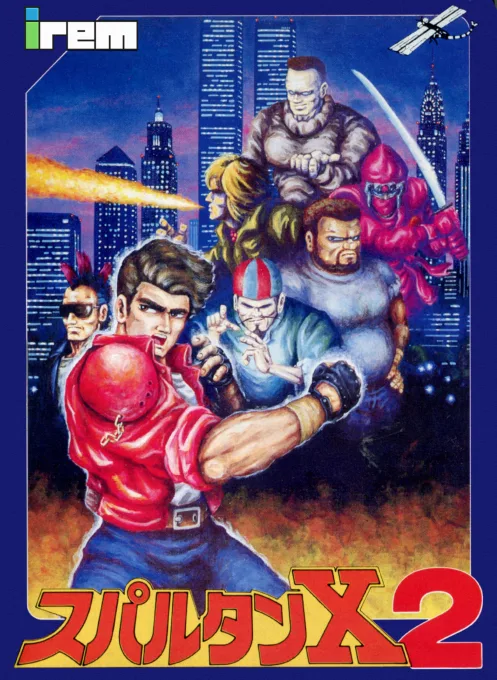
nesSpartan X 2
 nes
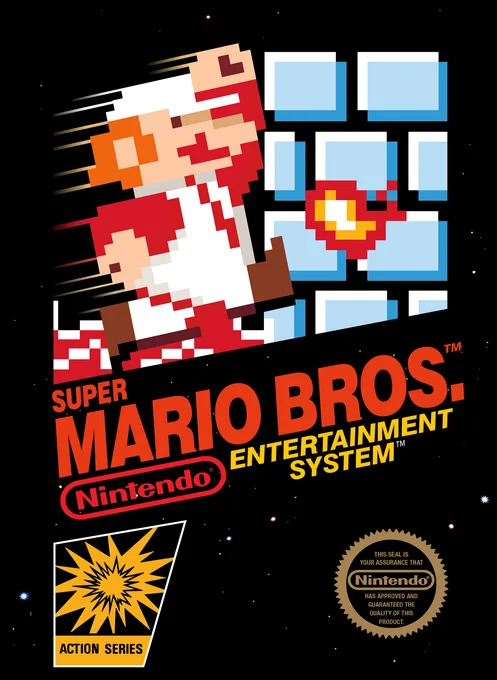
nesSuper Mario Bros.
 nes
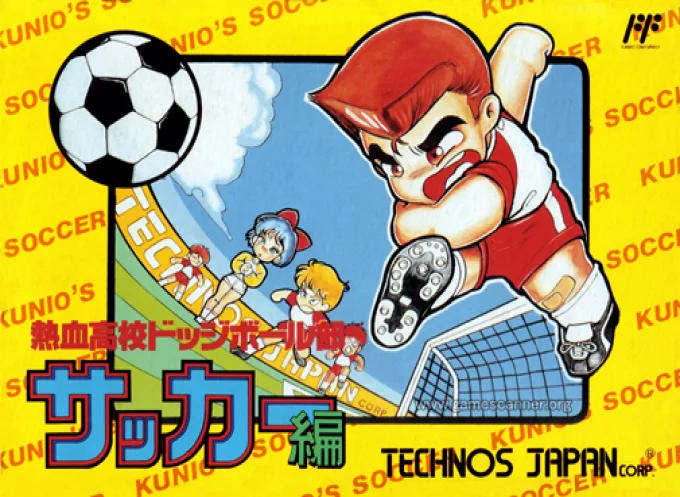
nesNekketsu Koukou Dodgeball-bu - Soccer Hen
![Kunio Kun No Nekketsu Soccer League [T-Eng1.1 Pentarouzero]](https://cdn.emuall.com/covers/76PzY8VVrYp7qrbW9VxNmh/64tupFJzjwFmYWngeubv9R.webp?t=KAPXvEfeW90xdySe8GTkXWgWjR657bL0yfrE9epf8l-CWVszZCIBkg) nes
nesKunio Kun No Nekketsu Soccer League [T-Eng1.1 Pentarouzero]
 nes
nesKunio-kun no Nekketsu Soccer League
 nes
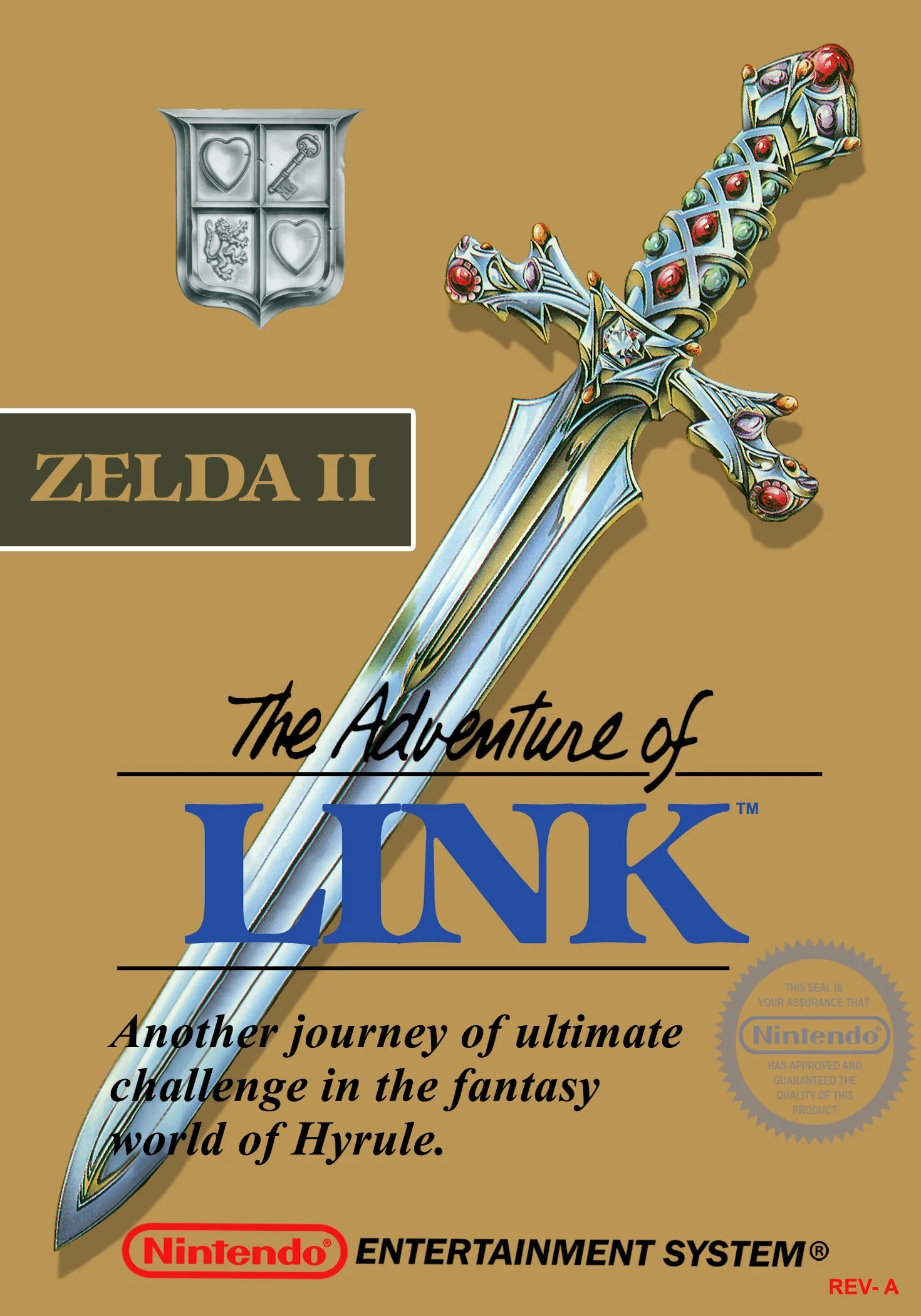
nesThe Legend of Zelda II - The Adventure of Link
 nes
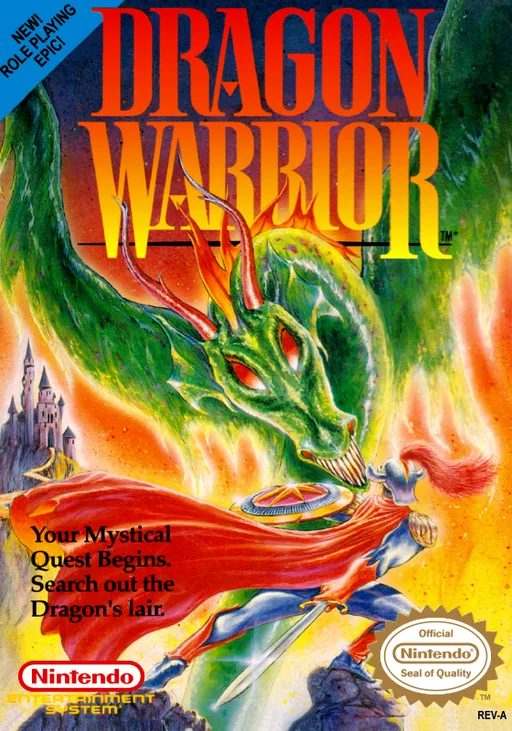
nesDragon Warrior
 nes
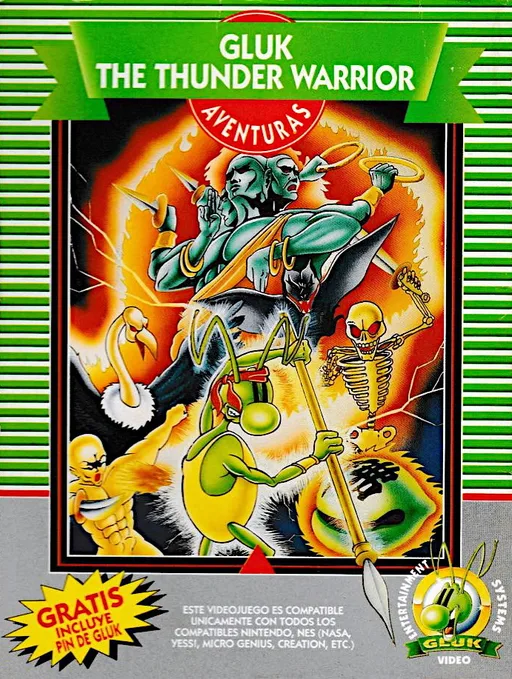
nesGluk the Thunder Warrior
 nes
nesAnkoku Shinwa - Yamato Takeru Densetsu
 nes
nesWorld Games
 nes
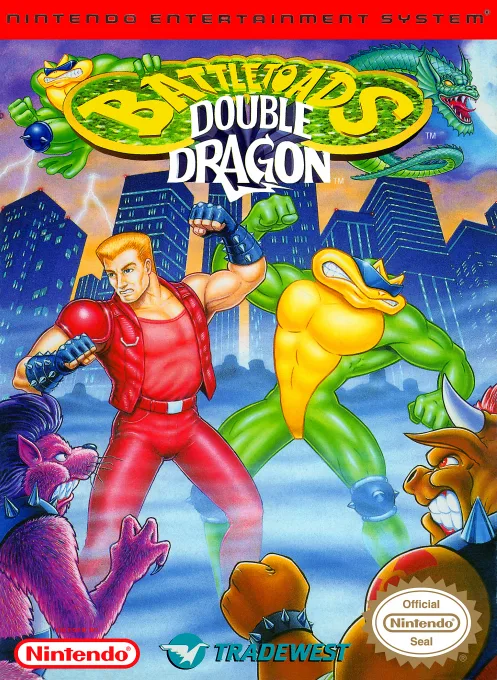
nesBattletoads-Double Dragon
 nes
nesMetal Max
Frequently Asked Questions
Q1.Can I play Pinball Quest online in a web browser without downloading?
Yes, EmuAll allows you to play Pinball Quest (NES) directly inside modern web browsers (Chrome, Safari, Edge, Firefox) on PC, Mac, Chromebook, iOS, and Android devices without installing any emulator.
Q2.Does Pinball Quest support in-browser save states?
Yes, the in-browser emulator features instant Save States and Load States, storing your game progress directly in your browser storage so you can pick up where you left off.
Q3.What controls are supported? Can I use a controller for Pinball Quest?
The emulator fully supports standard keyboard controls as well as plug-and-play USB and Bluetooth gamepads (including Xbox, PlayStation, and generic controllers).