
SNES
Pinkie
Also known as: بينكي, 粉紅, 핑키, Πινκι, Пинки, 粉红, ピンキー
- Platform
- Super Nintendo
- Genre
- Platformer
- Year
- 1994
- Developer
- Data Design Interactive
- Publisher
- Millennium Interactive
EmuAll provides verified clean ROM archives and in-browser emulation for Pinkie (SNES). Players can launch and play directly inside modern desktop and mobile browsers with zero local installation, full gamepad support, and instant save states.
ROM downloads
2Pinkie (World) (Aftermarket) (Unl)
RecommendedPinkie (Europe) (Proto)
Recommended Emulators(SNES)
If you choose to download this ROM to play offline, we recommend these top standalone emulators:
About the Game
Pinkie is a side-scrolling platformer where the player controls Pinkie, a brave pink dinosaur-alien hybrid, across 50 levels on five planets. The goal is to collect dinosaur eggs scattered throughout the galaxy to prevent the extinction of the Pinkie race. Players control Pinkie and his Pinkie-Pod vehicle, jumping, running, and using gadgets to overcome obstacles and enemies. Upgrade the Pinkie-Pod with extra tools to reach harder areas. The story involves a royal quest to save the dinosaur race from total extinction. Pinkie is the central character, a young alien explorer. What makes it stand out is the variety of planetary worlds, gadget upgrades, and platforming-puzzle mix with vibrant graphics.
More SNES games
 snes
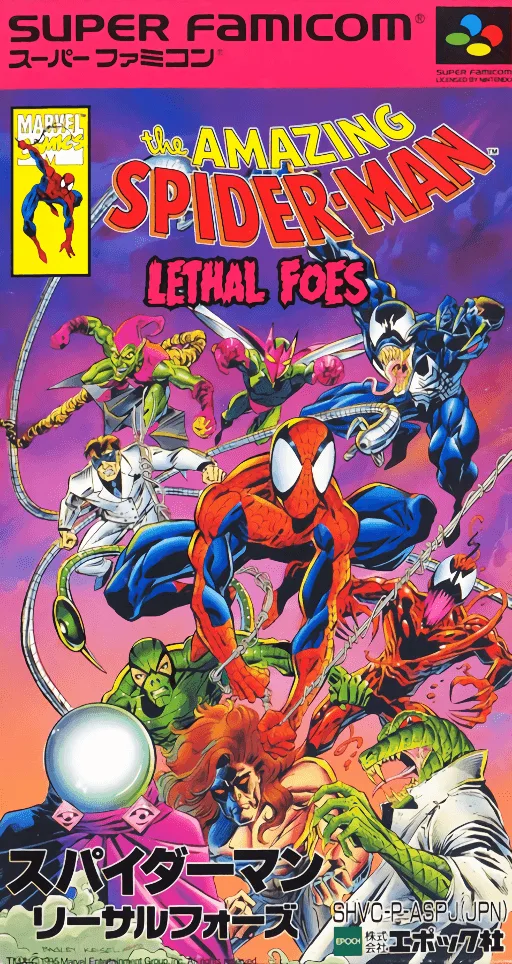
snesAmazing Spider-Man, The - Lethal Foes
 snes
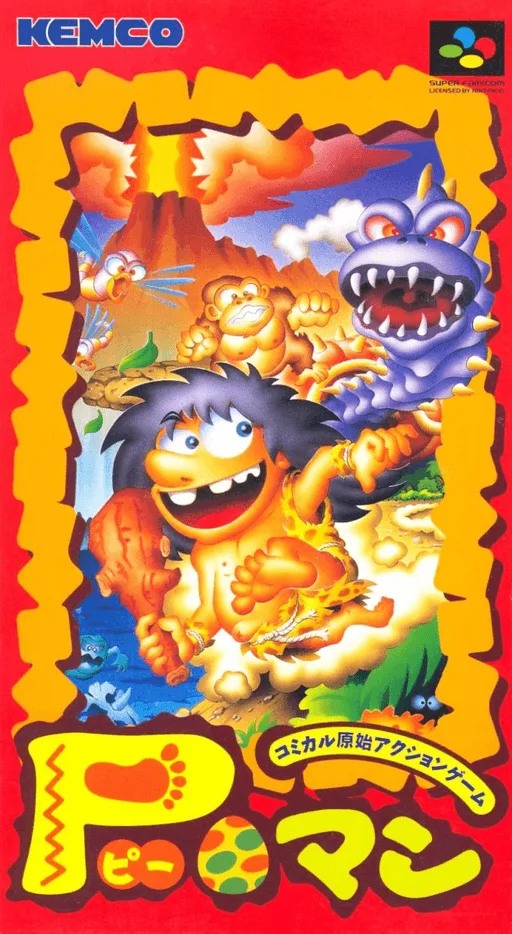
snesP-Man
 snes
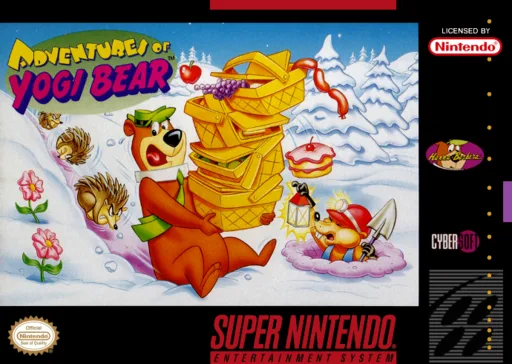
snesAdventures of Yogi Bear
 snes
snesDonkey Kong Country - Competition Cartridge
 snes
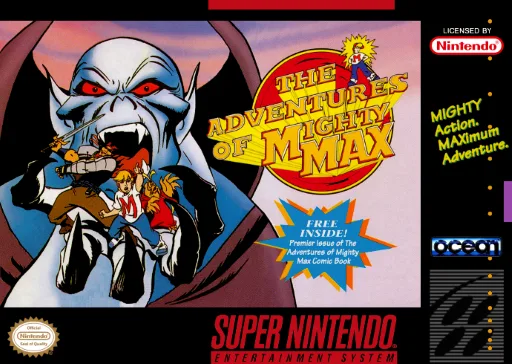
snesMighty Max
 snes
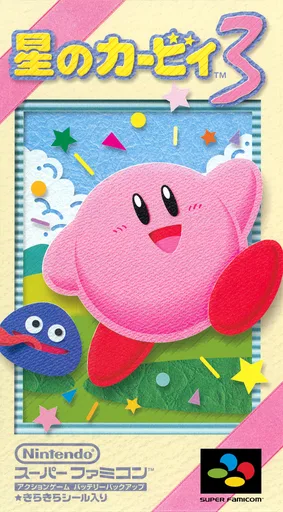
snesHoshi no Kirby 3
 snes
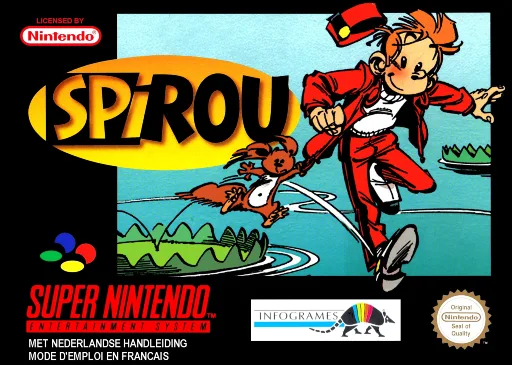
snesSpirou
 snes
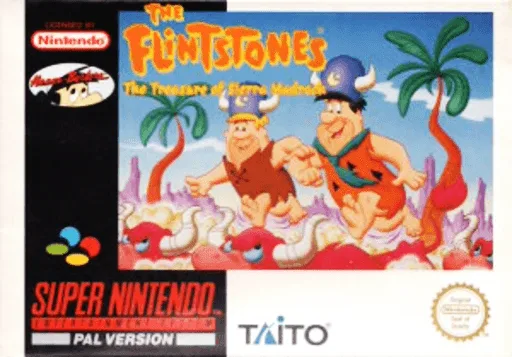
snesFlintstones, The - The Treasure of Sierra Madrock
 snes
snesWolfchild
 snes
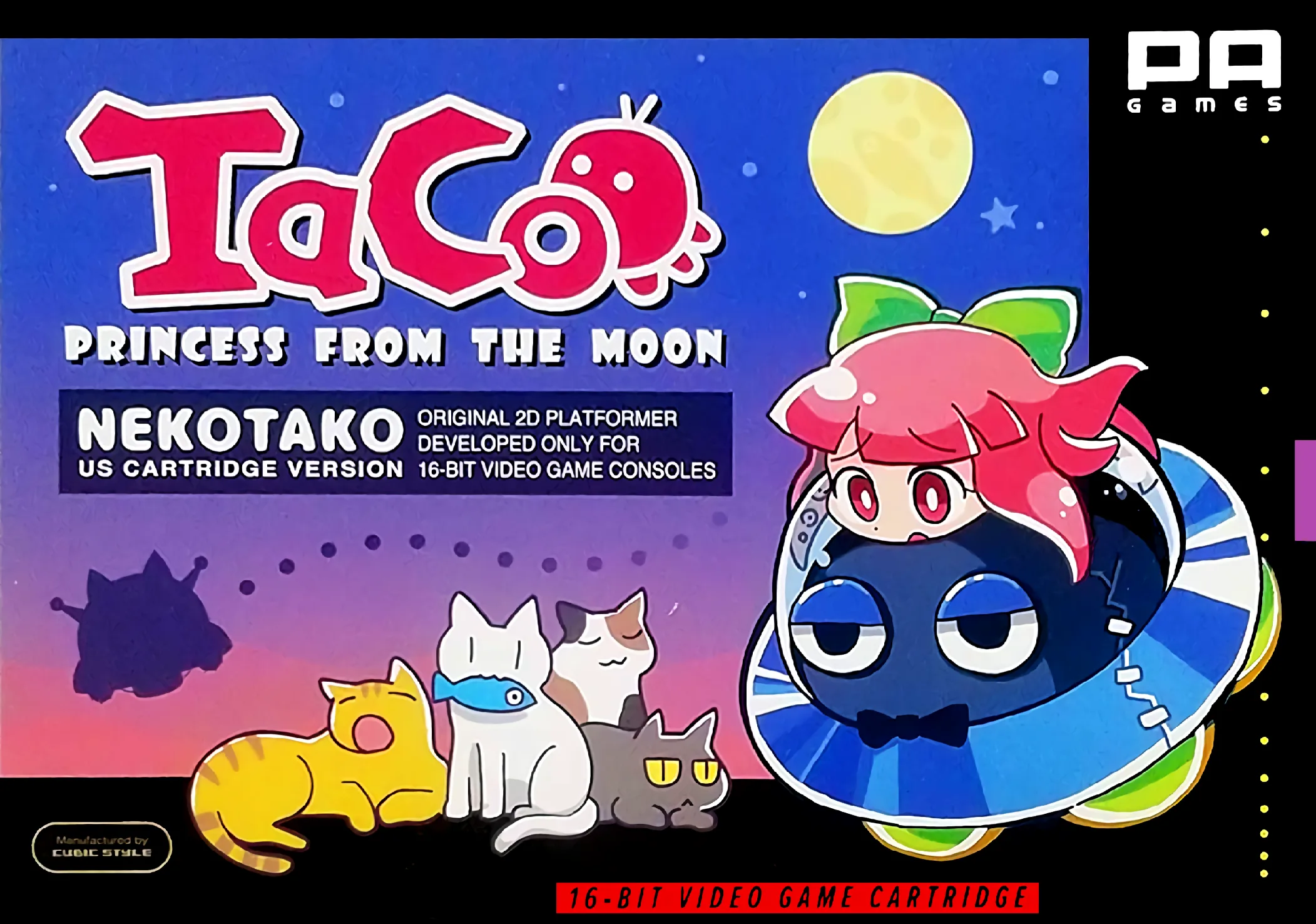
snesNekotako
 snes
snesSuper Bonk
Frequently Asked Questions
Q1.Can I play Pinkie online in a web browser without downloading?
Yes, EmuAll allows you to play Pinkie (SNES) directly inside modern web browsers (Chrome, Safari, Edge, Firefox) on PC, Mac, Chromebook, iOS, and Android devices without installing any emulator.
Q2.Does Pinkie support in-browser save states?
Yes, the in-browser emulator features instant Save States and Load States, storing your game progress directly in your browser storage so you can pick up where you left off.
Q3.What controls are supported? Can I use a controller for Pinkie?
The emulator fully supports standard keyboard controls as well as plug-and-play USB and Bluetooth gamepads (including Xbox, PlayStation, and generic controllers).