
GBC
Pop'n Music GB - Disney Tunes
Also known as: Ποπ'ν Μουσικ Γκμπ - Ντισνει Τουνεσ, ポップンミュージックGB ディズニーチューンズ, بوب'ن موسيك غب - ديسناي تونيس, Поп'н Мусик Гб - Дисней Тунес
- Platform
- Game Boy Color
- Genre
- Music
- Year
- 2000
- Developer
- Konami Computer Entertainment Tokyo
- Publisher
- Konami
EmuAll provides verified clean ROM archives and in-browser emulation for Pop'n Music GB - Disney Tunes (GBC). Players can launch and play directly inside modern desktop and mobile browsers with zero local installation, full gamepad support, and instant save states.
ROM downloads
1Pop'n Music GB - Disney Tunes (Japan)
Recommended Emulators(GBC)
If you choose to download this ROM to play offline, we recommend these top standalone emulators:
About the Game
A Game Boy Color rhythm game featuring classic Disney songs from beloved animated films. Players press buttons in time with falling notes to recreate melodies from movies like The Little Mermaid, Aladdin, and The Lion King. The game includes multiple difficulty levels and a variety of Disney characters appearing throughout gameplay. Part of Konami's popular Pop'n Music series, this entry adapts the arcade rhythm gameplay for portable play with a Disney-themed soundtrack.
More GBC games
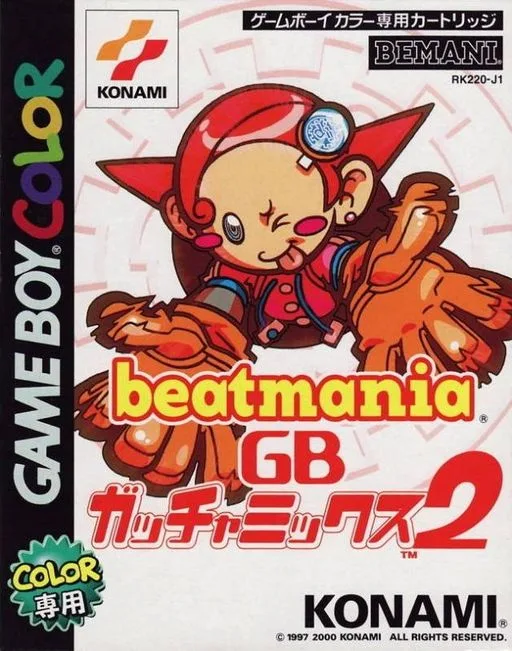 gbc
gbcBeatmania GB - Gotcha Mix 2
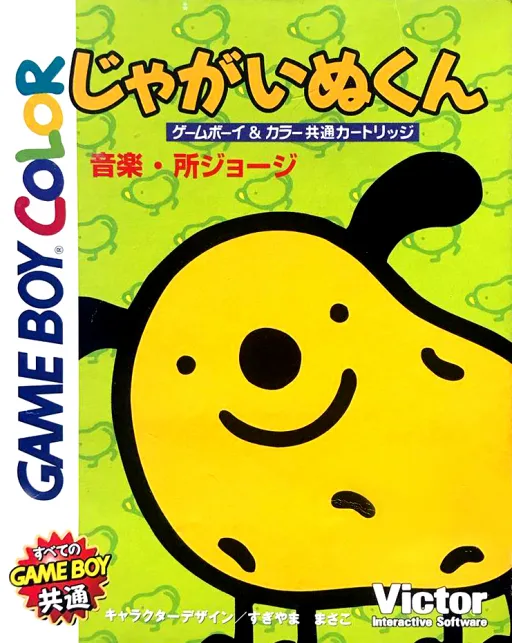 gbc
gbcJagainu-kun
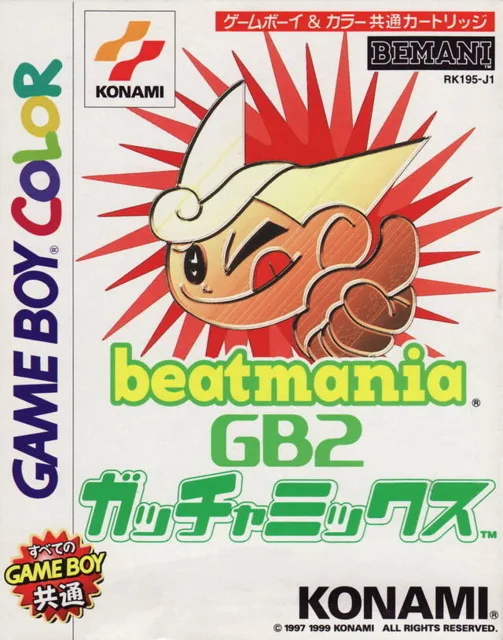 gbc
gbcBeatmania GB 2 - Gotcha Mix
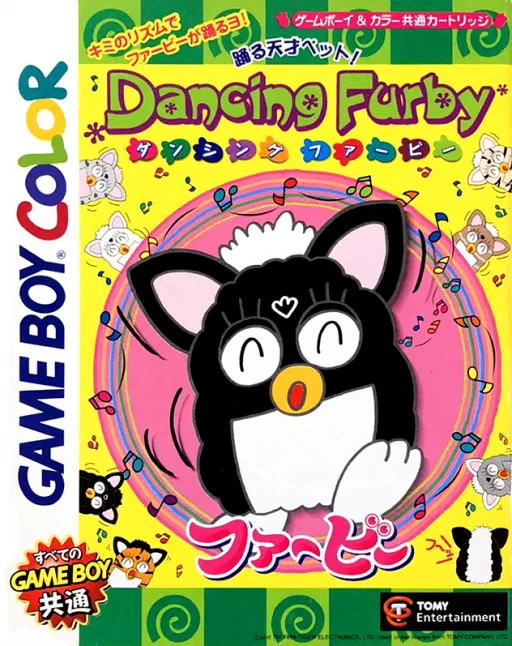 gbc
gbcDancing Furby
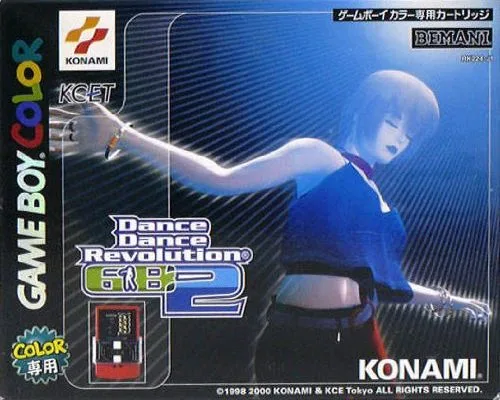 gbc
gbcDance Dance Revolution GB 2
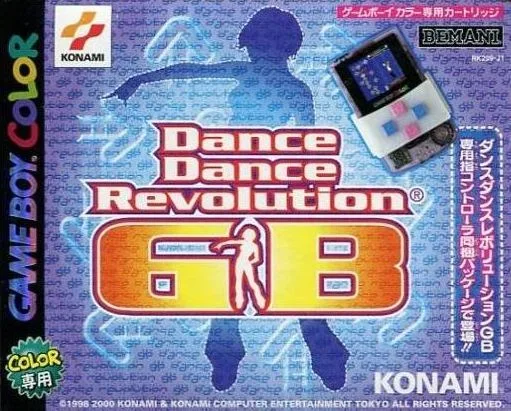 gbc
gbcDance Dance Revolution GB
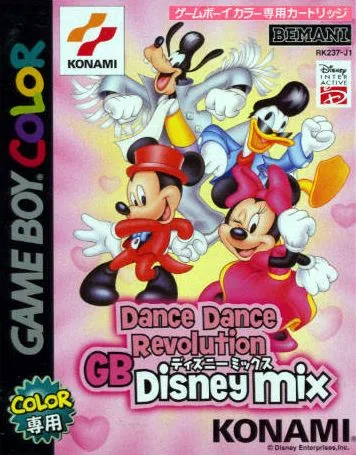 gbc
gbcDance Dance Revolution GB - Disney Mix
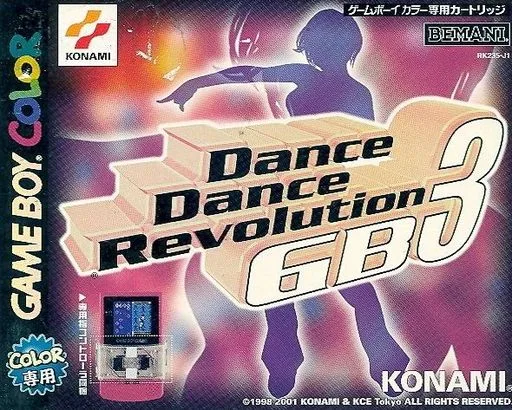 gbc
gbcDance Dance Revolution GB 3
 gbc
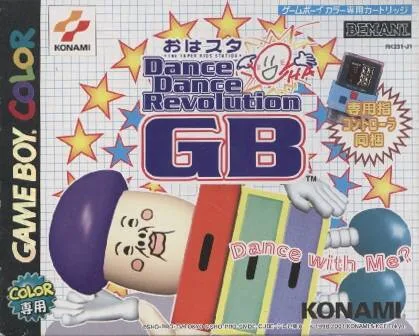
gbcOhasuta Dance Dance Revolution GB
 gbc
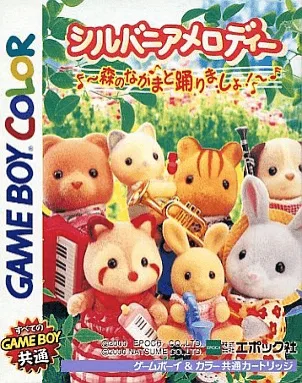
gbcSylvanian Melodies - Mori no Nakama to Odori Masho!
 gbc
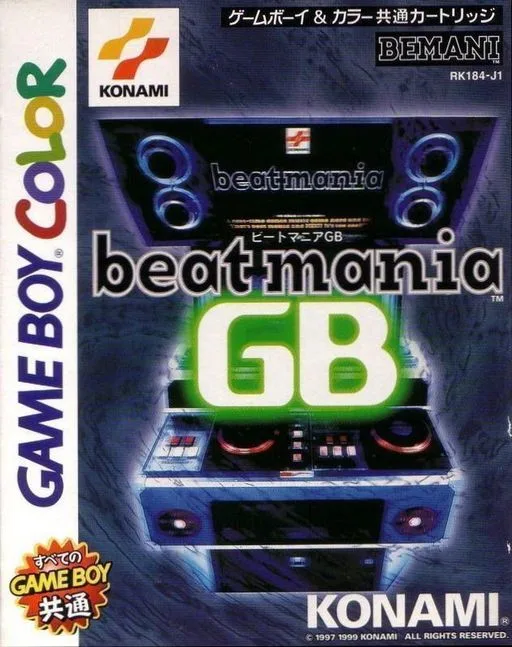
gbcBeatmania GB
Frequently Asked Questions
Q1.Can I play Pop'n Music GB - Disney Tunes online in a web browser without downloading?
Yes, EmuAll allows you to play Pop'n Music GB - Disney Tunes (GBC) directly inside modern web browsers (Chrome, Safari, Edge, Firefox) on PC, Mac, Chromebook, iOS, and Android devices without installing any emulator.
Q2.Does Pop'n Music GB - Disney Tunes support in-browser save states?
Yes, the in-browser emulator features instant Save States and Load States, storing your game progress directly in your browser storage so you can pick up where you left off.
Q3.What controls are supported? Can I use a controller for Pop'n Music GB - Disney Tunes?
The emulator fully supports standard keyboard controls as well as plug-and-play USB and Bluetooth gamepads (including Xbox, PlayStation, and generic controllers).