
GBC
Quest for Camelot
Also known as: 매직 스워드, Das magische Schwert - Die Legende von Camelot, Κουεστ φορ Καμελοτ, La spada magica - Alla ricerca di Camelot, 魔劍奇兵, 魔法剑, Excalibur, l'épée magique, Квест фор Камелот, A Espada Mágica, كوست فور كاميلوت, 魔法の剣 キャメロット, La espada mágica: En busca de Camelot
- Platform
- Game Boy Color
- Genre
- Action/Adventure
- Year
- 1998
- Developer
- Torus Games
- Publisher
- THQ
EmuAll provides verified clean ROM archives and in-browser emulation for Quest for Camelot (GBC). Players can launch and play directly inside modern desktop and mobile browsers with zero local installation, full gamepad support, and instant save states.
ROM downloads
2Quest for Camelot (Europe) (En,Fr,De,Es,It,Nl) (SGB Enhanced) (GB Compatible)
RecommendedQuest for Camelot (USA) (En,Fr,Es) (SGB Enhanced) (GB Compatible)
Recommended Emulators(GBC)
If you choose to download this ROM to play offline, we recommend these top standalone emulators:
About the Game
Based on the Warner Bros. animated film, this action-adventure follows the quest to save Camelot. Players control characters from the movie through various gameplay segments including exploration and combat. The game adapts the film's story about a young woman named Kayley seeking Excalibur. It features level-based progression suited to the Game Boy Color's portable format.
More GBC games
 gbc
gbcThe Sword
 gbc
gbcPowerpuff Girls, The - Bulle Contre Lui
 gbc
gbcLegend of Zelda, The - Oracle of Seasons
Space Warrior
 gbc
gbcThe Legend of Zelda: Oracle of Seasons
 gbc
gbcDragon's Lair
 gbc
gbcArmy Men: Sarge's Heroes 2
 gbc
gbcBarbie - Aventura Submarina
 gbc
gbcZook Hero 2
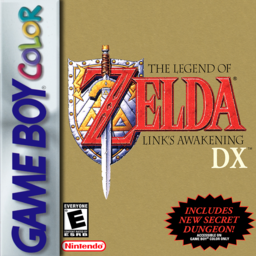 gbc
gbcLegend Of Zelda, The - Link's Awakening DX (V1.2)
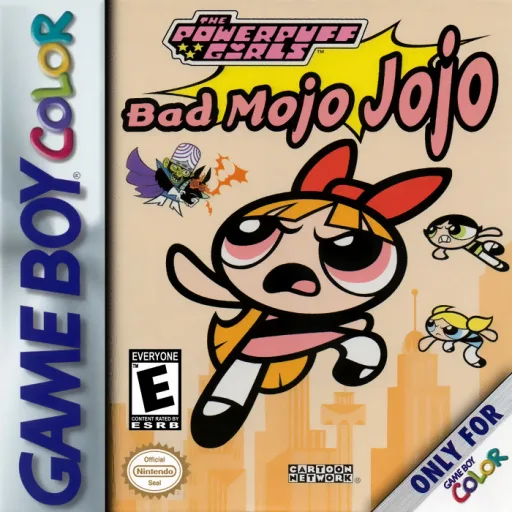 gbc
gbcPowerpuff Girls, The - Bad Mojo Jojo
Frequently Asked Questions
Q1.Can I play Quest for Camelot online in a web browser without downloading?
Yes, EmuAll allows you to play Quest for Camelot (GBC) directly inside modern web browsers (Chrome, Safari, Edge, Firefox) on PC, Mac, Chromebook, iOS, and Android devices without installing any emulator.
Q2.Does Quest for Camelot support in-browser save states?
Yes, the in-browser emulator features instant Save States and Load States, storing your game progress directly in your browser storage so you can pick up where you left off.
Q3.What controls are supported? Can I use a controller for Quest for Camelot?
The emulator fully supports standard keyboard controls as well as plug-and-play USB and Bluetooth gamepads (including Xbox, PlayStation, and generic controllers).