
SNES
Same Game
Also known as: 세임 게임, Σαμ Γκαμ, Сам Гам, سام غام, セイムゲーム
- Platform
- Super Nintendo
- Genre
- Puzzle
- Year
- 1996
- Developer
- Hudson Soft
- Publisher
- Hudson Soft
EmuAll provides verified clean ROM archives and in-browser emulation for Same Game (SNES). Players can launch and play directly inside modern desktop and mobile browsers with zero local installation, full gamepad support, and instant save states.
ROM downloads
1Same Game (Japan)
Recommended Emulators(SNES)
If you choose to download this ROM to play offline, we recommend these top standalone emulators:
About the Game
Same Game is a classic tile-matching puzzle game where players match and remove groups of same-colored tiles on a grid to clear the board. Gameplay involves dragging tiles to form lines of 2 or more identical colors, with chained matches exploding for extra points and bonus combos. It supports single-player mode, battle modes, and character-specific variants featuring Honey and Kotetsu from Hudson Soft's mascot series, with unique play modes and SNES Satellaview support. The story ties into Bomberman promotions with Honey and Kotetsu chasing Bomberman, featuring characters like Bonk and Mario icons. What makes it stand out is its addictive simplicity, high replayability, and the 1995 original concept adapted for SNES in 1996, popular in Japan and known globally as SameGame or Chain Shot.
More SNES games
 snes
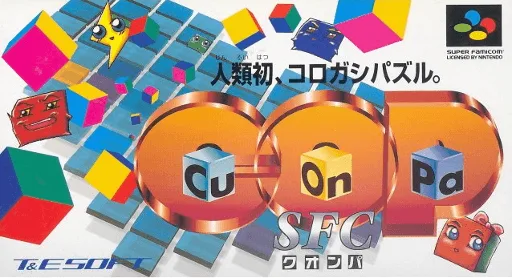
snesCu-On-Pa SFC
 snes
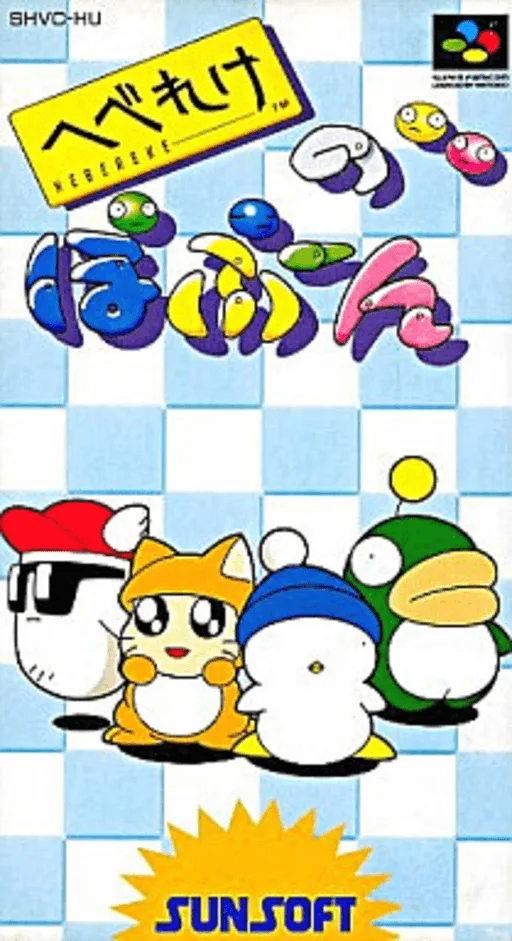
snesHebereke no Popoon
 snes
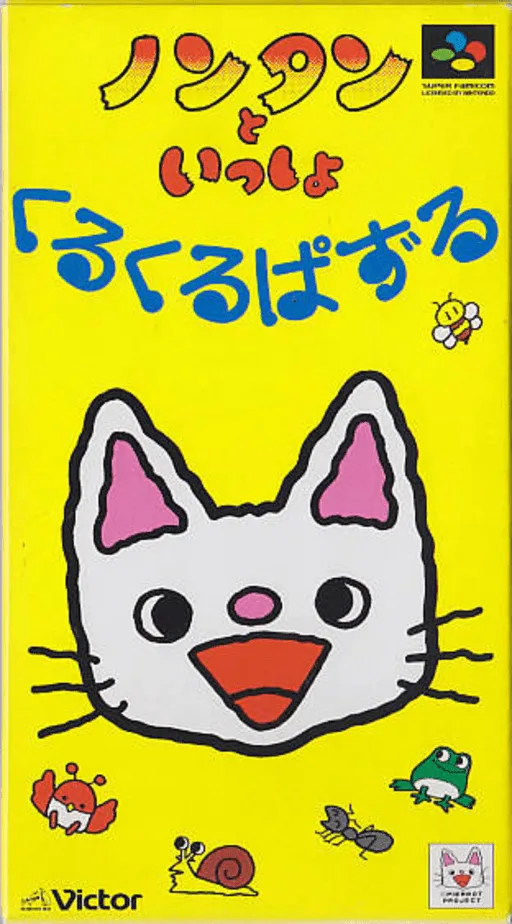
snesNontan to Issho - Kurukuru Puzzle
 snes
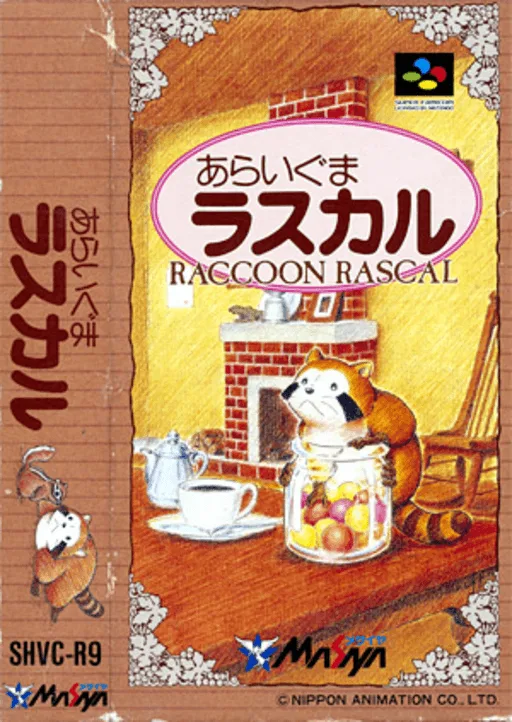
snesAraiguma Rascal
 snes
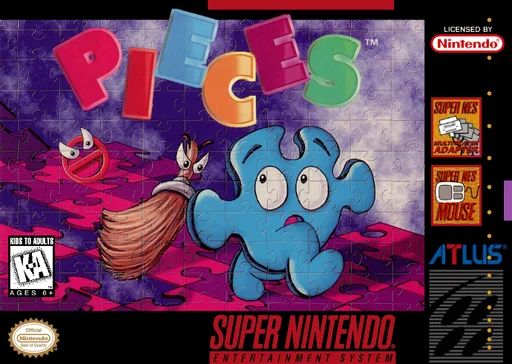
snesPieces
 snes
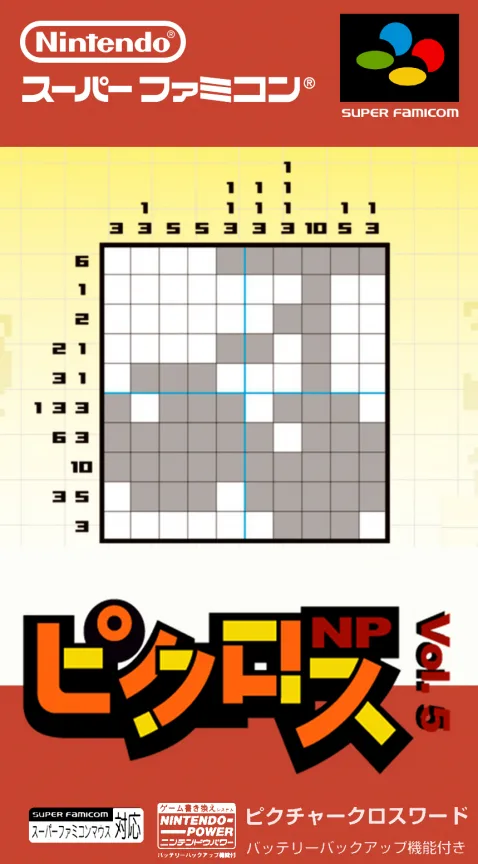
snesPicross NP Vol. 5
 snes
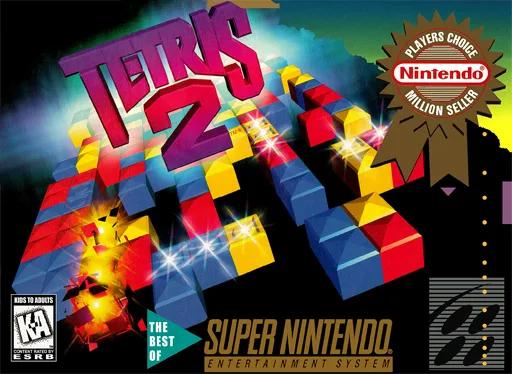
snesTetris 2
 snes
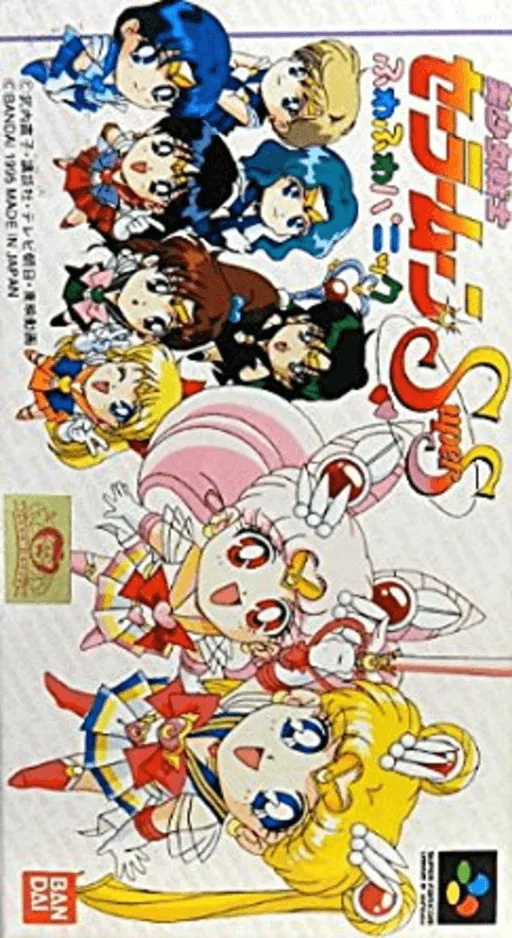
snesBishoujo Senshi Sailor Moon SuperS - Fuwafuwa Panic
 snes
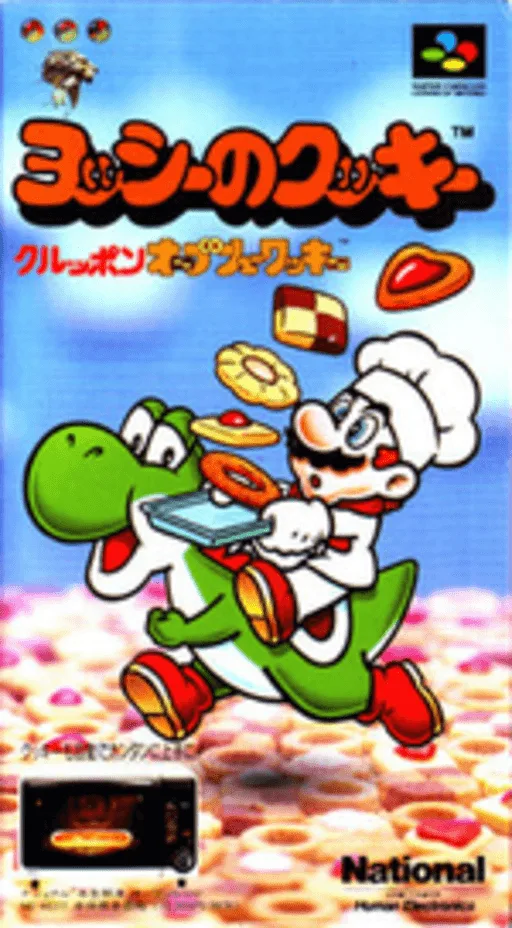
snesYoshi no Cookie - Kuruppon Oven de Cookie
 snes
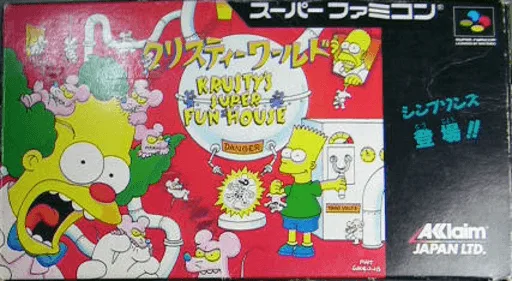
snesKrusty World
 snes
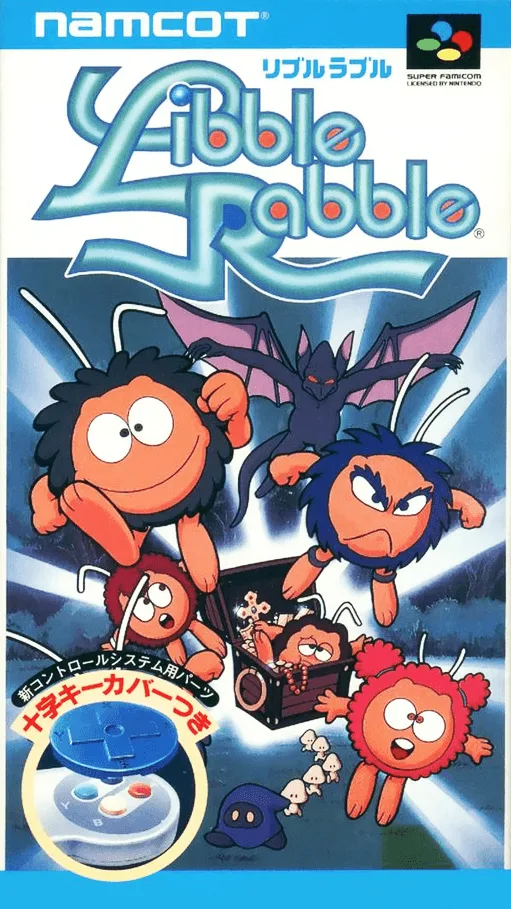
snesLibble Rabble
Frequently Asked Questions
Q1.Can I play Same Game online in a web browser without downloading?
Yes, EmuAll allows you to play Same Game (SNES) directly inside modern web browsers (Chrome, Safari, Edge, Firefox) on PC, Mac, Chromebook, iOS, and Android devices without installing any emulator.
Q2.Does Same Game support in-browser save states?
Yes, the in-browser emulator features instant Save States and Load States, storing your game progress directly in your browser storage so you can pick up where you left off.
Q3.What controls are supported? Can I use a controller for Same Game?
The emulator fully supports standard keyboard controls as well as plug-and-play USB and Bluetooth gamepads (including Xbox, PlayStation, and generic controllers).