
MD
SD Valis
Also known as: SDバルイス, SD 발리스
- Platform
- Mega Drive
- Genre
- Action
- Year
- 1992
- Developer
- D4 Enterprise
- Publisher
- Laser Soft
EmuAll provides verified clean ROM archives and in-browser emulation for SD Valis (MD). Players can launch and play directly inside modern desktop and mobile browsers with zero local installation, full gamepad support, and instant save states.
ROM downloads
1SD Valis (Japan)
Recommended Emulators(MD)
If you choose to download this ROM to play offline, we recommend these top standalone emulators:
About the Game
SD Valis (Syd of Valis) is a side-scrolling action platformer where players control the schoolgirl Yuko (Syd in the West), who wields the mystical Valis sword to battle hordes of demons and bosses across various levels. Gameplay involves fluid movement with double-jumps, sword slashes, energy waves, and a pause menu for weapon/armor selection. The story continues from the Valis series: after defeating Rogles, Yuko is contacted by the ghost of Reiko and must return to Queen Valia and confront the evil Megas to save Vecanti and her friends Valna, Zaruga, Giran, Gaius, Hyzen, and others. Characters are super-deformed chibi versions of the original cast, including the sword itself transforming from an ice cream cone. What stands out is its unique art direction, floaty physics, and faithful yet stylized adaptation of the 1989 Valis II mechanics on the Mega Drive.
More MD games
 md
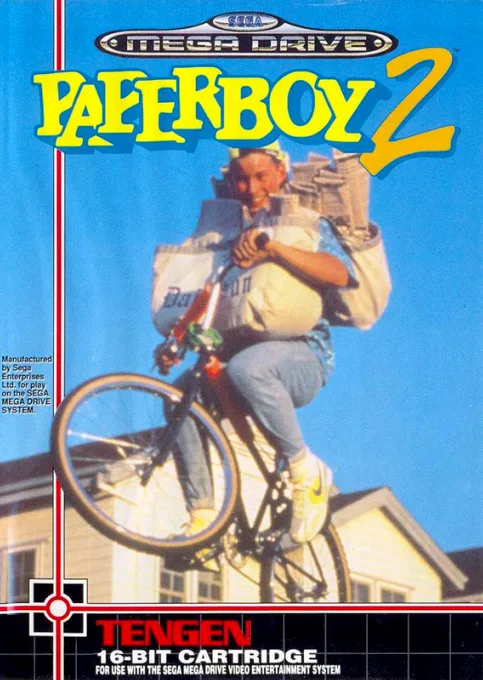
mdPaperboy 2
 md
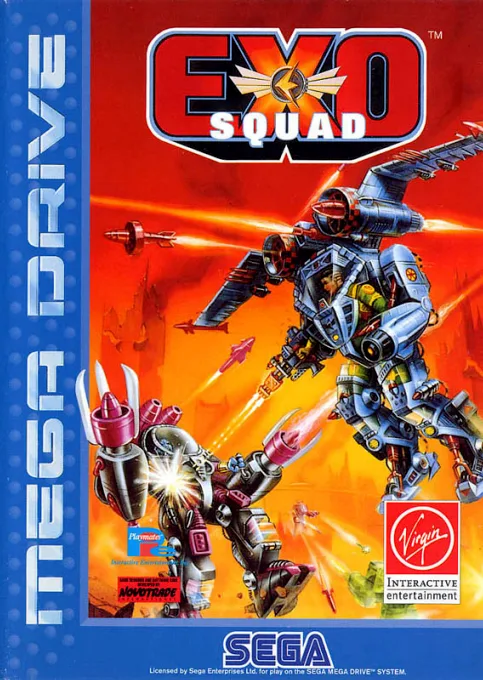
mdExo Squad
 md
mdCaptain Lang
 md
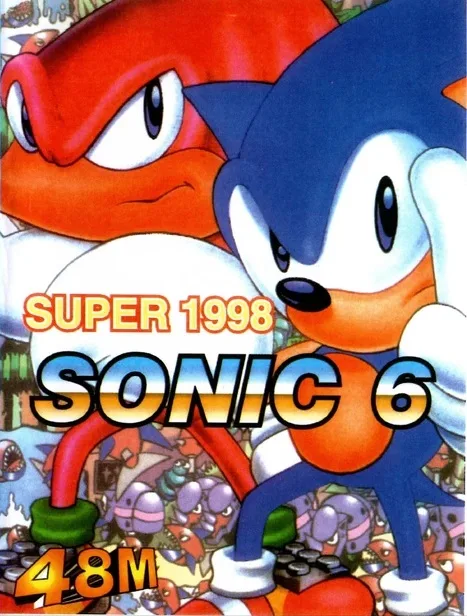
mdSonic Jam 6
 md
mdRunark
 md
mdWater Margin: A Tale of Clouds and Wind
 md
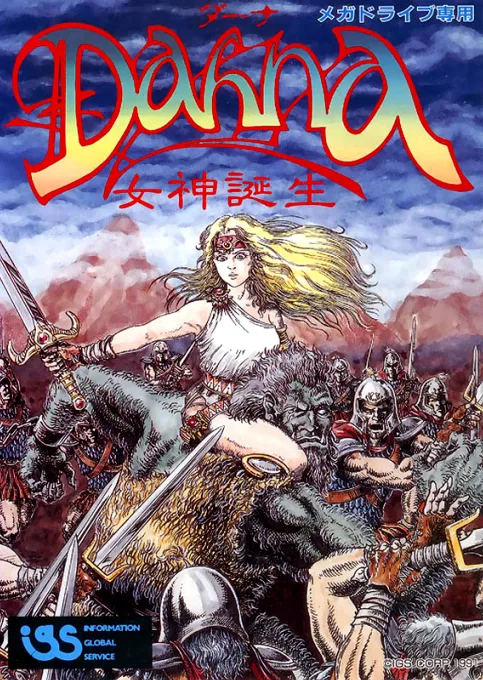
mdDahna - Megami Tanjou
 md
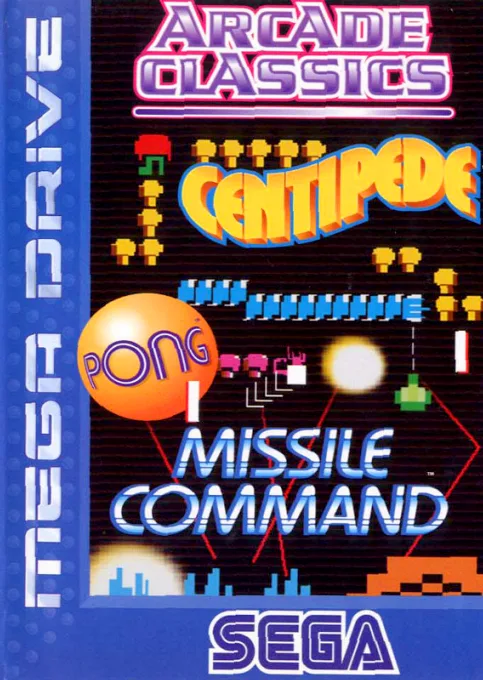
mdArcade Classics
 md
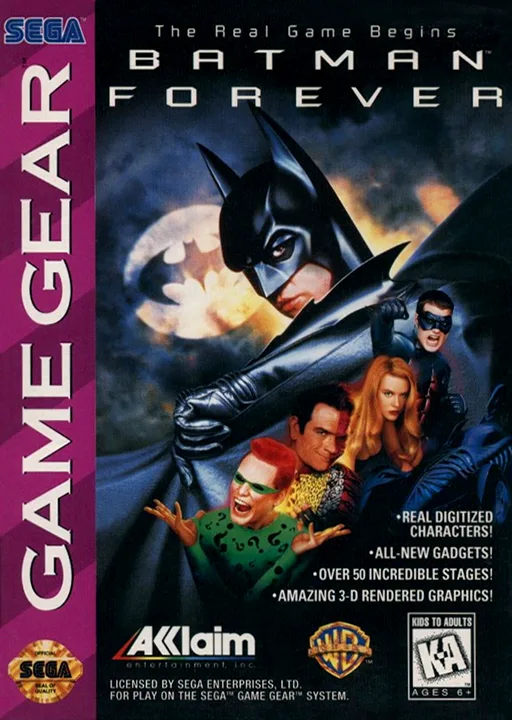
mdBatman Forever
 md
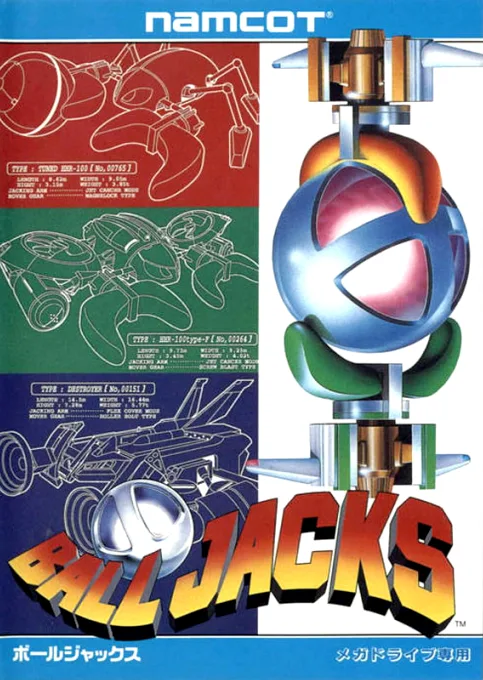
mdBall Jacks
 md
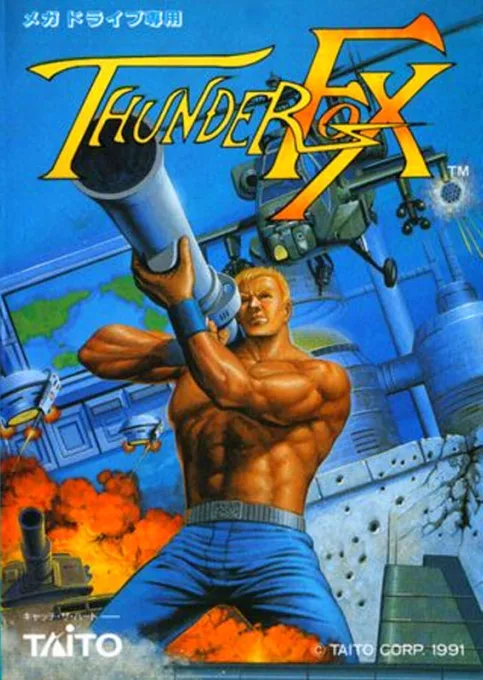
mdThunder Fox
Frequently Asked Questions
Q1.Can I play SD Valis online in a web browser without downloading?
Yes, EmuAll allows you to play SD Valis (MD) directly inside modern web browsers (Chrome, Safari, Edge, Firefox) on PC, Mac, Chromebook, iOS, and Android devices without installing any emulator.
Q2.Does SD Valis support in-browser save states?
Yes, the in-browser emulator features instant Save States and Load States, storing your game progress directly in your browser storage so you can pick up where you left off.
Q3.What controls are supported? Can I use a controller for SD Valis?
The emulator fully supports standard keyboard controls as well as plug-and-play USB and Bluetooth gamepads (including Xbox, PlayStation, and generic controllers).