
NES
Star Wars
- Platform
- Nintendo Entertainment System
- Year
- 1991
- Developer
- Lucasfilm Games
- Publisher
- JVC
EmuAll provides verified clean ROM archives and in-browser emulation for Star Wars (NES). Players can launch and play directly inside modern desktop and mobile browsers with zero local installation, full gamepad support, and instant save states.
ROM downloads
5Star Wars (USA)
RecommendedStar Wars (Europe)
Star Wars (Japan) (Victor)
Star Wars (Japan) (Namco)
Star Wars (USA) (Beta)
Recommended Emulators(NES)
If you choose to download this ROM to play offline, we recommend these top standalone emulators:
About the Game
In Star Wars for the NES, players take control of Luke Skywalker as he explores Tatooine, rescues R2-D2 from a sandcrawler, gathers allies, and eventually destroys the Death Star. Gameplay mixes side-scrolling platforming on the surface with first-person ship combat in space. You switch between playable characters including Han Solo and Princess Leia, each with unique abilities and limited health. Obi-Wan Kenobi provides a lightsaber and resurrection power for fallen allies, while R2-D2 repairs shields. The story closely follows A New Hope but condenses it into missions across multiple locations, with lightning, meteors, and stormtrooper encounters. What stands out is the character-swapping mechanic and hub-like exploration that rewards exploration and strategy.
More NES games
 nes
nesTakahashi Meijin no Bouken-jima III
 nes
nesTakahashi Meijin no Bouken-jima IV
 nes
nesGoonies
 nes
nesKame no Ongaeshi - Urashima Densetsu
 nes
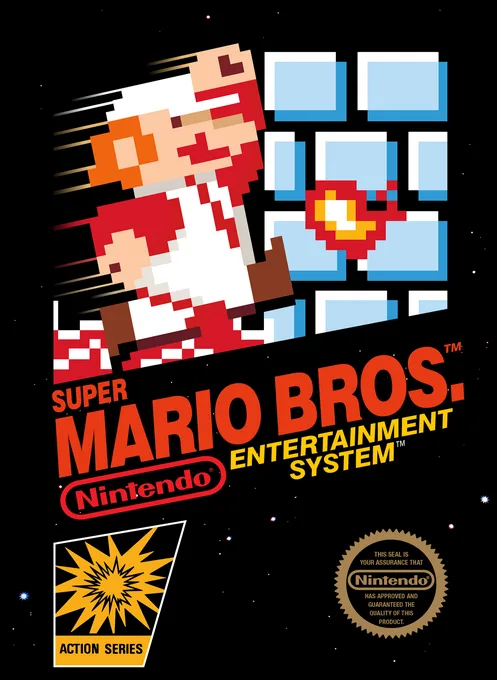
nesSuper Mario Bros. - 25th Anniversary
 nes
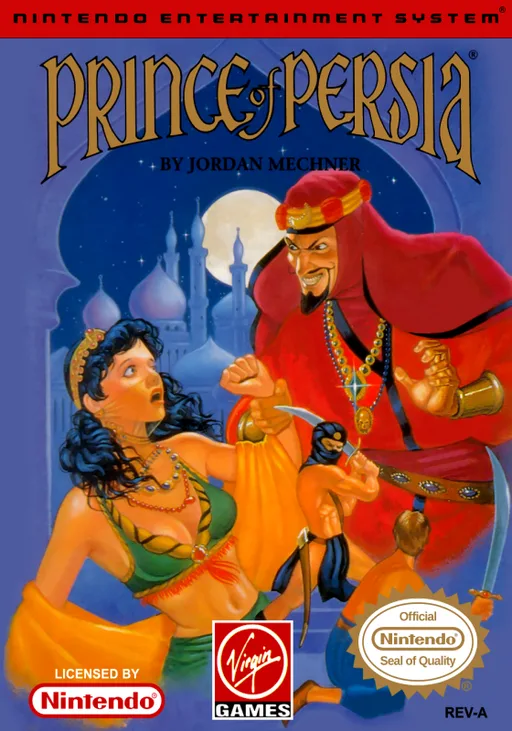
nesThe Prince's Revenge
 nes
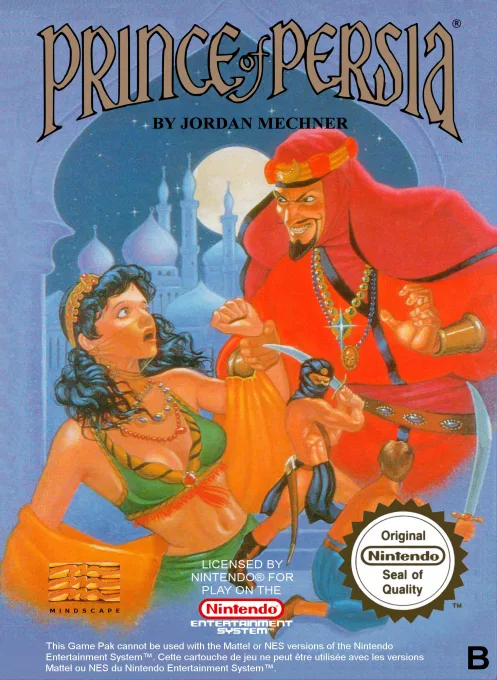
nesPrince of Persia
 nes
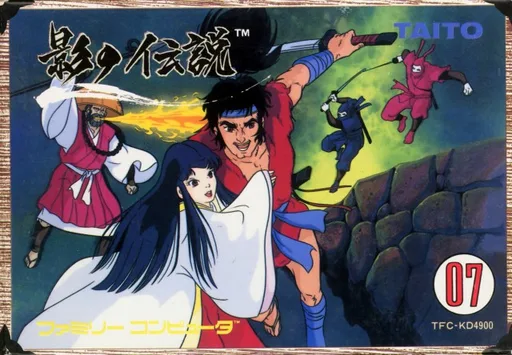
nesShadow Legend
 nes
nesAsterix
 nes
nesUfouria - The Saga
 nes
nesChou-Wakusei Senki - MetaFight
Frequently Asked Questions
Q1.Can I play Star Wars online in a web browser without downloading?
Yes, EmuAll allows you to play Star Wars (NES) directly inside modern web browsers (Chrome, Safari, Edge, Firefox) on PC, Mac, Chromebook, iOS, and Android devices without installing any emulator.
Q2.Does Star Wars support in-browser save states?
Yes, the in-browser emulator features instant Save States and Load States, storing your game progress directly in your browser storage so you can pick up where you left off.
Q3.What controls are supported? Can I use a controller for Star Wars?
The emulator fully supports standard keyboard controls as well as plug-and-play USB and Bluetooth gamepads (including Xbox, PlayStation, and generic controllers).