
GBA
超级猴子球 Super Monkey Ball Jr.
- Platform
- Game Boy Advance
- Genre
- Platformer
- Year
- 2002
- Developer
- Realism
- Publisher
- Sega
EmuAll provides verified clean ROM archives and in-browser emulation for 超级猴子球 Super Monkey Ball Jr. (GBA). Players can launch and play directly inside modern desktop and mobile browsers with zero local installation, full gamepad support, and instant save states.
ROM downloads
2超级猴子球 Super Monkey Ball Jr
Recommended超级猴子球 Super Monkey Ball Jr
Recommended Emulators(GBA)
If you choose to download this ROM to play offline, we recommend these top standalone emulators:
About the Game
Super Monkey Ball Jr. is a 3D platformer on the Game Boy Advance where players control one of four monkeys—AiAi, MeeMee, GonGon, or Baby—to guide a ball to the goal on over 60 obstacle-filled tables. The tilt-based controls allow speeding up or slowing down the roll by pressing A or B buttons. It includes single-player adventure and party modes such as Monkey Duel, Monkey Bowling, Monkey Fight, and Monkey Golf. The game reuses tables from the main Super Monkey Ball series and stands out for its accessible yet replayable 3D graphics on a handheld system.
More GBA games
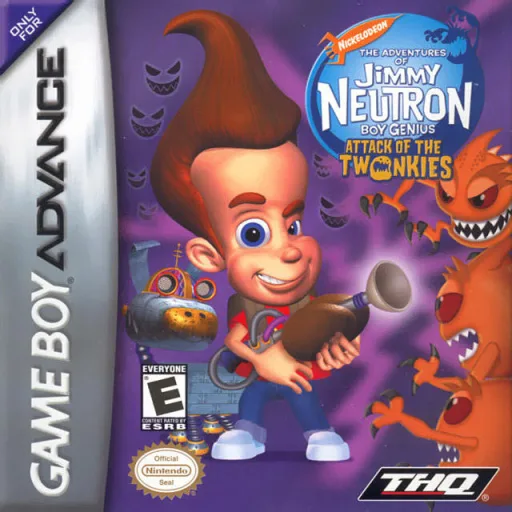 gba
gbaJimmy Neutron Boy Genius - Attack of the Twonkies
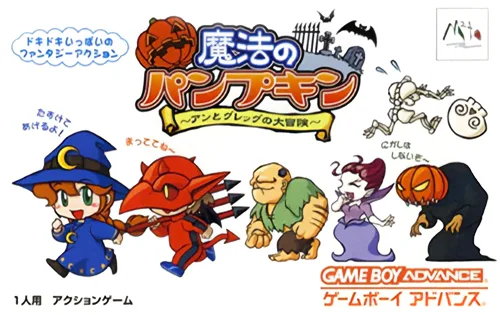 gba
gbaMahou no Pumpkin: Ann and Greg's Great Adventure
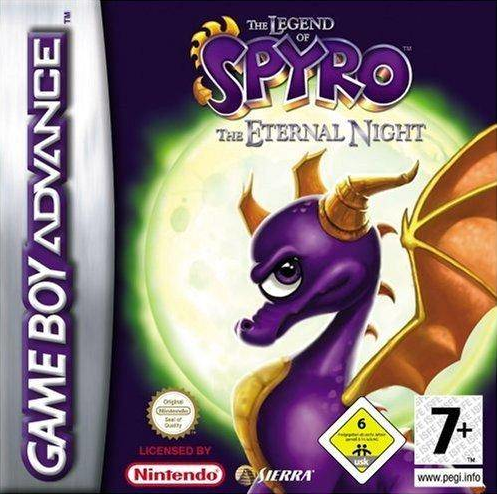 gba
gbaThe Legend of Spyro: The Eternal Night
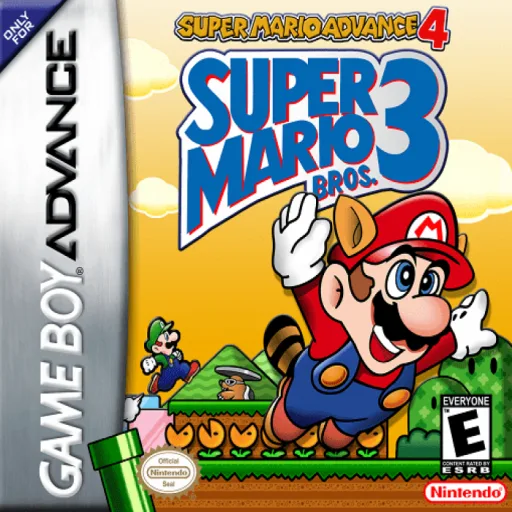 gba
gba超级马里奥4 Super Mario Advance 4 - Super Mario Bros. 3
 gba
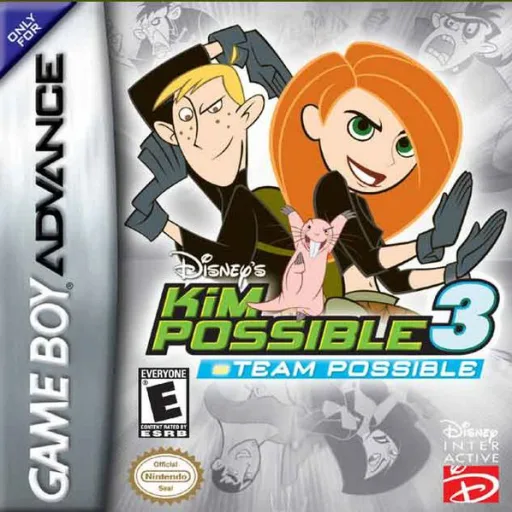
gbaKim Possible III - Team Possible
 gba
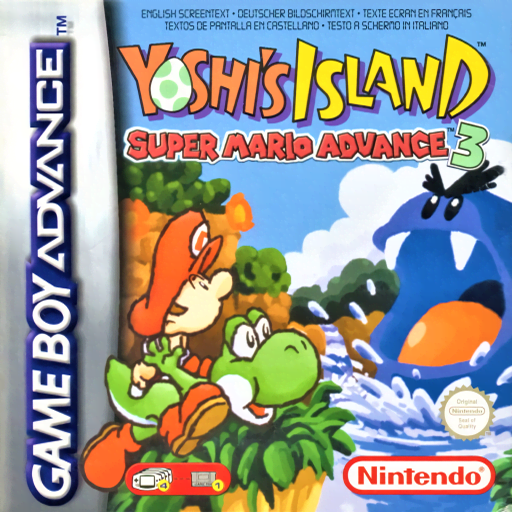
gbaSuper Mario Advance 3: Yoshi's Island
 gba
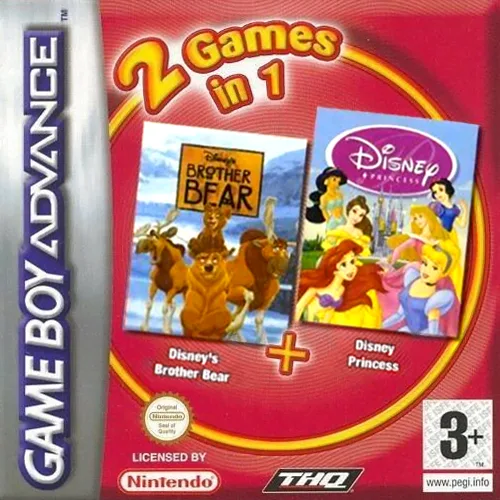
gba2 Games in 1 - Bear Brothers + Disney Princesses
 gba
gba蚯蚓吉姆2 Earthworm Jim 2
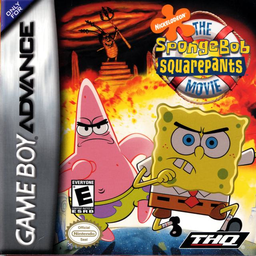 gba
gbaSpongeBob SquarePants Movie, The
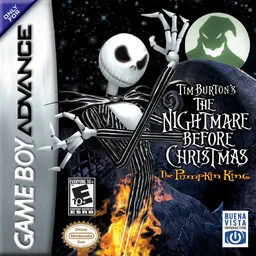 gba
gba圣诞夜惊魂-南瓜王
 gba
gbaMaya the Bee - The Great Adventure
 gba
gbaSoccer Kid
Frequently Asked Questions
Q1.Can I play 超级猴子球 Super Monkey Ball Jr. online in a web browser without downloading?
Yes, EmuAll allows you to play 超级猴子球 Super Monkey Ball Jr. (GBA) directly inside modern web browsers (Chrome, Safari, Edge, Firefox) on PC, Mac, Chromebook, iOS, and Android devices without installing any emulator.
Q2.Does 超级猴子球 Super Monkey Ball Jr. support in-browser save states?
Yes, the in-browser emulator features instant Save States and Load States, storing your game progress directly in your browser storage so you can pick up where you left off.
Q3.What controls are supported? Can I use a controller for 超级猴子球 Super Monkey Ball Jr.?
The emulator fully supports standard keyboard controls as well as plug-and-play USB and Bluetooth gamepads (including Xbox, PlayStation, and generic controllers).