
DS
Tamagotch no Puchi Puchi Omisetchi - Gohiiki Ni
Also known as: 타마고치의 푸치푸치 오미세치 - 고히이키 니, Тамаготч но Пучи Пучи Омисетчи - Гохиики Ни, たまごっちのプチプチおみせっち ごひいきに
- Platform
- Nintendo DS
- Genre
- Simulation
- Year
- 2008
- Developer
- Bandai
- Publisher
- Bandai
EmuAll provides verified clean ROM archives and in-browser emulation for Tamagotch no Puchi Puchi Omisetchi - Gohiiki Ni (DS). Players can launch and play directly inside modern desktop and mobile browsers with zero local installation, full gamepad support, and instant save states.
ROM downloads
1Tamagotch no Puchi Puchi Omisetchi - Gohiiki Ni (Japan)
Recommended Emulators(DS)
If you choose to download this ROM to play offline, we recommend these top standalone emulators:
About the Game
Tamagotch no Puchi Puchi Omisetchi: Gohiiki Ni is a Nintendo DS simulation game focused on managing a cute shop with adorable Tamagotchi characters. Players run a small retail establishment, decorating it, stocking items, and serving cute customers to earn rewards. The game combines traditional Tamagotchi pet care with shop management elements and cute character interactions. Gameplay includes decorating your shop, raising happiness levels of visiting characters, and progressing through the story by completing tasks. Unique charm comes from the interaction between different Tamagotchi species and the visual appeal of the pixelated shopkeeping experience.
More DS games
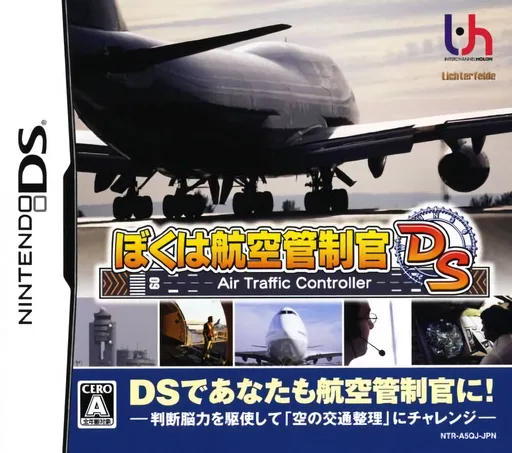 ds
dsBoku wa Koukuu Kanseikan DS - Air Traffic Controller
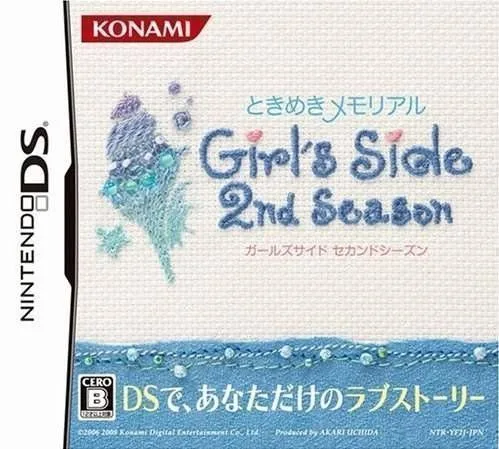 ds
dsTokimeki Memorial Girl's Side 2nd Season 1.0
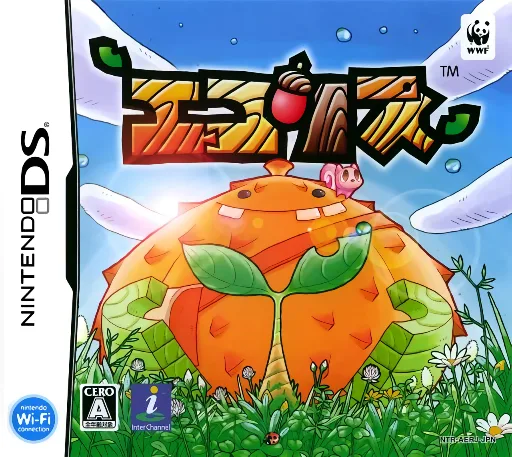 ds
dsEcolis
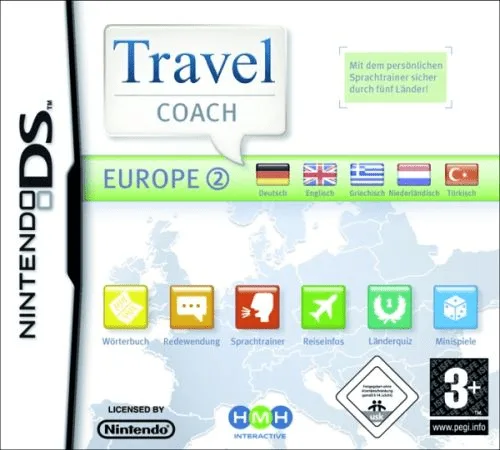 ds
dsTravel Coach - Europe 2
 ds
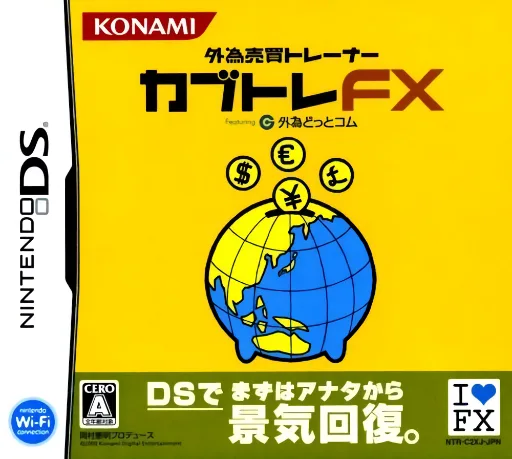
dsGaitame Baibai Trainer - Kabutore FX
 ds
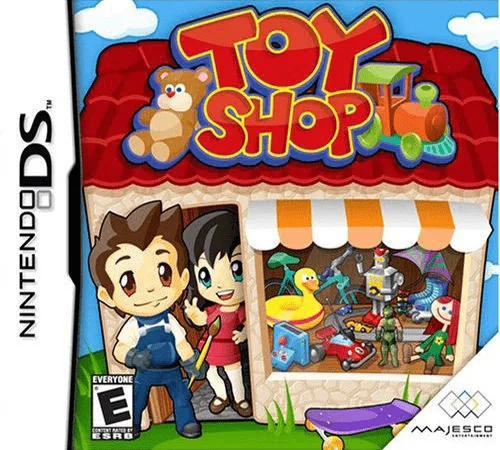
dsToy Shop
 ds
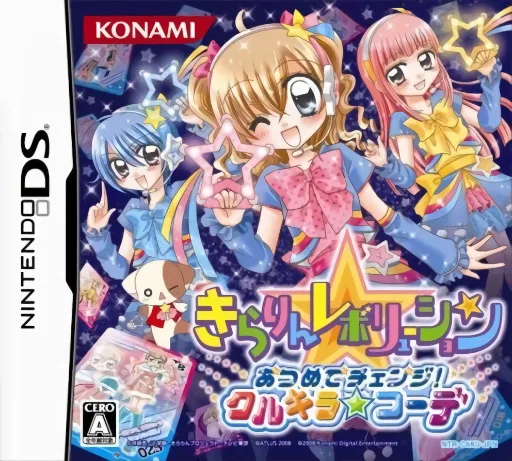
dsKirarin Revolution - Atsumete Change! - Cool Kira Coord
 ds
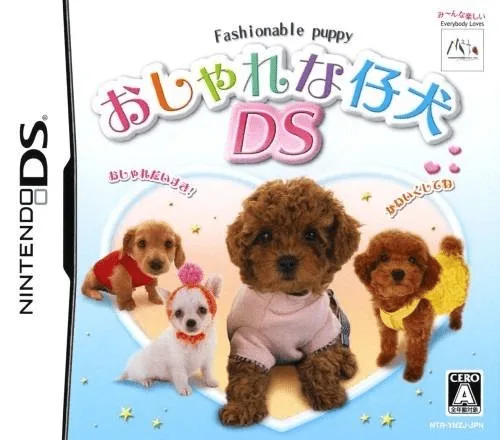
dsOshare na Koinu DS
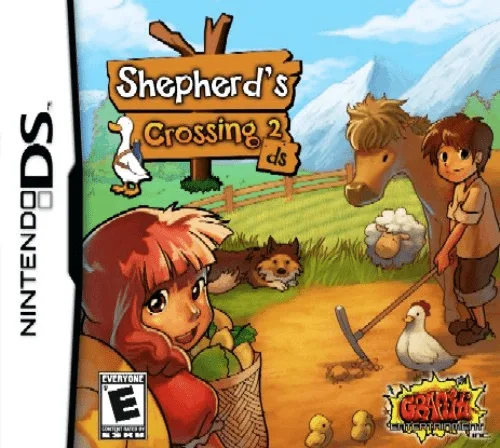 ds
dsShepherd's Crossing 2 DS
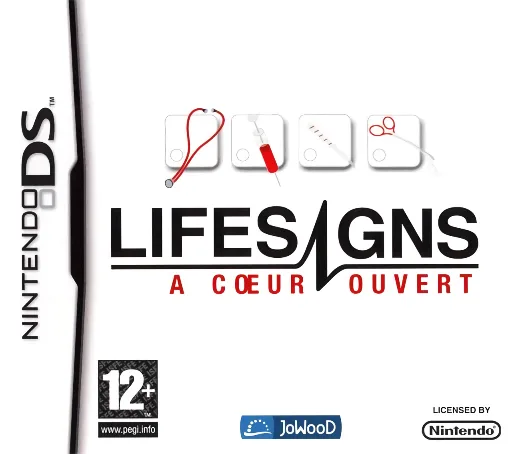 ds
dsLifeSigns - Hospital Affairs
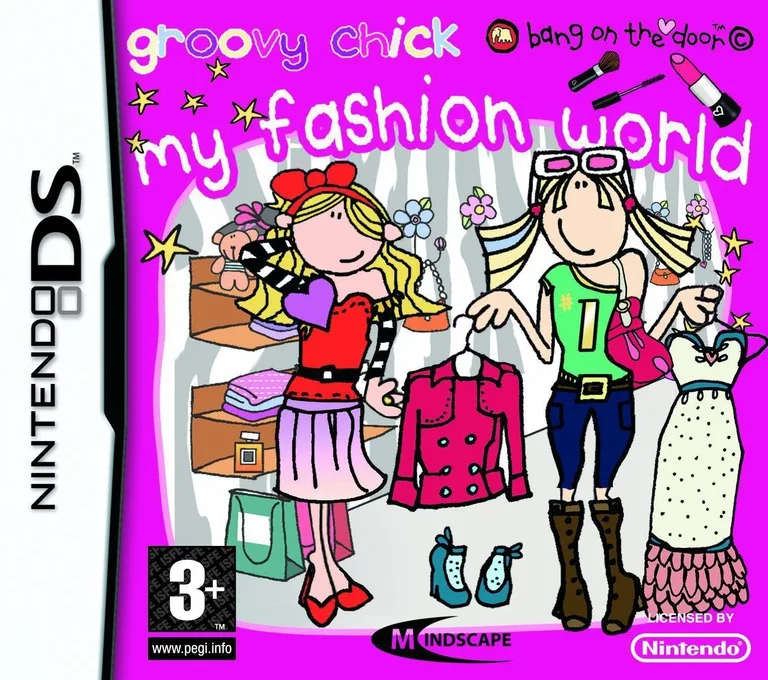 ds
dsGroovy Chick - My Fashion World
 ds
dsSally's Salon
Frequently Asked Questions
Q1.Can I play Tamagotch no Puchi Puchi Omisetchi - Gohiiki Ni online in a web browser without downloading?
Yes, EmuAll allows you to play Tamagotch no Puchi Puchi Omisetchi - Gohiiki Ni (DS) directly inside modern web browsers (Chrome, Safari, Edge, Firefox) on PC, Mac, Chromebook, iOS, and Android devices without installing any emulator.
Q2.Does Tamagotch no Puchi Puchi Omisetchi - Gohiiki Ni support in-browser save states?
Yes, the in-browser emulator features instant Save States and Load States, storing your game progress directly in your browser storage so you can pick up where you left off.
Q3.What controls are supported? Can I use a controller for Tamagotch no Puchi Puchi Omisetchi - Gohiiki Ni?
The emulator fully supports standard keyboard controls as well as plug-and-play USB and Bluetooth gamepads (including Xbox, PlayStation, and generic controllers).