
GB
Tom to Jerry Part 2
Also known as: Tom y Jerry Parte 2, トムとジェリー パート2, Tom e Jerry Parte 2, 汤姆和杰瑞 第二部分, 톰과 제리 파트 2, 湯姆和傑瑞 第二部分, Tom und Jerry Teil 2, Tom et Jerry Partie 2
- Platform
- Game Boy
- Genre
- Action/Adventure
- Year
- 1993
- Developer
- Beam Software
- Publisher
- Hi Tech Expressions
EmuAll provides verified clean ROM archives and in-browser emulation for Tom to Jerry Part 2 (GB). Players can launch and play directly inside modern desktop and mobile browsers with zero local installation, full gamepad support, and instant save states.
ROM downloads
1Tom to Jerry Part 2 (Japan)
Recommended Emulators(GB)
If you choose to download this ROM to play offline, we recommend these top standalone emulators:
About the Game
Tom and Jerry Part 2 (known as Tom and Jerry: Frantic Antics! in some regions) is a side-scrolling platformer where players switch between playing as Tom and Jerry to navigate ten obstacle-filled levels drawn from the 1992 Tom and Jerry movie. The story begins with high-rise apartment construction threatening their neighborhood home, forcing the rivals to temporarily team up to save it while dealing with Aunt Figg's schemes and Robyn's escape. Key mechanics include jumping, sprinting, and rolling attacks (down while running) to defeat enemies, plus collecting cheese or fish for points and using items like spring shoes or watermelon. Tom rescues Jerry in Level 3 after Jerry's cryptic advice, while Jerry helps Tom later. The game stands out for its cartoon-accurate humor, level variety, and cooperative-united rivals theme that feels true to the classic shorts.
More GB games
 gb
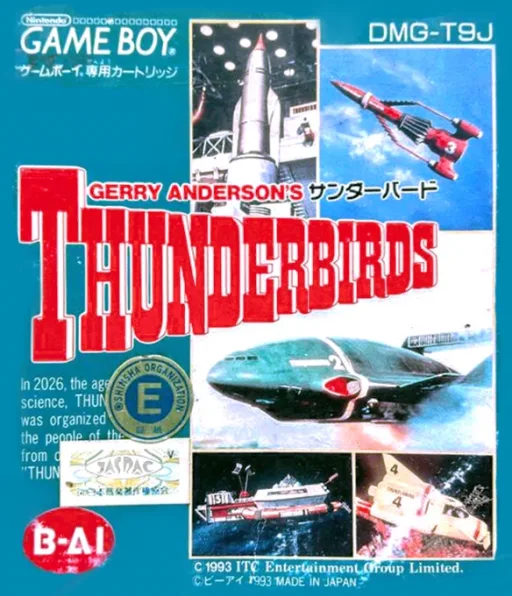
gbGerry Anderson's Thunderbirds
 gb
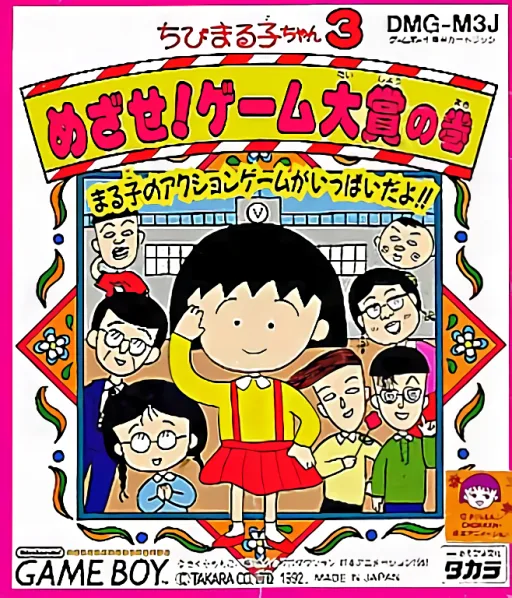
gbChibi Maruko-chan 3 - Mezase! Game Taishou no Maki
 gb
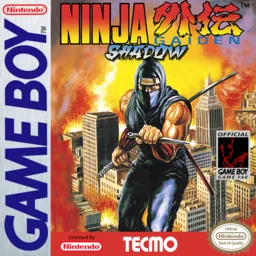
gbNinja Gaiden
 gb
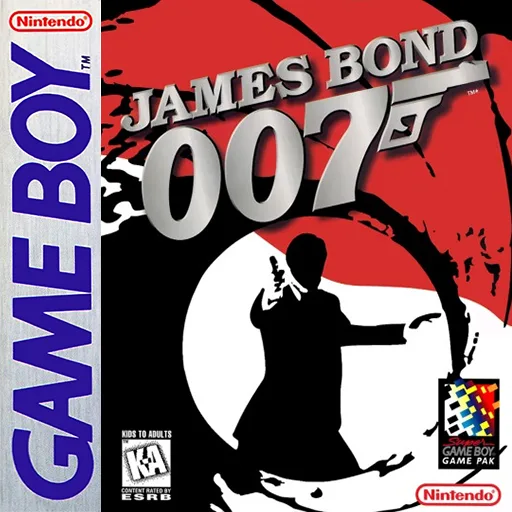
gbJames Bond 007 - An Evil Empire
 gb
gbKnight Quest
 gb
gbBart no Survival Camp
 gb
gbDragon's Lair
 gb
gbMulan
 gb
gbDropzone
 gb
gbTeenage Mutant Ninja Turtles 3 - Turtles Kikiippatsu
 gb
gbRolan's Curse
 gb
gbSpiritual Warfare
Frequently Asked Questions
Q1.Can I play Tom to Jerry Part 2 online in a web browser without downloading?
Yes, EmuAll allows you to play Tom to Jerry Part 2 (GB) directly inside modern web browsers (Chrome, Safari, Edge, Firefox) on PC, Mac, Chromebook, iOS, and Android devices without installing any emulator.
Q2.Does Tom to Jerry Part 2 support in-browser save states?
Yes, the in-browser emulator features instant Save States and Load States, storing your game progress directly in your browser storage so you can pick up where you left off.
Q3.What controls are supported? Can I use a controller for Tom to Jerry Part 2?
The emulator fully supports standard keyboard controls as well as plug-and-play USB and Bluetooth gamepads (including Xbox, PlayStation, and generic controllers).