
GBC
Vegas Games
- Platform
- Game Boy Color
- Genre
- Simulation
- Year
- 1999
- Developer
- Digital Eclipse Software
- Publisher
- The 3DO Company
EmuAll provides verified clean ROM archives and in-browser emulation for Vegas Games (GBC). Players can launch and play directly inside modern desktop and mobile browsers with zero local installation, full gamepad support, and instant save states.
ROM downloads
2Vegas Games (Europe) (En,Fr,De)
RecommendedVegas Games (USA)
Recommended Emulators(GBC)
If you choose to download this ROM to play offline, we recommend these top standalone emulators:
About the Game
Vegas Games is a gambling simulation game for Game Boy Color. You start with $5000 in the casino lobby and play eight casino games with multiple variations: keno, money wheel, baccarat, slots, video poker, craps, roulette, and blackjack. Gameplay involves betting and managing your bankroll in single-player or up to four-player multiplayer modes (system passed between players). The story is light, focused on casino fun. Characters are the player and casino staff. It stands out for bringing Vegas-style games to the handheld with realistic animations and sound, though reviews note clunky controls and no deep progression.
More GBC games
 gbc
gbcNakayoshi Cooking Series 1 - Oishii Cake-ya-san
 gbc
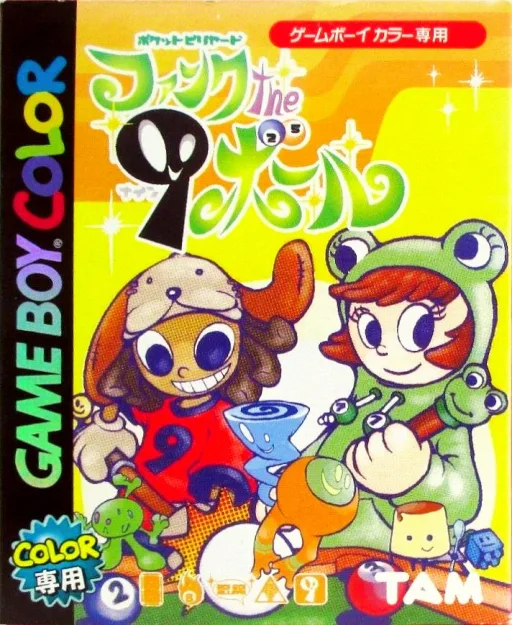
gbcPocket Billiards - Funk the 9 Ball
 gbc
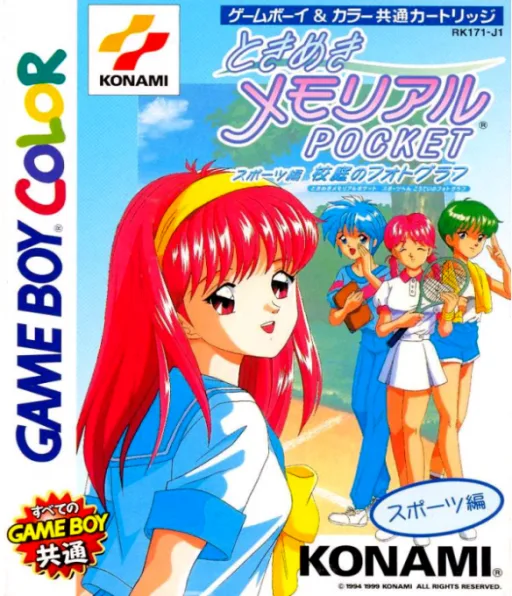
gbcTokimeki Memorial Pocket - Sport Hen - Koutei no Photograph
 gbc
gbcKawaii Pet Shop Monogatari 2
 gbc
gbcRocky Mountain Trophy Hunter
 gbc
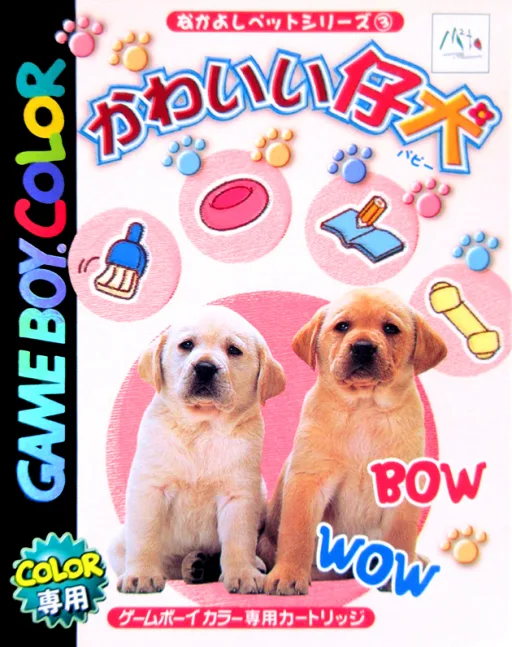
gbcNakayoshi Pet Series 3 - Kawaii Koinu
 gbc
gbcHarvest Moon 64
 gbc
gbcMcDonald's Monogatari - Honobono Tenchou Ikusei Game
 gbc
gbcAqualife
 gbc
gbcFerret Monogatari
 gbc
gbcSweet Ange
 gbc
gbcJ.League Excite Stage Tactics
Frequently Asked Questions
Q1.Can I play Vegas Games online in a web browser without downloading?
Yes, EmuAll allows you to play Vegas Games (GBC) directly inside modern web browsers (Chrome, Safari, Edge, Firefox) on PC, Mac, Chromebook, iOS, and Android devices without installing any emulator.
Q2.Does Vegas Games support in-browser save states?
Yes, the in-browser emulator features instant Save States and Load States, storing your game progress directly in your browser storage so you can pick up where you left off.
Q3.What controls are supported? Can I use a controller for Vegas Games?
The emulator fully supports standard keyboard controls as well as plug-and-play USB and Bluetooth gamepads (including Xbox, PlayStation, and generic controllers).