
MD
Wacky Worlds Creativity Studio
Also known as: Ουακι Ουορλντσ Κριτιβιτι Στουντιο, واكي وورلدس كريتيفيتي ستوديو, ワッキーワールズ クリエイティビティ スタジオ, Уаки Уорлдс Критивити Студио
- Platform
- Mega Drive
- Genre
- Educational
- Year
- 1992
- Developer
- Mattel Media
- Publisher
- Mattel Media
EmuAll provides verified clean ROM archives and in-browser emulation for Wacky Worlds Creativity Studio (MD). Players can launch and play directly inside modern desktop and mobile browsers with zero local installation, full gamepad support, and instant save states.
ROM downloads
4Wacky Worlds Creativity Studio (USA)
RecommendedWacky Worlds Creativity Studio (USA) (Beta) (1994-08-08)
Wacky Worlds Creativity Studio (USA) (Beta) (1994-08-17)
Wacky Worlds Creativity Studio (USA) (Beta) (1994-08-19)
Recommended Emulators(MD)
If you choose to download this ROM to play offline, we recommend these top standalone emulators:
About the Game
Wacky Worlds Creativity Studio is a creative drawing and animation tool designed for children. Players use a variety of brushes, stamps, and effects to create digital artwork on pre-made or blank canvases. The software includes animation capabilities, allowing users to bring their creations to life frame-by-frame. Featured characters guide the creative process with tips and encouragement. The program emphasizes artistic experimentation without judgment, making it accessible to young artists of all skill levels.
More MD games
 md
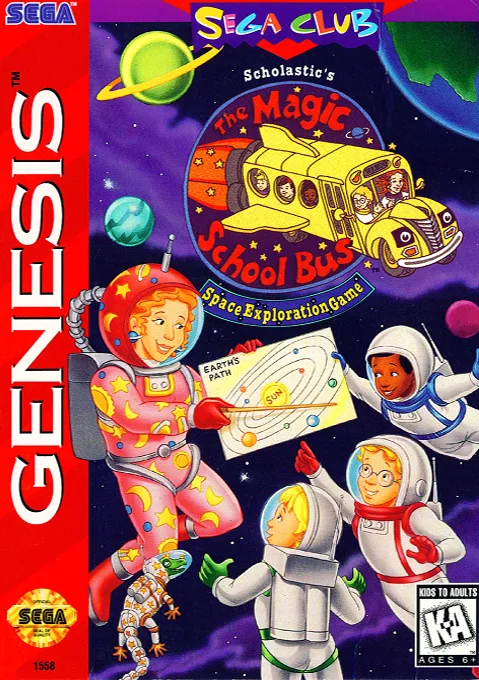
mdMagic School Bus, The - Space Exploration Game
 md
mdNyuushi Chokuzen Check - Nanmon Kimon Kiki Kaikai
 md
mdMegaNet
 md
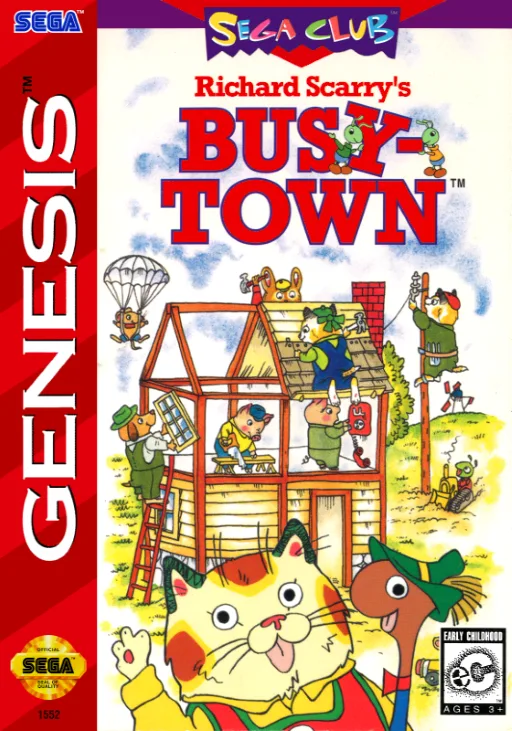
mdRichard Scarry's Busytown
 md
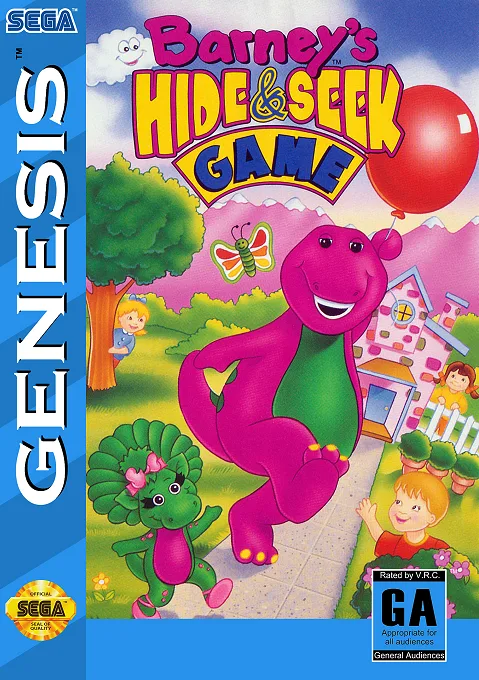
mdBarney's Hide & Seek Game
 md
mdArt Alive
 md
mdSesame Street Counting Cafe
 md
mdTenchi wo Kurau II
 md
mdSonic & Knuckles + Sonic The Hedgehog 2 + Sonic The Hedgehog 3
 md
mdAir Management - Oozora ni Kakeru
 md
mdDynamite Headdy
 md
mdRevenge of Shinobi, The
Frequently Asked Questions
Q1.Can I play Wacky Worlds Creativity Studio online in a web browser without downloading?
Yes, EmuAll allows you to play Wacky Worlds Creativity Studio (MD) directly inside modern web browsers (Chrome, Safari, Edge, Firefox) on PC, Mac, Chromebook, iOS, and Android devices without installing any emulator.
Q2.Does Wacky Worlds Creativity Studio support in-browser save states?
Yes, the in-browser emulator features instant Save States and Load States, storing your game progress directly in your browser storage so you can pick up where you left off.
Q3.What controls are supported? Can I use a controller for Wacky Worlds Creativity Studio?
The emulator fully supports standard keyboard controls as well as plug-and-play USB and Bluetooth gamepads (including Xbox, PlayStation, and generic controllers).