
NES
Wanpaku Kokkun no Gourmet World
Also known as: 완파쿠 콕쿤의 구미월드, ワンパクコックンのグルメワールド, 顽皮小鬼的美食世界, Уанпаку Коккун но Гаурмет Ворлд, 頑皮小鬼的美食世界, Ουανπακου Κοκκουν νο Γκουρμετ Γουορλντ, وانباكو كوككون نو غاورميت وورلد
- Platform
- Nintendo Entertainment System
- Genre
- Platform
- Year
- 1992
- Developer
- EIM
- Publisher
- Taito
EmuAll provides verified clean ROM archives and in-browser emulation for Wanpaku Kokkun no Gourmet World (NES). Players can launch and play directly inside modern desktop and mobile browsers with zero local installation, full gamepad support, and instant save states.
ROM downloads
1Wanpaku Kokkun no Gourmet World (Japan)
Recommended Emulators(NES)
If you choose to download this ROM to play offline, we recommend these top standalone emulators:
About the Game
In Wanpaku Kokkun no Gourmet World (known in the West as Panic Restaurant), players control the chef Kokkun as he returns to his restaurant to find it invaded by a rival chef named Hors d'Oeuvre. The restaurant has come to life with anthropomorphic food items and appliances acting as enemies. Gameplay features side-scrolling platforming where Kokkun jumps between platforms, grabs kitchen utensils like pans or spatulas, and uses them to defeat mutant food monsters. Story revolves around battling through six levels of chaotic restaurant environments to confront the villain. It stands out for its whimsical, surreal level designs and music composed by Kenji Eno.
More NES games
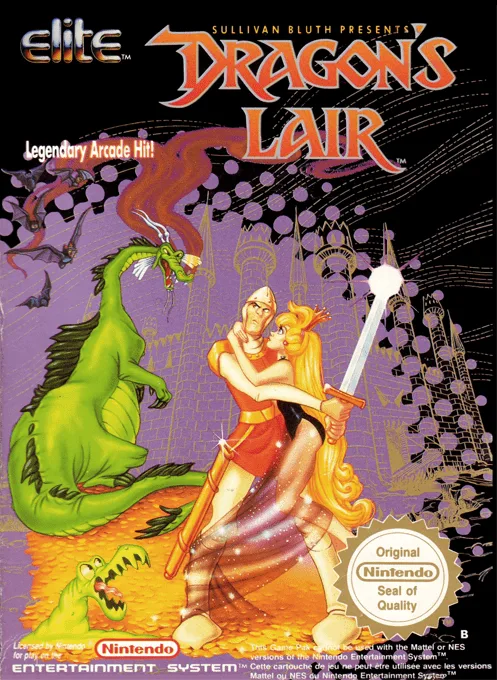 nes
nesDragon's Lair
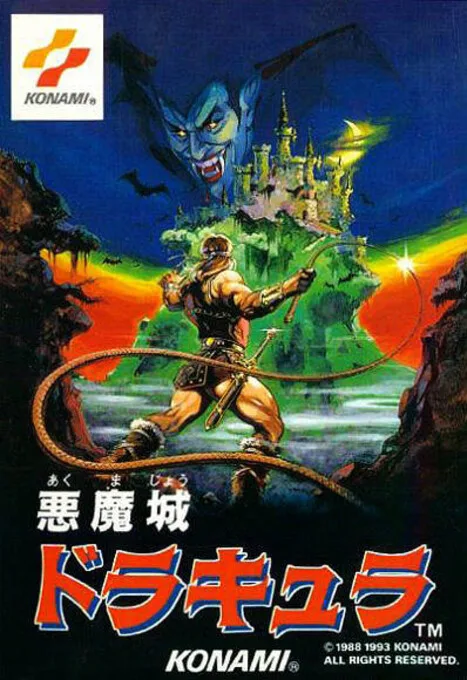 nes
nesAkumajou Dracula
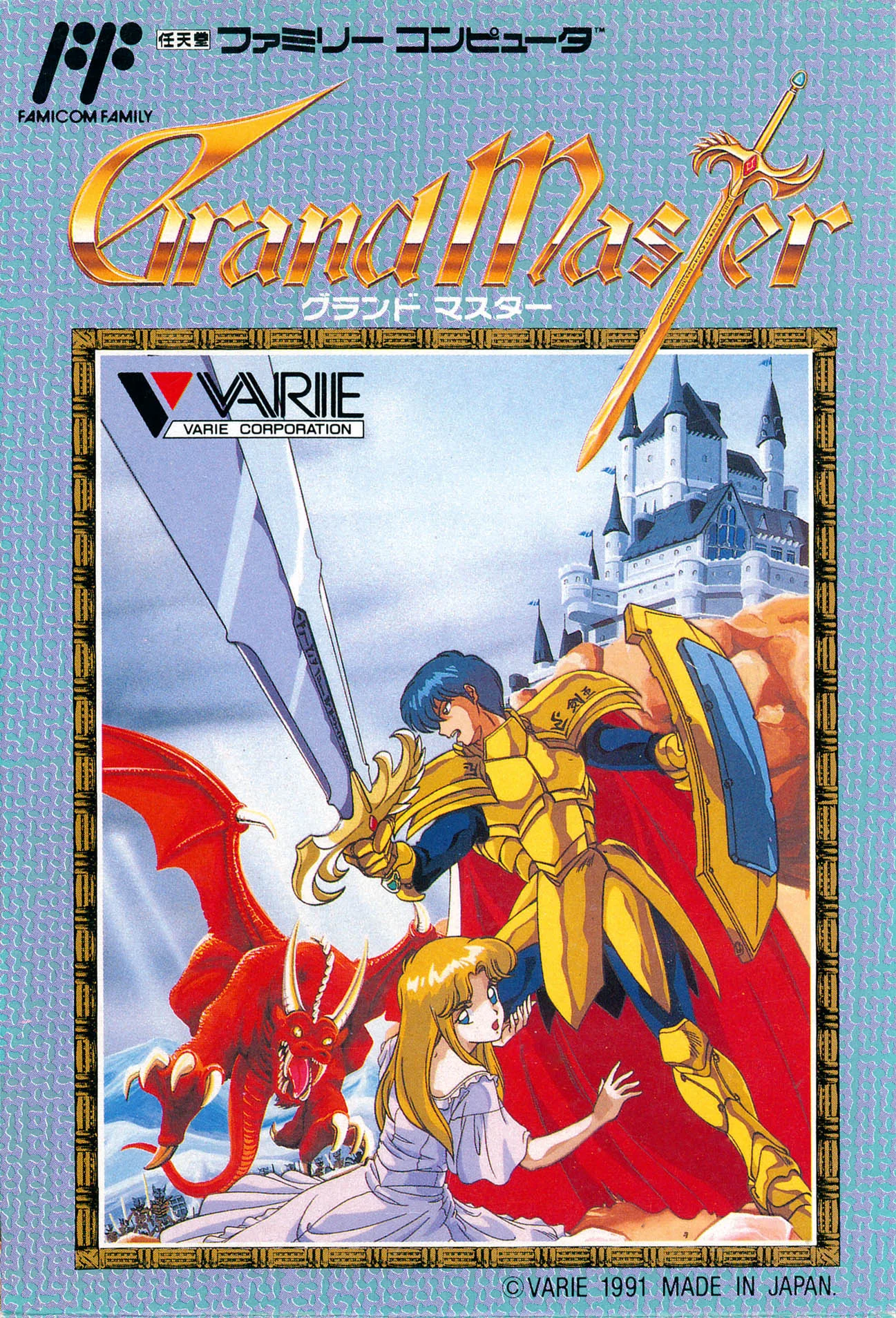 nes
nesSavior
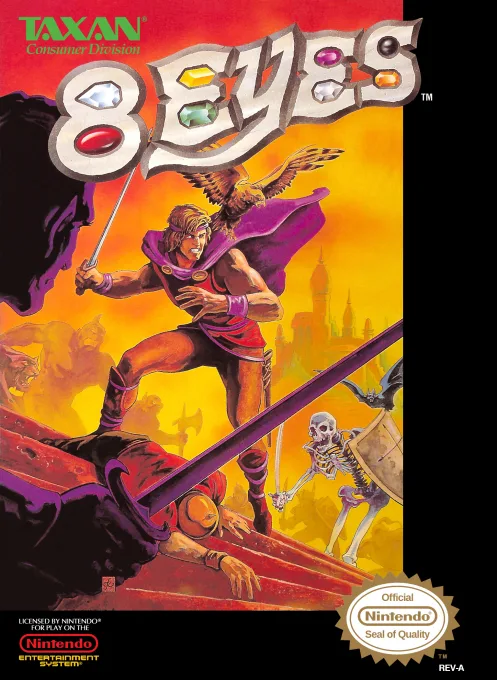 nes
nes8 Eyes
 nes
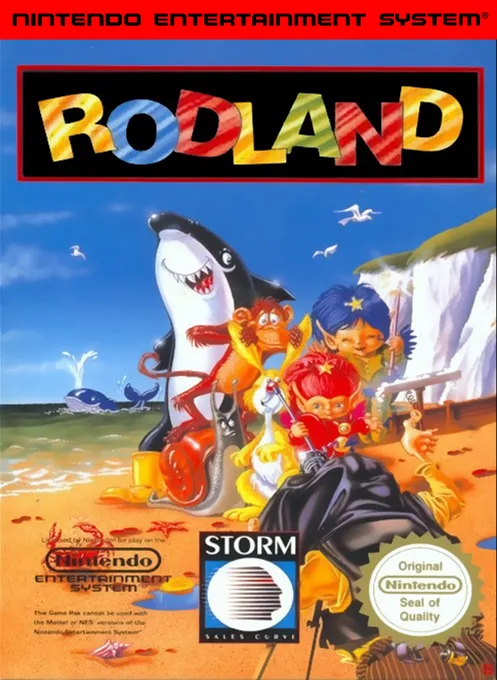
nesRodland
 nes
nesAttack of the Killer Tomatoes
 nes
nesCircus Caper
 nes
nesPerman
 nes
nesBatman
 nes
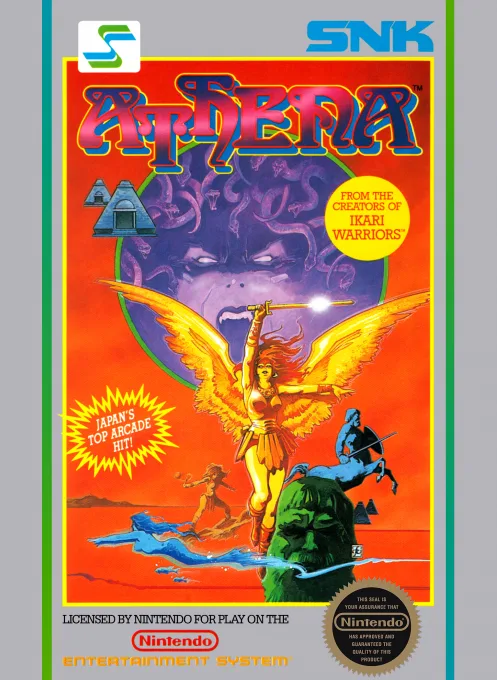
nesAthena
 nes
nesCheetah Men II
Frequently Asked Questions
Q1.Can I play Wanpaku Kokkun no Gourmet World online in a web browser without downloading?
Yes, EmuAll allows you to play Wanpaku Kokkun no Gourmet World (NES) directly inside modern web browsers (Chrome, Safari, Edge, Firefox) on PC, Mac, Chromebook, iOS, and Android devices without installing any emulator.
Q2.Does Wanpaku Kokkun no Gourmet World support in-browser save states?
Yes, the in-browser emulator features instant Save States and Load States, storing your game progress directly in your browser storage so you can pick up where you left off.
Q3.What controls are supported? Can I use a controller for Wanpaku Kokkun no Gourmet World?
The emulator fully supports standard keyboard controls as well as plug-and-play USB and Bluetooth gamepads (including Xbox, PlayStation, and generic controllers).