
NES
Windows 98
Also known as: 윈도우즈 98, وينداوس 98, Уиндоус 98, ウィンドウズ98, Ουινντουσ 98
- Platform
- Nintendo Entertainment System
- Genre
- Other
- Year
- 2002
- Developer
- Bei Tongfang
- Publisher
- Bei Tongfang
EmuAll provides verified clean ROM archives and in-browser emulation for Windows 98 (NES). Players can launch and play directly inside modern desktop and mobile browsers with zero local installation, full gamepad support, and instant save states.
ROM downloads
1Windows 98[maxzhou88](CN)[ETC](4Mb)
Recommended Emulators(NES)
If you choose to download this ROM to play offline, we recommend these top standalone emulators:
About the Game
Windows 98 is a bootleg port of Microsoft's Windows 98 operating system adapted for the NES/Famicom. The game faithfully recreates the desktop interface, taskbar, and start menu using 8-bit pixel art and NES hardware limitations. Players navigate with arrow keys for mouse movement and A/B buttons for clicks on icons. Gameplay includes accessing the Windows 98 desktop and attempting to open programs like Calculator or Volume Mixer. No actual functionality exists for real OS operations such as launching apps or saving files. Story characters: none. What makes it stand out: a unique novelty bootleg that combines retro nostalgia with a humorous 8-bit emulation of an early-2000s OS.
More NES games
 nes
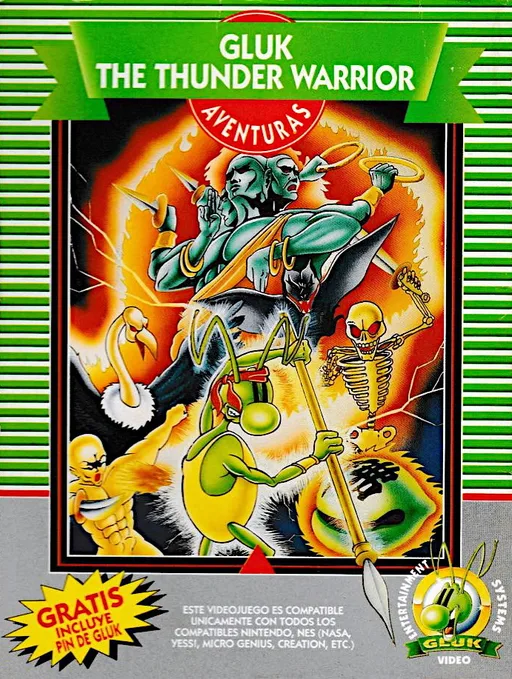
nesGluk the Thunder Warrior
 nes
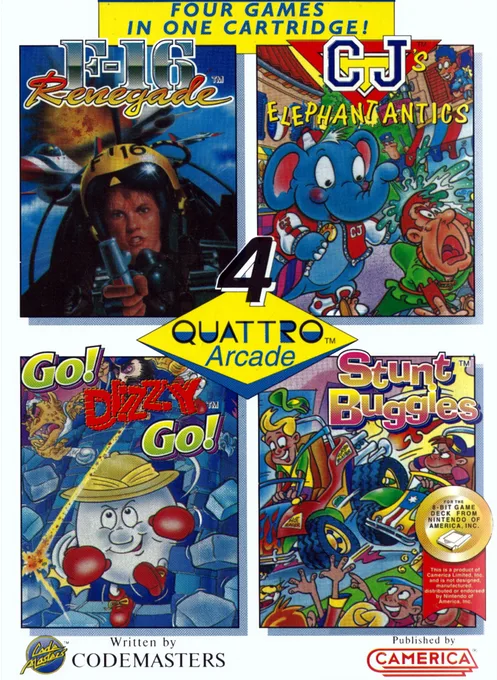
nesQuattro Arcade
 nes
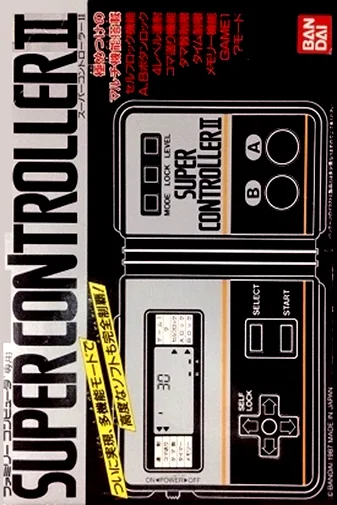
nesNintendo World Class Service - Port Test Cartridge
 nes
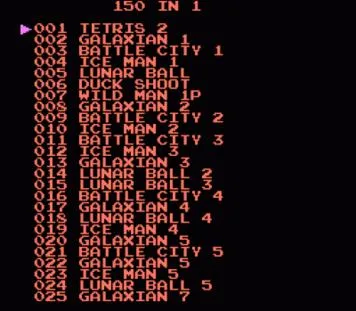
nes150-in-1
 nes
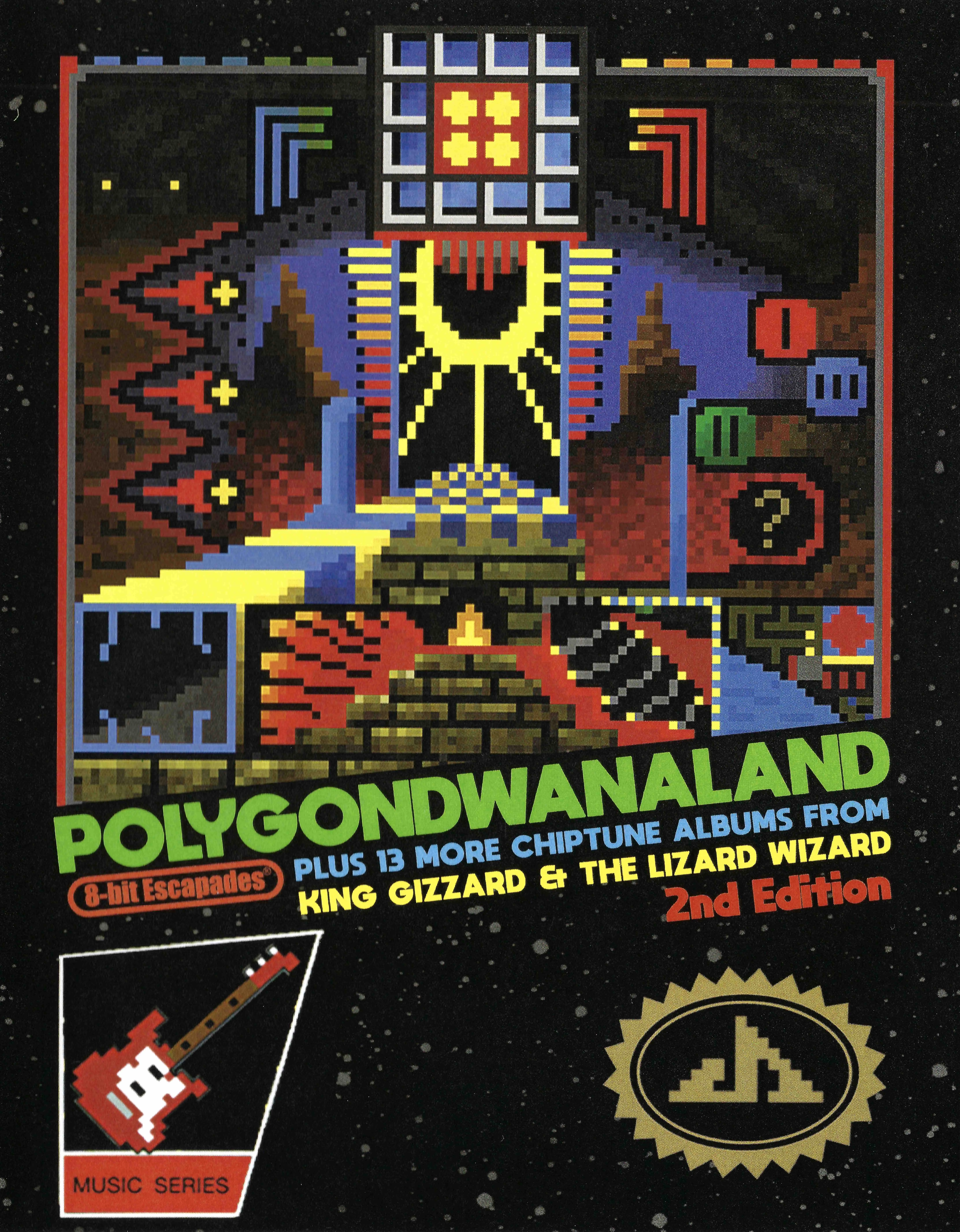
nesPolygondwanaland - 2nd Edition
 nes
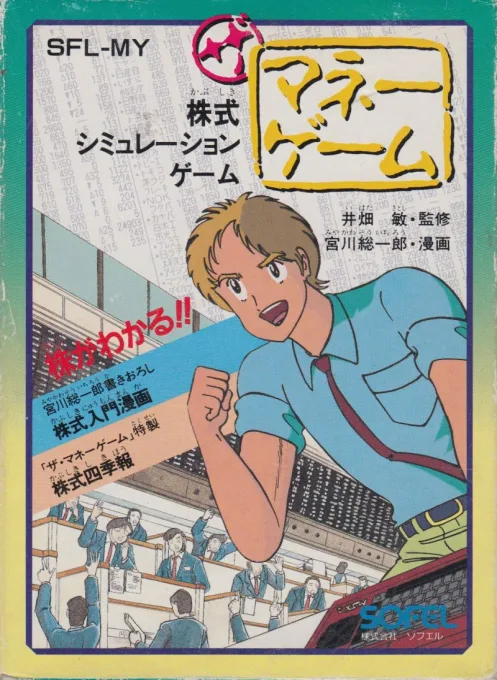
nesUS Billionaire
 nes
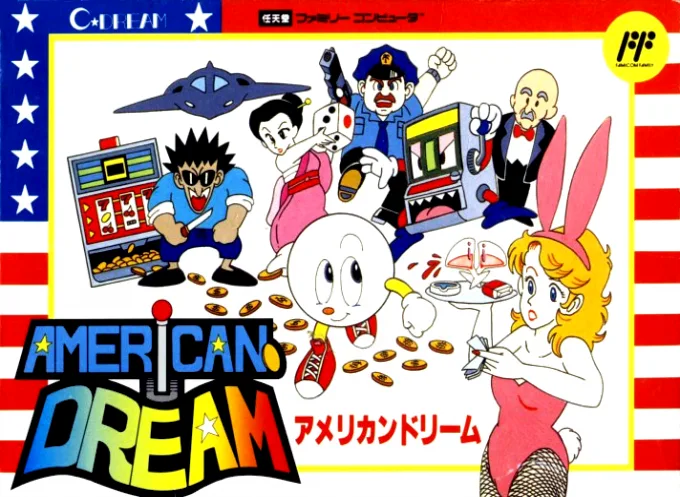
nesAmerican Dream
 nes
nesNintendo - NTF2 System Cartridge
Hachitoku Gankō Wang
 nes
nesVideomation
Pet - Feicui
Frequently Asked Questions
Q1.Can I play Windows 98 online in a web browser without downloading?
Yes, EmuAll allows you to play Windows 98 (NES) directly inside modern web browsers (Chrome, Safari, Edge, Firefox) on PC, Mac, Chromebook, iOS, and Android devices without installing any emulator.
Q2.Does Windows 98 support in-browser save states?
Yes, the in-browser emulator features instant Save States and Load States, storing your game progress directly in your browser storage so you can pick up where you left off.
Q3.What controls are supported? Can I use a controller for Windows 98?
The emulator fully supports standard keyboard controls as well as plug-and-play USB and Bluetooth gamepads (including Xbox, PlayStation, and generic controllers).