
DS
Zoids Dash
Also known as: 조이드 대시, 機獸衝刺, ゾイドダッシュ, 机兽冲刺
- Platform
- Nintendo DS
- Genre
- Action/Platformer
- Year
- 2006
- Developer
- Tomy Entertainment
- Publisher
- Tomy Entertainment
EmuAll provides verified clean ROM archives and in-browser emulation for Zoids Dash (DS). Players can launch and play directly inside modern desktop and mobile browsers with zero local installation, full gamepad support, and instant save states.
ROM downloads
1Zoids Dash (Japan)
Recommended Emulators(DS)
If you choose to download this ROM to play offline, we recommend these top standalone emulators:
About the Game
Zoids Dash is a mission-based 2D action platformer on Nintendo DS where players control a customizable team of three Zoids. The player starts as Lakol, a young boy who discovers a mysterious bracelet that grants control over Zoids. Control Liger Zero DASH (primary), Salamander, Red Horn, Iron Kong, or Geno Saurer to dash forward, jump, and attack enemies in side-scrolling levels while upgrading Zoids with earned parts and weapons. Game modes include single-player mission-based platforming with time-limited objectives, such as destroying boss Zoids. The story is minimal, centered on Lakol's bracelet-powered adventures with his friend Tel. It stands out for its fast-paced Zoid customization and combat in a platforming format.
More DS games
 ds
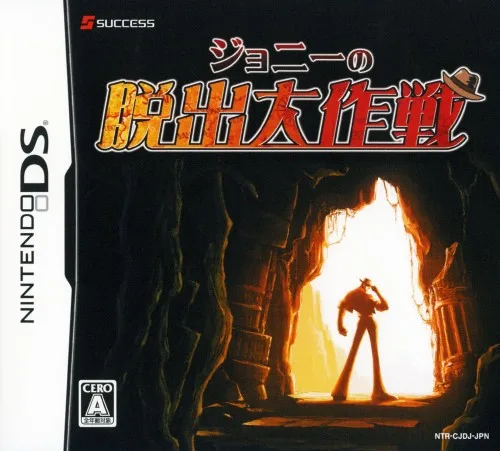
dsJohnny's Great Escape
 ds
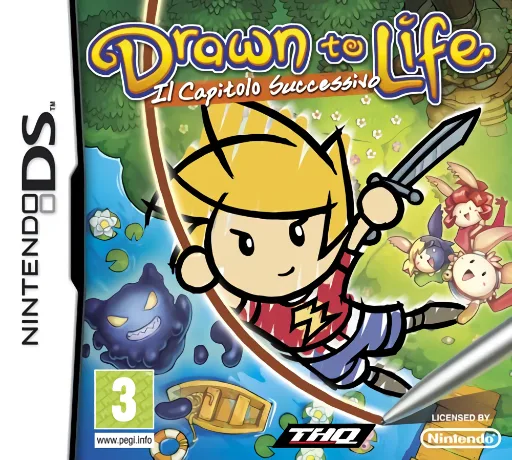
dsDrawn to Life - The Next Chapter
 ds
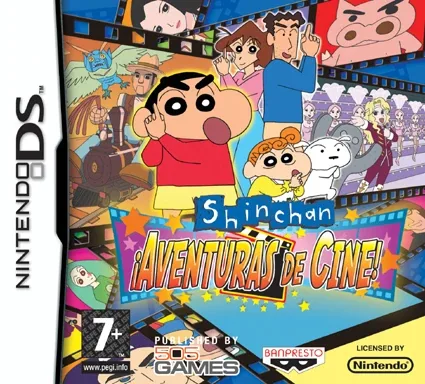
dsShin chan - Aventuras de Cine!
 ds
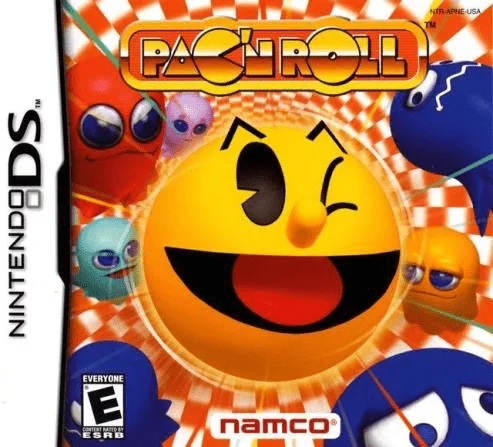
dsPac'n Ball
 ds
dsRabbids Go Home - A Comedy Adventure
 ds
dsGalactic Taz Ball
 ds
dsMr Bean
 ds
dsMega Man ZX
 ds
dsCho Geukjangpan Gaeguri Jungsa Keroro the Movie - Dragon Warriors
 ds
dsSpongeBob SquarePants featuring Nicktoons - Globs of Doom
 ds
dsKid Paddle - Blorks Invasion
 ds
dsMadagascar 3 - Europe's Most Wanted
Frequently Asked Questions
Q1.Can I play Zoids Dash online in a web browser without downloading?
Yes, EmuAll allows you to play Zoids Dash (DS) directly inside modern web browsers (Chrome, Safari, Edge, Firefox) on PC, Mac, Chromebook, iOS, and Android devices without installing any emulator.
Q2.Does Zoids Dash support in-browser save states?
Yes, the in-browser emulator features instant Save States and Load States, storing your game progress directly in your browser storage so you can pick up where you left off.
Q3.What controls are supported? Can I use a controller for Zoids Dash?
The emulator fully supports standard keyboard controls as well as plug-and-play USB and Bluetooth gamepads (including Xbox, PlayStation, and generic controllers).