
MD
Adventures of Mighty Max, The
Also known as: 大力士麦克斯的冒险, The, 大力士麥克斯的冒險, The, マイティ・マックスの冒険, Les Aventures de Mighty Max, The, Le Avventure di Mighty Max, The, Αντβεντσερσ οφ Μαιτι Μαξ, As Aventuras de Mighty Max, The, Адвенчерс оф Майти Макс, 마이티 맥스의 모험, The, Die Abenteuer von Mighty Max, Die, Las Aventuras de Mighty Max, The, ادفينتوريس أوف مايتي ماكس
- Platform
- Mega Drive
- Genre
- Platformer
- Year
- 1995
- Developer
- WJS Design
- Publisher
- Ocean Software
EmuAll provides verified clean ROM archives and in-browser emulation for Adventures of Mighty Max, The (MD). Players can launch and play directly inside modern desktop and mobile browsers with zero local installation, full gamepad support, and instant save states.
ROM downloads
2Adventures of Mighty Max, The (USA)
RecommendedAdventures of Mighty Max, The (Europe)
Recommended Emulators(MD)
If you choose to download this ROM to play offline, we recommend these top standalone emulators:
About the Game
The Adventures of Mighty Max is a side-scrolling action-adventure platformer. Choose to play as Mighty Max, Felix, or Bea and explore five worlds: volcano, space, ocean, jungle, and Egypt. Use a ball launcher gun to stun enemies temporarily, then carry metal crates or lift stunned foes to complete levels. Unlock a master weapon piece by piece to defeat Skull Master. Norman and Virgil can temporarily aid Max. Includes character switching, object manipulation, and platforming with multiple paths.
More MD games
 md
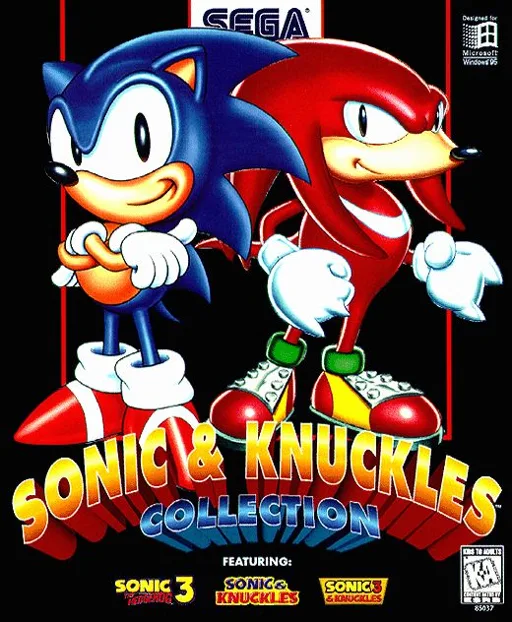
mdSonic & Knuckles + Sonic The Hedgehog 2 + Sonic The Hedgehog 3
 md
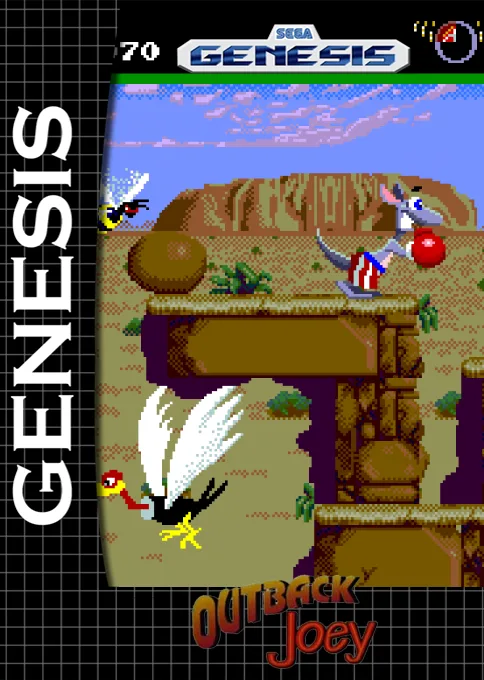
mdOutback Joey
 md
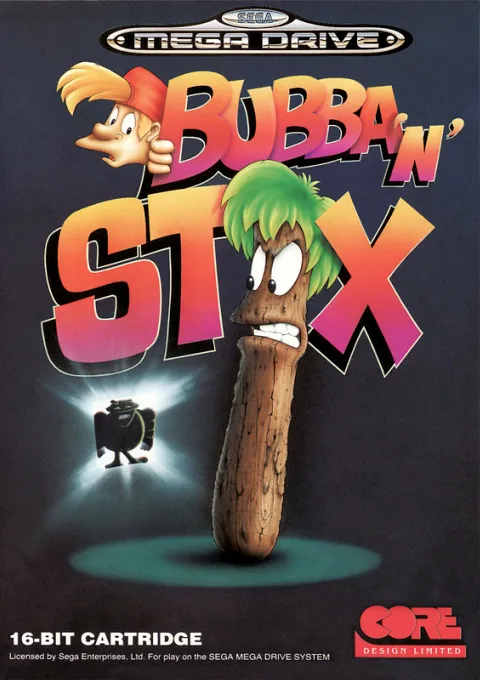
mdBubba 'N' Stix
 md
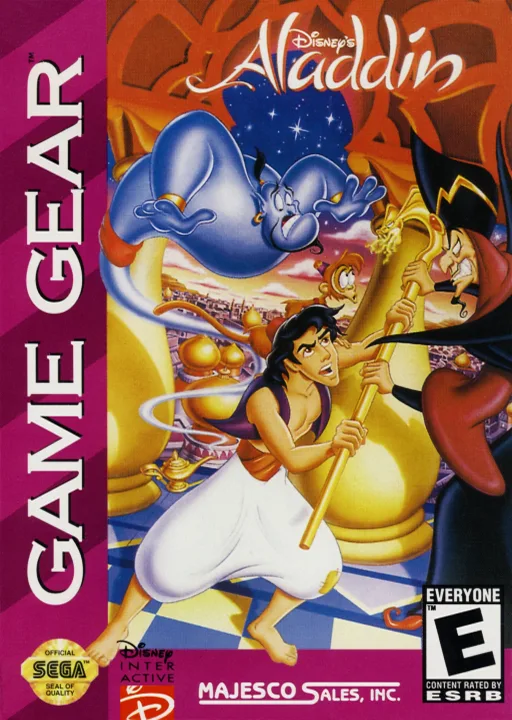
mdAladdin
 md
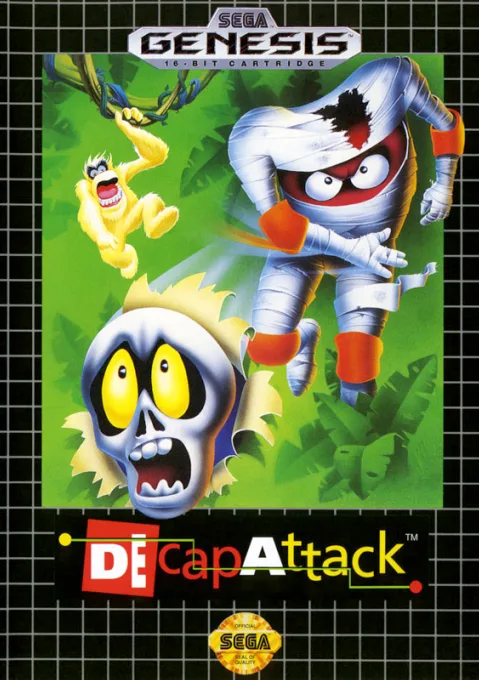
mdDEcapAttack
 md
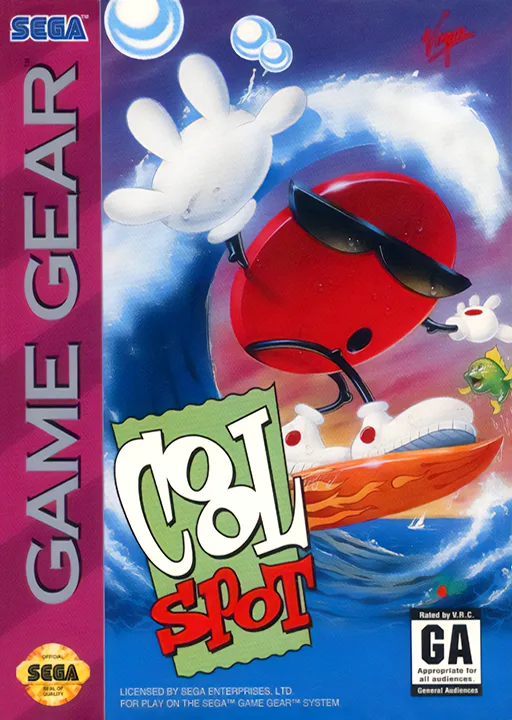
mdCool Spot
 md
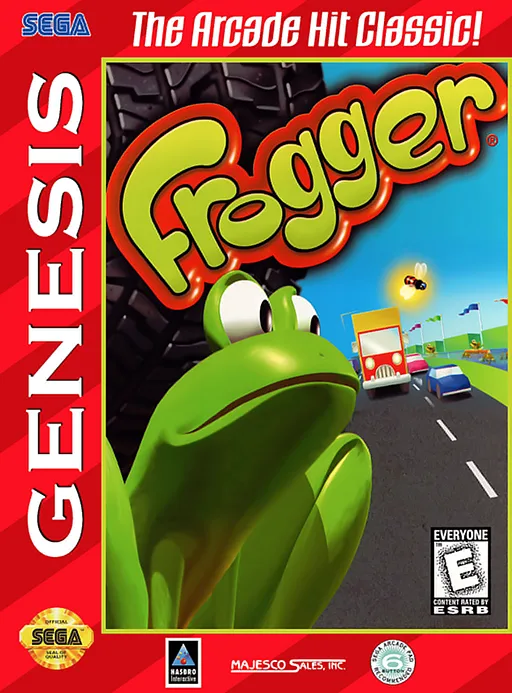
mdFrogger
 md
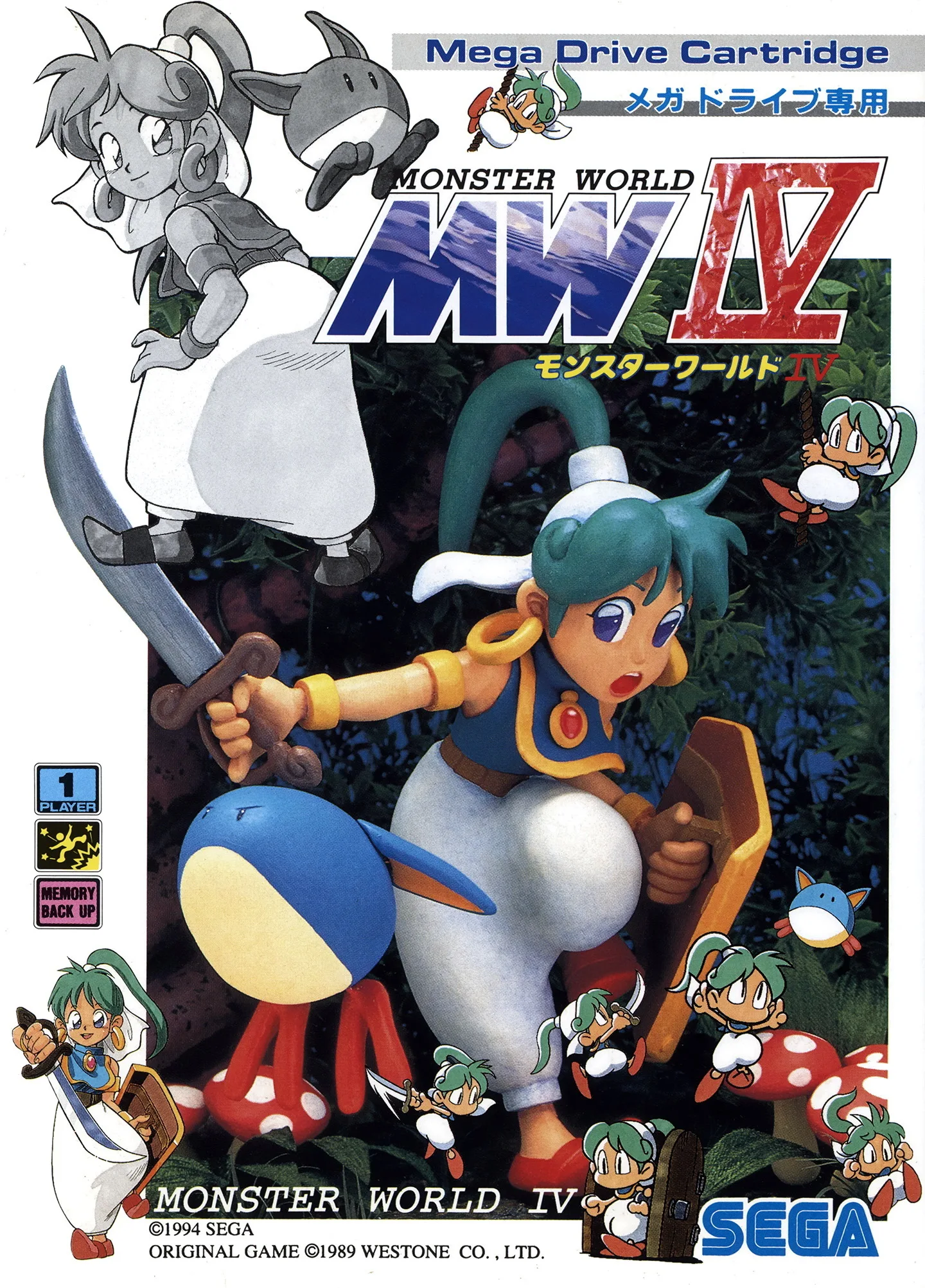
mdMonster World 4
 md
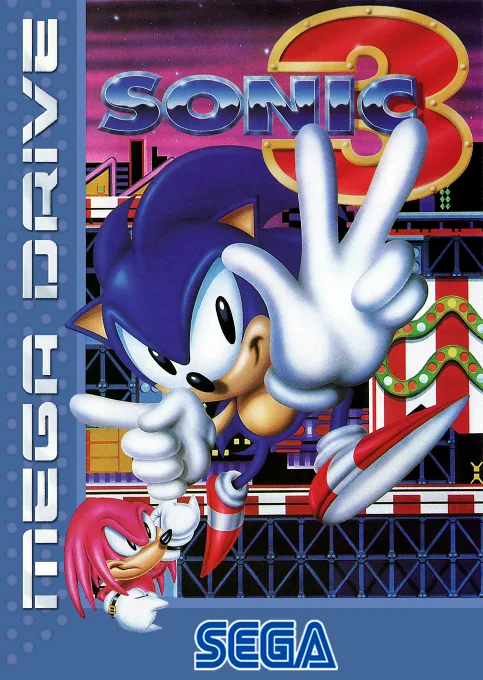
mdSonic 3
 md
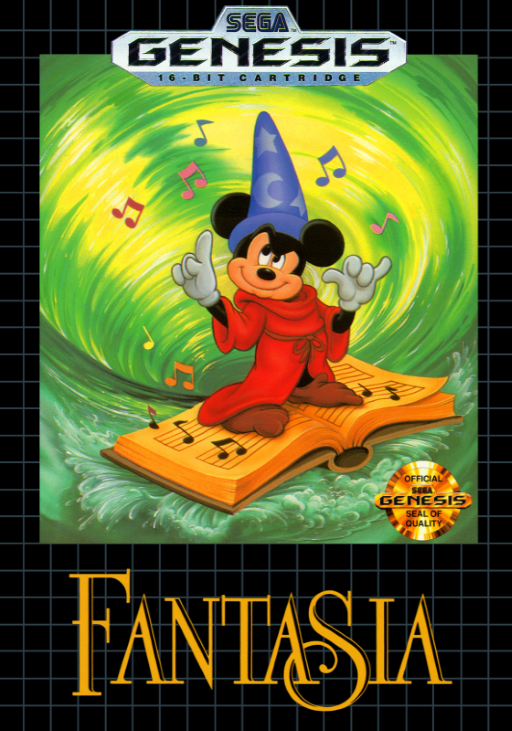
mdFantasia
 md
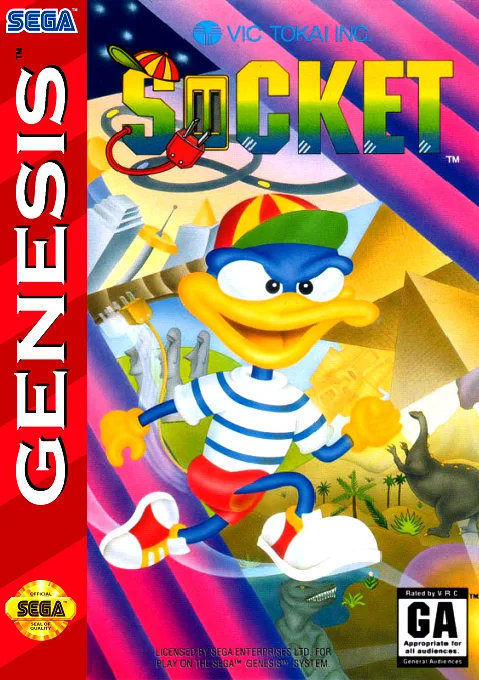
mdSocket
Frequently Asked Questions
Q1.Can I play Adventures of Mighty Max, The online in a web browser without downloading?
Yes, EmuAll allows you to play Adventures of Mighty Max, The (MD) directly inside modern web browsers (Chrome, Safari, Edge, Firefox) on PC, Mac, Chromebook, iOS, and Android devices without installing any emulator.
Q2.Does Adventures of Mighty Max, The support in-browser save states?
Yes, the in-browser emulator features instant Save States and Load States, storing your game progress directly in your browser storage so you can pick up where you left off.
Q3.What controls are supported? Can I use a controller for Adventures of Mighty Max, The?
The emulator fully supports standard keyboard controls as well as plug-and-play USB and Bluetooth gamepads (including Xbox, PlayStation, and generic controllers).