
SNES
Alfred Chicken
Also known as: 超级阿尔弗雷德鸡, Super Alfred Chicken, 슈퍼 알프레드 치킨, スーパーアルフレッドチキン, アルフレッド チキン, 阿爾弗雷德雞, 阿尔弗雷德鸡
- Platform
- Super Nintendo
- Genre
- Platformer
- Year
- 1994
- Developer
- Twilight Games
- Publisher
- Mindscape
EmuAll provides verified clean ROM archives and in-browser emulation for Alfred Chicken (SNES). Players can launch and play directly inside modern desktop and mobile browsers with zero local installation, full gamepad support, and instant save states.
ROM downloads
3Super Alfred Chicken (USA)
RecommendedAlfred Chicken (Europe)
Alfred Chicken (Europe) (Beta)
Recommended Emulators(SNES)
If you choose to download this ROM to play offline, we recommend these top standalone emulators:
About the Game
Alfred Chicken is a 2D side-scrolling platformer for Super Famicom (released as Super Alfred Chicken in some regions). The player controls Alfred, a chicken with a bionic beak, who must navigate 21 bizarre levels filled with balloons, telephones, cheese, and other weird elements. On the ground, Alfred walks, jumps, and pecks balloons and ground switches. In the air, he can dive bomb enemies to destroy them or springs to bounce higher. He must peck all balloons to complete each level while avoiding obstacles like snails, whales, windup mice, and evil Meka-Chickens. Alfred's girlfriend Floella has been egg-napped by the Meka-Chickens, and he must save his friends from their cloning experiments to stop their world takeover. The game is a puzzle-platformer with hidden areas, secret parts, and puzzle elements.
More SNES games
 snes
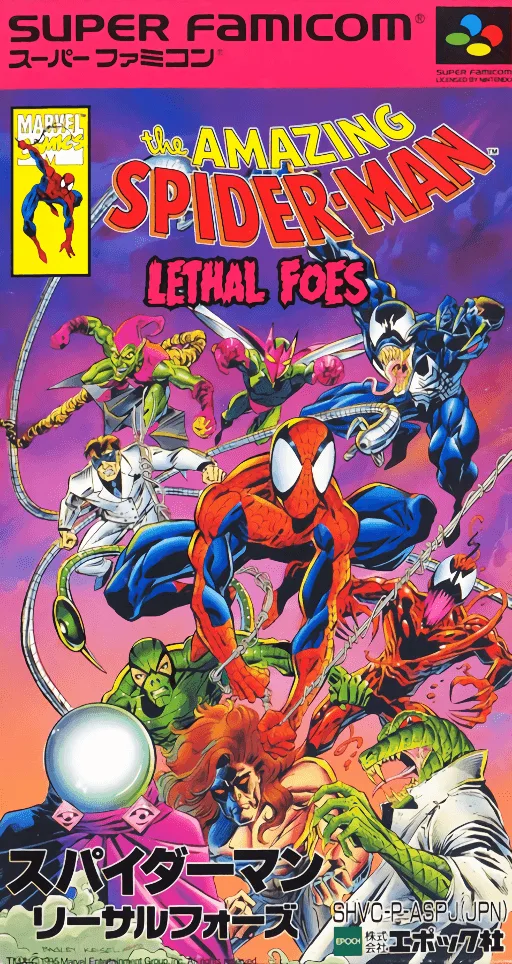
snesAmazing Spider-Man, The - Lethal Foes
 snes
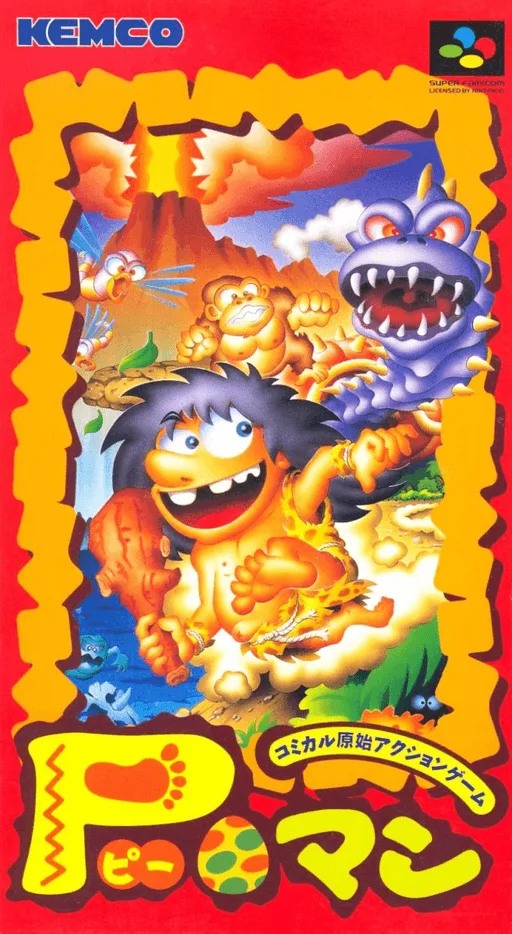
snesP-Man
 snes
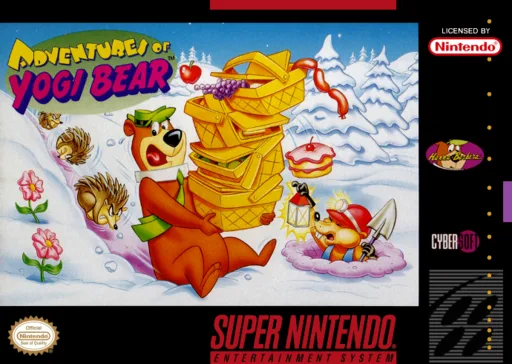
snesAdventures of Yogi Bear
 snes
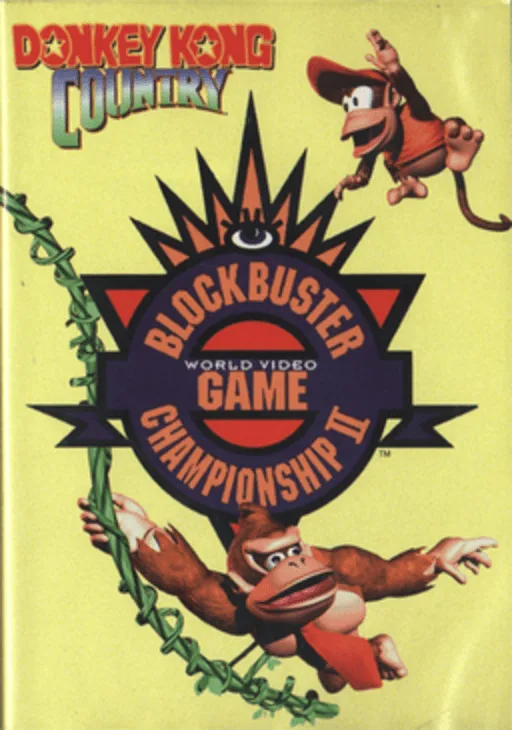
snesDonkey Kong Country - Competition Cartridge
 snes
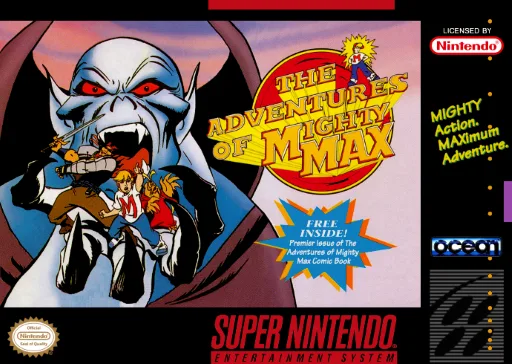
snesMighty Max
 snes
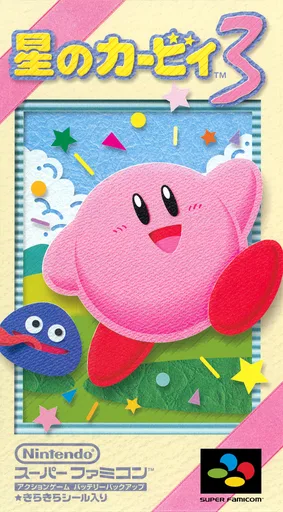
snesHoshi no Kirby 3
 snes
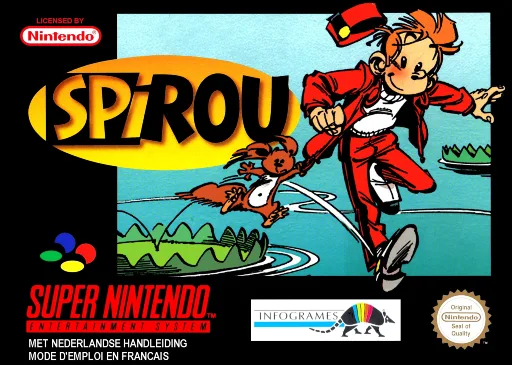
snesSpirou
 snes
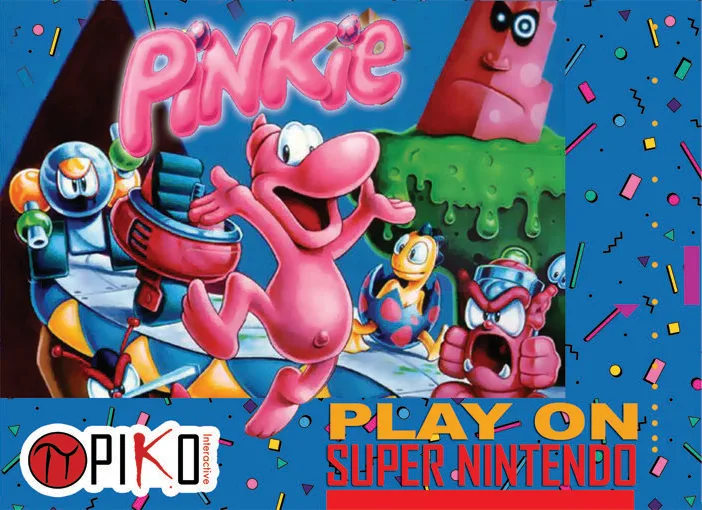
snesPinkie
 snes
snesFlintstones, The - The Treasure of Sierra Madrock
 snes
snesWolfchild
 snes
snesNekotako
 snes
snesSuper Bonk
Frequently Asked Questions
Q1.Can I play Alfred Chicken online in a web browser without downloading?
Yes, EmuAll allows you to play Alfred Chicken (SNES) directly inside modern web browsers (Chrome, Safari, Edge, Firefox) on PC, Mac, Chromebook, iOS, and Android devices without installing any emulator.
Q2.Does Alfred Chicken support in-browser save states?
Yes, the in-browser emulator features instant Save States and Load States, storing your game progress directly in your browser storage so you can pick up where you left off.
Q3.What controls are supported? Can I use a controller for Alfred Chicken?
The emulator fully supports standard keyboard controls as well as plug-and-play USB and Bluetooth gamepads (including Xbox, PlayStation, and generic controllers).