
NES
Arctic
Also known as: Arktis, Artico, Arctique, Ártico, 北極, 北极, 북극
- Platform
- Nintendo Entertainment System
- Genre
- Puzzle
- Developer
- ArtDink
- Publisher
- Pony Canyon
EmuAll provides verified clean ROM archives and in-browser emulation for Arctic (NES). Players can launch and play directly inside modern desktop and mobile browsers with zero local installation, full gamepad support, and instant save states.
ROM downloads
1Arctic (Japan)
Recommended Emulators(NES)
If you choose to download this ROM to play offline, we recommend these top standalone emulators:
About the Game
Arctic: Active Rail Playing Game is an action puzzle game whose stages contain rails that loop around one another or split in different directions. The player launches colored balls from matching slots and must return them to slots of the same color, with interaction limited to switching all yellow or all blue junctions as a group. Bumpers and gates alter the balls’ speed and direction, so the stage features must be used to guide them onto the correct paths.
More NES games
 nes
nes3D Block
 nes
nesAirball
 nes
nesChampionship Lode Runner
 nes
nesBanana
 nes
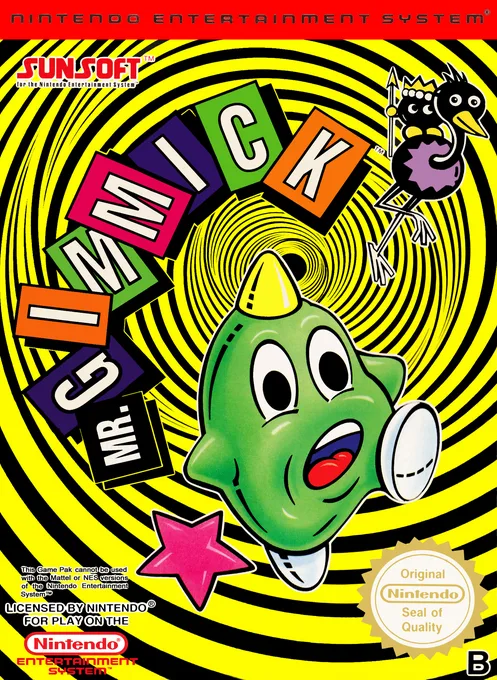
nesParallel World
 nes
nesPipe V
The Genius House A
 nes
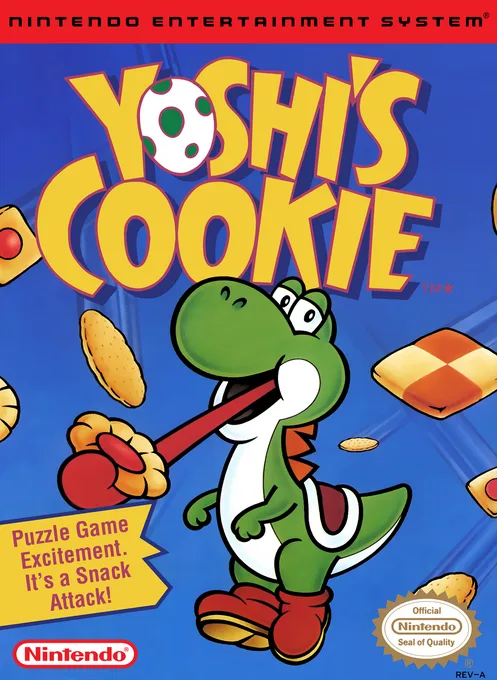
nesYoshi's Cookies
 nes
nesMajaventure - Mahjong Senki
 nes
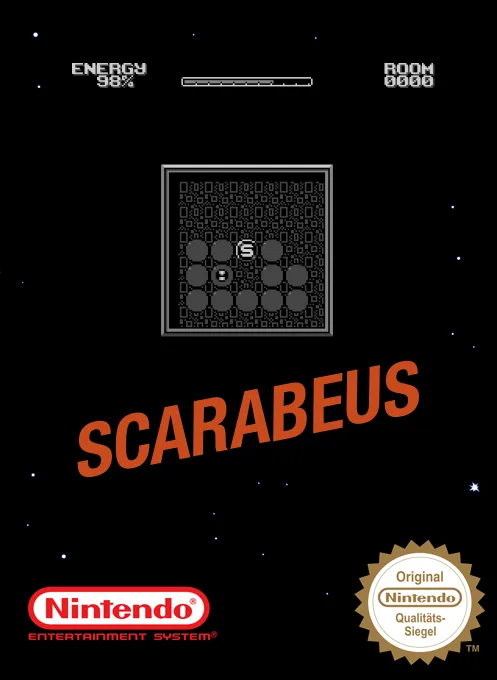
nesScarabeus
 nes
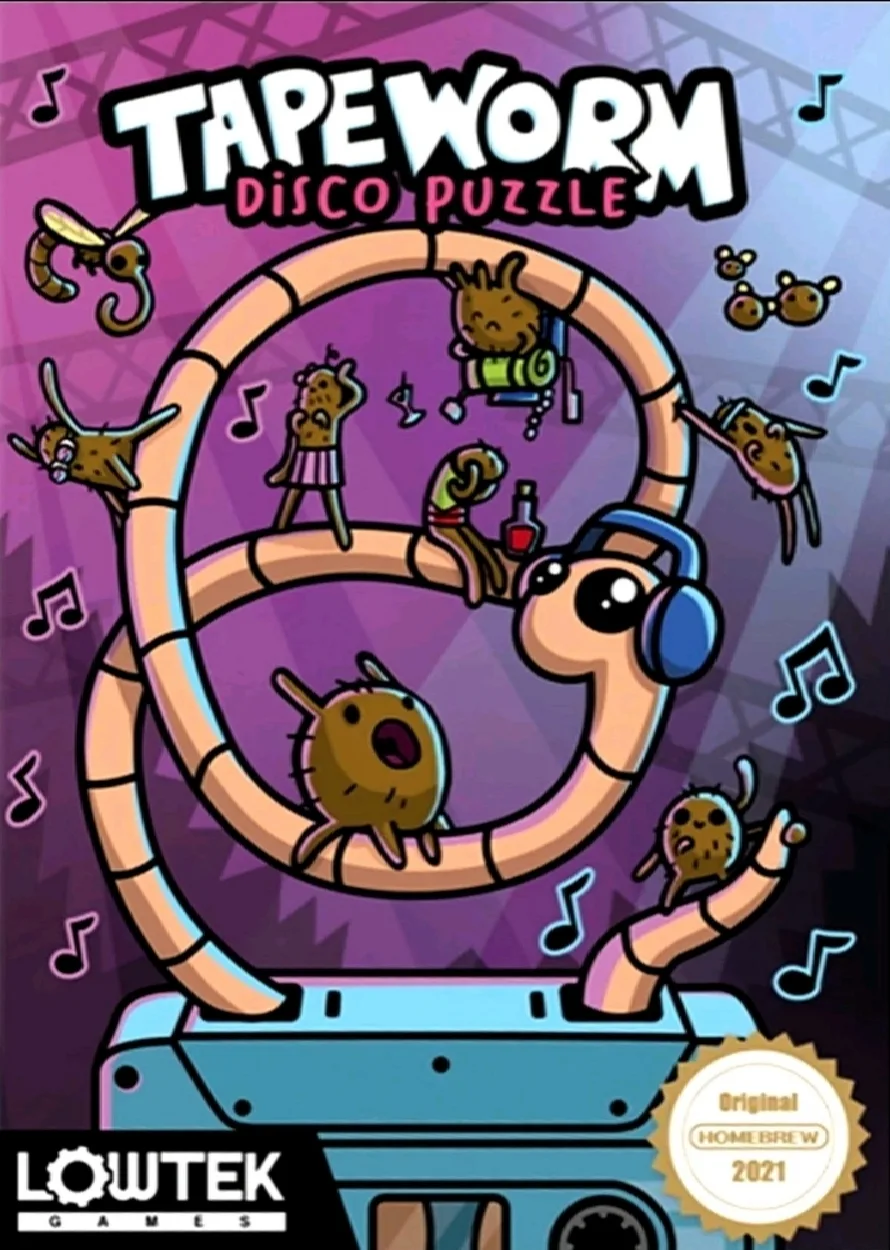
nesTapeworm - Disco Puzzle
 nes
nesCrayon Shin-chan
Frequently Asked Questions
Q1.Can I play Arctic online in a web browser without downloading?
Yes, EmuAll allows you to play Arctic (NES) directly inside modern web browsers (Chrome, Safari, Edge, Firefox) on PC, Mac, Chromebook, iOS, and Android devices without installing any emulator.
Q2.Does Arctic support in-browser save states?
Yes, the in-browser emulator features instant Save States and Load States, storing your game progress directly in your browser storage so you can pick up where you left off.
Q3.What controls are supported? Can I use a controller for Arctic?
The emulator fully supports standard keyboard controls as well as plug-and-play USB and Bluetooth gamepads (including Xbox, PlayStation, and generic controllers).