
NES
Argos Warrior
Also known as: 알고스 전사, Guerriero di Argos, 阿尔戈斯战士, 阿爾戈斯戰士, Guerrero de Argos, Аргос Уарриор, Αργκοσ Ουαριορ, Argos-Krieger, Guerreiro de Argos, ارغوس واريور, Guerrier d'Argos
- Platform
- Nintendo Entertainment System
- Genre
- Action/Platformer
- Year
- 1987
- Developer
- Tecmo
- Publisher
- Tecmo
EmuAll provides verified clean ROM archives and in-browser emulation for Argos Warrior (NES). Players can launch and play directly inside modern desktop and mobile browsers with zero local installation, full gamepad support, and instant save states.
ROM downloads
2阿尔戈斯战士[孔雀天汉化 MS修正](JP)[ACT](1Mb)
Recommended阿尔戈斯战士 (v1
Recommended Emulators(NES)
If you choose to download this ROM to play offline, we recommend these top standalone emulators:
About the Game
Rygar (Argos no Senshi) is a side-scrolling action platformer where the Legendary Warrior wields the Diskarmor, a yo-yo-like shield on a chain that spins to destroy enemies. The NES version stands out for its semi-open hub world with top-down sections, permanent RPG progression via experience points for health and strength, three spell mechanics (Power-Up, Attack & Assail, Recover), and safe rooms for rest and advice. Gameplay combines jumping, grappling hooks, crossbows, and pulleys to unlock nonlinear paths through 27 levels. The story follows the prophecy of a hero rising to defeat Ligar, the lion-headed dominator who sealed the Door of Peace and enslaved the world. Characters are limited to the unnamed warrior and story NPCs, but the gameplay loop of chain-based combat and hub exploration makes it a pioneer Metroidvania title.
More NES games
 nes
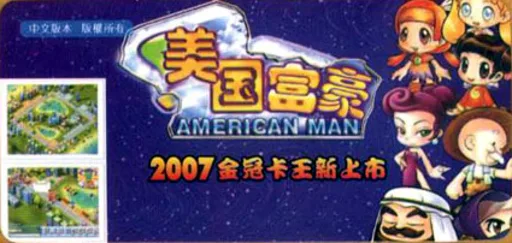
nesMei Guo Fu Hao - American Man
 nes
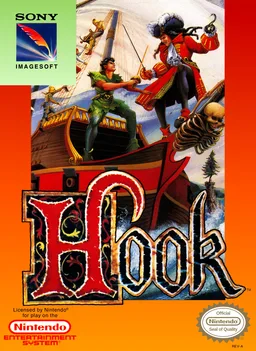
nesHook
 nes
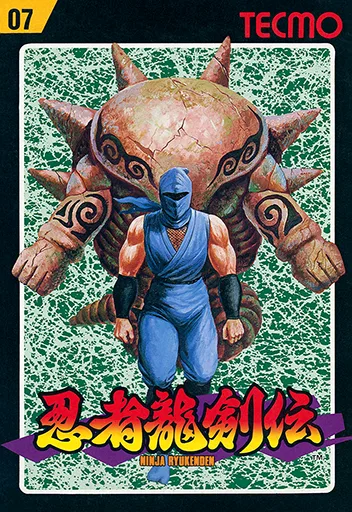
nesNinja Ryuuken Den
 nes
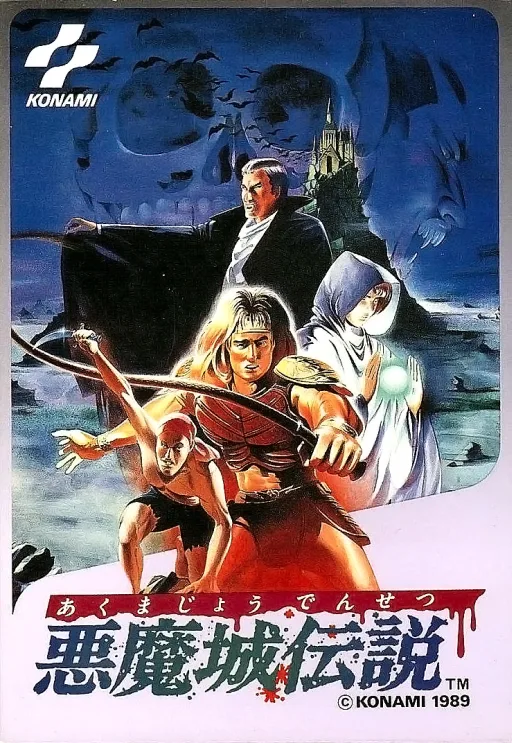
nesAkumajou Densetsu
 nes
nesSuper Adventure Quests
 nes
nesKid Icarus
 nes
nesKage no Densetsu
 nes
nesSuper Yang Gun Pill 2 - Great Adventure in the Machine World
 nes
nesSword Master
 nes
nesSpelunker II - Yuusha e no Chousen
 nes
nesMoon Ranger
 nes
nesPrimitive
Frequently Asked Questions
Q1.Can I play Argos Warrior online in a web browser without downloading?
Yes, EmuAll allows you to play Argos Warrior (NES) directly inside modern web browsers (Chrome, Safari, Edge, Firefox) on PC, Mac, Chromebook, iOS, and Android devices without installing any emulator.
Q2.Does Argos Warrior support in-browser save states?
Yes, the in-browser emulator features instant Save States and Load States, storing your game progress directly in your browser storage so you can pick up where you left off.
Q3.What controls are supported? Can I use a controller for Argos Warrior?
The emulator fully supports standard keyboard controls as well as plug-and-play USB and Bluetooth gamepads (including Xbox, PlayStation, and generic controllers).