
GBC
Azure Dreams
Also known as: アズールドリーム
- Platform
- Game Boy Color
- Genre
- RPG
- Year
- 1999
- Developer
- Kcen, Inc. (Konami Computer Entertainment Nagoya)
- Publisher
- Konami
EmuAll provides verified clean ROM archives and in-browser emulation for Azure Dreams (GBC). Players can launch and play directly inside modern desktop and mobile browsers with zero local installation, full gamepad support, and instant save states.
ROM downloads
2Azure Dreams (Europe) (En,Fr,De) (SGB Enhanced) (GB Compatible)
RecommendedAzure Dreams (USA) (SGB Enhanced) (GB Compatible)
Recommended Emulators(GBC)
If you choose to download this ROM to play offline, we recommend these top standalone emulators:
About the Game
Azure Dreams for Game Boy Color is a roguelike dungeon crawler RPG where you climb a randomly generated Monster Tower to rescue your father. Gameplay features turn-based monster battles using familiars you tame from eggs in the tower; your character resets to level 1 upon exit but familiars keep progress. Explore 100+ floors with random encounters, treasures, and stronger bosses. Story follows young Koh in Monsbaiya town, drawn by the ancient Monster Tower. Main character is Koh (son of a lost monster tamer); other characters include town residents like Nico and various tameable monsters. It stands out for its deep roguelike dungeon runs, large monster roster (over 116), and monster taming/breeding system without town-building or dating.
More GBC games
 gbc
gbcPokemon Diamond V2 (Hack)
 gbc
gbcCross Hunter - Treasure Hunter Version
 gbc
gbcHarry Potter and the Sorcerer's Stone
 gbc
gbcPokemon - Red Version
 gbc
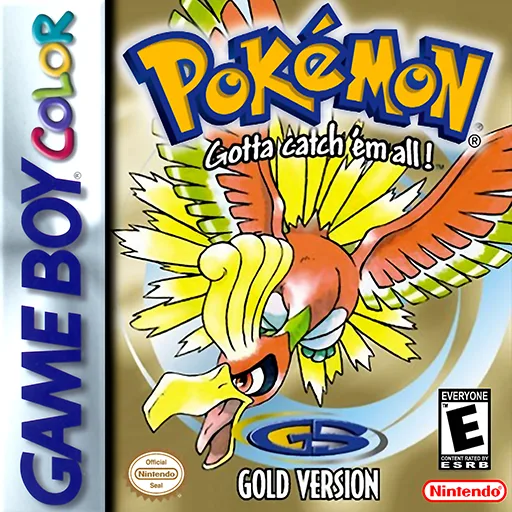
gbcPokemon - Goldene Edition
 gbc
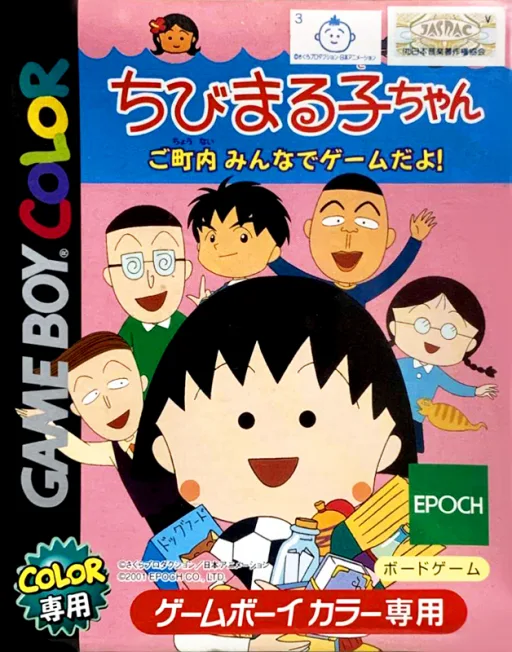
gbcChibi Maruko-chan - Go Chounai Minna de Game Da yo!
 gbc
gbcWater Margin: Tales of the Demons and Wind
 gbc
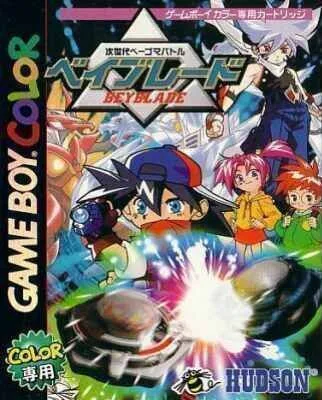
gbcJisedai Begoma Battle Beyblade
 gbc
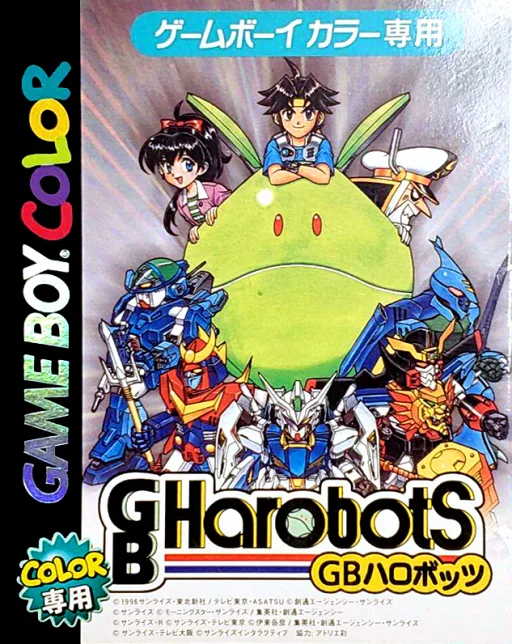
gbcGB Harobots
 gbc
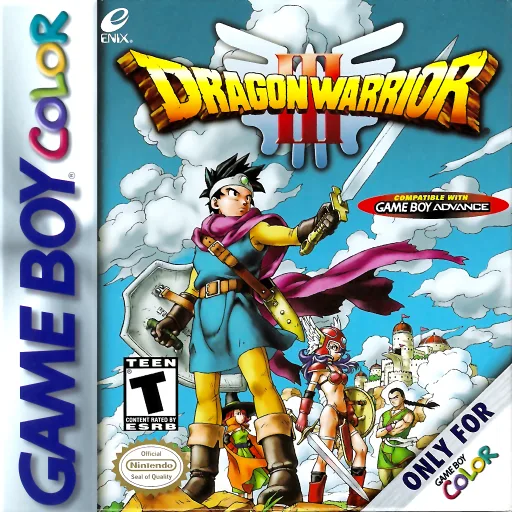
gbcDragon Quest III
 gbc
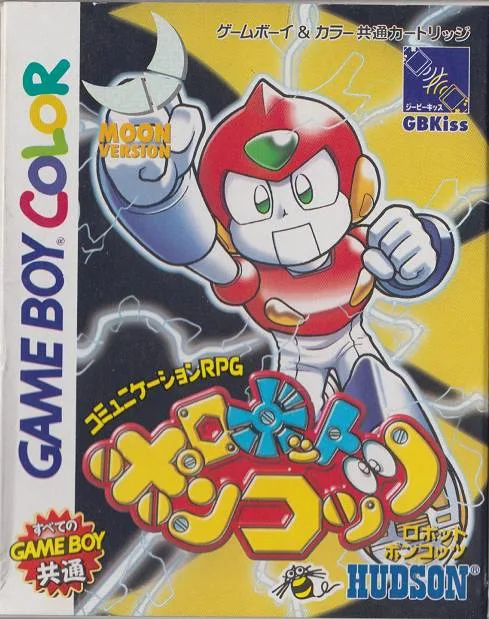
gbcRobot Poncots - Moon Version
 gbc
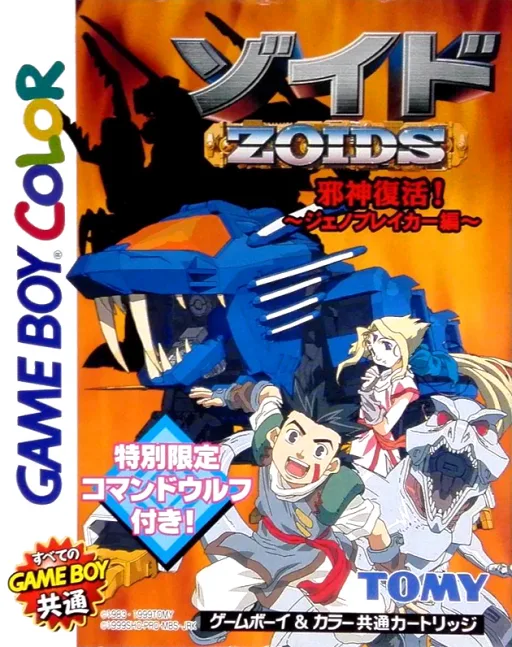
gbcZoids - Jashin Fukkatsu! Genobreaker Hen
Frequently Asked Questions
Q1.Can I play Azure Dreams online in a web browser without downloading?
Yes, EmuAll allows you to play Azure Dreams (GBC) directly inside modern web browsers (Chrome, Safari, Edge, Firefox) on PC, Mac, Chromebook, iOS, and Android devices without installing any emulator.
Q2.Does Azure Dreams support in-browser save states?
Yes, the in-browser emulator features instant Save States and Load States, storing your game progress directly in your browser storage so you can pick up where you left off.
Q3.What controls are supported? Can I use a controller for Azure Dreams?
The emulator fully supports standard keyboard controls as well as plug-and-play USB and Bluetooth gamepads (including Xbox, PlayStation, and generic controllers).