
NES
Bugs Bunny Fun House
Also known as: Μπουγκσ Μπουνι Φουν Χουσ, بوغس بوني فون هاوس, Бугс Бунни Фун Хаус
- Platform
- Nintendo Entertainment System
- Genre
- Puzzle
- Year
- 1989
- Developer
- Kemco
- Publisher
- Kemco
EmuAll provides verified clean ROM archives and in-browser emulation for Bugs Bunny Fun House (NES). Players can launch and play directly inside modern desktop and mobile browsers with zero local installation, full gamepad support, and instant save states.
ROM downloads
1Bugs Bunny Fun House (USA) (Beta)
Recommended Emulators(NES)
If you choose to download this ROM to play offline, we recommend these top standalone emulators:
About the Game
The Bugs Bunny Crazy Castle (working title Bugs Bunny Fun House) is a classic puzzle platformer developed by Kemco for the NES. Players control Bugs Bunny in a side-scrolling adventure across 60 levels where he must collect all 8 carrots in each stage to reach the exit, without jumping and instead using clever routes and environmental objects like boxing gloves, invincibility potions, crates, flower pots, and weights to navigate around enemies. The story follows Bugs as he rescues his girlfriend Honey Bunny, kidnapped by Wile E. Coyote, Yosemite Sam, Daffy Duck, and Sylvester the Cat; the four minions each have distinct movement patterns and attack styles. What makes the game stand out is its clever puzzle-solving focus and humorous Looney Tunes theme, with variations in other Crazy Castle entries.
More NES games
 nes
nes3D Block
 nes
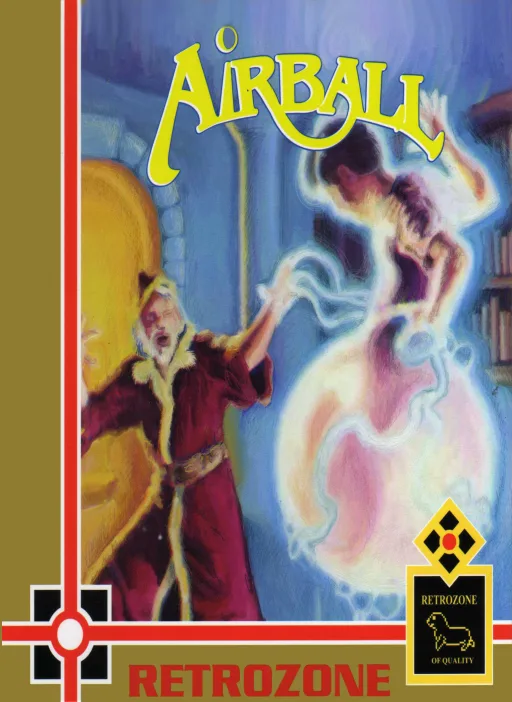
nesAirball
 nes
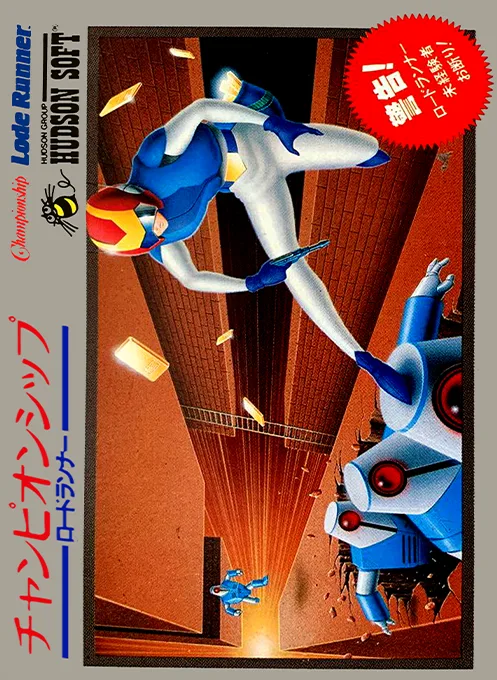
nesChampionship Lode Runner
 nes
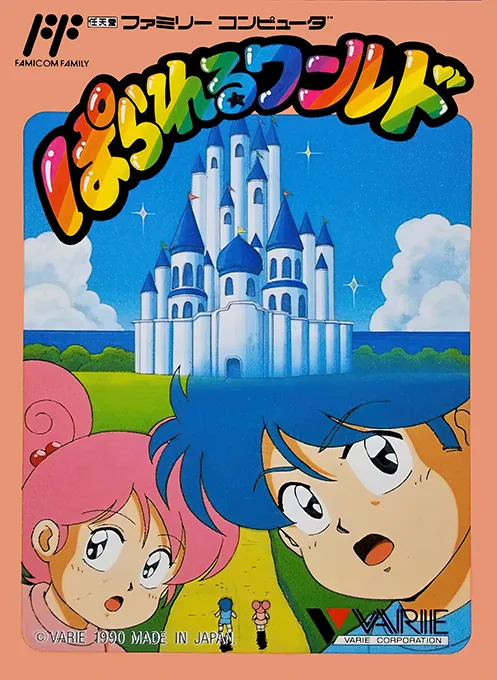
nesBanana
 nes
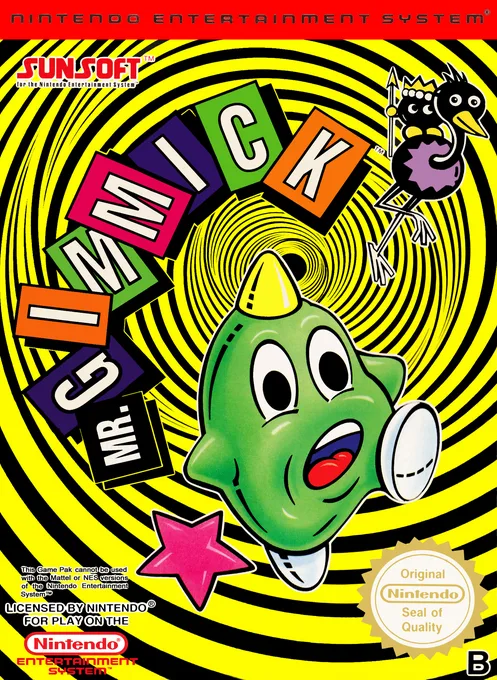
nesParallel World
 nes
nesPipe V
The Genius House A
 nes
nesYoshi's Cookies
 nes
nesMajaventure - Mahjong Senki
 nes
nesScarabeus
 nes
nesTapeworm - Disco Puzzle
 nes
nesCrayon Shin-chan
Frequently Asked Questions
Q1.Can I play Bugs Bunny Fun House online in a web browser without downloading?
Yes, EmuAll allows you to play Bugs Bunny Fun House (NES) directly inside modern web browsers (Chrome, Safari, Edge, Firefox) on PC, Mac, Chromebook, iOS, and Android devices without installing any emulator.
Q2.Does Bugs Bunny Fun House support in-browser save states?
Yes, the in-browser emulator features instant Save States and Load States, storing your game progress directly in your browser storage so you can pick up where you left off.
Q3.What controls are supported? Can I use a controller for Bugs Bunny Fun House?
The emulator fully supports standard keyboard controls as well as plug-and-play USB and Bluetooth gamepads (including Xbox, PlayStation, and generic controllers).