
GBC
Digimon - Computer Edition
Also known as: Ντιγκιμον - Κομπουτερ Εκδοση, 數碼暴龍 - 電腦篇, 数码暴龙 - 电脑篇, Digimon - Edición PC, 디지몬 - 컴퓨터편, Digimon - PC-Version, Дигимон - Компутер Издание, Digimon - Version PC, Digimon - Edição PC, ديجيمون - كومبوتير إصدار, Digimon - Versione PC, デジモン - コンピュータ篇
- Platform
- Game Boy Color
- Genre
- RPG
- Year
- 1999
- Developer
- Bandai
- Publisher
- Bandai
EmuAll provides verified clean ROM archives and in-browser emulation for Digimon - Computer Edition (GBC). Players can launch and play directly inside modern desktop and mobile browsers with zero local installation, full gamepad support, and instant save states.
ROM downloads
1数码暴龙 - 电脑篇 (繁) (Yong Yong)
Recommended Emulators(GBC)
If you choose to download this ROM to play offline, we recommend these top standalone emulators:
About the Game
A Digimon RPG for the Game Boy Color where players raise and battle with digital monsters. The game features turn-based combat and a system for evolving your Digimon partners through care and training. Players explore digital worlds, collect different Digimon species, and battle against enemy Digimon. The title is part of the early Digimon video game series that helped establish the franchise.
More GBC games
 gbc
gbcPokemon Diamond V2 (Hack)
 gbc
gbcCross Hunter - Treasure Hunter Version
 gbc
gbcHarry Potter and the Sorcerer's Stone
 gbc
gbcPokemon - Red Version
 gbc
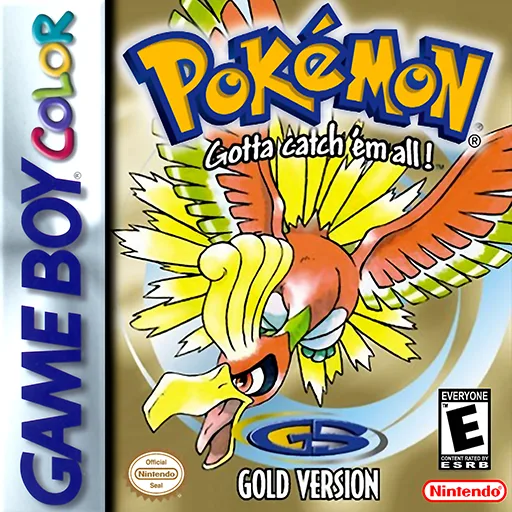
gbcPokemon - Goldene Edition
 gbc
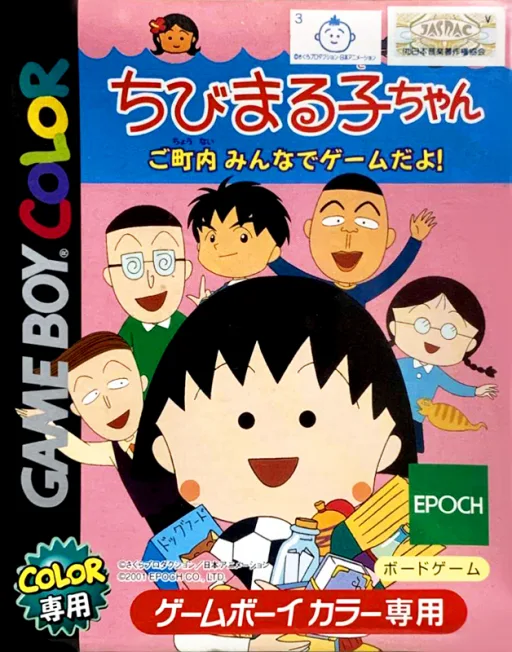
gbcChibi Maruko-chan - Go Chounai Minna de Game Da yo!
 gbc
gbcWater Margin: Tales of the Demons and Wind
 gbc
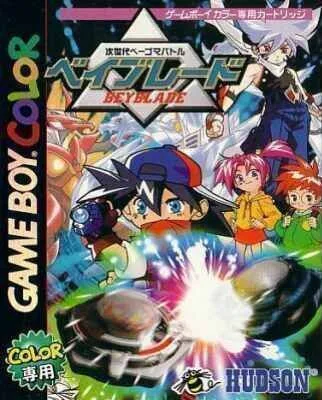
gbcJisedai Begoma Battle Beyblade
 gbc
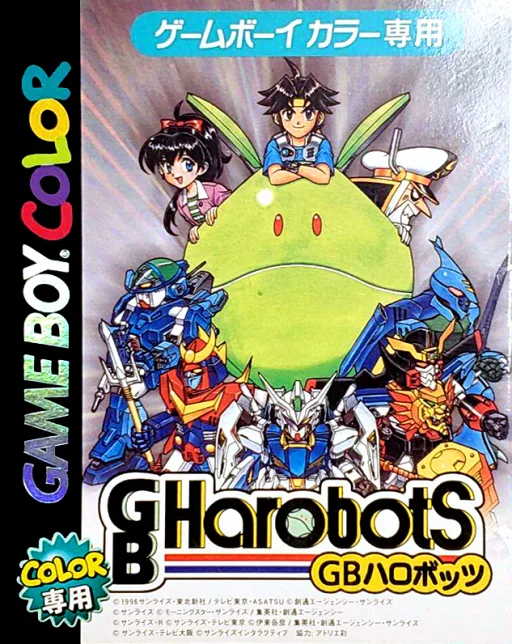
gbcGB Harobots
 gbc
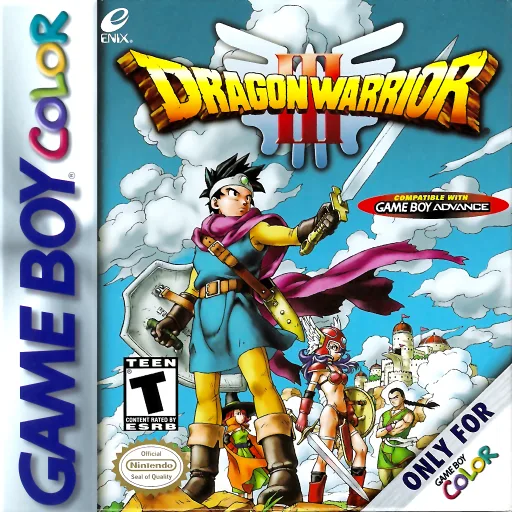
gbcDragon Quest III
 gbc
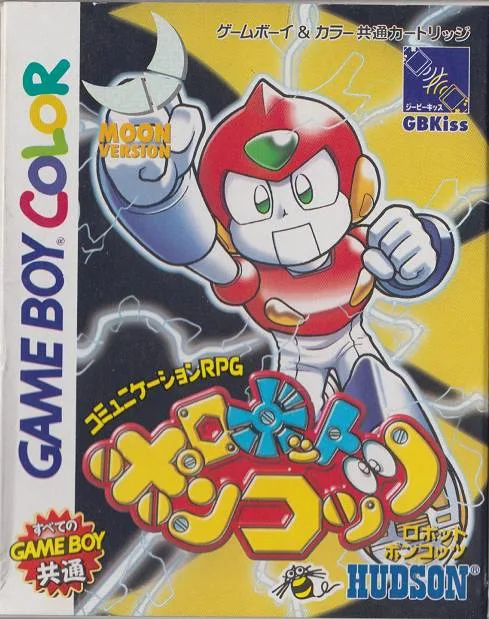
gbcRobot Poncots - Moon Version
 gbc
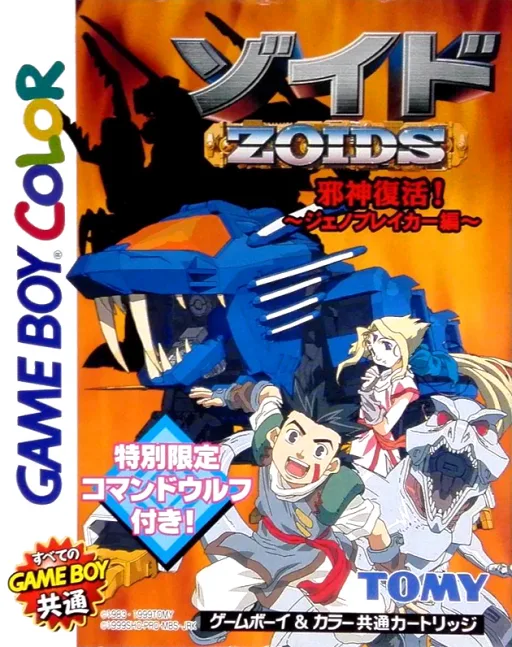
gbcZoids - Jashin Fukkatsu! Genobreaker Hen
Frequently Asked Questions
Q1.Can I play Digimon - Computer Edition online in a web browser without downloading?
Yes, EmuAll allows you to play Digimon - Computer Edition (GBC) directly inside modern web browsers (Chrome, Safari, Edge, Firefox) on PC, Mac, Chromebook, iOS, and Android devices without installing any emulator.
Q2.Does Digimon - Computer Edition support in-browser save states?
Yes, the in-browser emulator features instant Save States and Load States, storing your game progress directly in your browser storage so you can pick up where you left off.
Q3.What controls are supported? Can I use a controller for Digimon - Computer Edition?
The emulator fully supports standard keyboard controls as well as plug-and-play USB and Bluetooth gamepads (including Xbox, PlayStation, and generic controllers).