
NES
Dragon Ball Fighter Z
Also known as: 格斗七龙珠, 格鬥七龍珠, Dragon Ball Fighting, 격투 드래곤볼
- Platform
- Nintendo Entertainment System
- Genre
- Other
- Developer
- unknown
- Publisher
- unknown
EmuAll provides verified clean ROM archives and in-browser emulation for Dragon Ball Fighter Z (NES). Players can launch and play directly inside modern desktop and mobile browsers with zero local installation, full gamepad support, and instant save states.
ROM downloads
1格斗七龙珠[恒格电子](CN)[RPG](8Mb)
Recommended Emulators(NES)
If you choose to download this ROM to play offline, we recommend these top standalone emulators:
About the Game
格斗七龙珠 is a card-based RPG for NES/Famicom, a Chinese fan translation of Dragon Ball Z: Gekito Tenkaichi Budokai. Players use card battles to fight, collecting and using Dragon Ball characters' cards. Gameplay focuses on card collection and turn-based or versus card combat inspired by the anime. Story involves Dragon Ball universe battles. Characters include Goku, Vegeta and others. It stands out as a niche licensed RPG with card mechanics unique to its platform and fan community.
More NES games
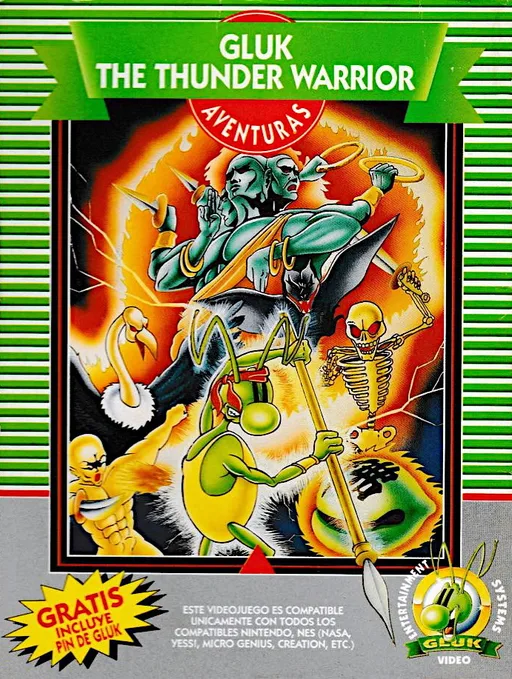 nes
nesGluk the Thunder Warrior
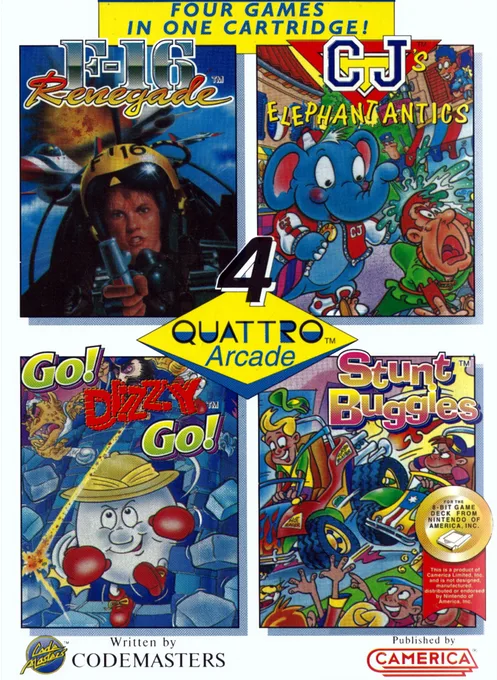 nes
nesQuattro Arcade
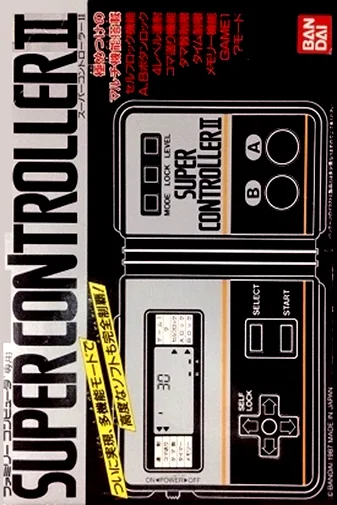 nes
nesNintendo World Class Service - Port Test Cartridge
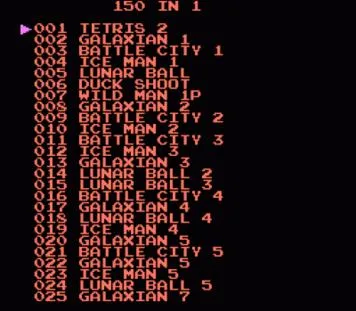 nes
nes150-in-1
 nes
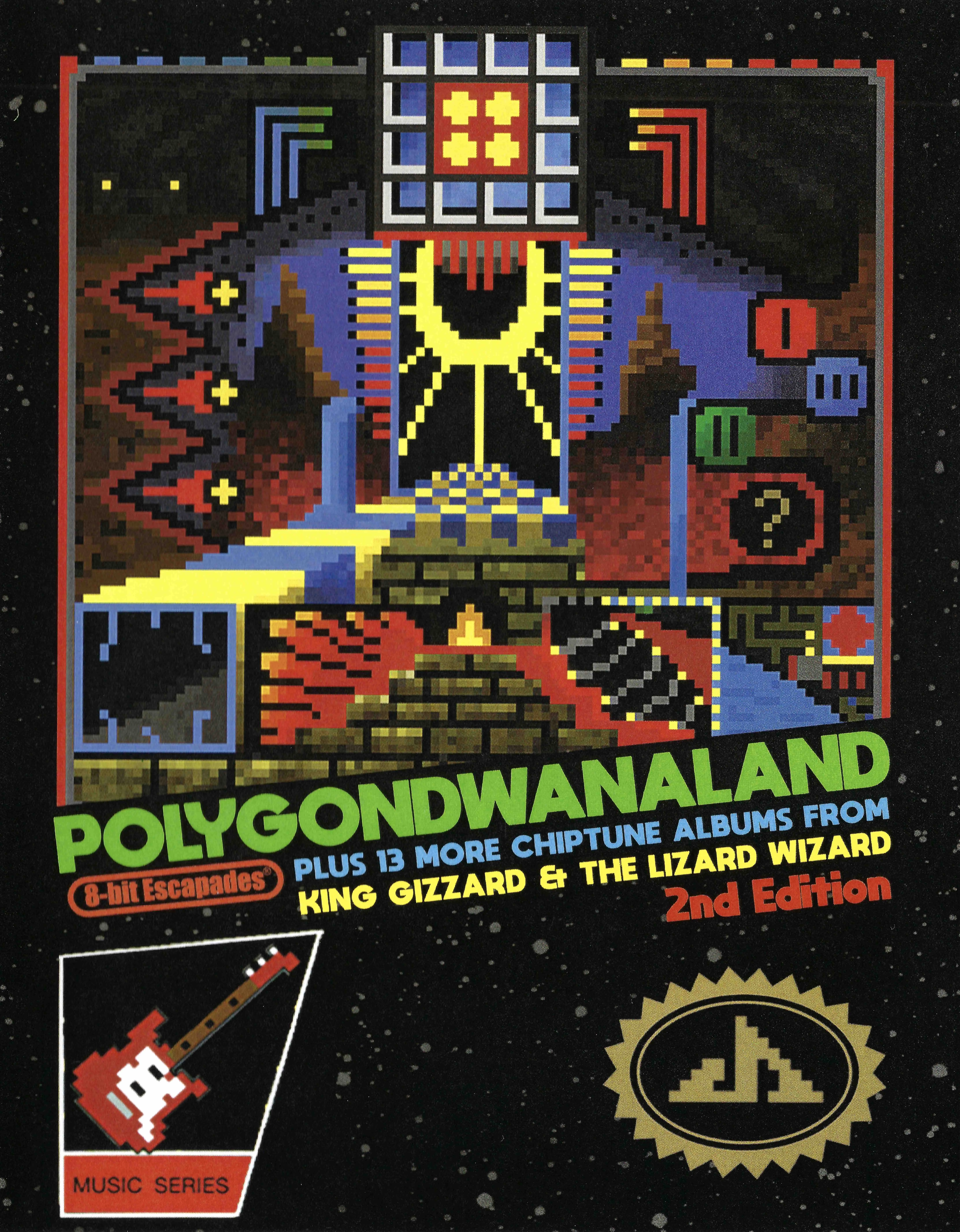
nesPolygondwanaland - 2nd Edition
 nes
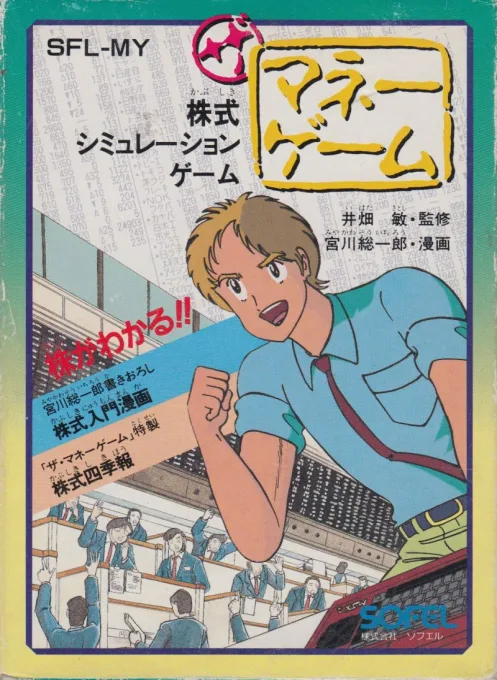
nesUS Billionaire
 nes
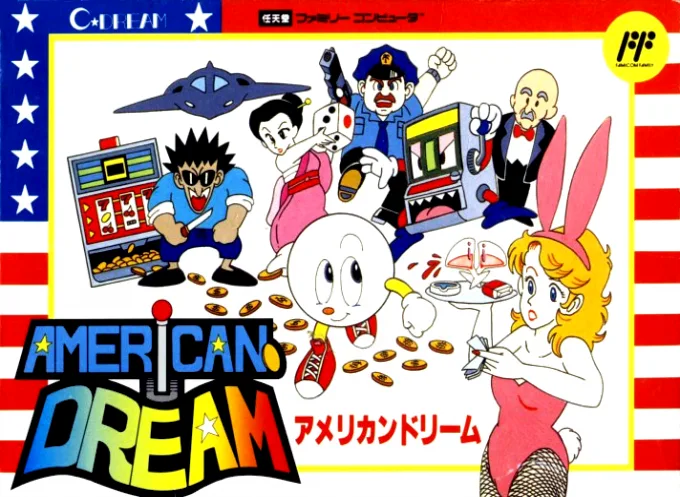
nesAmerican Dream
 nes
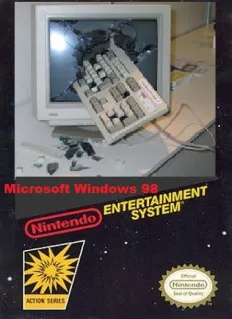
nesWindows 98
 nes
nesNintendo - NTF2 System Cartridge
Hachitoku Gankō Wang
 nes
nesVideomation
Pet - Feicui
Frequently Asked Questions
Q1.Can I play Dragon Ball Fighter Z online in a web browser without downloading?
Yes, EmuAll allows you to play Dragon Ball Fighter Z (NES) directly inside modern web browsers (Chrome, Safari, Edge, Firefox) on PC, Mac, Chromebook, iOS, and Android devices without installing any emulator.
Q2.Does Dragon Ball Fighter Z support in-browser save states?
Yes, the in-browser emulator features instant Save States and Load States, storing your game progress directly in your browser storage so you can pick up where you left off.
Q3.What controls are supported? Can I use a controller for Dragon Ball Fighter Z?
The emulator fully supports standard keyboard controls as well as plug-and-play USB and Bluetooth gamepads (including Xbox, PlayStation, and generic controllers).