
NES
Dragon Wars
Also known as: Ντραγκον Γουορς, دراغون وورز, Драгон Ворс
- Platform
- Nintendo Entertainment System
- Genre
- RPG
- Year
- 1991
- Developer
- Interplay Productions
- Publisher
- Activision
EmuAll provides verified clean ROM archives and in-browser emulation for Dragon Wars (NES). Players can launch and play directly inside modern desktop and mobile browsers with zero local installation, full gamepad support, and instant save states.
ROM downloads
2Dragon Wars (Japan)
RecommendedDragon Wars (USA) (Proto)
Recommended Emulators(NES)
If you choose to download this ROM to play offline, we recommend these top standalone emulators:
About the Game
Dragon Wars is a fantasy RPG where you create or import up to four characters and lead a party of up to seven to explore the continent of Dilmun. Gameplay features turn-based combat, puzzle-solving across a nonlinear world, and 65 spells in four magic classes. The story follows adventurers who sail to the legendary paradise Dilmun only to be thrown into the slums of Purgatory by King Drake of Phoebus, who has outlawed magic; you must escape, fight Namtar's forces, and thwart his planetary conquest using weapons, magic, and skills like lockpicking. Key characters include the customizable party members (e.g., default Muscolls, Elendel, Cheetah) and recruitable NPCs. What makes it stand out is its deep character creation with 50 points to allocate across attributes and skills, multiple puzzle solutions, and faithful adaptation of the Bard's Tale series mechanics to the NES with improved graphics.
More NES games
 nes
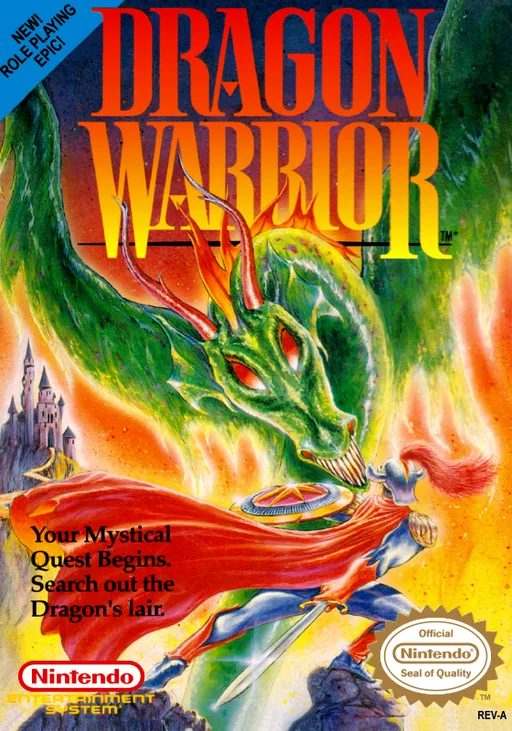
nesDragon Warrior
 nes
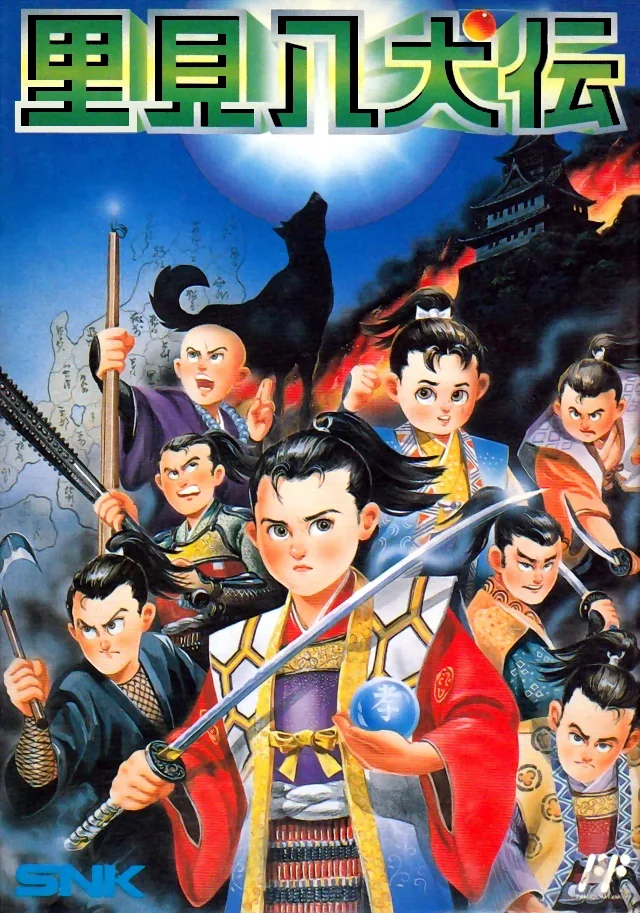
nesHachitoku Kihju
 nes
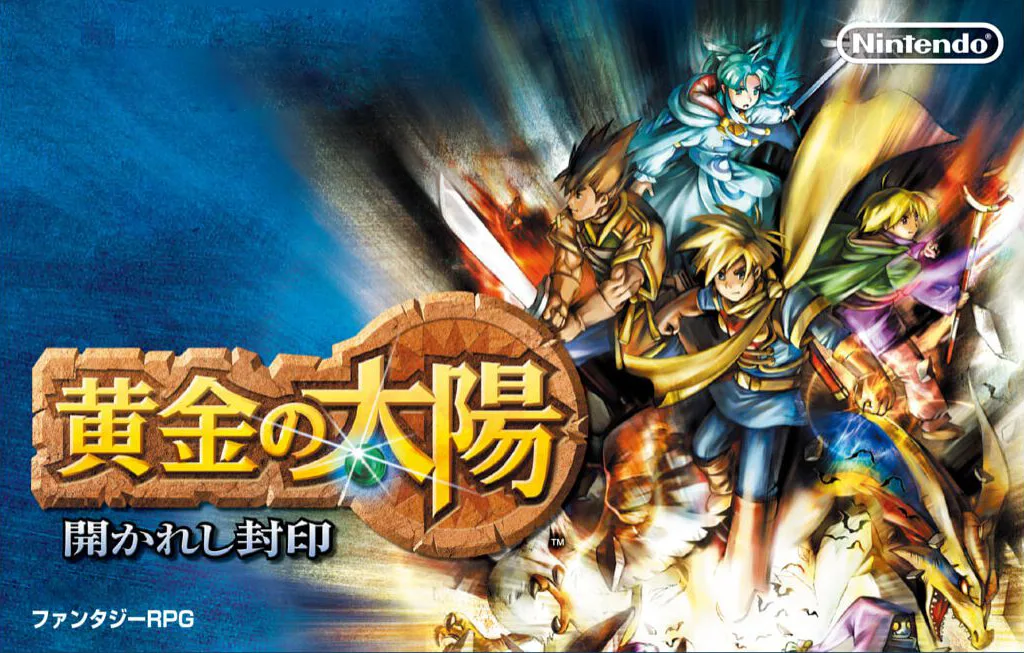
nesGolden Sun
 nes
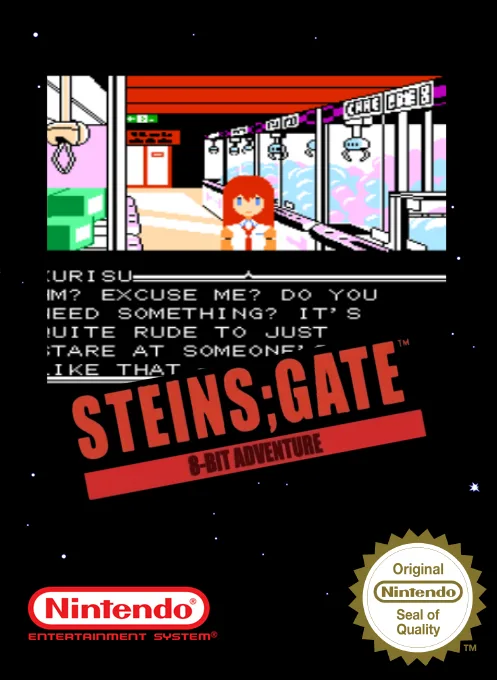
nesSteins;Gate
 nes
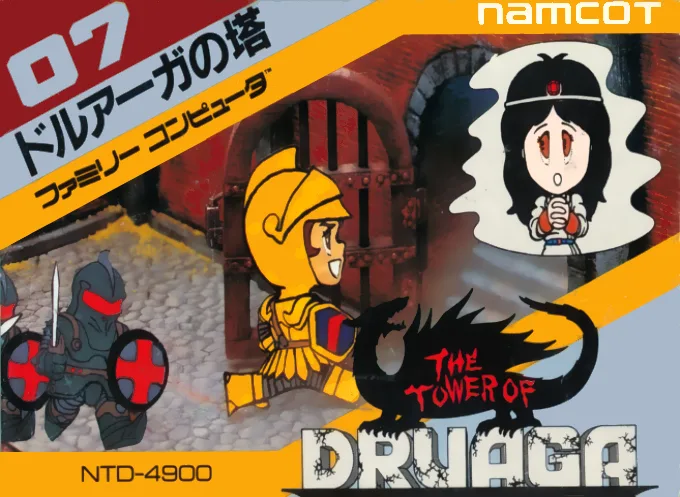
nesThe Tower of Druaga
 nes
nesThe Journey of Tang Sanzang from the Journey to the West
 nes
nesHeroic Legend of the Demon Realm
 nes
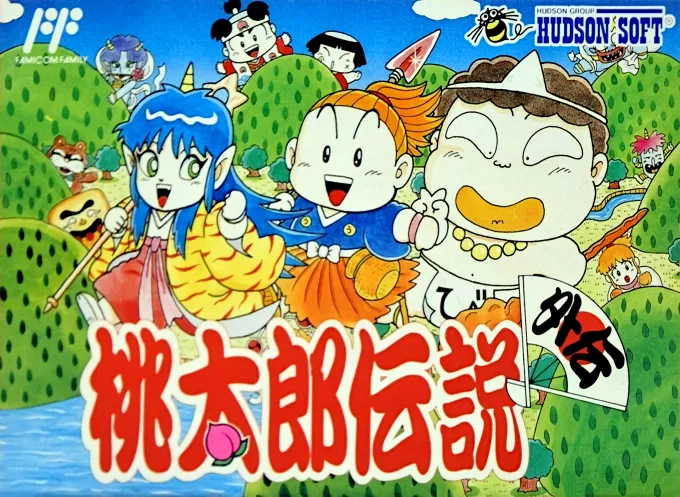
nesMomotarou Densetsu Gaiden
 nes
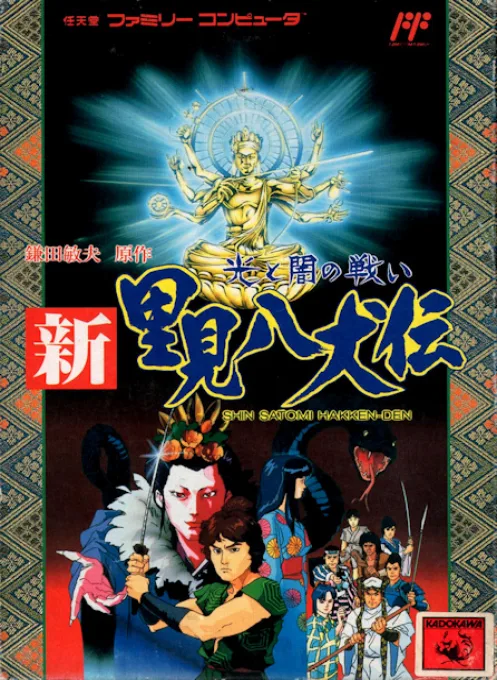
nesShin Satomi Hakken-Den - Hikari to Yami no Tatakai
 nes
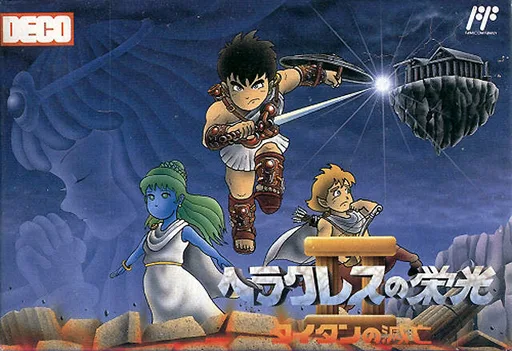
nesHeracles no Eikou II - Titan no Metsubou
 nes
nesTian Long Ba Bu
Frequently Asked Questions
Q1.Can I play Dragon Wars online in a web browser without downloading?
Yes, EmuAll allows you to play Dragon Wars (NES) directly inside modern web browsers (Chrome, Safari, Edge, Firefox) on PC, Mac, Chromebook, iOS, and Android devices without installing any emulator.
Q2.Does Dragon Wars support in-browser save states?
Yes, the in-browser emulator features instant Save States and Load States, storing your game progress directly in your browser storage so you can pick up where you left off.
Q3.What controls are supported? Can I use a controller for Dragon Wars?
The emulator fully supports standard keyboard controls as well as plug-and-play USB and Bluetooth gamepads (including Xbox, PlayStation, and generic controllers).