
DS
Dragonology
Also known as: دراغونولوغي, Ντραγκονολογκι, Драгонологи, 龙学, 드래곤올로지, ドラゴノロジー, 龙學
- Platform
- Nintendo DS
- Genre
- Action/Adventure
- Year
- 2009
- Developer
- Razorback Developments
- Publisher
- Codemasters
EmuAll provides verified clean ROM archives and in-browser emulation for Dragonology (DS). Players can launch and play directly inside modern desktop and mobile browsers with zero local installation, full gamepad support, and instant save states.
ROM downloads
2Dragonology (USA) (En,Fr,De,Es,It)
RecommendedDragonology (Europe) (En,Fr,De,Es,It,Nl)
Recommended Emulators(DS)
If you choose to download this ROM to play offline, we recommend these top standalone emulators:
About the Game
Dragonology is an action-adventure game for Nintendo DS where you play as a young apprentice to Dr. Ernest Drake, a dragon expert. Your goal is to locate and help wild dragons in distress across the globe, while seeking the legendary Longshanks Hammer that could control all dragonkind before it falls into the hands of the villain Silus Copperbone. The story features characters like the wise Dr. Ernest Drake and the antagonist Silus Copperbone. Key mechanics include stylus-based exploration to find glowing point-of-interest markers, mini-games such as potion mixing, dragon-caging, and stealth approaches, plus raising your own baby dragon with improvements to its trust, strength, and flight abilities through simple fun activities. What stands out is the interactive journal format that blends book-style lore exploration with dragon-caring, global travel, and light action elements in a family-friendly adventure.
More DS games
 ds
dsTomb Raider - Underworld
 ds
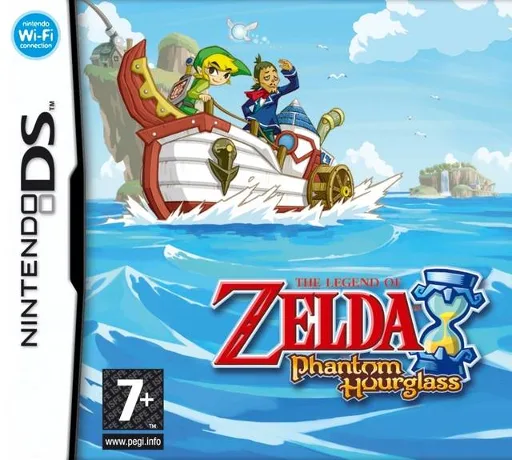
dsLegend of Zelda, The - Phantom Hourglass
 ds
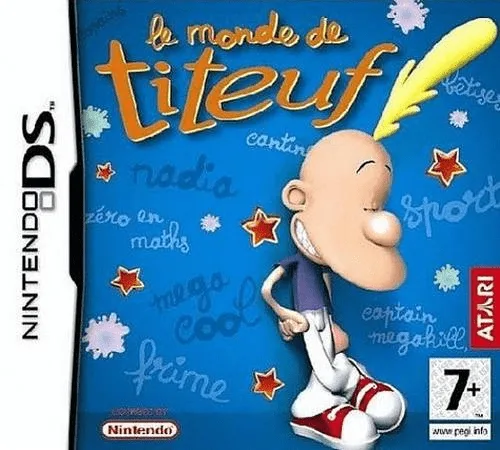
dsTootuff's World
 ds
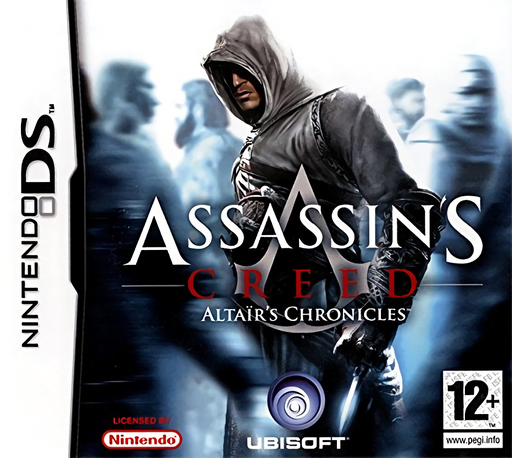
dsAssassin's Creed - Altair's Chronicles
 ds
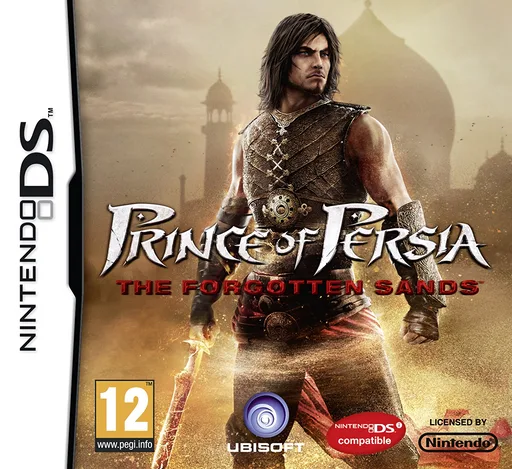
dsPrince of Persia - The Forgotten Sands
 ds
dsAvatar - The Legend of Aang - Into the Inferno
 ds
dsCarl Jiisan no Soratobu Ie
 ds
dsAdventure Time: Hey Ice King! Why'd You Steal Our Garbage!!
 ds
dsWater Horse, The - Legend of the Deep
 ds
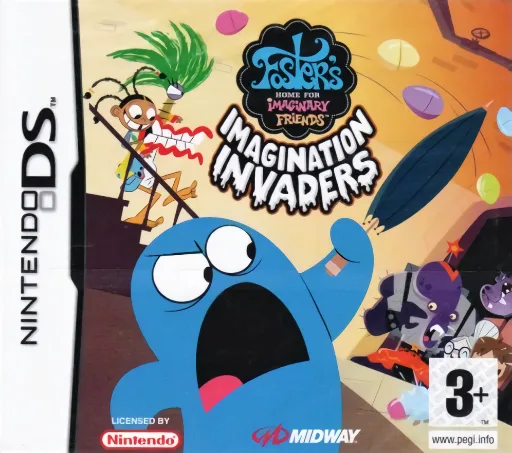
dsFoster's Home for Imaginary Friends - Imagination Invaders
 ds
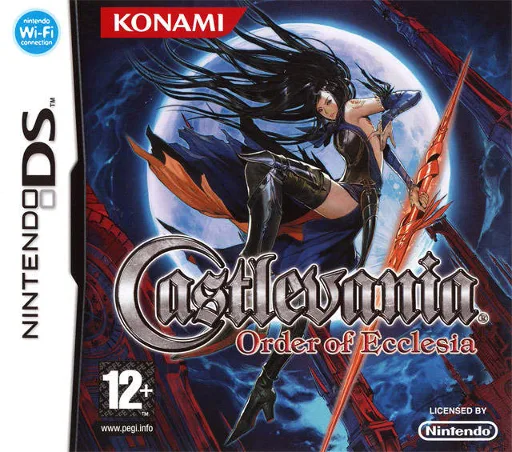
dsCastlevania: Order of Shadows
 ds
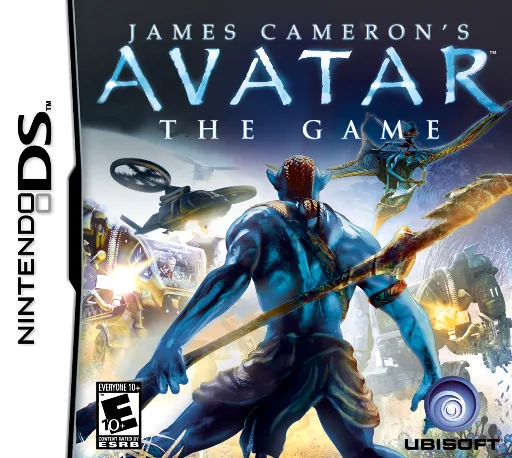
dsJames Cameron's Avatar - The Game
Frequently Asked Questions
Q1.Can I play Dragonology online in a web browser without downloading?
Yes, EmuAll allows you to play Dragonology (DS) directly inside modern web browsers (Chrome, Safari, Edge, Firefox) on PC, Mac, Chromebook, iOS, and Android devices without installing any emulator.
Q2.Does Dragonology support in-browser save states?
Yes, the in-browser emulator features instant Save States and Load States, storing your game progress directly in your browser storage so you can pick up where you left off.
Q3.What controls are supported? Can I use a controller for Dragonology?
The emulator fully supports standard keyboard controls as well as plug-and-play USB and Bluetooth gamepads (including Xbox, PlayStation, and generic controllers).