
GAME GEAR
Fantastic Dizzy
Also known as: Dizzy Fantastico, 환상적인 디지, Dizzy Fantástico, Dizzy Fantastique, 奇幻迪兹, 奇幻迪茲, ファンタスティックディズィ
- Platform
- Game Gear
- Genre
- Adventure/Platformer
- Year
- 1991
- Developer
- Codemasters
- Publisher
- Codemasters
EmuAll provides verified clean ROM archives and in-browser emulation for Fantastic Dizzy (GAME GEAR). Players can launch and play directly inside modern desktop and mobile browsers with zero local installation, full gamepad support, and instant save states.
ROM downloads
1Fantastic Dizzy (Europe) (En,Fr,De,Es,It)
Recommended Emulators(GAME GEAR)
If you choose to download this ROM to play offline, we recommend these top standalone emulators:
About the Game
In Fantastic Dizzy, players control the egg-like adventurer Dizzy as he rescues his girlfriend Daisy from the evil wizard Zaks, who has cast a spell on the Yolkfolk. The platform adventure features horizontal scrolling levels with vertical mini-games, where Dizzy can carry up to three items to solve puzzles. Key mechanics include collecting 250 stars (or 100 in some versions) for access to the final confrontation, and four arcade-style minigames such as mine cart racing, barrel rapids, castle capers with crossbow, and bubble trouble. Characters include all Yolkfolk, the pirate Blackheart, prince Clumsy, and wizard Theodore. What makes it stand out is its combination of classic puzzle-solving, fetch-quests, and minigames in a colorful fantasy world with night/day scenery cycles.
More GAME GEAR games
 game_gear
Tintin in Tibet
 game_gear
Micro Machines
 game_gear
World Series Baseball '95
 game_gear
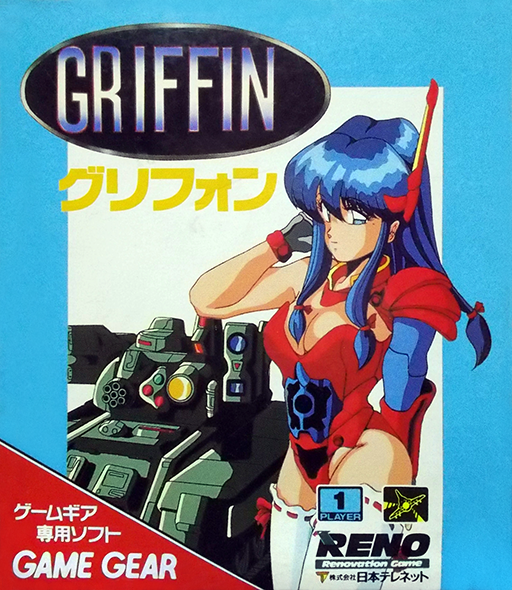
Griffin
 game_gear
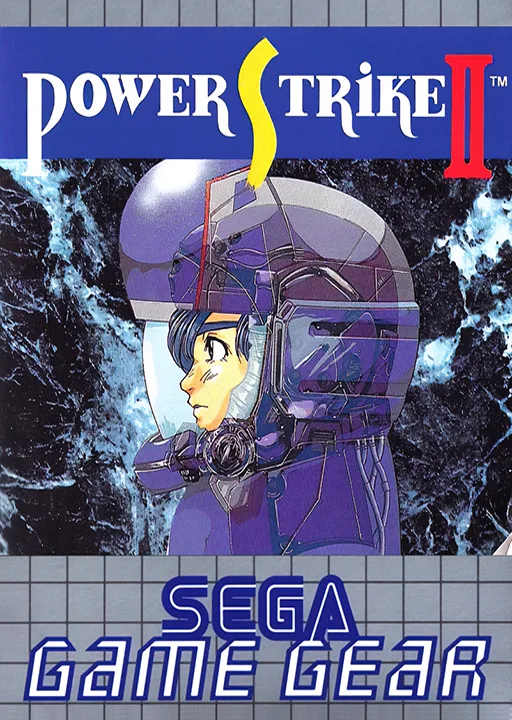
Power Strike II
 game_gear
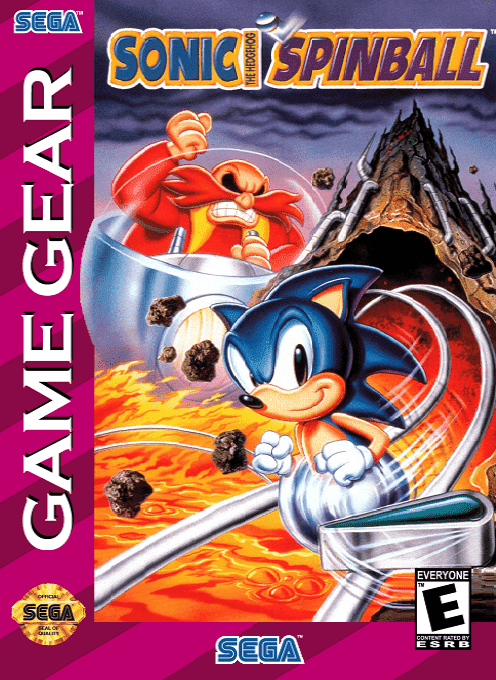
Sonic Spinball
 game_gear
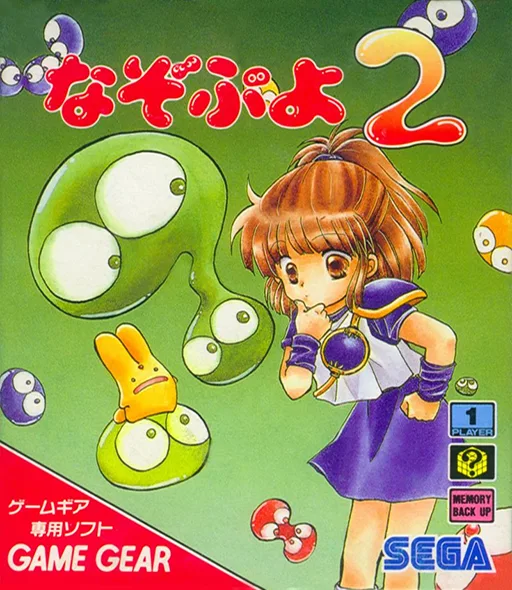
Nazo Puyo 2
 game_gear
Terminator, The
 game_gear
Aerial Assault
 game_gear
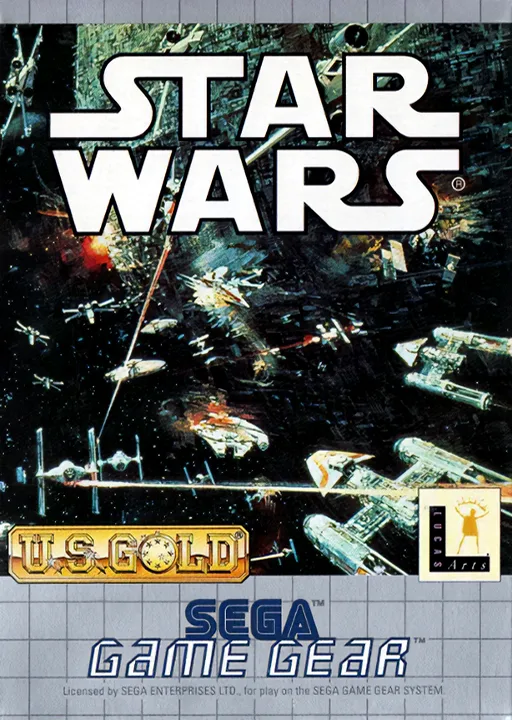
Star Wars
 game_gear
Chuck Rock
 game_gear
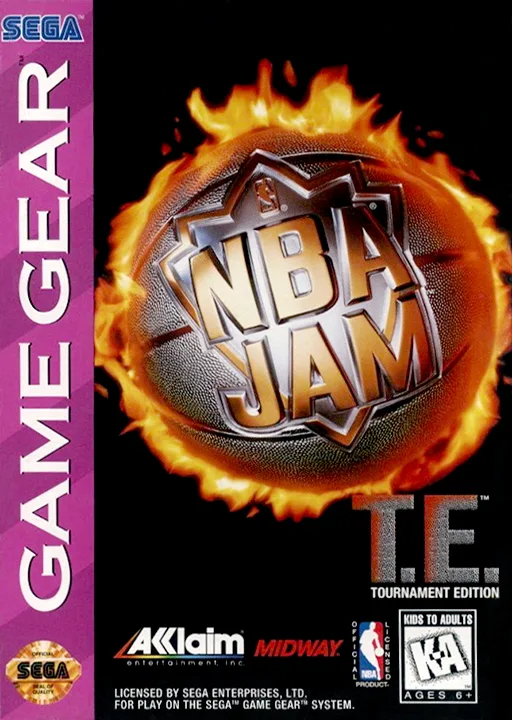
NBA Jam - Tournament Edition
Frequently Asked Questions
Q1.Can I play Fantastic Dizzy online in a web browser without downloading?
Yes, EmuAll allows you to play Fantastic Dizzy (GAME GEAR) directly inside modern web browsers (Chrome, Safari, Edge, Firefox) on PC, Mac, Chromebook, iOS, and Android devices without installing any emulator.
Q2.Does Fantastic Dizzy support in-browser save states?
Yes, the in-browser emulator features instant Save States and Load States, storing your game progress directly in your browser storage so you can pick up where you left off.
Q3.What controls are supported? Can I use a controller for Fantastic Dizzy?
The emulator fully supports standard keyboard controls as well as plug-and-play USB and Bluetooth gamepads (including Xbox, PlayStation, and generic controllers).