
GBC
Galaga: Destination Earth
Also known as: 갤러가: 지구로의 여행, 大蜜蜂 地球目标, ギャラガ デスティネーション アース
- Platform
- Game Boy Color
- Genre
- Shooter
- Year
- 2000
- Developer
- Cosmonaut Studios
- Publisher
- Hasbro Interactive
EmuAll provides verified clean ROM archives and in-browser emulation for Galaga: Destination Earth (GBC). Players can launch and play directly inside modern desktop and mobile browsers with zero local installation, full gamepad support, and instant save states.
ROM downloads
2Galaga - Destination Earth (USA)
RecommendedGalaga: Destination Earth
Recommended Emulators(GBC)
If you choose to download this ROM to play offline, we recommend these top standalone emulators:
About the Game
Galaga: Destination Earth is a space shooter that reimagines the classic Galaga arcade formula for the Game Boy Color. Players pilot a spacecraft against waves of alien invaders in fast-paced, vertically-scrolling combat. The game features power-ups, multiple weapon types, and challenging boss encounters that test reflexes and strategy. With colorful graphics optimized for the handheld system, Galaga: Destination Earth brings arcade action to portable gaming while maintaining the series' core appeal.
More GBC games
 gbc
gbcSWIV
 gbc
gbcSpace Marauder
 gbc
gbcAliens - Thanatos Encounter
 gbc
gbcSgt. Rock - On the Frontline
 gbc
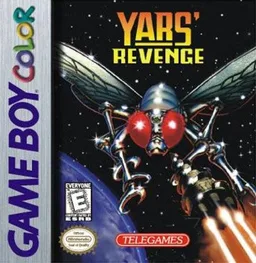
gbcYars' Revenge
 gbc
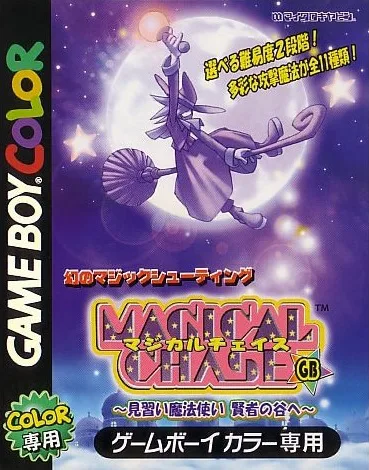
gbcMagical Chase GB - Minarai Mahoutsukai Kenja no Tani e
 gbc
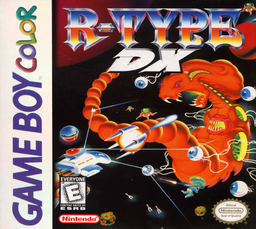
gbcR-Type DX
 gbc
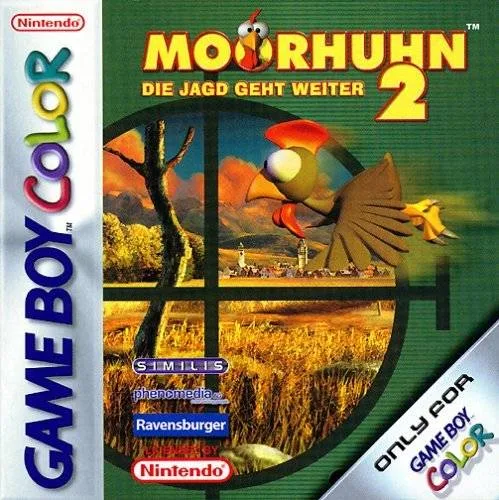
gbcMoorhuhn 2 - Die Jagd geht weiter
 gbc
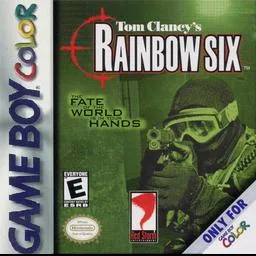
gbcTom Clancy's Rainbow Six
 gbc
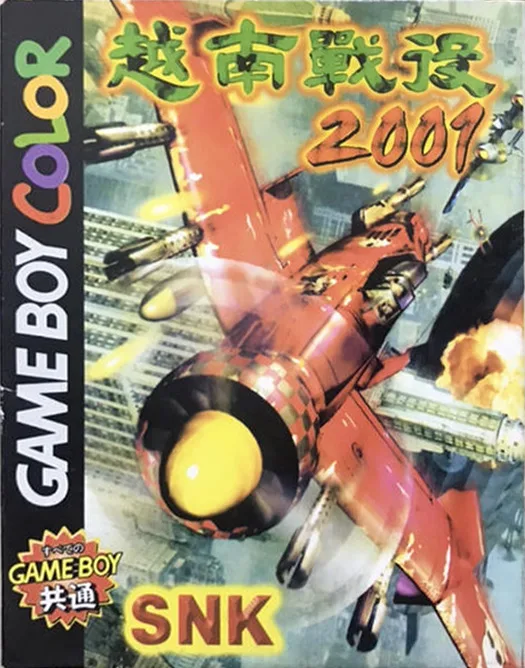
gbcSpecial Forces 2001
 gbc
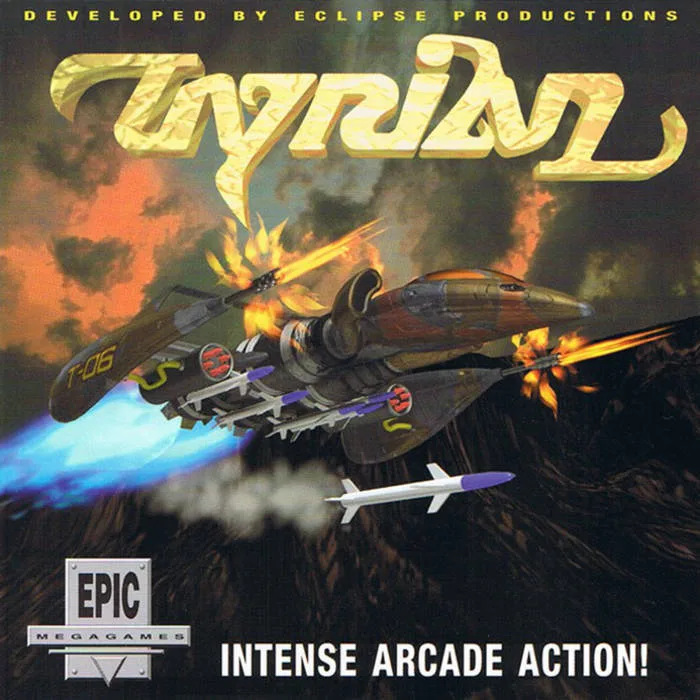
gbcTyrian 2000
Frequently Asked Questions
Q1.Can I play Galaga: Destination Earth online in a web browser without downloading?
Yes, EmuAll allows you to play Galaga: Destination Earth (GBC) directly inside modern web browsers (Chrome, Safari, Edge, Firefox) on PC, Mac, Chromebook, iOS, and Android devices without installing any emulator.
Q2.Does Galaga: Destination Earth support in-browser save states?
Yes, the in-browser emulator features instant Save States and Load States, storing your game progress directly in your browser storage so you can pick up where you left off.
Q3.What controls are supported? Can I use a controller for Galaga: Destination Earth?
The emulator fully supports standard keyboard controls as well as plug-and-play USB and Bluetooth gamepads (including Xbox, PlayStation, and generic controllers).