
N64
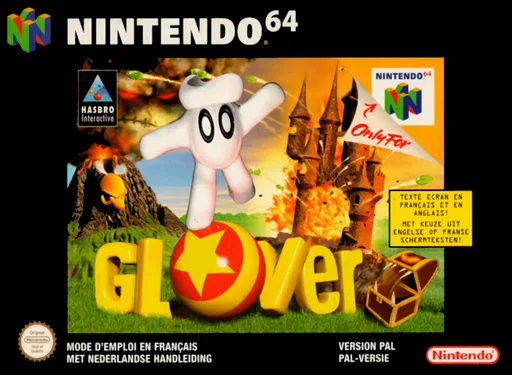
Glover
- Platform
- Nintendo 64
- Genre
- Puzzle/Platformer
- Year
- 1998
- Developer
- Interactive Studios
- Publisher
- Hasbro Interactive
EmuAll provides verified clean ROM archives and in-browser emulation for Glover (N64). Players can launch and play directly inside modern desktop and mobile browsers with zero local installation, full gamepad support, and instant save states.
ROM downloads
1Glover
Recommended Emulators(N64)
If you choose to download this ROM to play offline, we recommend these top standalone emulators:
About the Game
Glover is a physics-based puzzle-platformer where you control a four-fingered magical glove named Glover. After a potion mishap, Glover is separated from his wizard brother Cross-Stitch and must collect six lost crystals from six different worlds before they fall into the cauldron. Gameplay involves rolling, bouncing, throwing, slapping, and transforming the crystal ball into various shapes (such as a trampoline or catapult) to navigate levels and solve environmental puzzles; you can also shift between glove and ball forms. The story unfolds across realms like Atlantis, a circus park, a pirate domain, a horror fortress, prehistoric era, and outer space. What stands out is the innovative ball-physics mechanics that blend platforming, puzzle-solving, and simple combat.
More N64 games
 n64
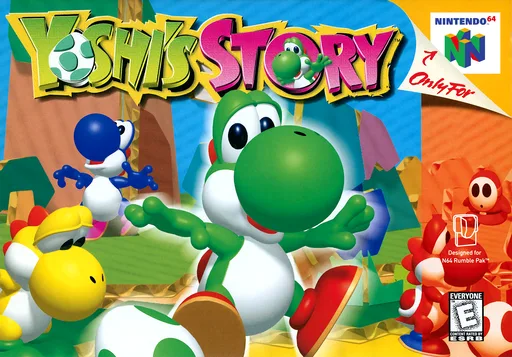
n64Yoshi's Story
 n64
n64Handy-boy
 n64
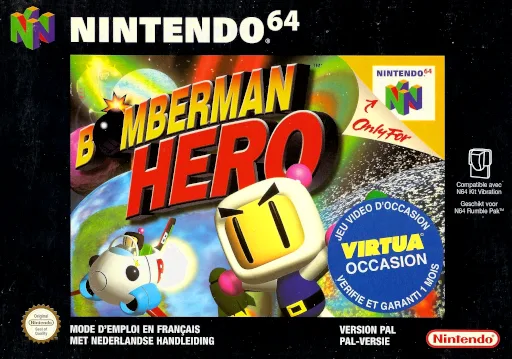
n64Bomberman Hero - Saving Princess Millian
 n64
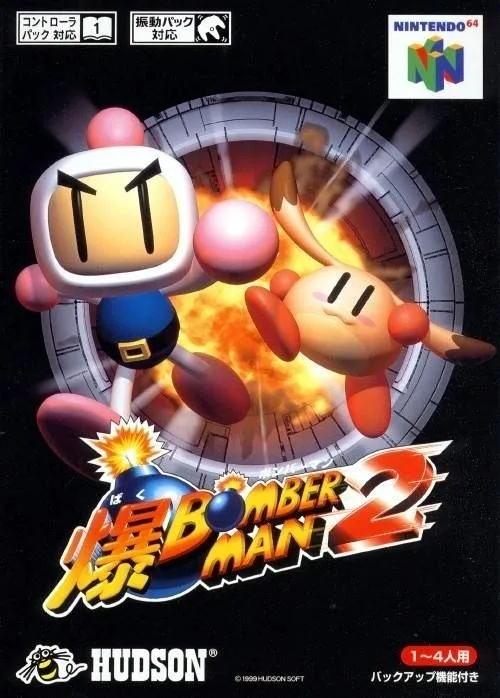
n64Bomberman 2
 n64
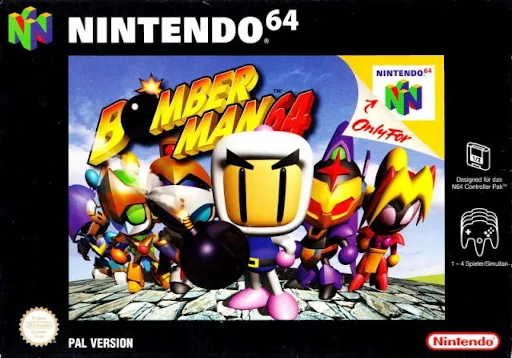
n64Bomberman 64
 n64
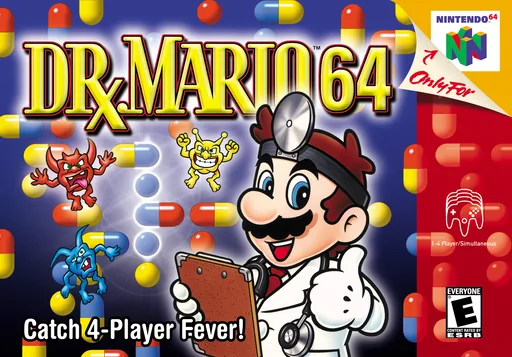
n64Dr. Mario 64
 n64
n64Tom & Jerry Fluffy Punch
 n64
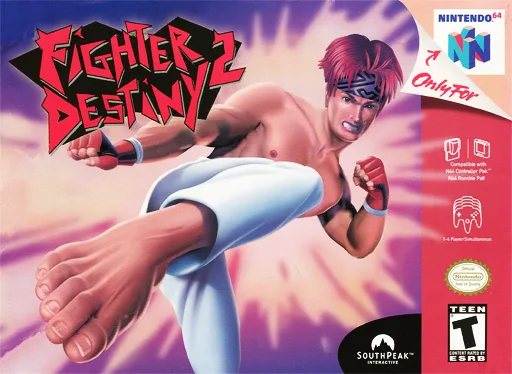
n64格斗传承2
 n64
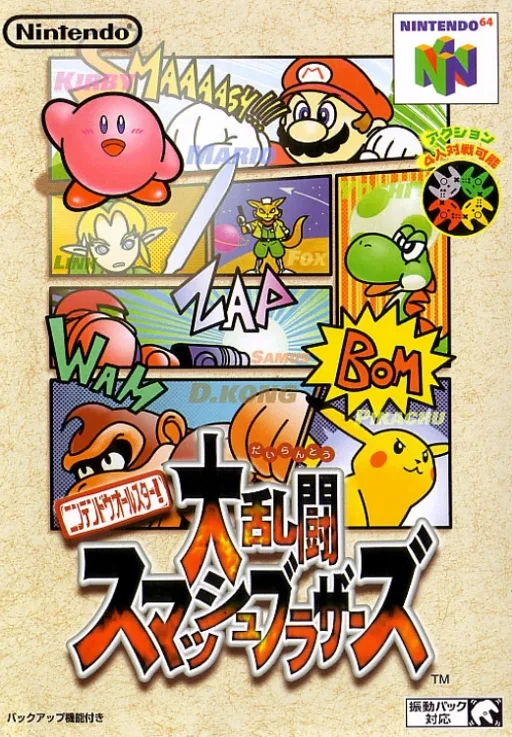
n64Nintendo Super Smash Bros. Ultimate
 n64
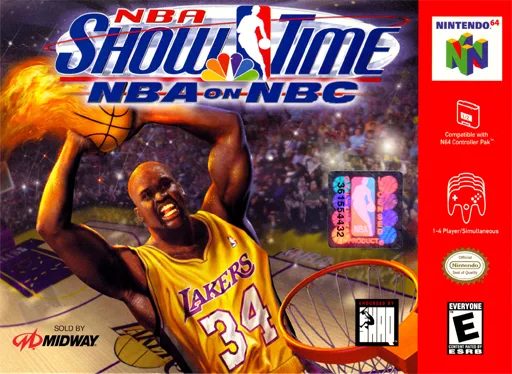
n64NBA Individual Showcase - NBC TV
 n64
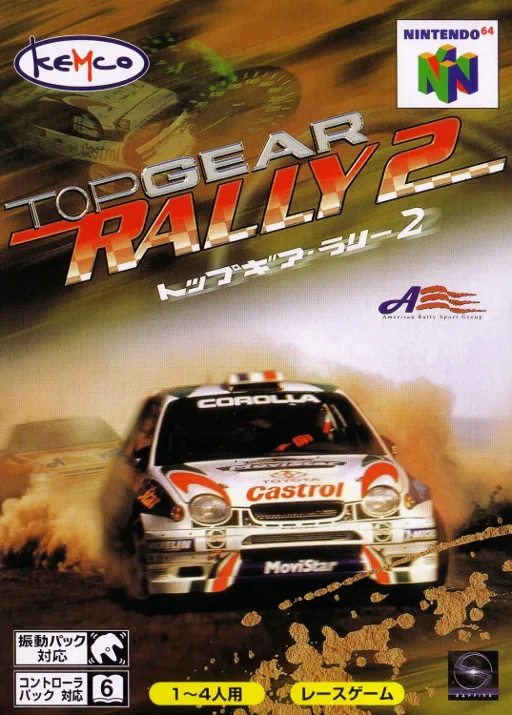
n64Top Gear Rally 2
 n64
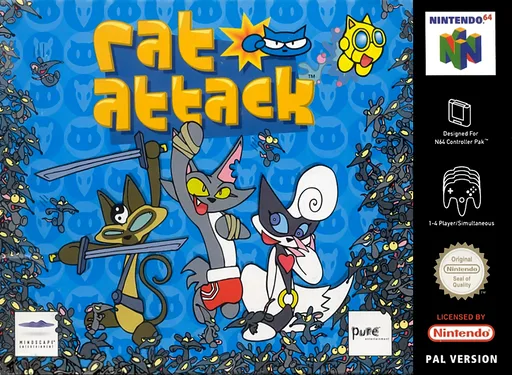
n64Rat Invasion
Frequently Asked Questions
Q1.Can I play Glover online in a web browser without downloading?
Yes, EmuAll allows you to play Glover (N64) directly inside modern web browsers (Chrome, Safari, Edge, Firefox) on PC, Mac, Chromebook, iOS, and Android devices without installing any emulator.
Q2.Does Glover support in-browser save states?
Yes, the in-browser emulator features instant Save States and Load States, storing your game progress directly in your browser storage so you can pick up where you left off.
Q3.What controls are supported? Can I use a controller for Glover?
The emulator fully supports standard keyboard controls as well as plug-and-play USB and Bluetooth gamepads (including Xbox, PlayStation, and generic controllers).