
SNES
King of Dragons
Also known as: King of Dragons, The, Кинг оф Драгонс, ザ・キングオブドラゴンズ
- Platform
- Super Nintendo
- Genre
- Beat 'em up
- Year
- 1994
- Developer
- Capcom
- Publisher
- Capcom
EmuAll provides verified clean ROM archives and in-browser emulation for King of Dragons (SNES). Players can launch and play directly inside modern desktop and mobile browsers with zero local installation, full gamepad support, and instant save states.
ROM downloads
4King of Dragons
RecommendedKing of Dragons (Europe)
King of Dragons (USA)
King of Dragons, The (Japan)
Recommended Emulators(SNES)
If you choose to download this ROM to play offline, we recommend these top standalone emulators:
About the Game
The King of Dragons is a side-scrolling hack 'n slash beat 'em up with RPG elements where players choose from five adventurers to explore the kingdom of Malus and defeat monsters led by the red dragon Gildiss. Playable characters include Elf (archery), Wizard (magic), Fighter (melee), Cleric (healing/defense), and Dwarf (agility/blocking). Gameplay features 16 short levels with experience-based leveling (health, range, invulnerability), weapon/armor upgrades, and a screen-wide magic attack. Story is simple: darkness falls, Gildiss awakens to rule as king of dragons. It stands out for its character diversity, RPG progression system, and smooth 2-player action.
More SNES games
 snes
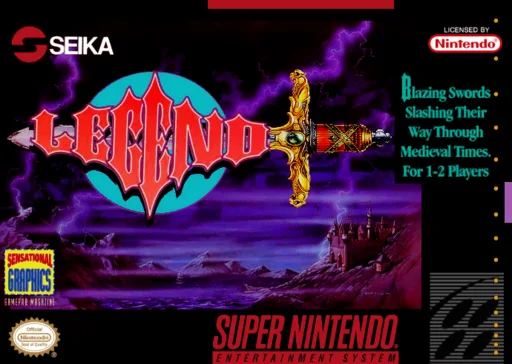
snesLegend
 snes
snesAlien vs Predator
 snes
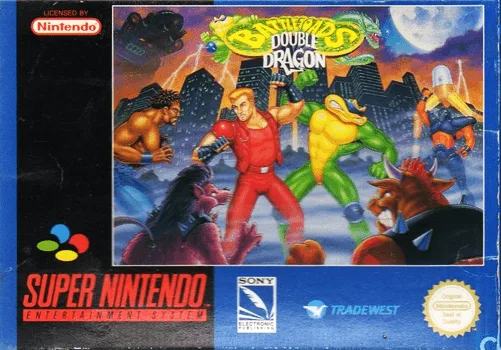
snesBattletoads-Double Dragon
 snes
snesVenom - Spider-Man - Separation Anxiety
 snes
snesFinal Fight 2
 snes
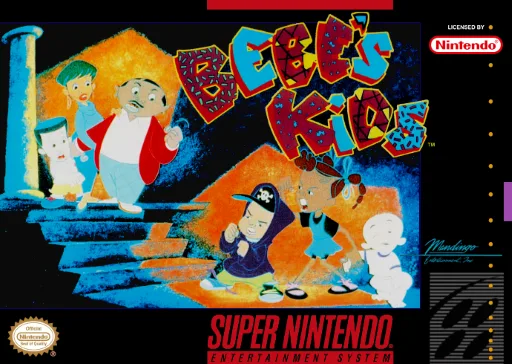
snesBebe's Kids
 snes
snesFinal Fight
 snes
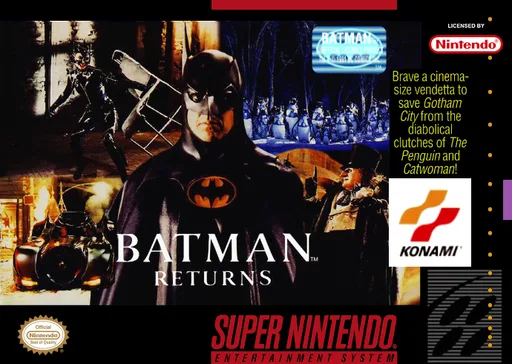
snesBatman Returns
 snes
snesSocks the Cat Rocks the Hill
 snes
snesTNN Bass Tournament of Champions
 snes
snesSkuljagger - Revolt of the Westicans
 snes
snesSNES Burn-in Test Cartridge
Frequently Asked Questions
Q1.Can I play King of Dragons online in a web browser without downloading?
Yes, EmuAll allows you to play King of Dragons (SNES) directly inside modern web browsers (Chrome, Safari, Edge, Firefox) on PC, Mac, Chromebook, iOS, and Android devices without installing any emulator.
Q2.Does King of Dragons support in-browser save states?
Yes, the in-browser emulator features instant Save States and Load States, storing your game progress directly in your browser storage so you can pick up where you left off.
Q3.What controls are supported? Can I use a controller for King of Dragons?
The emulator fully supports standard keyboard controls as well as plug-and-play USB and Bluetooth gamepads (including Xbox, PlayStation, and generic controllers).