
MD
Little Witch Bell
Also known as: La Pequeña Bruja Bell, 小魔女铃铃, 小魔女鈴鈴, La Petite Sorcière Bell, 작은 마녀 벨, A Pequena Bruxa Bell, La Piccola Strega Bell
- Platform
- Mega Drive
- Genre
- Shooter
- Year
- 1993
- Developer
- Gamtec
- Publisher
- Super Fighter Team
EmuAll provides verified clean ROM archives and in-browser emulation for Little Witch Bell (MD). Players can launch and play directly inside modern desktop and mobile browsers with zero local installation, full gamepad support, and instant save states.
ROM downloads
1小魔女铃铃 (繁) (三协资讯)(4Mb)
Recommended Emulators(MD)
If you choose to download this ROM to play offline, we recommend these top standalone emulators:
About the Game
Magic Girl featuring Ling Ling the Little Witch is an unlicensed vertical shoot 'em up for Sega Mega Drive. Players control the young witch Ling Ling as she fights alien invaders that have attacked her planet, seeking revenge for the destruction of her hometown and family. Gameplay features five stages with unique locations, enemies, and bosses; the player uses one-button shooting with power-up weapons (multi-shot, wave shot, homing shot) and bomb drops, collecting bonuses for energy and shields while managing health and shields. The story follows Ling Ling's transformation from a sweet girl into a vengeful fighter. What makes it stand out is its cute magic girl aesthetic, simple yet challenging mechanics, and faithful Chinese origin re-release in English.
More MD games
 md
mdTwin Cobra - Desert Attack Helicopter
 md
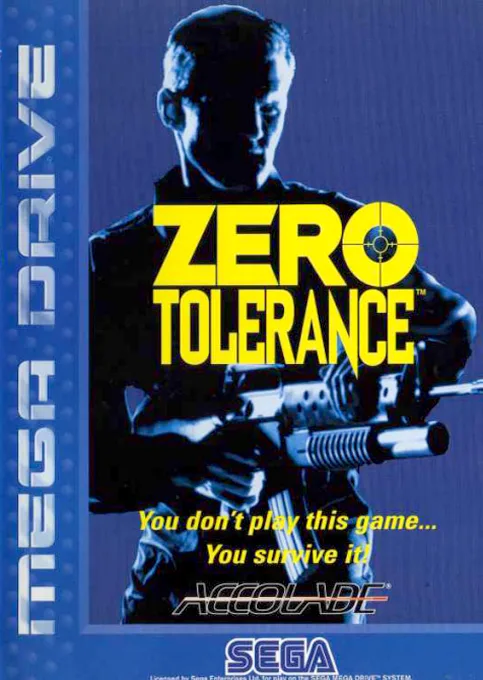
mdZero Tolerance
 md
mdVapor Trail
 md
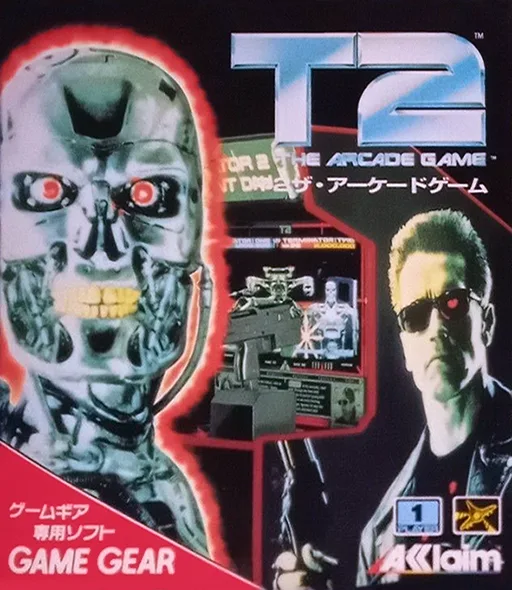
mdT2 - The Arcade Game
 md
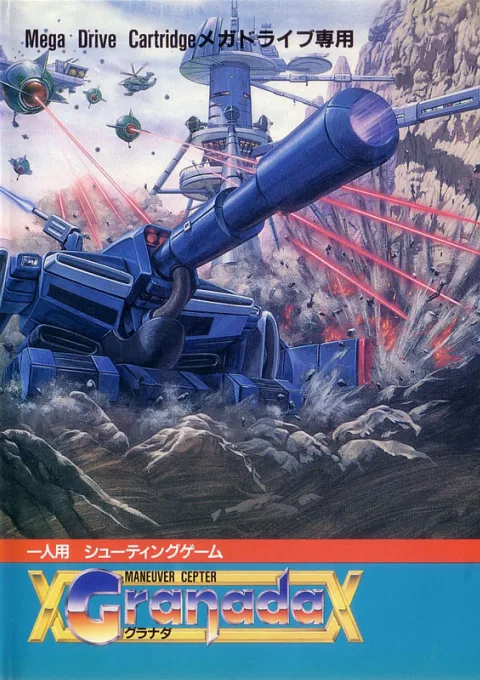
mdGranada
 md
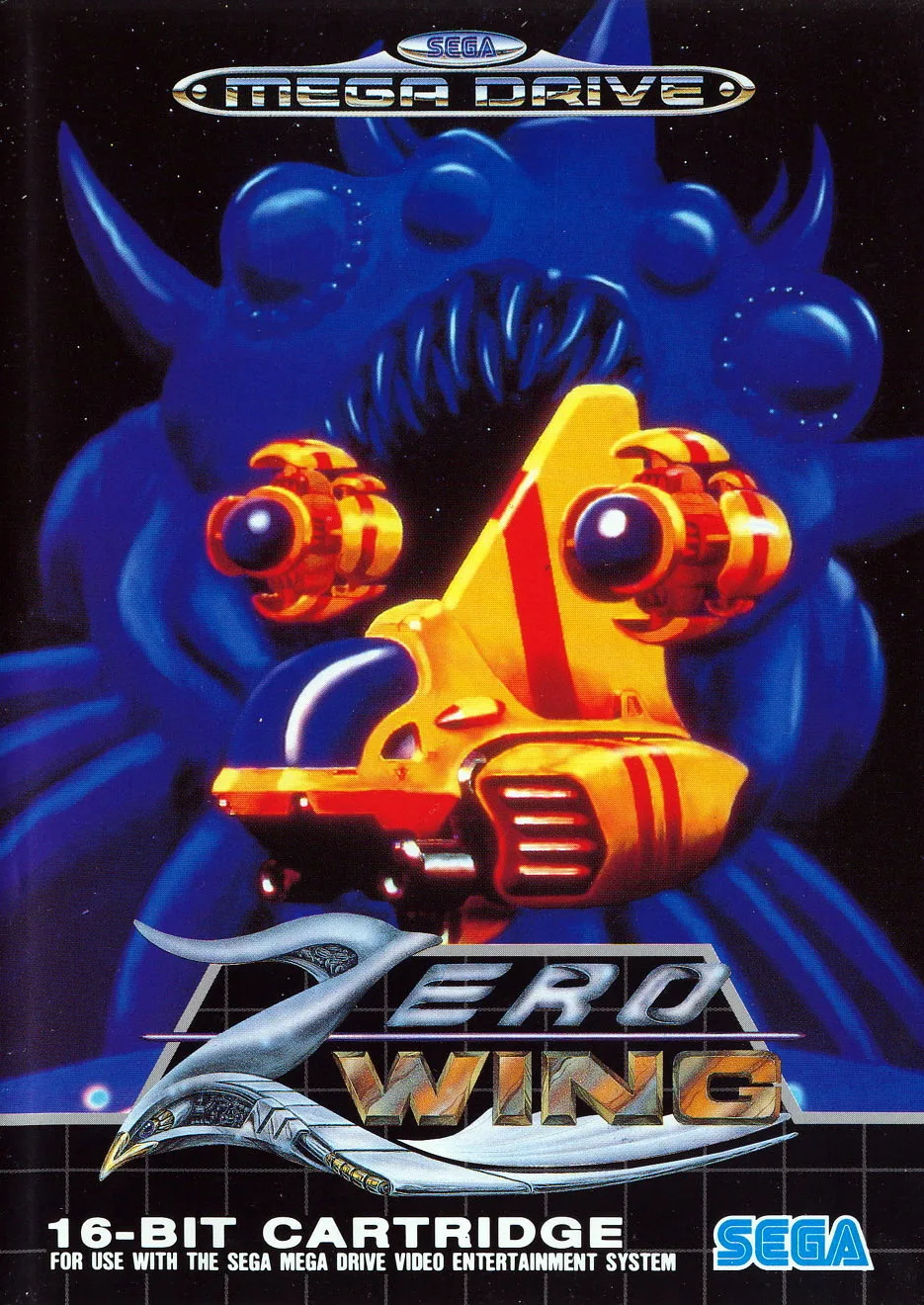
mdZero Wind Fighter
 md
mdSteel Talons
 md
mdFlash Point
 md
mdUltracore
 md
mdInsector X
 md
mdEarth Defense ~ Earth Defend, The
Frequently Asked Questions
Q1.Can I play Little Witch Bell online in a web browser without downloading?
Yes, EmuAll allows you to play Little Witch Bell (MD) directly inside modern web browsers (Chrome, Safari, Edge, Firefox) on PC, Mac, Chromebook, iOS, and Android devices without installing any emulator.
Q2.Does Little Witch Bell support in-browser save states?
Yes, the in-browser emulator features instant Save States and Load States, storing your game progress directly in your browser storage so you can pick up where you left off.
Q3.What controls are supported? Can I use a controller for Little Witch Bell?
The emulator fully supports standard keyboard controls as well as plug-and-play USB and Bluetooth gamepads (including Xbox, PlayStation, and generic controllers).