
MD
Zero Wind Fighter
Also known as: Zerowind-Jäger, 제로윈드 전투기, 零風戰機, 零風戦機, Chasseur de Vitesse Zéro, Caccia a Vento Zero, 零风战机, Caza de Viento Cero, Caça de Vento Zero
- Platform
- Mega Drive
- Genre
- Shooter
- Year
- 1991
- Developer
- Toaplan
- Publisher
- Toaplan
EmuAll provides verified clean ROM archives and in-browser emulation for Zero Wind Fighter (MD). Players can launch and play directly inside modern desktop and mobile browsers with zero local installation, full gamepad support, and instant save states.
ROM downloads
1零风战机 (简) (熊组)(8Mb)
Recommended Emulators(MD)
If you choose to download this ROM to play offline, we recommend these top standalone emulators:
About the Game
Zero Wing is a side-scrolling horizontally scrolling shooter where players control the starfighter Zero Wing on a quest to destroy the evil alien Empire. Gameplay features intense aerial combat with lasers, bombs, and power-ups across multiple levels and stages. The story involves the pilot battling hordes of enemy forces in a futuristic war. Standout mechanics include rapid scrolling, power-up items that boost firepower or speed, and a memorable soundtrack by Hitoshi Sakimoto. The game is noted for its addictive gameplay and high difficulty.
More MD games
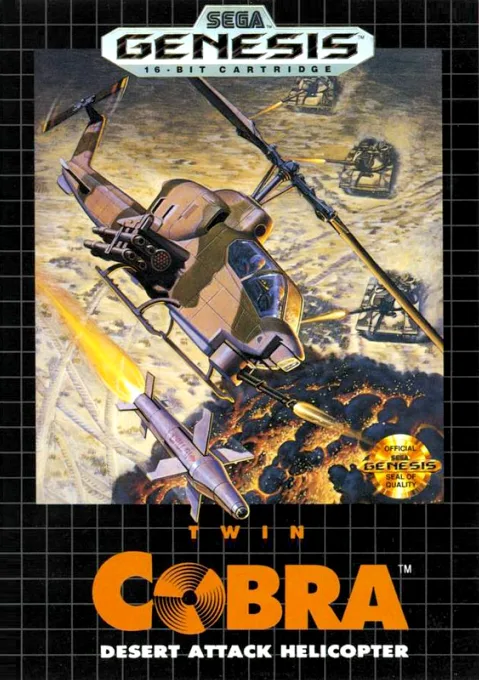 md
mdTwin Cobra - Desert Attack Helicopter
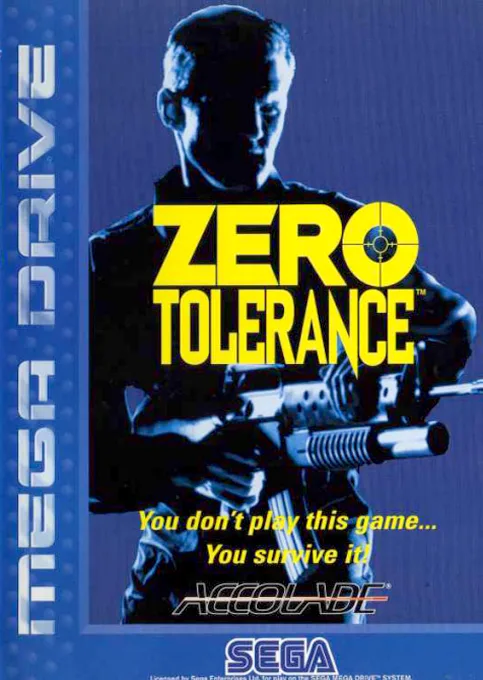 md
mdZero Tolerance
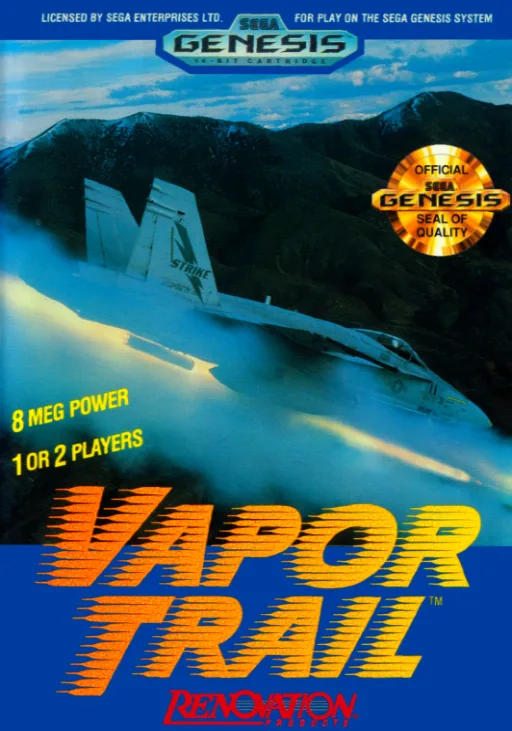 md
mdVapor Trail
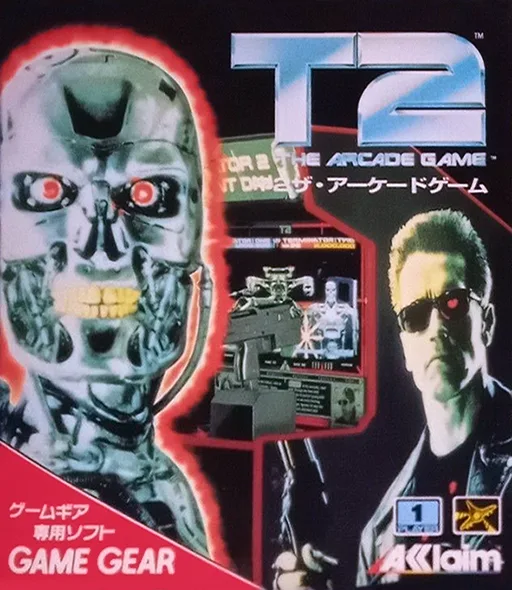 md
mdT2 - The Arcade Game
 md
mdGranada
 md
mdLittle Witch Bell
 md
mdSteel Talons
 md
mdFlash Point
 md
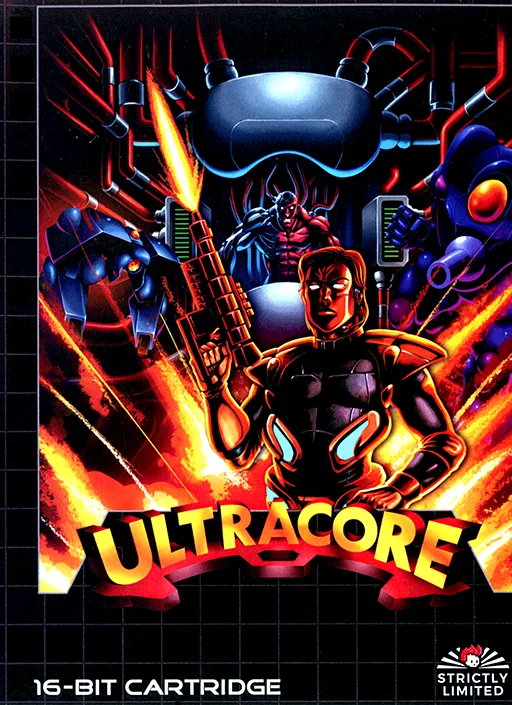
mdUltracore
 md
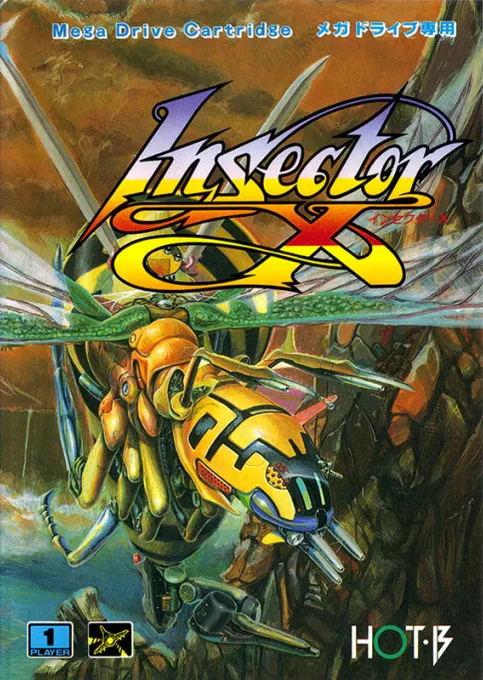
mdInsector X
 md
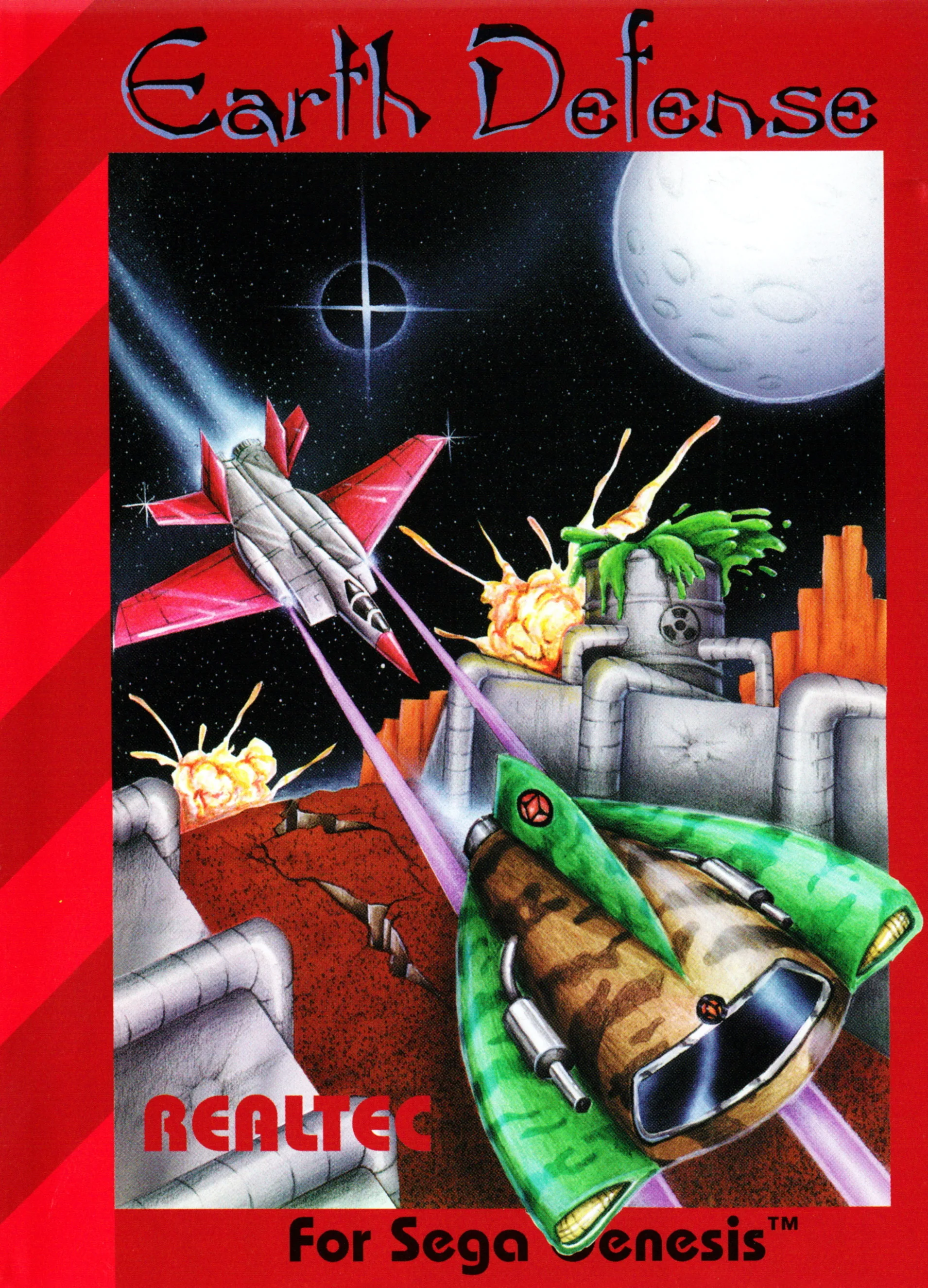
mdEarth Defense ~ Earth Defend, The
Frequently Asked Questions
Q1.Can I play Zero Wind Fighter online in a web browser without downloading?
Yes, EmuAll allows you to play Zero Wind Fighter (MD) directly inside modern web browsers (Chrome, Safari, Edge, Firefox) on PC, Mac, Chromebook, iOS, and Android devices without installing any emulator.
Q2.Does Zero Wind Fighter support in-browser save states?
Yes, the in-browser emulator features instant Save States and Load States, storing your game progress directly in your browser storage so you can pick up where you left off.
Q3.What controls are supported? Can I use a controller for Zero Wind Fighter?
The emulator fully supports standard keyboard controls as well as plug-and-play USB and Bluetooth gamepads (including Xbox, PlayStation, and generic controllers).