
NES
M82 Game Selectable Working Product Display
Also known as: M82游戏 选择性工作产品显示, М82 Гам Селектабл Уоркинг Продукт Дисплей, م82 غام سيليكتابل ووركينغ برودوكت ديسبلاي, M82ゲーム 選択可能 商品表示, M82 게임 선택 가능 상품 표시, M82 Juego Seleccionable Visualización de Producto, M82 Jeu Sélectionnable Affichage Produit, M82 Spiel Wählebar Produkt Anzeige, M82 Jogo Selecionável Exibição de Produto, M82遊戲 選擇性工作產品顯示, M82 Gioco Selezionabile Visualizzazione Prodotto, Μ82 Γκαμ Σελεκταμπλ Ουορκινγκ Προντουκτ Ντισπλει
- Platform
- Nintendo Entertainment System
- Genre
- Other
- Year
- 1985
- Developer
- Nintendo
- Publisher
- Nintendo
EmuAll provides verified clean ROM archives and in-browser emulation for M82 Game Selectable Working Product Display (NES). Players can launch and play directly inside modern desktop and mobile browsers with zero local installation, full gamepad support, and instant save states.
ROM downloads
1M82 Game Selectable Working Product Display (Europe) (Demo) (Kiosk)
Recommended Emulators(NES)
If you choose to download this ROM to play offline, we recommend these top standalone emulators:
About the Game
M82 Game Selectable Working Product Display is a specialized in-store demo kiosk for the NES/Famicom. It holds up to 12 pre-selected cartridges in a display cabinet and lets customers test them by choosing via a button and setting a play time limit (30 seconds, 3, 6, or 128 minutes) before auto-reset. The unit features a custom menu, splash screens, and selectable demo cartridges for immediate gameplay. It was produced exclusively for retailers and never released to the public. This non-playable title serves as a working product display unit, often included in ROM sets as a selectable demo menu.
More NES games
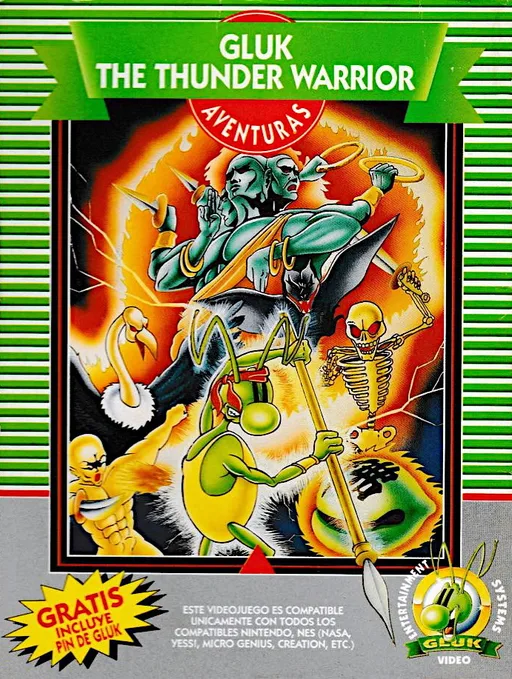 nes
nesGluk the Thunder Warrior
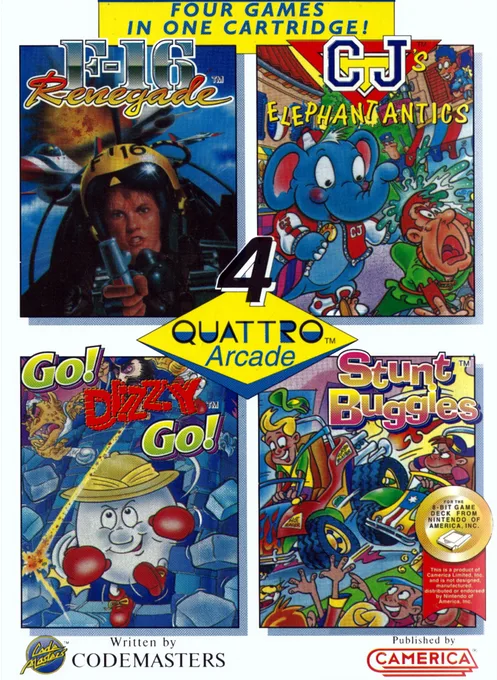 nes
nesQuattro Arcade
 nes
nesNintendo World Class Service - Port Test Cartridge
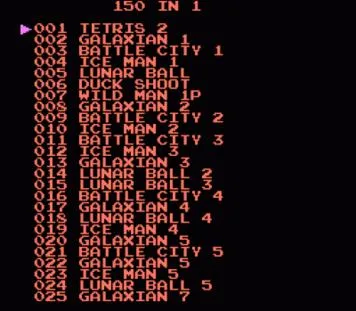 nes
nes150-in-1
 nes
nesPolygondwanaland - 2nd Edition
 nes
nesUS Billionaire
 nes
nesAmerican Dream
 nes
nesWindows 98
 nes
nesNintendo - NTF2 System Cartridge
Hachitoku Gankō Wang
 nes
nesVideomation
Pet - Feicui
Frequently Asked Questions
Q1.Can I play M82 Game Selectable Working Product Display online in a web browser without downloading?
Yes, EmuAll allows you to play M82 Game Selectable Working Product Display (NES) directly inside modern web browsers (Chrome, Safari, Edge, Firefox) on PC, Mac, Chromebook, iOS, and Android devices without installing any emulator.
Q2.Does M82 Game Selectable Working Product Display support in-browser save states?
Yes, the in-browser emulator features instant Save States and Load States, storing your game progress directly in your browser storage so you can pick up where you left off.
Q3.What controls are supported? Can I use a controller for M82 Game Selectable Working Product Display?
The emulator fully supports standard keyboard controls as well as plug-and-play USB and Bluetooth gamepads (including Xbox, PlayStation, and generic controllers).