
N64
Mario Party
Also known as: ماريو بارتي, 马里奥聚会, Μαριο Παρτι, Марио Парти, マリオパーティ, 馬里奧聚會, 마리오파티
- Platform
- Nintendo 64
- Genre
- Party
- Year
- 1998
- Developer
- Hudson Soft
- Publisher
- Nintendo
EmuAll provides verified clean ROM archives and in-browser emulation for Mario Party (N64). Players can launch and play directly inside modern desktop and mobile browsers with zero local installation, full gamepad support, and instant save states.
ROM downloads
4马里奥聚会[Mario Party](US)(Nintendo)(256Mb)
RecommendedMario Party
马里奥聚会[Mario Party](EU)(Nintendo)(256Mb)
马里奥聚会[Mario Party](JP)(Nintendo)(256Mb)
Recommended Emulators(N64)
If you choose to download this ROM to play offline, we recommend these top standalone emulators:
About the Game
Mario Party is a party video game on Nintendo 64 featuring eight playable characters: Mario, Luigi, Princess Peach, Yoshi, Wario, Donkey Kong, Princess Daisy, and Waluigi. Players progress on themed board maps collecting Stars by playing minigames and purchasing them from the Millennium Star. The goal is to win the most Stars. Includes single-player and multiplayer modes with duel boards for two players using partners. Minigames involve simple controls and varied objectives like racing or mini-quests. The game introduced the Mario Party series concept of competitive board game play with Nintendo characters.
More N64 games
 n64
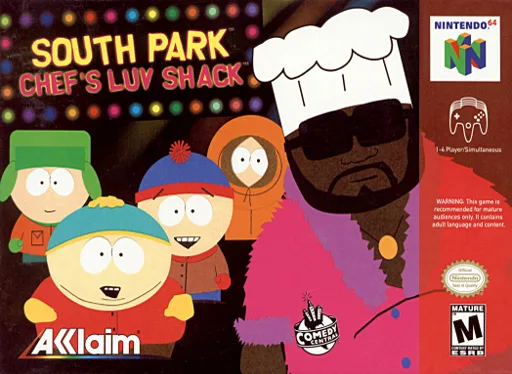
n64South Park: Chef's Luv Shack
 n64
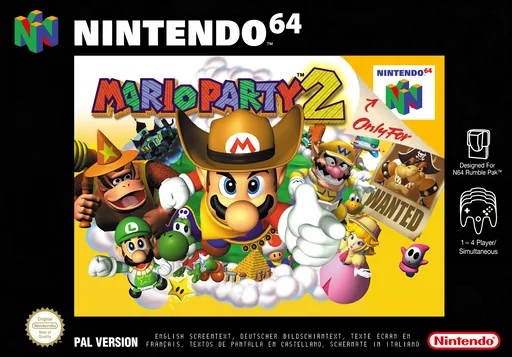
n64Mario Party 2
 n64
n64South Park - The Chef's House
 n64
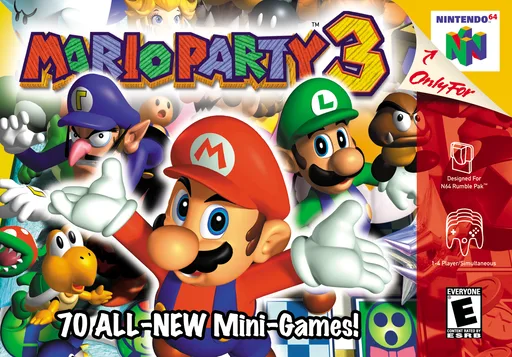
n64Mario Party 3
 n64
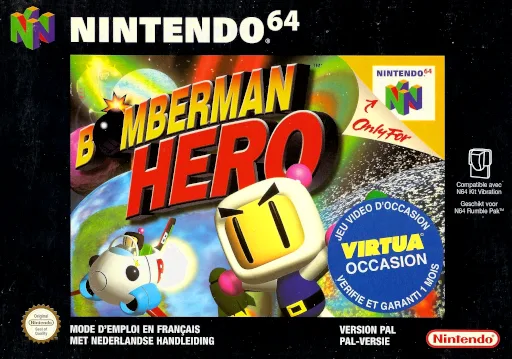
n64Bomberman Hero - Saving Princess Millian
 n64
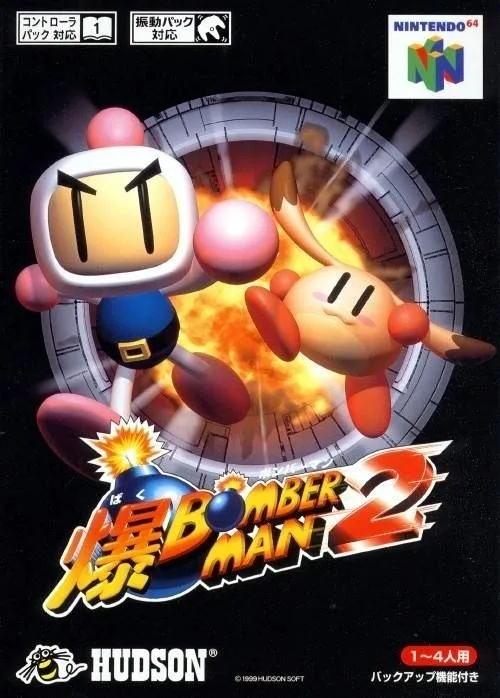
n64Bomberman 2
 n64
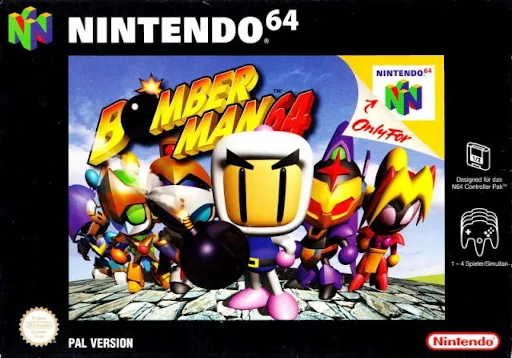
n64Bomberman 64
 n64
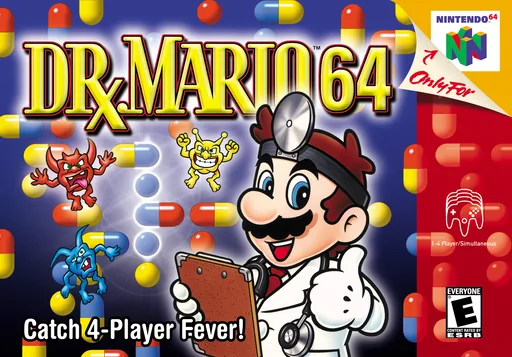
n64Dr. Mario 64
 n64
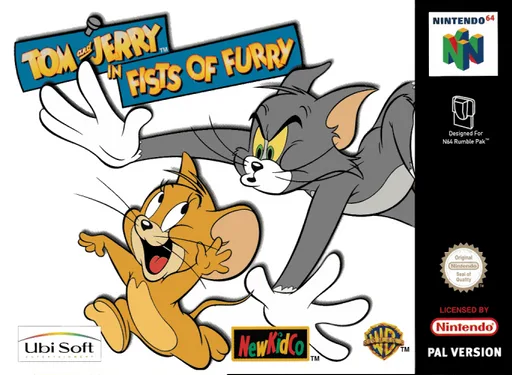
n64Tom & Jerry Fluffy Punch
 n64
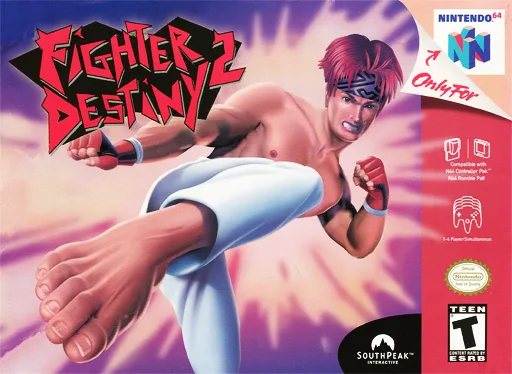
n64格斗传承2
 n64
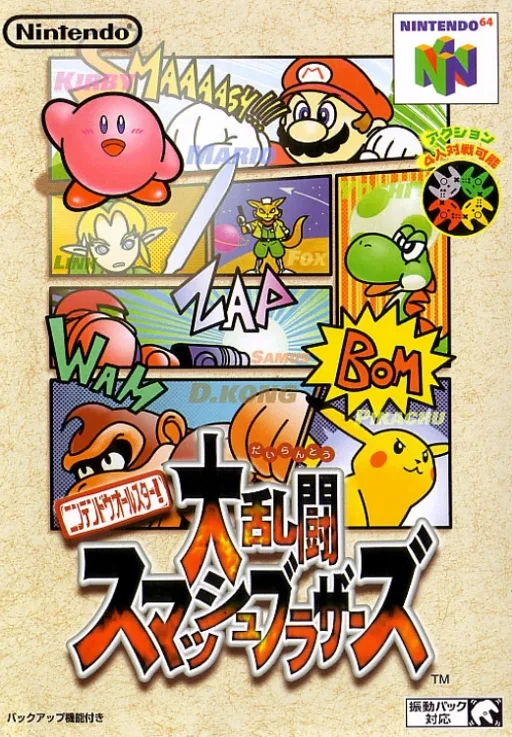
n64Nintendo Super Smash Bros. Ultimate
 n64
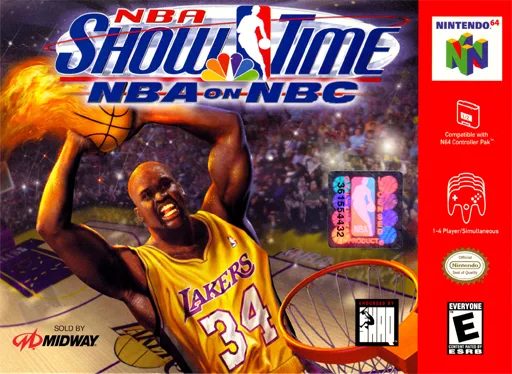
n64NBA Individual Showcase - NBC TV
Frequently Asked Questions
Q1.Can I play Mario Party online in a web browser without downloading?
Yes, EmuAll allows you to play Mario Party (N64) directly inside modern web browsers (Chrome, Safari, Edge, Firefox) on PC, Mac, Chromebook, iOS, and Android devices without installing any emulator.
Q2.Does Mario Party support in-browser save states?
Yes, the in-browser emulator features instant Save States and Load States, storing your game progress directly in your browser storage so you can pick up where you left off.
Q3.What controls are supported? Can I use a controller for Mario Party?
The emulator fully supports standard keyboard controls as well as plug-and-play USB and Bluetooth gamepads (including Xbox, PlayStation, and generic controllers).