
GAME GEAR
Mickey Mouse no Castle Illusion
Also known as: Μικει Μουσ νο Καστλ Ιλουσιον, Le Château Illusion de Mickey Mouse, 米奇老鼠的幻城堡, 미키 마우스의 캐슬 일루전, El Castillo Ilusión de Mickey Mouse, Mickeys Illusion Castle, O Castelo Ilusão do Mickey Mouse, ميكاي ماوس نو كاستل يلوجن, Микей Маус но Кастл Иллужн, ミッキーマウスのキャッスルイリュージョン, Il Castello Illusione di Topolino
- Platform
- Game Gear
- Genre
- Platformer
- Year
- 1991
- Developer
- Sega
- Publisher
- Sega
EmuAll provides verified clean ROM archives and in-browser emulation for Mickey Mouse no Castle Illusion (GAME GEAR). Players can launch and play directly inside modern desktop and mobile browsers with zero local installation, full gamepad support, and instant save states.
ROM downloads
1Mickey Mouse no Castle Illusion (Japan)
Recommended Emulators(GAME GEAR)
If you choose to download this ROM to play offline, we recommend these top standalone emulators:
About the Game
Mickey Mouse no Castle Illusion, released for Game Gear in 1991, is a side-scrolling platformer starring Mickey Mouse. Players guide Mickey through castle levels to rescue Minnie Mouse from the evil witch Mizrabel, who aims to steal her youth and beauty. Mickey collects apples and marbles to throw at enemies and bosses while jumping and avoiding traps. The game includes adjustable difficulty. It stands out as a portable 8-bit adaptation of the popular Genesis title, bringing Disney's adventure to handheld play.
More GAME GEAR games
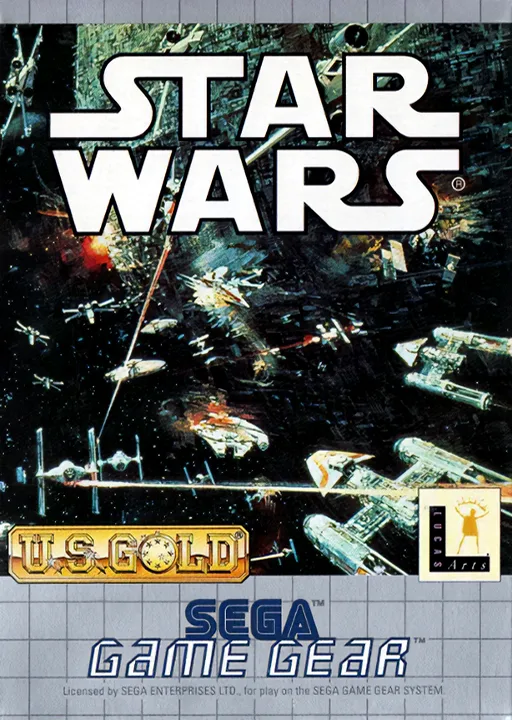 game_gear
Star Wars
 game_gear
Chuck Rock
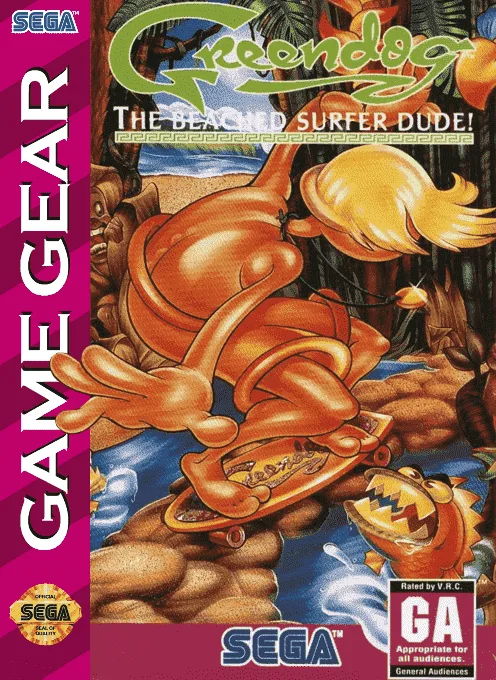 game_gear
Greendog - The Beached Surfer Dude!
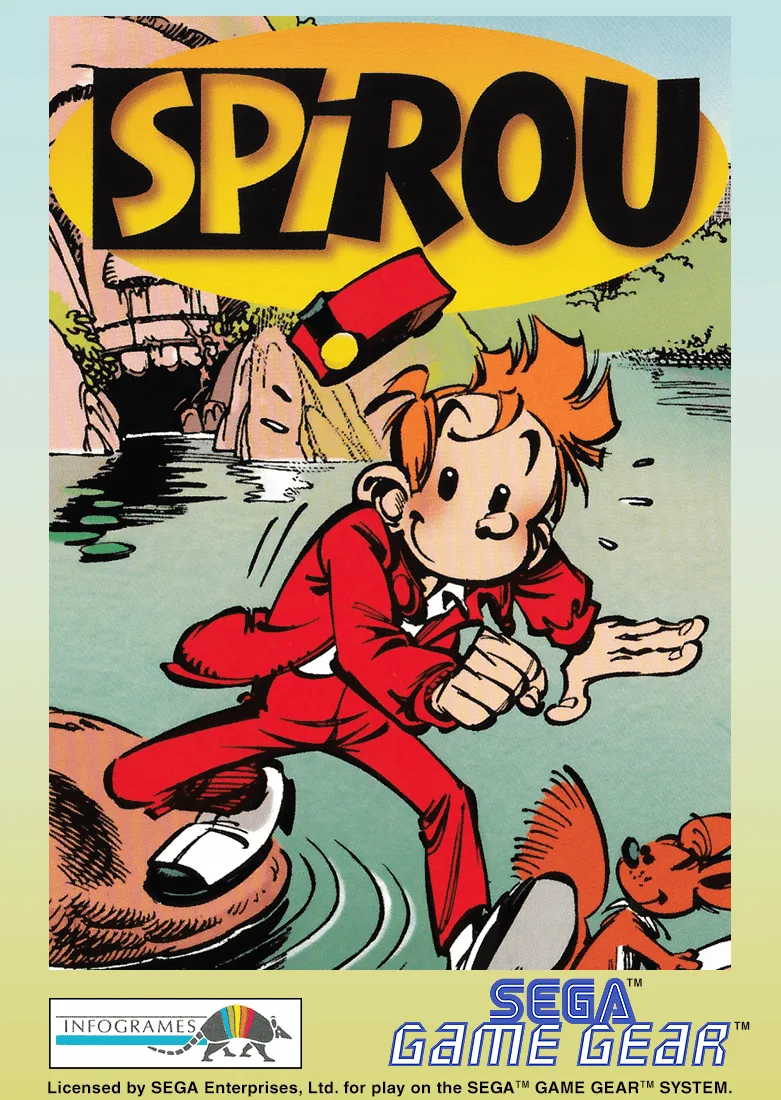 game_gear
Spirou
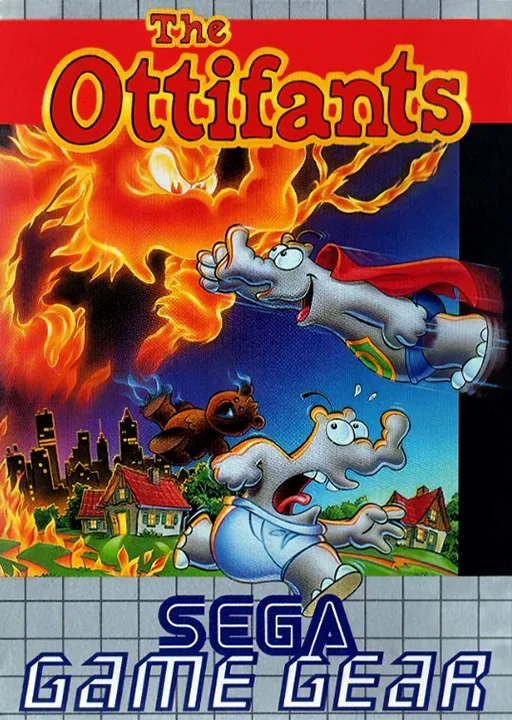 game_gear
Ottifants, The
 game_gear
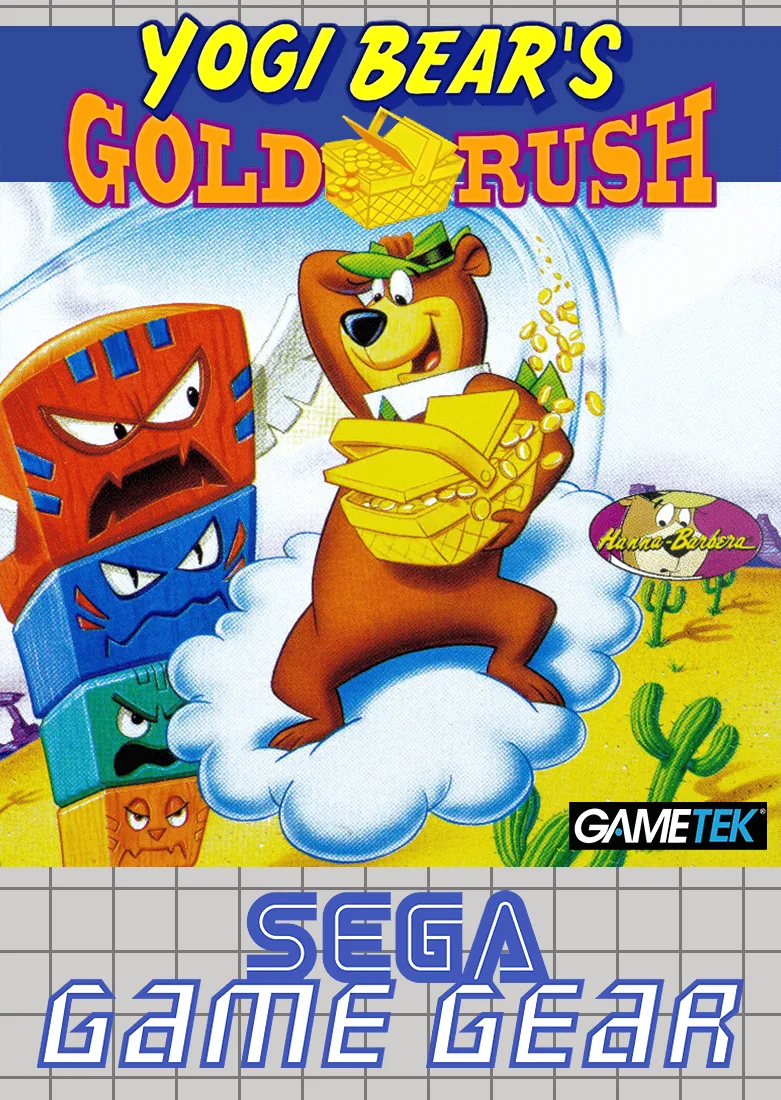
Yogi Bear in Yogi Bear's Goldrush
 game_gear
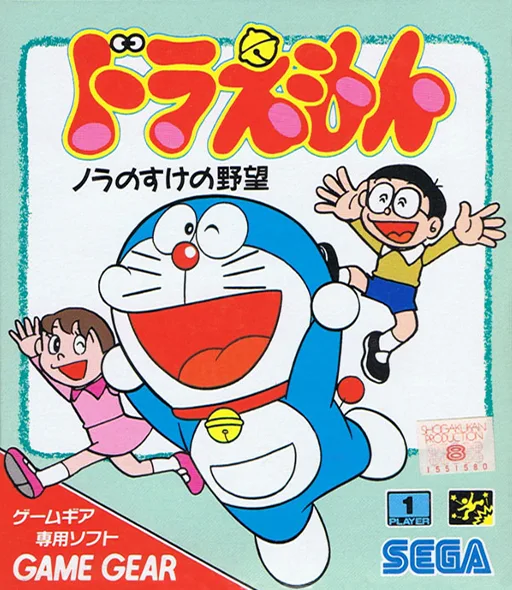
GG Doraemon - Nora No Suke No Yabou
 game_gear
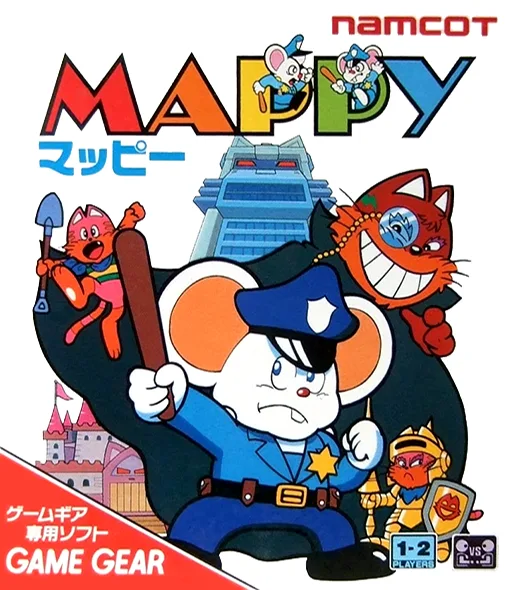
Mappy
 game_gear
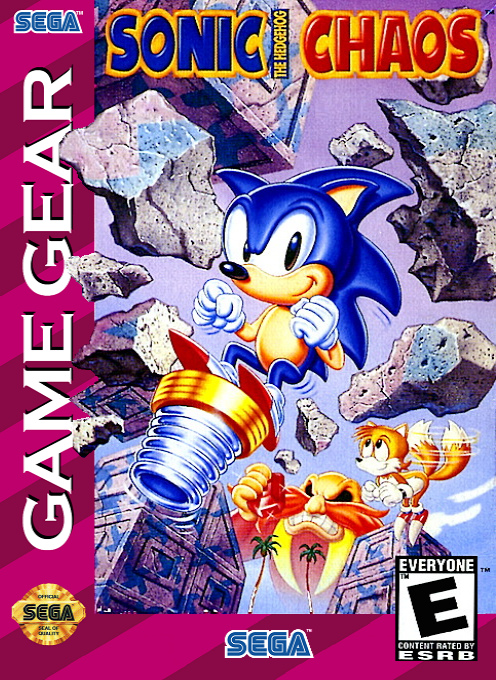
Sonic Chaos
 game_gear
Sonic Blast
 game_gear
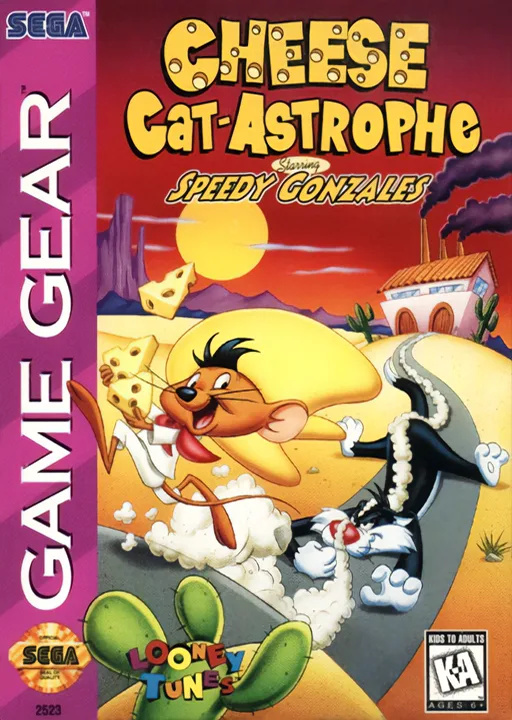
Cheese Cat-Astrophe Starring Speedy Gonzales
 game_gear
Bonkers Wax Up!
Frequently Asked Questions
Q1.Can I play Mickey Mouse no Castle Illusion online in a web browser without downloading?
Yes, EmuAll allows you to play Mickey Mouse no Castle Illusion (GAME GEAR) directly inside modern web browsers (Chrome, Safari, Edge, Firefox) on PC, Mac, Chromebook, iOS, and Android devices without installing any emulator.
Q2.Does Mickey Mouse no Castle Illusion support in-browser save states?
Yes, the in-browser emulator features instant Save States and Load States, storing your game progress directly in your browser storage so you can pick up where you left off.
Q3.What controls are supported? Can I use a controller for Mickey Mouse no Castle Illusion?
The emulator fully supports standard keyboard controls as well as plug-and-play USB and Bluetooth gamepads (including Xbox, PlayStation, and generic controllers).