
GB
Mini Yonku GB Let's & Go!! - All-Star Battle Max
Also known as: 迷你四驱车 GB 让我们前进!! 全明星战斗 Max, 미니 4륜구동 GB 렛츠 & 고!! 올스타 배틀 맥스, 迷你四驅車 GB 讓我們前進!! 全明星戰鬥 Max, ミニ四駆 GB レッツ&ゴー!! オールスターバトル マックス
- Platform
- Game Boy
- Genre
- Racing
- Year
- 2001
- Developer
- Victor Interactive Software
- Publisher
- Victor Interactive Software
EmuAll provides verified clean ROM archives and in-browser emulation for Mini Yonku GB Let's & Go!! - All-Star Battle Max (GB). Players can launch and play directly inside modern desktop and mobile browsers with zero local installation, full gamepad support, and instant save states.
ROM downloads
1Mini Yonku GB Let's & Go!! - All-Star Battle Max (Japan) (SGB Enhanced)
Recommended Emulators(GB)
If you choose to download this ROM to play offline, we recommend these top standalone emulators:
About the Game
A racing game featuring characters and vehicles from the Micro Machines/Let's & Go!! anime and manga series. Players compete in high-speed miniature car races with various track layouts and weather conditions. The game includes multiple game modes and an All-Star Battle feature showcasing popular characters from the franchise.
More GB games
 gb
gbMonster Race Okawari
 gb
gbMicro Machines 2 - Turbo Tournament
 gb
gbRace Drivin'
 gb
gbF-1 Race
 gb
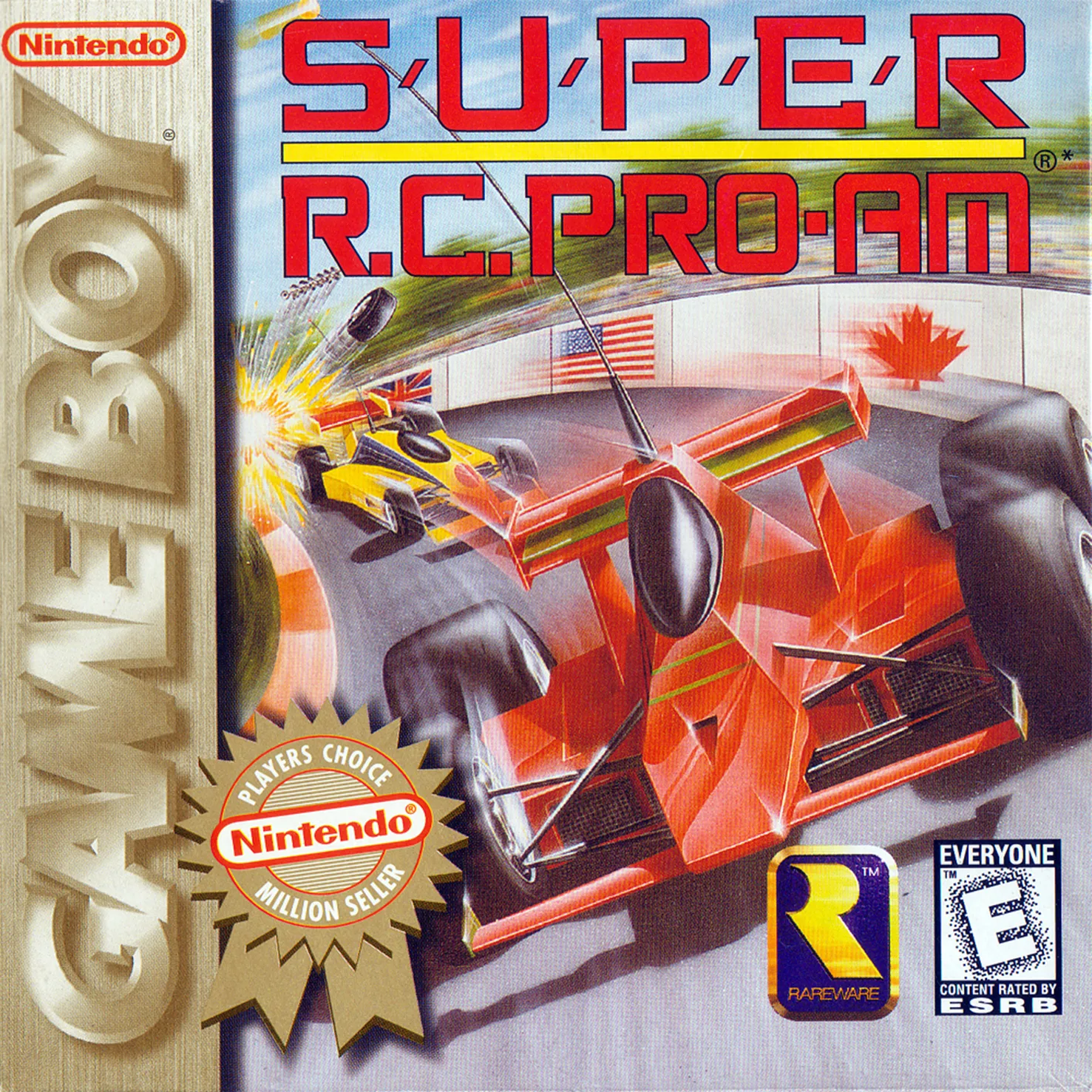
gbSuper R.C. Pro-Am
 gb
gbFerrari
 gb
gbMach Go Go Go
 gb
gbWave Race
 gb
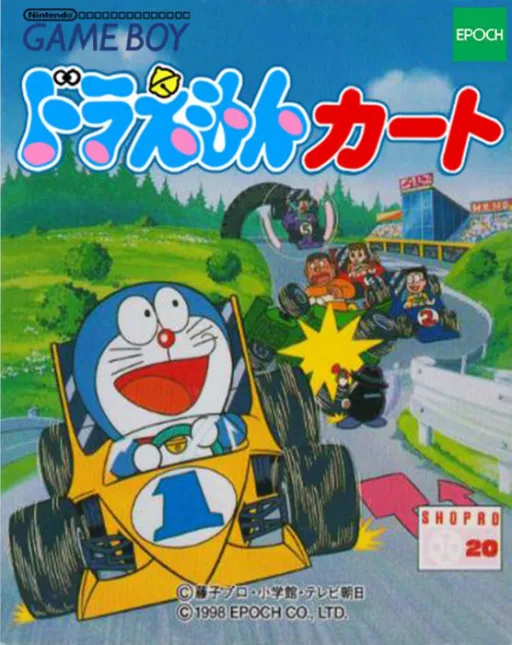
gbDoraemon Kart
 gb
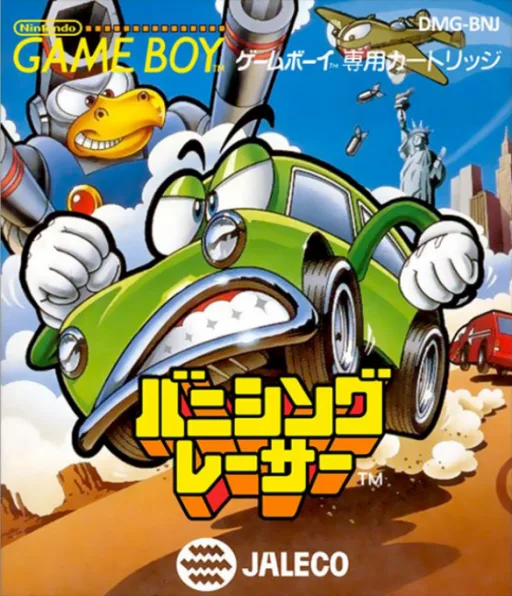
gbBanishing Racer
 gb
gbV-Rally - Championship Edition
Frequently Asked Questions
Q1.Can I play Mini Yonku GB Let's & Go!! - All-Star Battle Max online in a web browser without downloading?
Yes, EmuAll allows you to play Mini Yonku GB Let's & Go!! - All-Star Battle Max (GB) directly inside modern web browsers (Chrome, Safari, Edge, Firefox) on PC, Mac, Chromebook, iOS, and Android devices without installing any emulator.
Q2.Does Mini Yonku GB Let's & Go!! - All-Star Battle Max support in-browser save states?
Yes, the in-browser emulator features instant Save States and Load States, storing your game progress directly in your browser storage so you can pick up where you left off.
Q3.What controls are supported? Can I use a controller for Mini Yonku GB Let's & Go!! - All-Star Battle Max?
The emulator fully supports standard keyboard controls as well as plug-and-play USB and Bluetooth gamepads (including Xbox, PlayStation, and generic controllers).