
DS
Nostalgia
Also known as: 怀旧, Носталгиа, نوستالغيا, Νοσταλγκια, ノスタルジア, 노스탤지어
- Platform
- Nintendo DS
- Genre
- RPG
- Year
- 2009
- Developer
- Matrix Software
- Publisher
- Ignition Entertainment
EmuAll provides verified clean ROM archives and in-browser emulation for Nostalgia (DS). Players can launch and play directly inside modern desktop and mobile browsers with zero local installation, full gamepad support, and instant save states.
ROM downloads
1Nostalgia (USA)
Recommended Emulators(DS)
If you choose to download this ROM to play offline, we recommend these top standalone emulators:
About the Game
Nostalgia is a role-playing game set in an alternate steampunk 19th-century Earth where players control Eddie Brown, the son of a missing adventurer. As an airship crew with the street urchin Pad, witch Melody, and amnesiac Fiona, players travel the world raiding ruins and uncovering ancient secrets while searching for Eddie's father. Gameplay features traditional turn-based combat with speed-based turn order, skill-point leveling, and unique airship-to-airship battles where each party member controls a distinct weapon. The Nintendo DS dual-screen setup displays a detailed map alongside 3D environments, with random dungeon encounters and town interactions for clues. The story emphasizes friendship, personal growth, and exploration across diverse locales like New York, Cairo, and Tokyo.
More DS games
 ds
dsContact
 ds
dsFinal Fantasy IV
 ds
dsFossil Fighters Champions
 ds
dsRPG Tkool DS
 ds
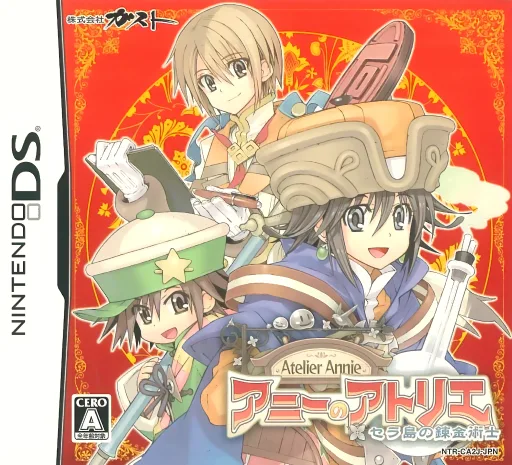
dsAnnie no Atelier - Sera-tou no Renkinjutsushi
 ds
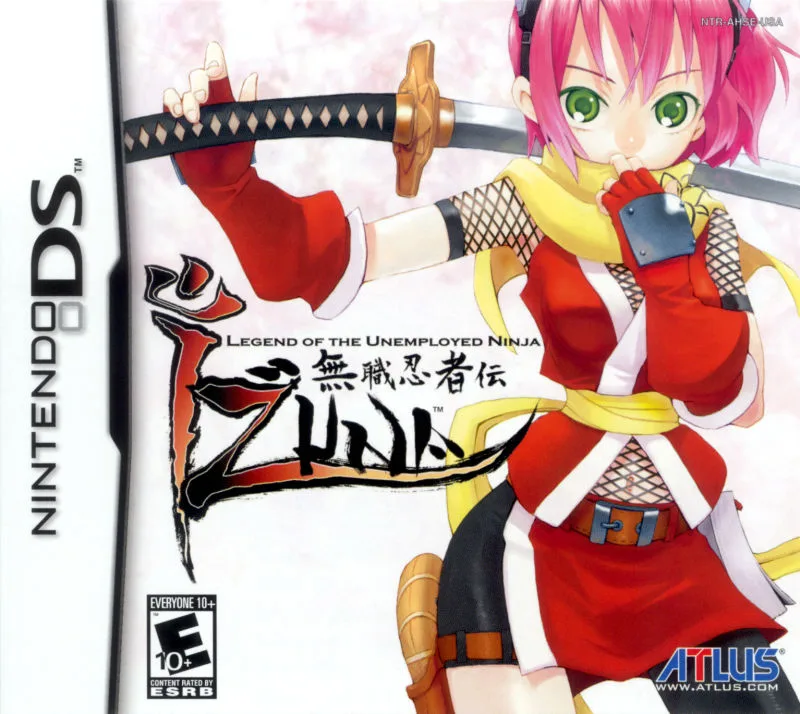
dsLegend of the Demon-Subduing Talismans
 ds
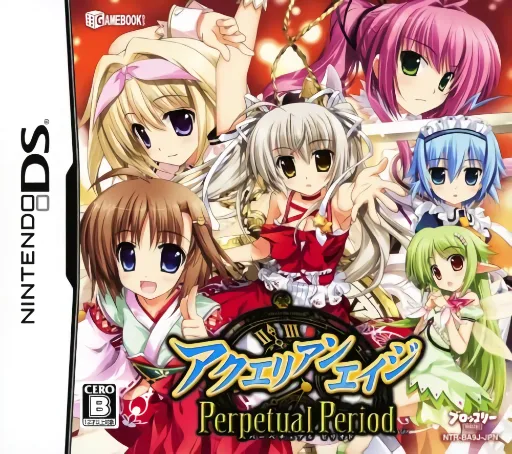
dsGamebook DS - Aquarian Age - Perpetual Period
 ds
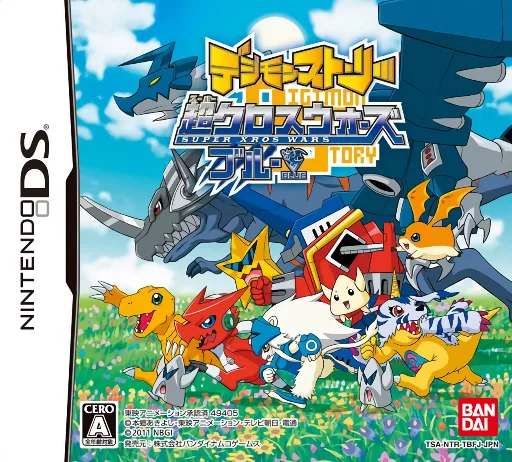
dsDigimon Story - Super Xros Wars - Blue
 ds
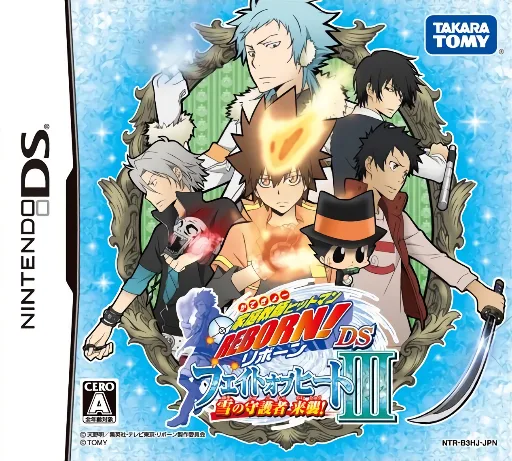
dsKatekyoo Hitman Reborn! DS - Fate of Heat III - Yuki no Shugosha Raishuu!
 ds
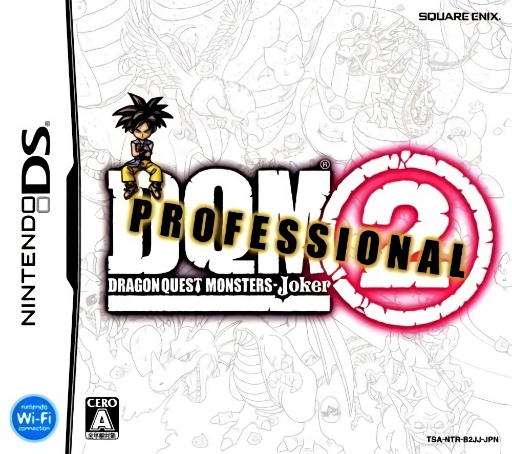
dsDragon Quest Monsters - Joker 2 - Professional
 ds
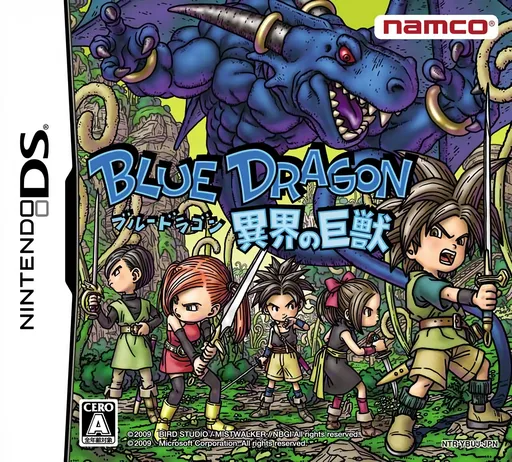
dsBlue Dragon - Ikai no Kyojuu
 ds
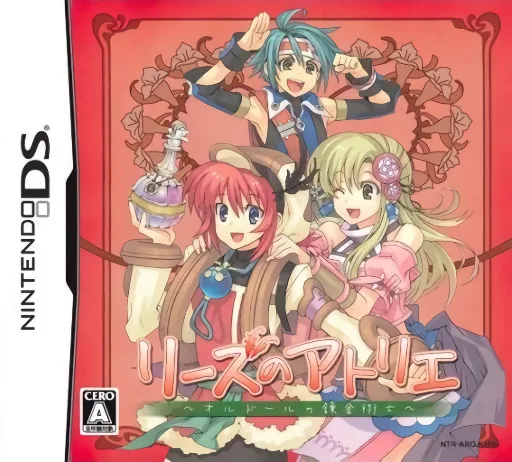
dsLise no Atelier - O'ldor no Renkinjutsushi
Frequently Asked Questions
Q1.Can I play Nostalgia online in a web browser without downloading?
Yes, EmuAll allows you to play Nostalgia (DS) directly inside modern web browsers (Chrome, Safari, Edge, Firefox) on PC, Mac, Chromebook, iOS, and Android devices without installing any emulator.
Q2.Does Nostalgia support in-browser save states?
Yes, the in-browser emulator features instant Save States and Load States, storing your game progress directly in your browser storage so you can pick up where you left off.
Q3.What controls are supported? Can I use a controller for Nostalgia?
The emulator fully supports standard keyboard controls as well as plug-and-play USB and Bluetooth gamepads (including Xbox, PlayStation, and generic controllers).